

From my experience with Hurd.ai Beta, I found it excels at automating the extraction of structured data from complex documents, significantly reducing manual data entry efforts. The platform’s API access makes it flexible for developers to integrate into existing workflows, which is a big plus for businesses aiming to streamline operations. However, as it is still in beta, the tool currently supports only English and has limited availability, which might restrict some users. Overall, if you need a reliable AI-powered document processing solution with integration capabilities, Hurd.ai Beta offers promising features worth exploring.
Hurd.ai Beta AI-Powered Data Extraction and Document Processing Platform
Hurd.ai Beta is an AI-driven platform that automates data extraction from documents like invoices and forms, offering API integration and real-time validation to streamline business workflows.
- Best for
- Automated Document Data Extraction
- Key capability
- Advanced AI Document Parsing
Your actions
Save Hurd.ai Beta, follow its updates and vote on it — everything stays in your account.
Sign in or create a free account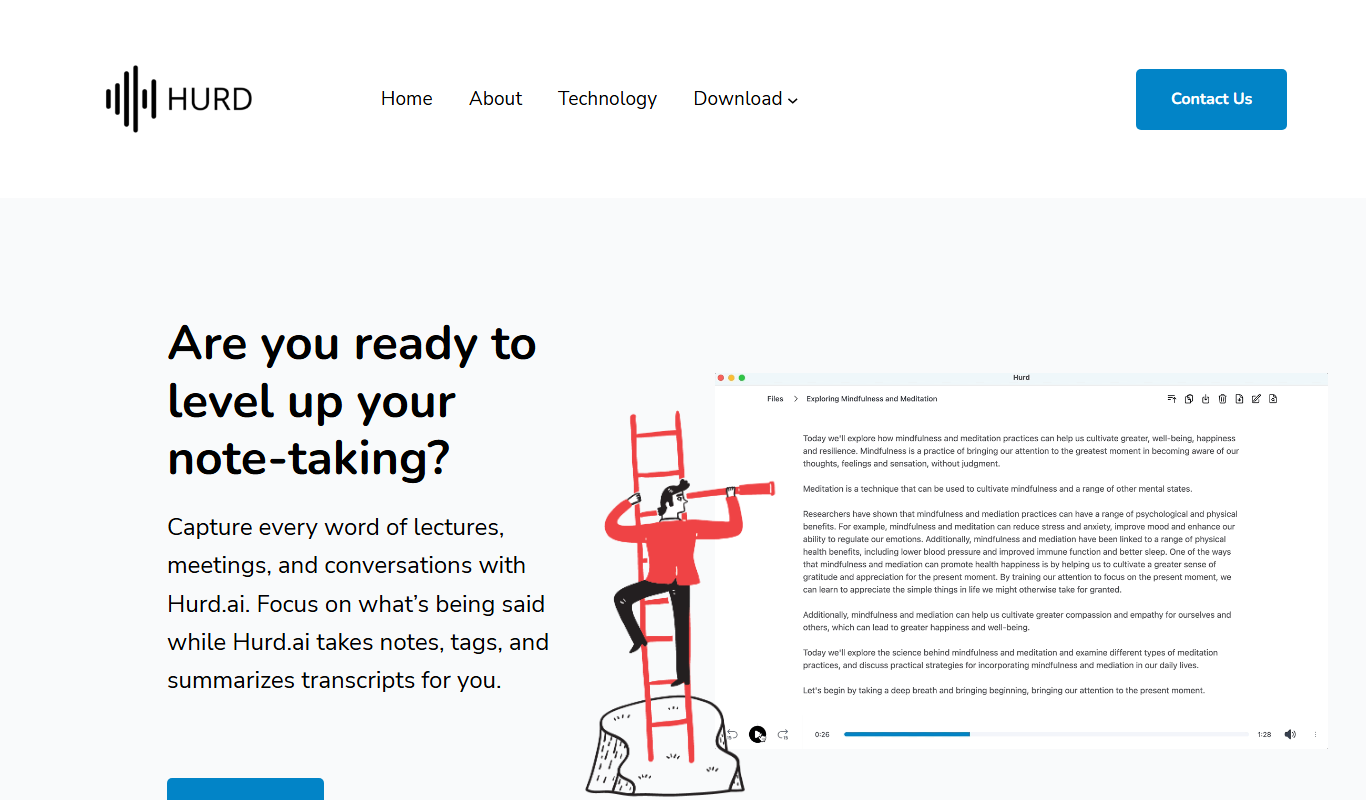

What is Hurd.ai Beta?
Hurd.ai Beta is an AI-driven document processing platform designed to automate the extraction of structured data from various types of documents. It leverages machine learning models to understand and parse complex document layouts, enabling businesses to reduce manual data entry and improve accuracy in data handling.
Key features of Hurd.ai Beta
The platform offers features such as intelligent data extraction, customizable workflows, API access for integration, and real-time data validation to streamline document-centric processes.
Advanced AI Document Parsing
Utilizes deep learning to understand complex document structures and extract data accurately.
Customizable Extraction Templates
Allows users to tailor extraction rules and templates to specific document types.
API Access
Provides RESTful API endpoints for seamless integration with existing software and workflows.
Real-Time Data Validation
Built-in validation mechanisms to detect anomalies and ensure data quality.
Pros and cons of Hurd.ai Beta
Pros
- Automates tedious manual data entry tasks
- Supports API integration for flexible use
- AI models adapt to complex document layouts
Cons
- Currently in beta with limited availability
- Limited language support (English only)
- Pricing and plans not finalized
Key use cases for Hurd.ai Beta
Automated Document Data Extraction
Extract structured data from unstructured documents such as invoices, receipts, and forms with AI-powered accuracy.
Business Process Automation
Integrate extracted data into workflows to automate repetitive manual data entry tasks, improving operational efficiency.
Data Validation and Quality Control
Use AI to validate extracted data against business rules and flag inconsistencies for review, ensuring data accuracy.
API Integration for Developers
Leverage Hurd.ai’s API to embed document processing capabilities into custom applications and enterprise systems.
How Hurd.ai Beta works
- 1
Upload Documents
Users upload documents such as invoices, receipts, or forms via the web interface or API.
- 2
AI-Powered Data Extraction
Hurd.ai’s machine learning models analyze the documents to extract relevant data fields automatically.
- 3
Review and Validate
Extracted data can be reviewed and validated within the platform to ensure accuracy.
- 4
Export or Integrate
Validated data is exported or sent via API to downstream systems for further processing or automation.
Who is using Hurd.ai Beta
Small to medium businesses
Finance and accounting teams
Developers integrating document AI
Operations and automation specialists
Hurd.ai Beta pricing
Beta Access
Free
Access to all features during the beta testing phase with usage limits.
Plans and prices are as published by the vendor and can change. Check the official site before you buy. Open the pricing page (opens in a new tab)
Frequently asked questions about Hurd.ai Beta
Hurd.ai can process invoices, receipts, forms, and other structured or semi-structured documents.
Yes, Hurd.ai provides a RESTful API to integrate document processing into your applications.
Accuracy depends on document quality and type, but the AI models are designed to achieve high precision with continuous learning.
Currently, Hurd.ai is in beta and offers free access with some usage limits.
Data handling and security practices vary by provider. Review the official privacy policy to understand how your data is stored and used.
Integration support depends on the tool and its available connectors or API. Check the official documentation or integrations page to confirm what is supported.
Yes, it can help with that use case depending on how you configure it and what features are available. You’ll get the best results with clear inputs and a defined goal.
Sign in to review this tool.
Sign In to ReviewNo reviews yet
Be the first to share how this tool worked for you.
Ask about pricing, limits, or how it compares — or answer someone else.
Sign In to AskNo questions yet
Have a question about using or paying for this tool? Be the first to ask.
Featured on TiorAI



Alternative Tools
Explore similar AI tools that might fit your needs

Custom Pricing
Rossum
Rossum is an AI-driven document processing platform that automates data extraction from business documents like invoices and purchase orders using deep learning, eliminating manual data entry and template setup.

Free Trial
Docparser
Docparser is a cloud-based tool that automates data extraction from PDFs and scanned documents using customizable parsing templates and OCR, enabling businesses to streamline document workflows.
More AI Automation & Workflow Tools tools
Other tools in the same category, for when this one is not quite the fit.

Freemium
Digital God – Automate Sales, Get Users
Digital God is an AI-driven sales automation tool that helps businesses automate outreach, qualify leads, and optimize user acquisition campaigns to increase sales efficiency.

Free Trial
Nurtured
Nurtured is an AI-driven email assistant that helps sales teams automate personalized outreach and follow-ups, integrating with CRMs to improve engagement and efficiency.

Free Trial
Orchestration AI
Orchestration AI is an AI orchestration engine that runs anything from a simple assistant to complex multi-agent business operations.
Free
Plazbot
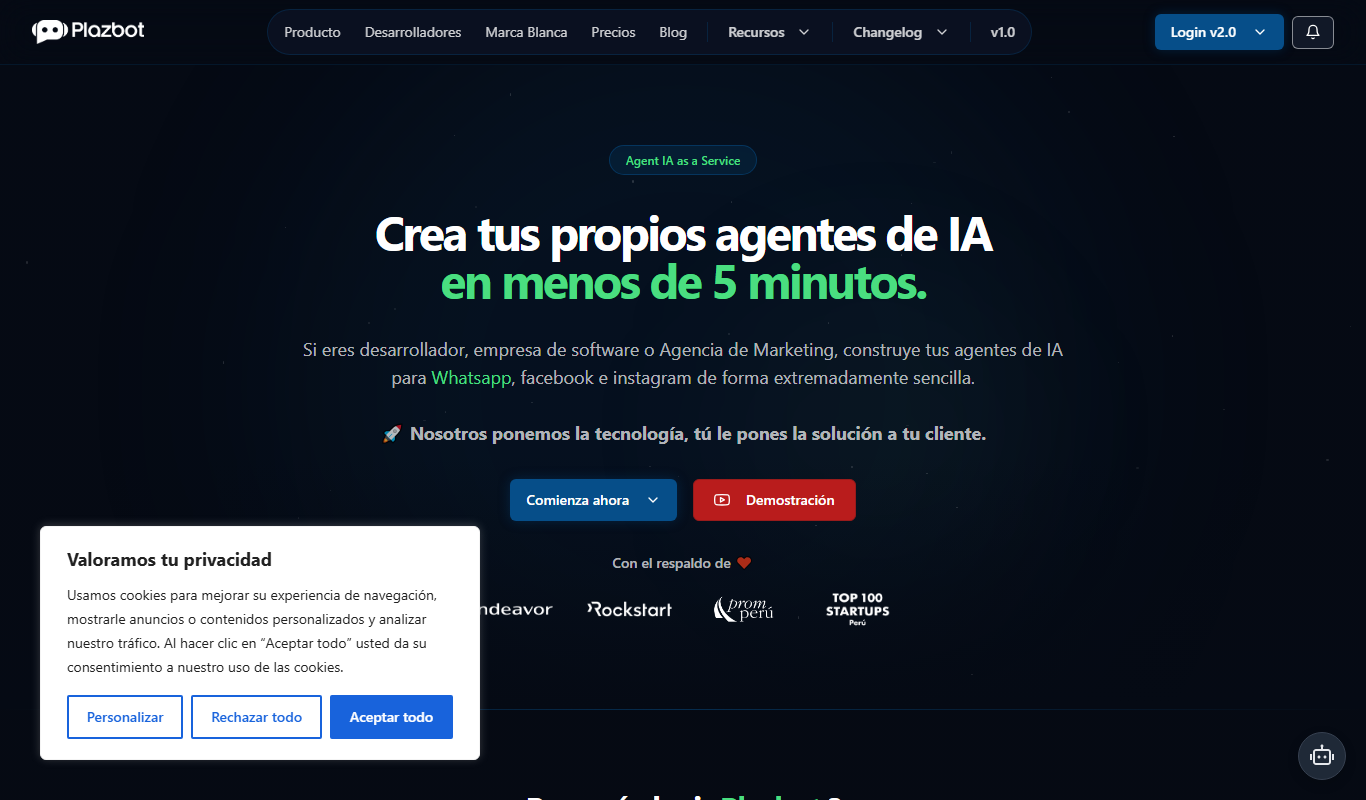
Plazbot is a platform for conversational AI agents on WhatsApp, web and voice with an omnichannel CRM, multi-LLM support, RAG and visual automations.

Custom Pricing
ModelOp
ModelOp is an enterprise platform that manages and governs AI models throughout their lifecycle, providing automated deployment, real-time monitoring, and compliance features.
Pay As You Go
CapMonster Cloud
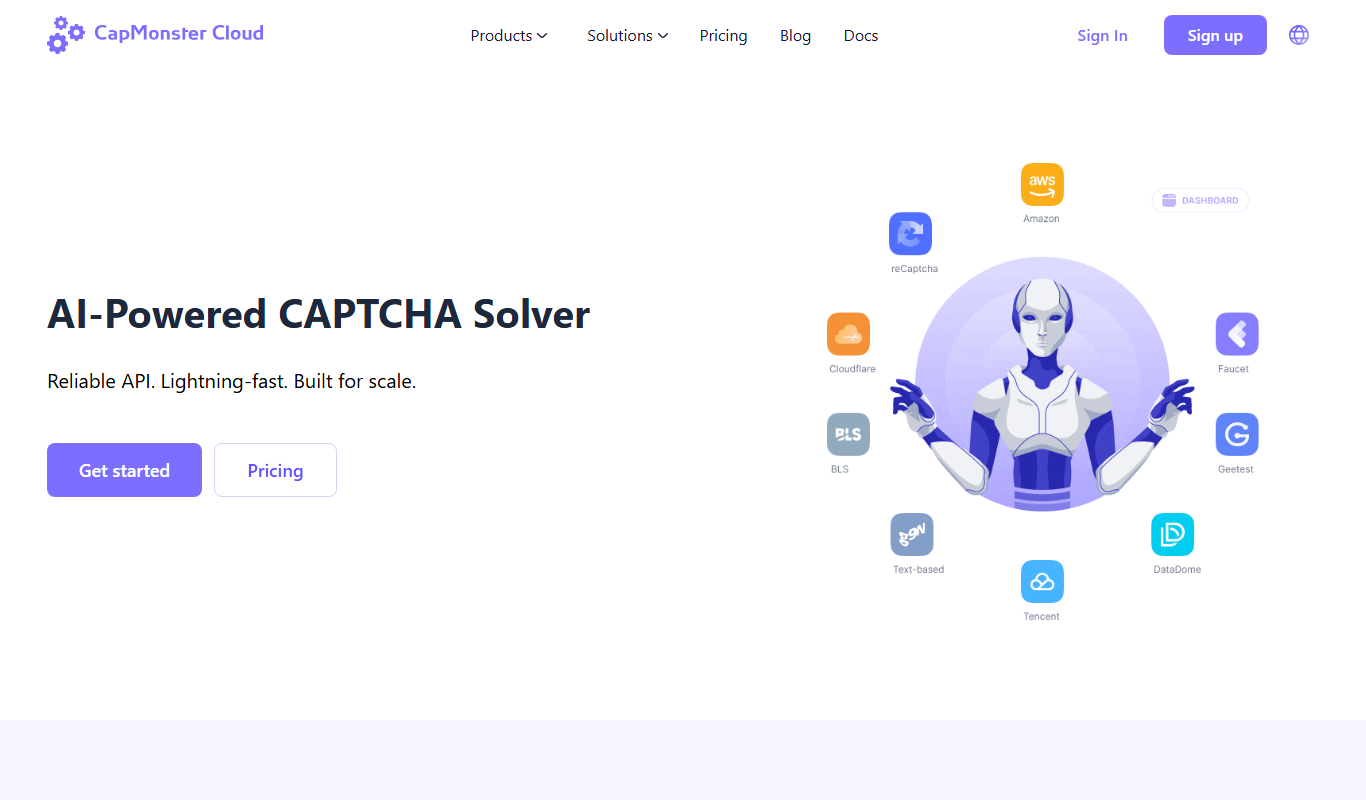
CapMonster Cloud is a cloud-based CAPTCHA solving service that automates solving various CAPTCHA types via API, enabling developers and businesses to bypass CAPTCHA challenges efficiently.

Custom Pricing
oversight.com
Oversight is an AI-powered platform that automates spend management, risk detection, and compliance monitoring by analyzing financial transactions to identify anomalies and potential fraud.

Free
MeGPT
MeGPT is an AI chatbot platform that uses GPT models to create personalized conversational agents accessible via web browsers.