

From my experience with Humanize AI, it stands out for generating natural, human-like text that feels authentic and engaging. The platform’s straightforward interface and tone customization options make it accessible for marketers and writers who want to speed up content creation without sacrificing quality. While it currently supports English only and lacks advanced editing tools, it offers a solid foundation for producing diverse content types quickly. Overall, if you need an AI writing assistant focused on natural language and ease of use, Humanize AI is a practical choice.
Humanize AI Text Generator for Natural, Engaging Content Creation
Humanize AI is an AI writing tool that generates natural, human-like text for various content types, allowing tone customization and fast content creation.
- Best for
- Content Writing
- Key capability
- Natural Language Generation
Your actions
Save Humanize AI, follow its updates and vote on it — everything stays in your account.
Sign in or create a free account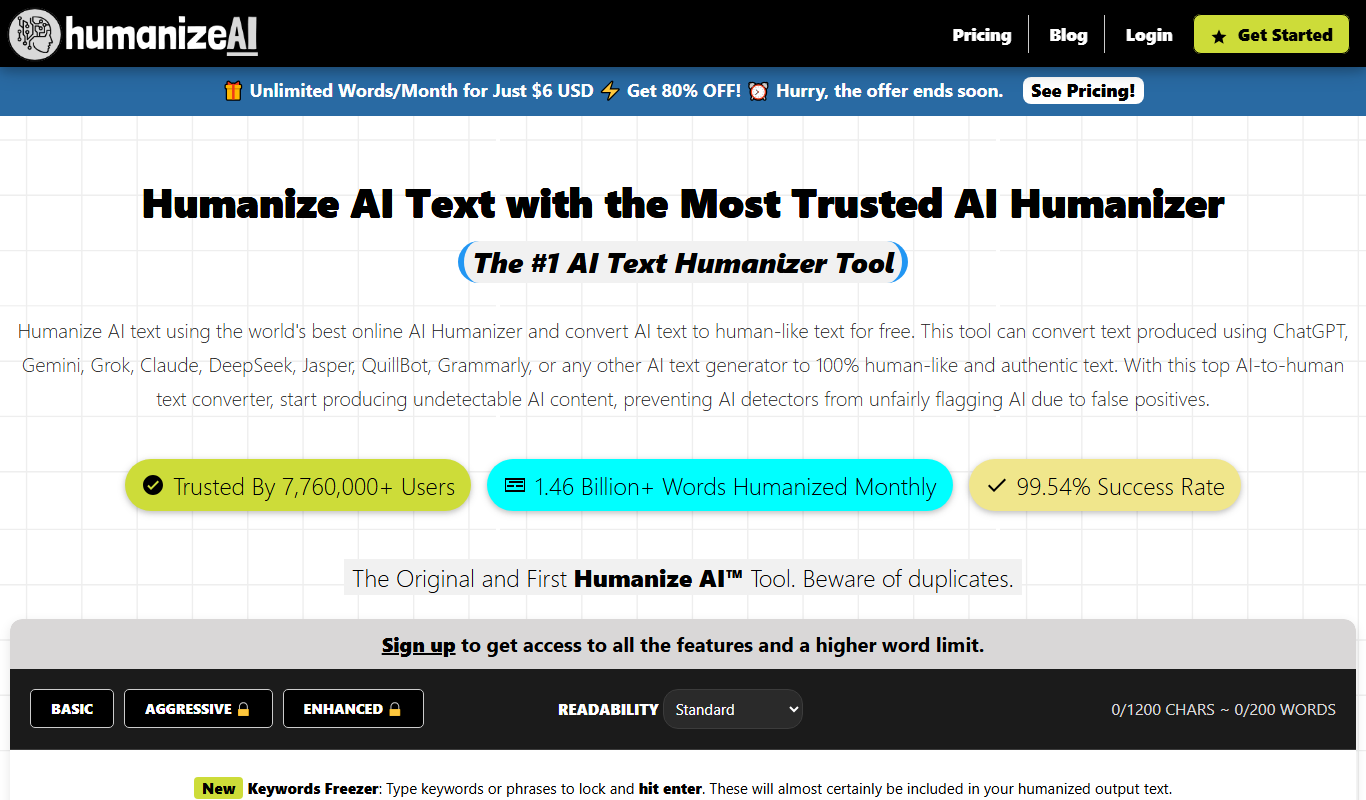

What is Humanize AI?
Humanize AI is an AI-powered text generation platform designed to create natural, human-like written content. It leverages advanced natural language processing to produce engaging, readable text that mimics human writing style, helping users craft content that resonates with their audience.
Key features of Humanize AI
The tool offers features such as customizable tone and style, multiple content templates, real-time text generation, and easy-to-use interface to streamline content creation for marketers, writers, and businesses.
Natural Language Generation
Produces text that closely mimics human writing style for authenticity.
Tone Customization
Allows users to tailor the tone to be formal, casual, persuasive, or friendly.
Multiple Content Templates
Offers templates for various content types like blogs, ads, emails, and social posts.
User-Friendly Interface
Simple and intuitive platform that requires no technical expertise.
Real-Time Text Generation
Generates content quickly to speed up the writing process.
Pros and cons of Humanize AI
Pros
- Generates natural, human-like text
- Easy to use with customizable tone options
- Multiple content templates for diverse needs
- Quick content generation speeds up workflow
- Free plan available to test features
Cons
- Supports English language only
- Limited advanced editing features
- No mobile app available
Key use cases for Humanize AI
Content Writing
Generate natural and engaging written content for blogs, articles, and marketing materials.
Copywriting
Create persuasive and human-like copy for advertisements, social media posts, and emails.
Creative Writing
Assist in brainstorming and drafting creative stories or scripts with a natural tone.
SEO Content
Produce SEO-friendly content that reads naturally to improve search engine rankings.
Customer Engagement
Generate conversational and relatable responses for customer support or chatbots.
How Humanize AI works
- 1
Sign Up
Create an account on the Humanize AI website to access the platform.
- 2
Select Content Type
Choose the type of content you want to generate, such as blog posts, ads, or emails.
- 3
Customize Tone and Style
Adjust settings to match the desired voice and style for your content.
- 4
Generate Content
Input prompts or keywords and let the AI produce natural, human-like text.
- 5
Edit and Export
Review, edit if necessary, and export the generated content for your use.
Who is using Humanize AI
Content marketers
Copywriters
Small business owners
Social media managers
Freelance writers
Humanize AI pricing
Free
$0/month
Limited access with basic features and daily usage limits.
Pro
$29/month
Full access to all features, higher usage limits, and priority support.
Plans and prices are as published by the vendor and can change. Check the official site before you buy. Open the pricing page (opens in a new tab)
Frequently asked questions about Humanize AI
Yes, the platform is designed with an easy-to-use interface suitable for users without technical skills.
Yes, you can adjust the tone to fit your brand voice or desired style.
Currently, Humanize AI supports English only.
Yes, there is a free plan with limited features to try the platform.
This tool is designed to help users accomplish its core tasks more efficiently. It is typically used by individuals or teams looking to improve productivity and workflow.
Yes, it can help with that use case depending on how you configure it and what features are available. You’ll get the best results with clear inputs and a defined goal.
Some tools offer a free plan or trial with limited features. Availability can vary, so confirm on the official website.
Sign in to review this tool.
Sign In to ReviewNo reviews yet
Be the first to share how this tool worked for you.
Ask about pricing, limits, or how it compares — or answer someone else.
Sign In to AskNo questions yet
Have a question about using or paying for this tool? Be the first to ask.
Featured on TiorAI



More AI Avatar Generator tools
Other tools in the same category, for when this one is not quite the fit.

Custom Pricing
Looking Glass Factory
Looking Glass Factory offers advanced glasses-free 3D holographic displays that enable users to view and interact with volumetric 3D content without headsets, suitable for design, education, and entertainment.

Freemium
DeepAR SDK
DeepAR SDK is a cross-platform augmented reality development kit that enables real-time face tracking, AI avatar creation, and 3D AR effects for mobile apps, games, and live streaming.

Custom Pricing
Banuba SDK
Banuba SDK is an AI-powered augmented reality software development kit that enables developers to integrate real-time face tracking, 3D masks, beauty filters, and avatar effects into mobile and desktop applications.
Freemium
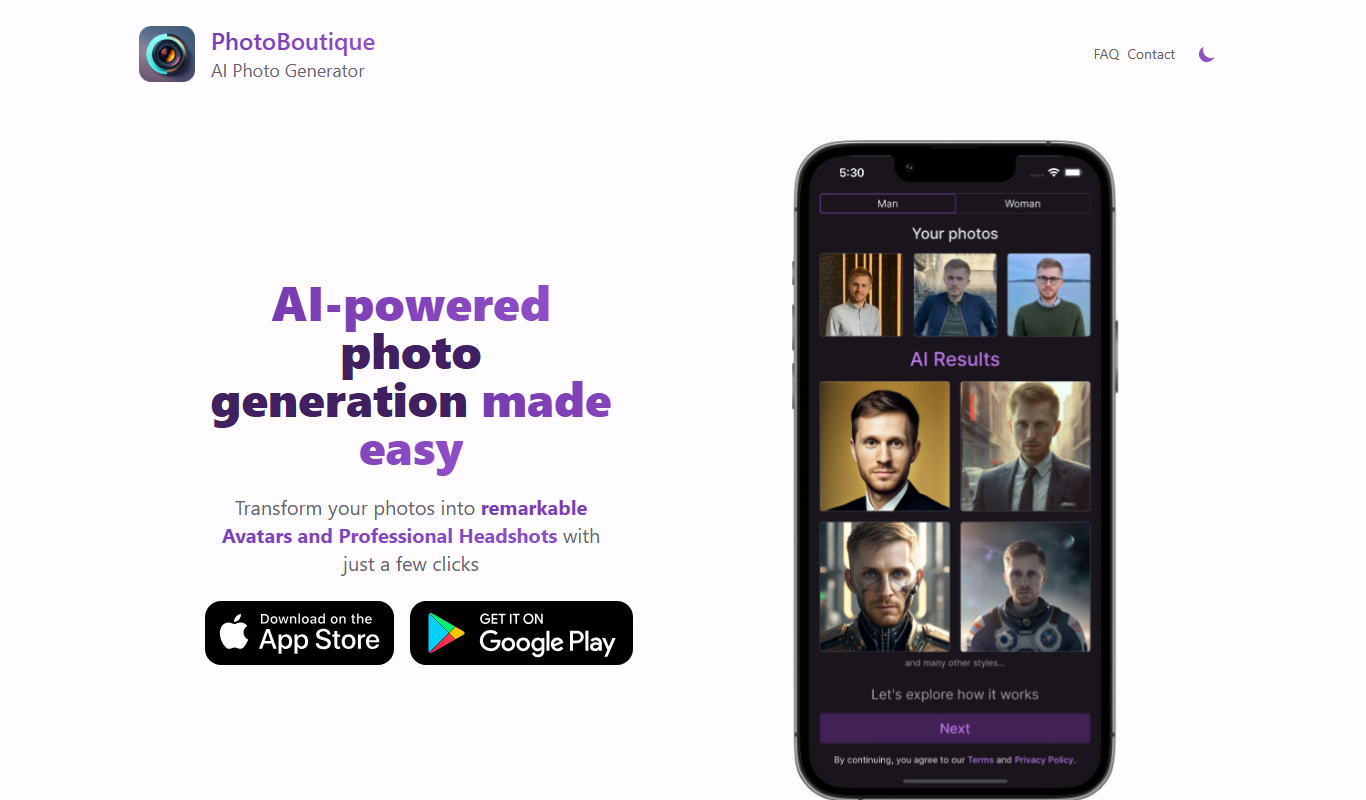
PhotoBoutique – AI Avatar maker
PhotoBoutique is a web-based AI avatar maker that generates personalized avatars using artificial intelligence, suitable for social media profiles, gaming, and creative uses.

Custom Pricing
FaceTec
FaceTec is an AI-driven biometric authentication platform specializing in 3D facial recognition and liveness detection to securely verify user identities and prevent fraud.

Freemium
Portrait AI
Portrait AI is a web-based AI avatar generator that creates realistic and artistic digital portraits from user photos using advanced AI technology.

Contact for pricing
ArcFace
ArcFace is an AI-powered facial recognition software developed by ArcSoft that provides high-accuracy face detection and verification with anti-spoofing features, suitable for identity verification and security applications.

Free
Open Peeps
Open Peeps is a free, open source library of modular hand-drawn character illustrations that designers and developers can customize and use in digital projects.