

From my experience with Houdini, I found it excels at providing a highly flexible procedural workflow that empowers artists to create complex visual effects and animations efficiently. The software’s simulation tools for fluids, smoke, and destruction are industry-leading, making it a top choice for VFX professionals and game developers alike. However, Houdini’s steep learning curve and resource demands mean it requires dedication and capable hardware to master. Overall, if you need a powerful and versatile 3D animation and effects tool, Houdini delivers unmatched control and quality.
Houdini 3D Animation Software for Visual Effects and Procedural Modeling
Houdini is a professional 3D animation and visual effects software by SideFX, known for its procedural node-based workflow and advanced simulation capabilities used in film, TV, and game development.
- Best for
- Visual Effects Production
- Key capability
- Procedural Node-Based Workflow
Your actions
Save Houdini, follow its updates and vote on it — everything stays in your account.
Sign in or create a free account
What is Houdini?
Houdini is a professional 3D animation and visual effects software developed by SideFX. It is widely recognized for its procedural generation capabilities, allowing artists and technical directors to create complex simulations, animations, and models with a node-based workflow. Houdini is used extensively in film, television, and game development for creating high-quality visual effects and animations.
Key features of Houdini
Houdini offers a comprehensive suite of tools including procedural modeling, particle and fluid simulations, character rigging and animation, rendering, and compositing. Its node-based architecture provides flexibility and control, enabling artists to iterate quickly and create complex effects efficiently.
Procedural Node-Based Workflow
Enables non-destructive, flexible creation of complex assets and effects.
Advanced Simulation Tools
Includes fluid, smoke, fire, destruction, and crowd simulation capabilities.
Character Rigging and Animation
Robust tools for creating and animating characters with precise control.
Integration with Industry Pipelines
Supports formats and workflows compatible with major VFX and game development tools.
High-Quality Rendering
Built-in renderers like Mantra and support for third-party renderers for photorealistic output.
Pros and cons of Houdini
Pros
- Powerful procedural workflow for flexibility
- Comprehensive simulation and animation tools
- Industry-standard for VFX and animation
- Cross-platform support
- Strong community and learning resources
Cons
- Steep learning curve for new users
- High cost for commercial licenses
- Resource-intensive requiring powerful hardware
Key use cases for Houdini
Visual Effects Production
Create complex visual effects for films, TV, and games using Houdini’s procedural workflows and simulation tools.
3D Animation
Develop character animations and dynamic simulations with advanced rigging and animation tools.
Procedural Modeling
Build detailed 3D models and environments procedurally, allowing for flexible and non-destructive workflows.
Game Development
Generate assets and effects optimized for real-time engines, integrating Houdini’s tools into game pipelines.
Simulation and Dynamics
Simulate fluids, smoke, fire, destruction, and crowds with Houdini’s powerful physics-based solvers.
How Houdini works
- 1
Install Houdini
Download and install Houdini on your Windows, macOS, or Linux system.
- 2
Create a Project
Start a new project and set up your scene using Houdini’s node-based interface.
- 3
Build Procedural Assets
Use nodes to create procedural models, animations, and simulations that can be easily modified.
- 4
Simulate Effects
Apply physics-based simulations like fluids, smoke, and destruction to enhance realism.
- 5
Render and Export
Render your final animation or effect using integrated renderers and export for post-production or game engines.
Who is using Houdini
Visual effects artists
3D animators
Game developers
Technical directors
Independent artists and studios
Houdini pricing
Apprentice
Free
Free version for non-commercial use with limited features.
Indie
$269/year
Affordable license for independent artists and small studios.
Commercial
$4,495 perpetual or subscription options
Full-featured license for professional studios and enterprises.
Plans and prices are as published by the vendor and can change. Check the official site before you buy. Open the pricing page (opens in a new tab)
Frequently asked questions about Houdini
Houdini has a steep learning curve but offers extensive tutorials and a free Apprentice version for learning.
Yes, Houdini supports game asset creation and integrates with game engines like Unreal and Unity.
Houdini runs on Windows, macOS, and Linux operating systems.
This tool is designed to help users accomplish its core tasks more efficiently. It is typically used by individuals or teams looking to improve productivity and workflow.
It depends on your specific needs and how you plan to use the tool. The official website and documentation are the best sources for the latest details.
Pricing depends on the plan and included features. For the most accurate and up-to-date details, check the official pricing page.
Sign in to review this tool.
Sign In to ReviewNo reviews yet
Be the first to share how this tool worked for you.
Ask about pricing, limits, or how it compares — or answer someone else.
Sign In to AskNo questions yet
Have a question about using or paying for this tool? Be the first to ask.
Featured on TiorAI



Alternative Tools
Explore similar AI tools that might fit your needs
Free
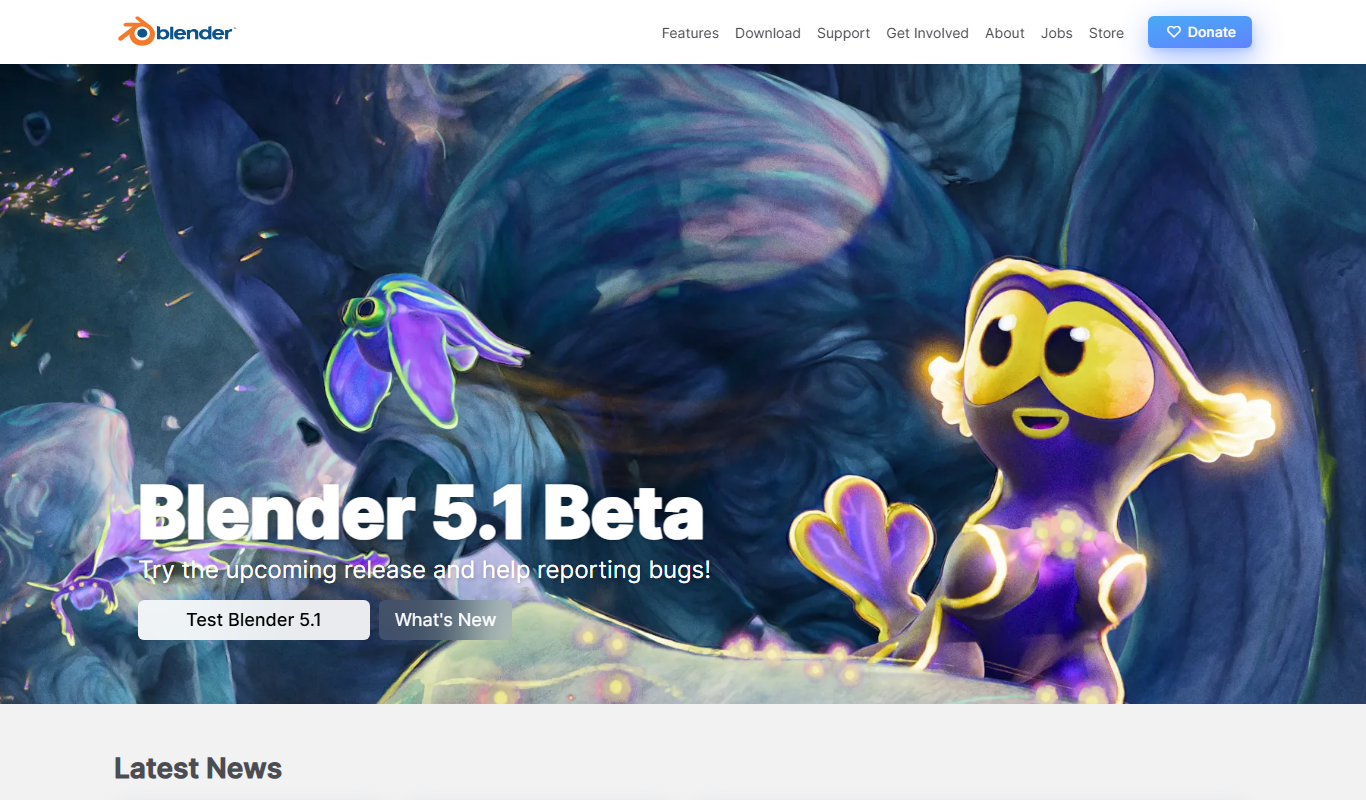
Blender
Blender is a free, open-source 3D creation suite used for modeling, animation, rendering, and video editing across various creative industries.
More Art & Creative Design tools
Other tools in the same category, for when this one is not quite the fit.

Free
Daz 3D
Daz 3D is a free-to-use 3D modeling and animation software that provides a vast library of customizable digital characters and assets, enabling artists and developers to create photorealistic renders and animations.

Free
Prompt Hero
Prompt Hero is a web platform that provides a marketplace and community for discovering, sharing, and selling AI prompts used in text-to-image generation with popular AI art models.

Free
Gencraft
Gencraft is an AI-powered tool that generates digital artwork from text prompts, enabling users to create unique images quickly and easily.

Freemium
Asana AI
Asana AI is an AI-powered extension of the Asana platform that automates task creation, workflow management, and provides predictive analytics to improve project efficiency.

Free Trial
Monday.com AI
monday.com AI is a work operating system that uses AI to automate workflows, enhance project management, and improve team collaboration across platforms.

Freemium
ClickUp AI
ClickUp AI is an AI assistant integrated into the ClickUp platform that automates project management tasks, generates content, and optimizes workflows to enhance team productivity.

Free
Brandmark
Brandmark is an AI-driven logo maker and brand design tool that generates unique logos and brand kits to help businesses establish a professional visual identity quickly and easily.

Free
Visily AI
Visily AI is a web-based no-code design tool that uses AI to help users quickly create UI wireframes and interactive prototypes without coding skills.