

From my experience with Hedra, I found it excels at providing a flexible and scalable load testing framework that fits well into modern development workflows. Its open-source nature and multi-stage testing capabilities make it particularly well-suited for developers and QA engineers who want detailed control over performance tests without relying on heavy GUIs. However, the lack of a native graphical interface means it requires some comfort with CLI and configuration files, which might be a learning curve for beginners. Overall, if you need a robust, customizable load testing tool integrated into CI/CD pipelines, Hedra delivers solid and reliable results.
Hedra Load Testing Tool for Scalable Performance and Reliability
Hedra is an open-source load testing tool that helps developers simulate realistic traffic patterns to test API and web service performance, supporting multi-stage scenarios and CI/CD integration.
- Best for
- API Load Testing
- Key capability
- Multi-Stage Load Testing
Your actions
Save Hedra, follow its updates and vote on it — everything stays in your account.
Sign in or create a free account
What is Hedra?
Hedra is an open-source load testing tool designed to help developers and QA engineers simulate realistic traffic patterns and measure system performance under stress. It supports complex test scenarios with multiple stages, variable user loads, and detailed metrics collection. Hedra aims to provide scalable, reliable, and automated load testing solutions for modern APIs and web services.
Key features of Hedra
Hedra offers features such as multi-stage load testing, detailed performance metrics, flexible test scripting, integration with CI/CD pipelines, and support for HTTP/HTTPS protocols. Its CLI and API interfaces enable automation and customization, making it suitable for both manual and automated testing workflows.
Multi-Stage Load Testing
Create complex test scenarios with multiple stages and varying user loads to mimic real-world traffic.
Detailed Metrics and Reporting
Collect comprehensive performance data including latency, errors, and throughput for in-depth analysis.
Flexible Test Configuration
Use YAML or JSON files to customize test parameters and request payloads.
CLI and API Access
Run and control tests programmatically or via command line for automation and integration.
Open Source and Extensible
Free to use and modify, allowing customization to fit specific testing needs.
Pros and cons of Hedra
Pros
- Open-source and free to use
- Highly customizable test scenarios
- Supports multi-stage and distributed load testing
- Integrates well with CI/CD pipelines
- Detailed performance metrics and reporting
Cons
- No native graphical user interface
- Requires familiarity with CLI and configuration files
- Enterprise features and support require custom pricing
Key use cases for Hedra
API Load Testing
Simulate high traffic on APIs to identify performance bottlenecks and ensure reliability under load.
Performance Benchmarking
Measure and compare system performance metrics to optimize infrastructure and application code.
Scalability Testing
Test how applications scale with increasing user load to plan capacity and avoid downtime.
Automated Load Testing in CI/CD
Integrate load tests into continuous integration pipelines to catch performance regressions early.
Stress Testing
Push systems beyond normal operational capacity to identify breaking points and improve resilience.
How Hedra works
- 1
Install Hedra
Download and install Hedra CLI via package managers or from source.
- 2
Configure Test Scenarios
Define load test parameters including stages, request types, and target endpoints using YAML or JSON.
- 3
Run Load Tests
Execute tests locally or in distributed environments to simulate traffic.
- 4
Analyze Results
Review detailed metrics such as response times, error rates, and throughput to identify performance issues.
- 5
Integrate with CI/CD
Automate load testing by integrating Hedra into build pipelines for continuous performance validation.
Who is using Hedra
Developers
QA engineers
DevOps teams
Performance testers
API providers
Hedra pricing
Free
$0/month
Open-source version with full feature access for individual and small team use.
Enterprise
Custom pricing
Tailored solutions with premium support, advanced integrations, and scalability options.
Plans and prices are as published by the vendor and can change. Check the official site before you buy. Open the pricing page (opens in a new tab)
Frequently asked questions about Hedra
While Hedra is optimized for API load testing, it can be used for any HTTP/HTTPS endpoint testing.
Yes, Hedra provides CLI and API interfaces that allow seamless integration into automated build and deployment workflows.
Hedra supports running tests in distributed environments to simulate large-scale traffic.
Currently, Hedra primarily offers CLI and API interfaces; no dedicated GUI is available.
This tool is designed to help users accomplish its core tasks more efficiently. It is typically used by individuals or teams looking to improve productivity and workflow.
The best alternative depends on your workflow, features you need, and budget. Compare plans, integrations, and output quality to choose the closest fit.
Integration support depends on the tool and its available connectors or API. Check the official documentation or integrations page to confirm what is supported.
Some tools offer a free plan or trial with limited features. Availability can vary, so confirm on the official website.
Sign in to review this tool.
Sign In to ReviewNo reviews yet
Be the first to share how this tool worked for you.
Ask about pricing, limits, or how it compares — or answer someone else.
Sign In to AskNo questions yet
Have a question about using or paying for this tool? Be the first to ask.
Featured on TiorAI



Alternative Tools
Explore similar AI tools that might fit your needs

Free
k6
k6 is an open-source load testing tool that uses JavaScript to script performance tests for web applications and APIs, supporting local and cloud execution with integrations for CI/CD pipelines.

Free
Locust
Locust is an open source Python-based load testing tool that allows developers to simulate millions of users to test web application and API performance with real-time monitoring and distributed scalability.
More AI Avatar Video Generator tools
Other tools in the same category, for when this one is not quite the fit.

Freemium
Plotagon
Plotagon is a user-friendly animated video creation tool that allows users to produce 3D animated stories by scripting dialogues and customizing characters without needing animation skills.

Free
Krikey.ai
Krikey.ai is an AI Animation App that turns text or video into 3D animation with voices and templates.

Freemium
Artflow ai
Artflow is an AI identity platform where Artflow Actors generate photos and videos that actually look like the user.
Free
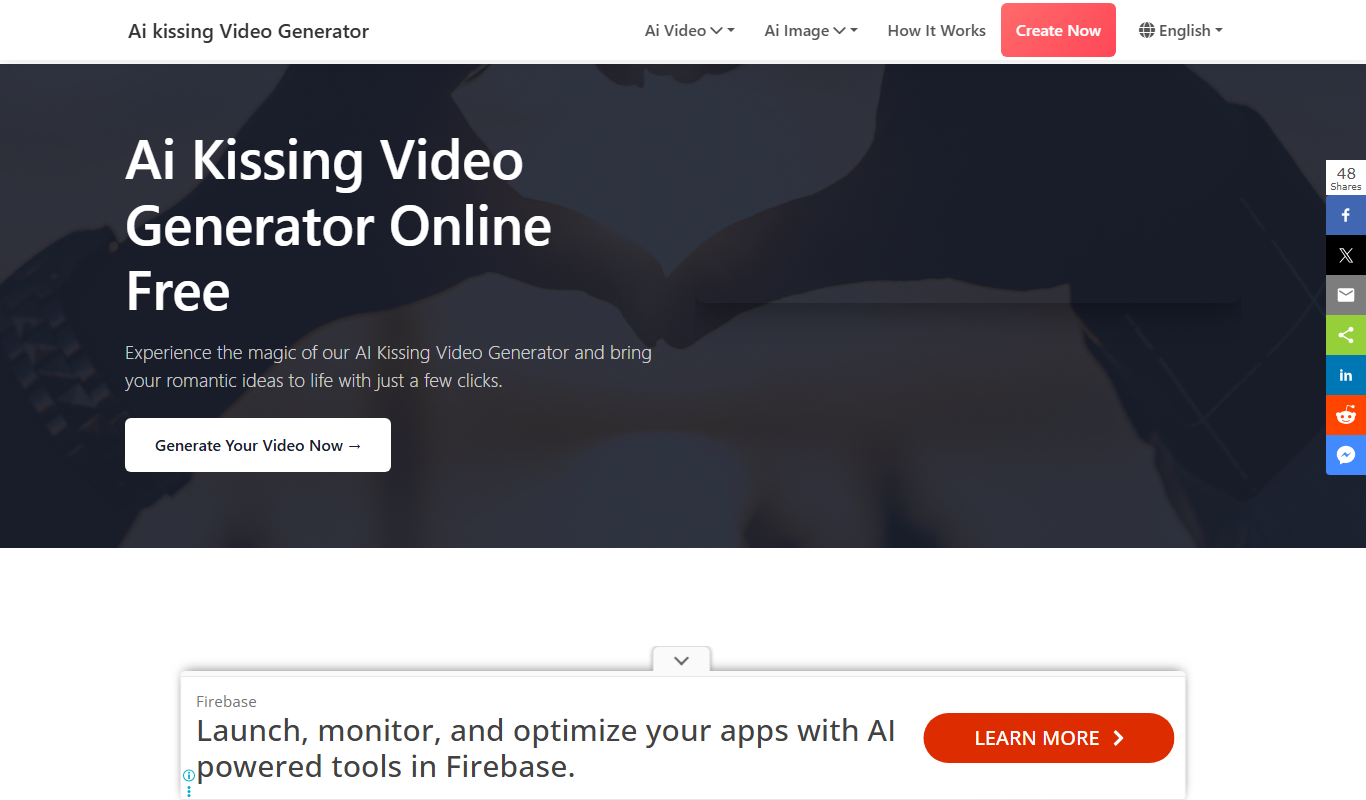
AI Kissing Video Generator Free
AI Kissing Video Generator is a website that makes a kissing video from two photos of real faces.

Free Trial
vidBoard
vidBoard is an AI-powered video creation platform that helps marketing and sales teams produce personalized videos quickly using customizable templates and automated video generation.
Free
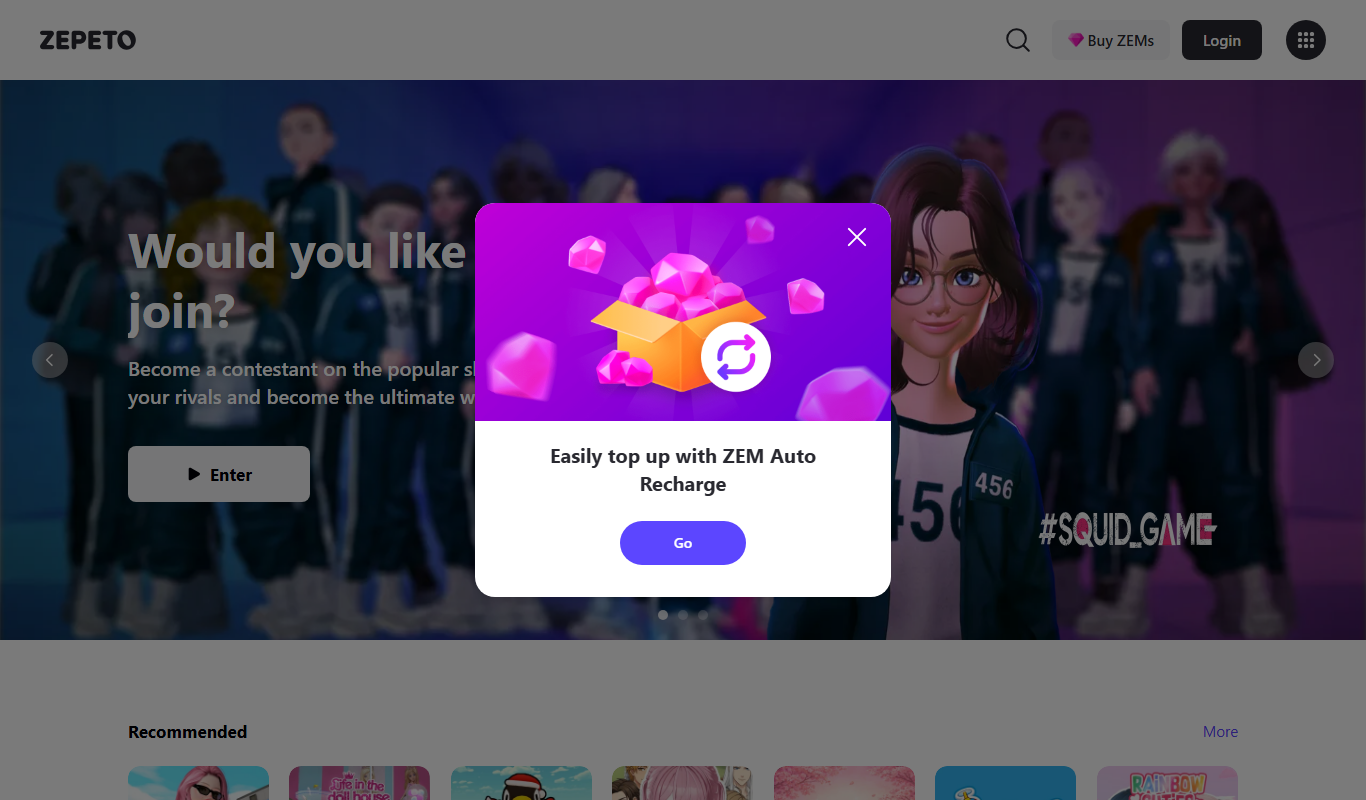
Zepeto
Zepeto is a social app that lets users create customizable 3D avatars and interact in virtual worlds through chat, games, and avatar-based videos.
Free
VRChat
VRChat is a free virtual reality social platform that lets users interact through customizable avatars in immersive 3D worlds, supporting VR headsets and desktop modes.

Free
Animaze
Animaze is an AI-powered avatar creation software that allows users to design and animate 2D and 3D avatars in real-time for live streaming, video calls, and content creation using motion capture technology.