

H5P Interactive Content Creation Tool for Engaging eLearning Experiences
H5P is an open-source platform that allows educators and content creators to build interactive HTML5 content such as quizzes, videos, and presentations without coding, integrating easily with popular CMS and LMS platforms.
- Best for
- eLearning Content Creation
- Key capability
- Wide Variety of Content Types
Save H5P, follow its updates and vote on it — everything stays in your account.
Sign in or create a free account
What is H5P?
H5P is an open-source platform that enables users to create, share, and reuse interactive HTML5 content easily. It integrates with popular content management systems like WordPress, Drupal, and Moodle, allowing educators and content creators to build engaging multimedia experiences without needing advanced programming skills.
Key features of H5P
H5P offers a wide range of content types including interactive videos, quizzes, presentations, timelines, and games. It supports responsive design, accessibility standards, and seamless integration with LMS platforms. Users can track learner progress and customize content to fit diverse educational needs.
Wide Variety of Content Types
Includes quizzes, interactive videos, drag and drop, timelines, flashcards, and more.
Open Source and Free Core
Core platform is free and open source, encouraging community contributions and transparency.
CMS Integration
Seamlessly integrates with WordPress, Drupal, and Moodle for easy content management.
Responsive and Accessible
Content adapts to different devices and meets accessibility standards for inclusive learning.
Content Reusability
Easily share and reuse content across different courses and platforms.
Pros and cons of H5P
Pros
- Open source with a strong community
- Wide range of interactive content types
- Easy integration with popular CMS and LMS
- No coding required to create content
- Responsive and accessible content
Cons
- Hosted plans can be costly for small users
- Some advanced features require paid subscription
- Limited offline content creation options
Key use cases for H5P
eLearning Content Creation
Create interactive learning materials such as quizzes, presentations, and games to enhance online education.
Corporate Training
Develop engaging training modules for employee onboarding and skills development.
Content Marketing
Build interactive content to increase user engagement and retention on marketing websites.
Educational Assessment
Design formative and summative assessments with instant feedback for students.
Blended Learning
Combine traditional teaching with interactive digital content to support hybrid learning environments.
How H5P works
- 1
Install H5P Plugin
Add the H5P plugin to your CMS such as WordPress, Drupal, or Moodle.
- 2
Create Content
Use the intuitive editor to select content types and customize interactive elements.
- 3
Embed and Share
Embed created content into your website or LMS pages for learners to access.
- 4
Track Engagement
Monitor learner interactions and performance through built-in analytics or LMS reports.
Who is using H5P
H5P pricing
Free
$0/month
Access to open-source core features with community support.
H5P.com Pro
Priced by number of authors
Hosted solution with additional features, support, and storage.
H5P.com Premium
Priced by number of authors
For 3 to 10 authors.
Plans and prices are as published by the vendor and can change. Check the official site before you buy. Open the pricing page (opens in a new tab)
Frequently asked questions about H5P
Yes, the core H5P platform is open source and free to use. Paid plans are available for hosted services with extra features.
H5P integrates with WordPress, Drupal, Moodle, and can be used on any website supporting HTML5.
No, H5P provides an easy-to-use editor that requires no programming knowledge.
Yes, when integrated with an LMS like Moodle, H5P content can report learner interactions and scores.
This tool is designed to help users accomplish its core tasks more efficiently. It is typically used by individuals or teams looking to improve productivity and workflow.
Some tools offer a free plan or trial with limited features. Availability can vary, so confirm on the official website.
Yes, it can help with that use case depending on how you configure it and what features are available. You’ll get the best results with clear inputs and a defined goal.
Yes, it can help with that use case depending on how you configure it and what features are available. You’ll get the best results with clear inputs and a defined goal.
Conclusion
Adding the H5P plugin to a CMS such as WordPress, Drupal or Moodle is the first step, after which content types are chosen and customized in the editor. Available types include quizzes, interactive videos, drag and drop, timelines and flashcards. Finished content is embedded into website or LMS pages, and inside an LMS like Moodle it can report learner interactions and scores. No programming knowledge is needed.
The main audience is educators, corporate trainers and instructional designers. Its core is open source and free on WordPress, Drupal and Moodle. Hosted plans on H5P.com come as Pro, Premium for 3 to 10 authors and Enterprise, each priced by the number of authors.
Sources
Sign in to review this tool.
Sign In to ReviewNo reviews yet
Be the first to share how this tool worked for you.
Ask about pricing, limits, or how it compares — or answer someone else.
Sign In to AskNo questions yet
Have a question about using or paying for this tool? Be the first to ask.
Featured on TiorAI



Alternative Tools
Explore similar AI tools that might fit your needs

Articulate 360
Articulate 360 is an all-in-one eLearning authoring platform that enables users to create interactive, responsive online courses using tools like Storyline 360 and Rise 360, suitable for corporate training and education.
More Marketing & Advertising tools
Other tools in the same category, for when this one is not quite the fit.

Lava Metrics
Lava Metrics provides the B2B marketing reports you wish HubSpot had, built automatically from your live HubSpot data.

Octolens AI
Octolens is an AI social listening tool that tracks brand mentions across Reddit, X, LinkedIn and 10+ platforms, with API, MCP and webhooks on every plan.

WebsiteAuditAI
WebsiteAuditAI runs AI-powered UX, CRO and copywriting audits of any web page and returns scored reports with actionable recommendations.

Insight7
Insight7 analyzes customer calls, scores every conversation, coaches reps and deploys AI voice and chat agents for customer teams.
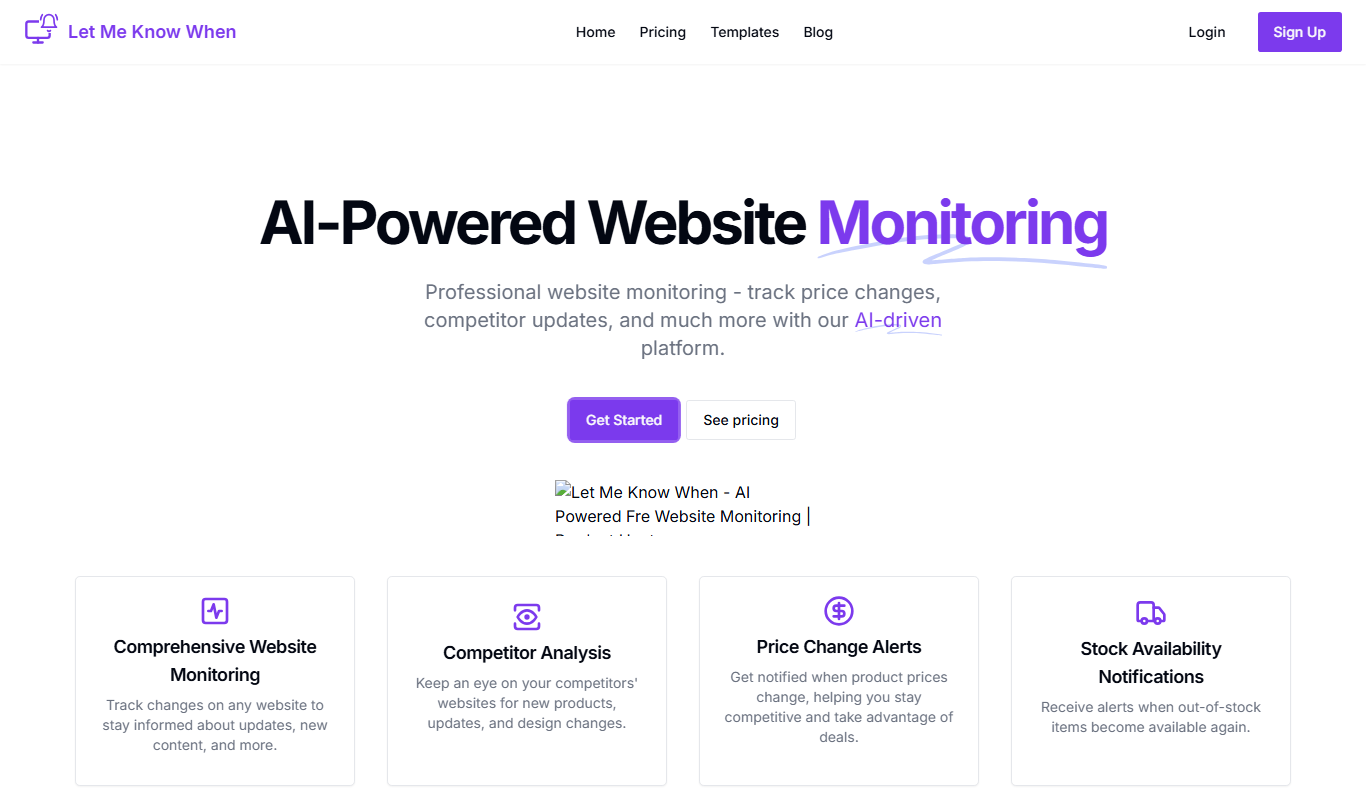
Let Me Know When
Let Me Know When monitors websites for price changes, competitor updates, stock availability and new content, and alerts you by email or Slack.

Remagine AI
Remagine AI is a web-based platform that uses artificial intelligence to generate marketing content and automate marketing workflows, helping businesses create SEO-friendly and brand-consistent materials efficiently.

MagicSet
MagicSet sends 1:1 personalized cold email with address verification, automatic follow-ups and replies tracked to deals, priced per email with 100 free emails to start.

LaunchPal
LaunchPal is an AI marketing partner that learns your brand, delivers content on auto-pilot and shares assets with clients through a portal, also on WhatsApp.