

Remagine AI Review: AI-Powered Content Generation and Marketing Tool
Remagine AI is a web-based platform that uses artificial intelligence to generate marketing content and automate marketing workflows, helping businesses create SEO-friendly and brand-consistent materials efficiently.
- Best for
- Content Creation
- Key capability
- AI Content Generation
Save Remagine AI, follow its updates and vote on it — everything stays in your account.
Sign in or create a free account

What is Remagine AI?
Remagine AI is a web-based AI-powered content generation and marketing automation platform designed to help businesses create, optimize, and distribute marketing content efficiently. It leverages advanced natural language processing to generate high-quality, SEO-friendly content tailored to various marketing channels.
Key features of Remagine AI
Key features include AI-driven content creation, marketing workflow automation, SEO optimization tools, social media content generation, and brand voice consistency management.
AI Content Generation
Produce diverse marketing content types quickly using advanced AI models.
Marketing Workflow Automation
Automate repetitive marketing tasks to save time and maintain consistency.
SEO Optimization Tools
Generate content optimized for search engines to improve organic reach.
Social Media Content Creation
Create platform-specific social media posts that engage target audiences.
Brand Voice Consistency
Ensure all generated content aligns with your brand’s tone and messaging.
Pros and cons of Remagine AI
Pros
- User-friendly interface for quick content creation
- Automates repetitive marketing tasks effectively
- Produces SEO-optimized content
- Supports consistent brand messaging
- Free plan available to test features
Cons
- Limited to English language content
- No mobile app available
- Pricing may be high for small businesses
Key use cases for Remagine AI
Content Creation
Generate high-quality marketing content such as blog posts, social media updates, and ad copy efficiently.
Marketing Automation
Automate repetitive marketing tasks and content workflows to improve productivity and campaign consistency.
SEO Optimization
Create SEO-friendly content that helps improve search engine rankings and organic traffic.
Social Media Management
Produce engaging social media posts tailored to different platforms to boost audience engagement.
Brand Messaging
Maintain consistent brand voice across all marketing materials generated by the AI.
How Remagine AI works
- 1
Sign Up
Create an account on the Remagine AI website to access the platform.
- 2
Select Content Type
Choose the type of content you want to generate, such as blog posts, social media updates, or ad copy.
- 3
Input Guidelines
Provide keywords, brand voice preferences, and other relevant details to guide the AI.
- 4
Generate Content
The AI processes your inputs and produces tailored marketing content.
- 5
Review and Edit
Review the generated content and make any necessary edits before publishing or scheduling.
Who is using Remagine AI
Remagine AI pricing
Free
Free forever
Forever free: 250 AI runs/month, 8 projects and Ask AI chat.
Pro
$40/month (save 20% with annual billing)
Unlimited AI runs, multiple AI models, unlimited projects, AI Workflows, unlimited access to 200 templates and AI tools, priority 24X7 support.
Starter
$20/month
500 AI runs, 20 projects, access to 200 templates and AI tools, Ask AI chat, Feedback Generator, email support.
Enterprise
Reach out to sales
Team collaboration, consolidated pricing and everything in Pro.
Plans and prices are as published by the vendor and can change. Check the official site before you buy. Open the pricing page (opens in a new tab)
Frequently asked questions about Remagine AI
Yes. Remagine AI can generate blog posts in multiple languages for localized audiences.
Yes, you can provide brand guidelines and preferences to tailor the AI-generated content.
Yes, Remagine AI offers a free plan with limited features to try the platform.
It can generate blog posts, social media updates, ad copy, and other marketing materials.
This tool is designed to help users accomplish its core tasks more efficiently. It is typically used by individuals or teams looking to improve productivity and workflow.
Pricing depends on the plan and included features. For the most accurate and up-to-date details, check the official pricing page.
Yes, it can help with that use case depending on how you configure it and what features are available. You’ll get the best results with clear inputs and a defined goal.
Yes, it can help with that use case depending on how you configure it and what features are available. You’ll get the best results with clear inputs and a defined goal.
Conclusion
More than 200 templates and AI tools cover blog posts, email newsletters, Google and social ads, presentation slides and product catalogues. The blog generator produces posts of more than 5000 words in one click, along with ideas, outlines, citations and URL slug and metadata. Blog posts can also be generated in multiple languages for localized audiences. Editing tools paraphrase, fix grammar, summarize and change tone. A feedback generator gives an overall score on clarity, readability and engagement.
Usage is counted in AI runs, and every use of a tool, template, Ask AI or feedback counts as one run. The Free plan is forever free with 250 AI runs a month and 8 projects. Paid Starter and Pro plans add more AI runs and projects, with unlimited AI runs on Pro. Copywriters and SMBs are the stated audience, and getting started needs no credit card.
Sources
Sign in to review this tool.
Sign In to ReviewNo reviews yet
Be the first to share how this tool worked for you.
Ask about pricing, limits, or how it compares — or answer someone else.
Sign In to AskNo questions yet
Have a question about using or paying for this tool? Be the first to ask.
Featured on TiorAI



More AI Automation & Workflow Tools tools
Other tools in the same category, for when this one is not quite the fit.

Indico Data
Indico Data automates the intake and orchestration of insurance underwriting, claims and servicing work, delivering downstream-ready data.
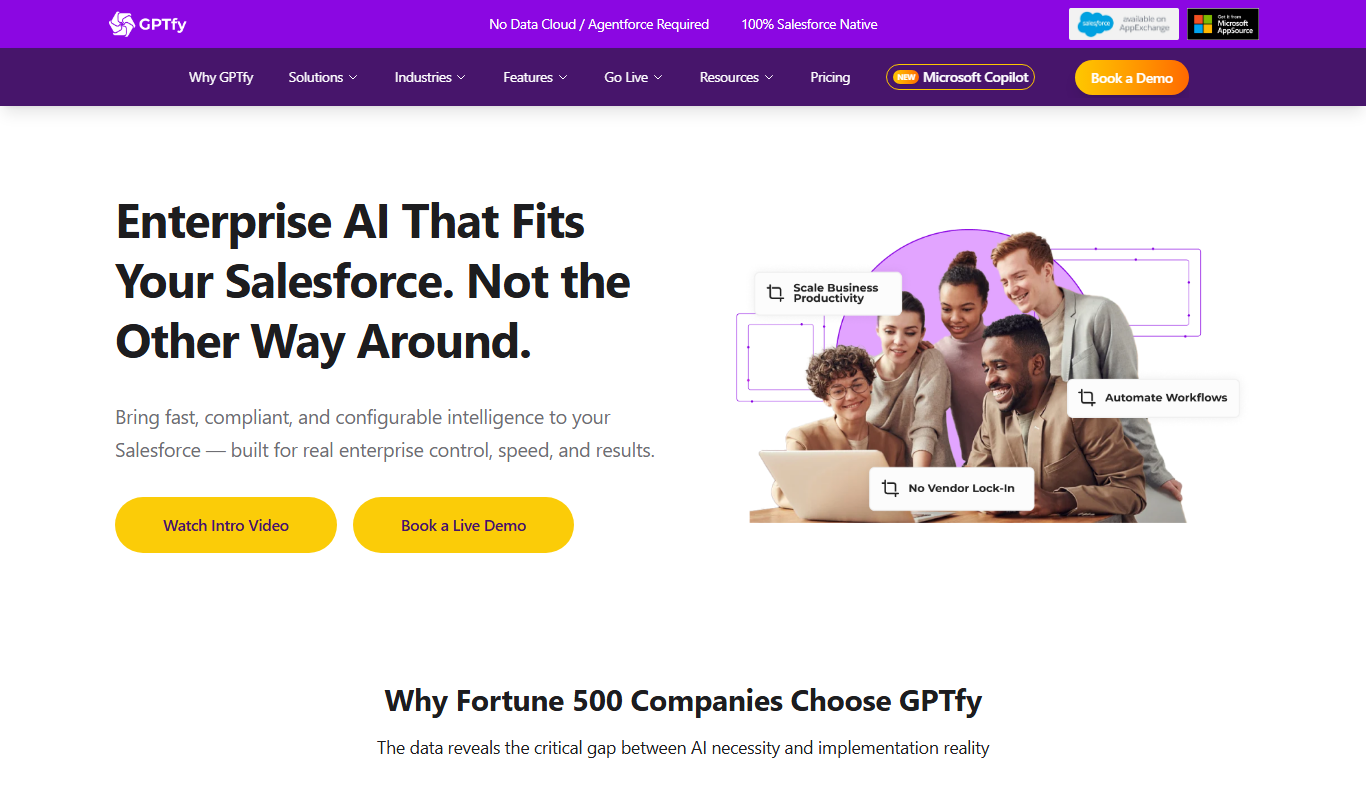
GPTfy
GPTfy is a Salesforce-native alternative to Agentforce that runs OpenAI, Claude, Gemini or 15+ models inside Salesforce at fixed per-user pricing.

Kites.Dev
Kites.Dev creates AI products and builds custom smart assistants, bots and websites to help businesses grow and save time.

pareto.io
Pareto is an AI business transformation company that redesigns business processes and implements AI agents and automations for enterprises.

parseur.com
Parseur is an email parsing tool that automates extraction of structured data from emails and documents, enabling integration with CRMs and other apps to streamline workflows.

Outplayhq
OutplayHQ is a sales engagement platform that automates multi-channel outreach including email, calls, SMS, and social media, integrates with major CRMs, and provides analytics to improve sales team performance.

Fadr
Fadr is a music tech platform with a vocal remover, stem splitter, key and tempo detector, remix and mashup makers, a DJ controller and DrumGPT.

Postly
Postly is an AI social media and blog scheduler that publishes across social media, blogs and email, with Postly CRM, Bio Pages and Analytics in one workspace.