

Articulate 360 eLearning Authoring Suite for Interactive Course Creation
Articulate 360 is an all-in-one eLearning authoring platform that enables users to create interactive, responsive online courses using tools like Storyline 360 and Rise 360, suitable for corporate training and education.
- Best for
- Corporate Training Development
- Key capability
- Storyline 360
Save Articulate 360, follow its updates and vote on it — everything stays in your account.
Sign in or create a free account
What is Articulate 360?
Articulate 360, now named Articulate 360 AI, is an eLearning authoring suite designed to help instructional designers and educators create interactive online courses and training content. It combines tools including Storyline 360 for slide-based course creation and Rise 360 for responsive web-based courses, and it now includes AI generation. Courses can be published for SCORM, xAPI and other eLearning standards.
Key features of Articulate 360
Articulate 360 offers a robust set of features including a powerful slide-based authoring tool, responsive course builder, content library with templates and assets, video and screen recording tools, collaboration and review capabilities, and seamless publishing options for LMS integration.
Storyline 360
A powerful desktop authoring tool for creating highly customized, interactive eLearning courses.
Rise 360
A web-based tool for building responsive, mobile-friendly courses quickly using pre-built templates.
Content Library
Access thousands of templates, characters, photos, icons, and videos to enhance course design.
Review 360
Collaborate with team members and clients by collecting feedback directly on course content.
Video and Screen Recording
Record screencasts and webcam videos to include personalized multimedia in courses.
Pros and cons of Articulate 360
Pros
- Comprehensive suite combining multiple authoring tools
- Responsive course creation with Rise 360
- Robust interactivity and multimedia support
- Strong collaboration and review features
- Regular updates and extensive content library
Cons
- Relatively high subscription cost for individual users
- Storyline 360 has a learning curve for new users
- Primarily English language support
Key use cases for Articulate 360
Corporate Training Development
Create interactive and engaging training modules for employee onboarding, compliance, and skills development.
Educational Course Creation
Design and publish eLearning courses for schools, universities, and online education platforms.
Rapid eLearning Prototyping
Quickly build and iterate on course content with easy-to-use authoring tools and templates.
Mobile Learning Content
Develop responsive courses that work seamlessly on mobile devices for learners on the go.
Assessment and Quizzing
Integrate quizzes, surveys, and knowledge checks to evaluate learner understanding.
How Articulate 360 works
- 1
Subscribe and Access
Sign up for an Articulate 360 subscription to access the full suite of authoring tools and resources.
- 2
Create Courses
Use Storyline 360 for custom interactive courses or Rise 360 for quick responsive course creation.
- 3
Add Interactivity
Incorporate quizzes, multimedia, branching scenarios, and interactive elements to engage learners.
- 4
Collaborate and Review
Share courses with stakeholders for feedback using Review 360 and make iterative improvements.
- 5
Publish and Distribute
Export courses in formats compatible with LMS platforms or host them online for learner access.
Who is using Articulate 360
Articulate 360 pricing
Personal
$1,449/seat/year
Full access to Articulate 360 suite for one user with all tools and updates.
Teams
$1,749/seat/year
Articulate 360 AI seat for L&D teams creating sophisticated workplace training.
Plans and prices are as published by the vendor and can change. Check the official site before you buy. Open the pricing page (opens in a new tab)
Frequently asked questions about Articulate 360
Yes, Articulate offers a free trial period to explore the full features of the 360 suite.
It supports SCORM 1.2, SCORM 2004, xAPI (Tin Can), and AICC standards for LMS compatibility.
Rise 360 is very beginner-friendly with drag-and-drop templates, while Storyline 360 has a steeper learning curve but offers more customization.
Yes, Review 360 allows team members and stakeholders to provide feedback and comments on courses.
This tool is designed to help users accomplish its core tasks more efficiently. It is typically used by individuals or teams looking to improve productivity and workflow.
Pricing depends on the plan and included features. For the most accurate and up-to-date details, check the official pricing page.
It depends on your specific needs and how you plan to use the tool. The official website and documentation are the best sources for the latest details.
Yes, it can help with that use case depending on how you configure it and what features are available. You’ll get the best results with clear inputs and a defined goal.
Conclusion
Course creation runs through Storyline 360, a desktop authoring tool for highly customized interactive courses, or Rise 360, a web-based tool for responsive, mobile-friendly courses built from pre-built templates. Quizzes, branching scenarios and multimedia add interactivity, and Review 360 lets team members and clients leave feedback directly on course content. Finished courses are exported for LMS platforms or hosted online, with support for SCORM 1.2, SCORM 2004, xAPI and AICC.
The suite is now named Articulate 360 AI and includes AI generation. Instructional designers, corporate trainers and eLearning developers form its core audience. Pricing is per seat per year, at $1,449 for Personal and $1,749 for Teams.
Sources
Sign in to review this tool.
Sign In to ReviewNo reviews yet
Be the first to share how this tool worked for you.
Ask about pricing, limits, or how it compares — or answer someone else.
Sign In to AskNo questions yet
Have a question about using or paying for this tool? Be the first to ask.
Featured on TiorAI



More AI Content Generator tools
Other tools in the same category, for when this one is not quite the fit.

Groove
Groove.ai offers AI tools for content creation, marketing and sales copy, from articles and social posts to sales letters, ads and video scripts.

StoryStream
StoryStream is an AI shoppable content platform that turns UGC, imagery and video into shoppable experiences for eCommerce brands and retailers.

Beacon
Beacon helps marketers create professional lead magnets in minutes without hiring a designer, plus opt-in forms and libraries of gated content.
AI21 Studio
AI21 Studio is the AI21 developer platform for API access to the Jamba Mini and Jamba Large foundation models, with usage-based pricing.
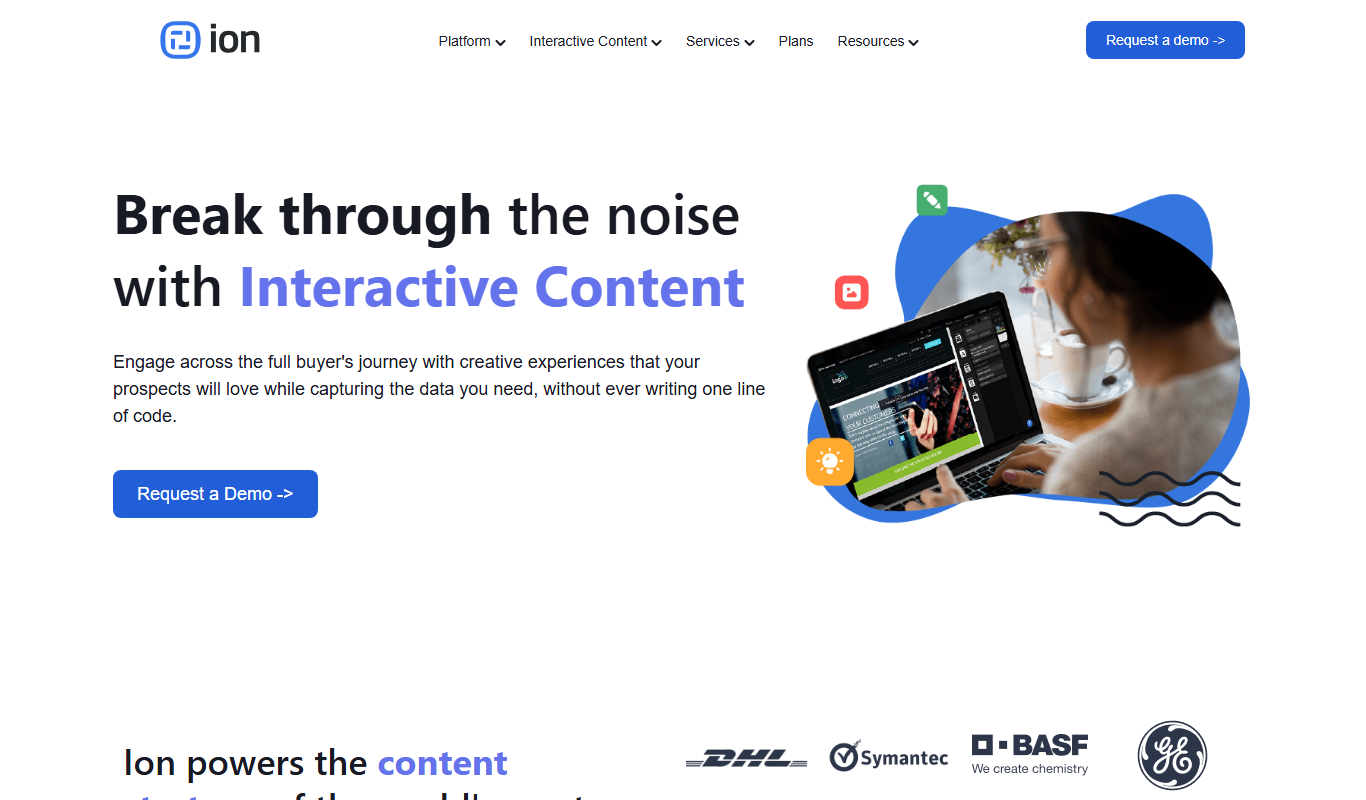
Ion Interactive
Ion Interactive is a web-based platform that enables marketers to create interactive content like quizzes and assessments to engage audiences and generate leads without coding.

写作猫AI
写作猫AI is a Chinese-language AI writing assistant that supports content generation, creative writing, and text refinement through a web platform.

Calmly Writer
Calmly Writer is a minimalist writing app designed to help users focus by providing a distraction-free interface, Markdown support, autosave, and export options. It is available as a free web app and a paid desktop app for offline use.

750 Words
750 Words is a web-based platform that encourages users to write 750 words daily to build a consistent writing habit, offering a distraction-free interface and progress tracking.