

From my experience with Guidde AI, I found it excels at simplifying the creation of interactive onboarding and training content through its intuitive screen recording and guide-building tools. The platform is particularly well-suited for HR teams and customer success managers who need to quickly produce clear, visual instructions without technical expertise. However, the limitation of English-only support and the need to contact sales for detailed pricing may be a consideration for some organizations. Overall, if you want to accelerate employee ramp-up and improve customer education with engaging tutorials, Guidde AI offers a practical and user-friendly solution.
Guidde AI User Onboarding and Training Software for Teams
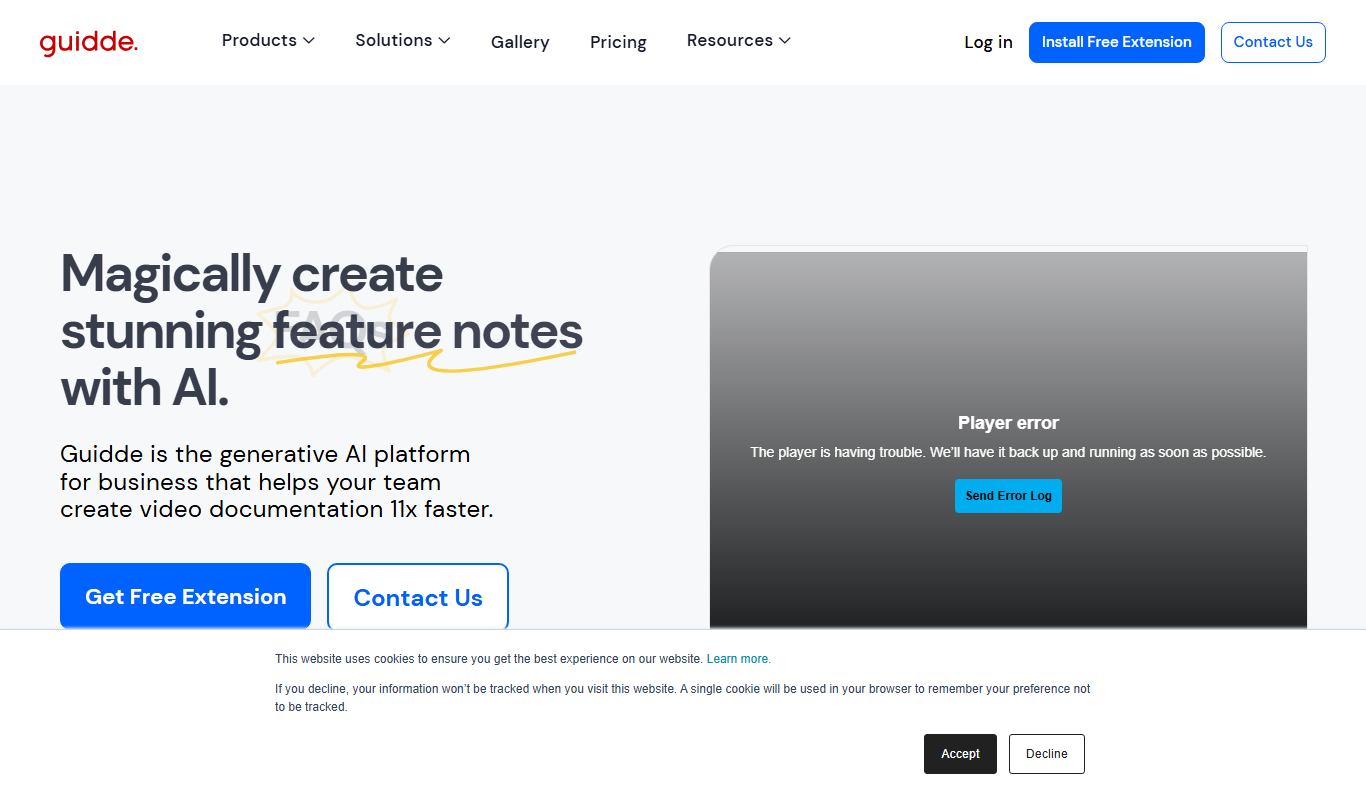
Guidde AI is a platform that enables teams to create interactive onboarding guides and video tutorials to streamline employee training and customer education.
- Best for
- Employee Onboarding
- Key capability
- Screen Recording with Annotations
Your actions
Do you recommend this tool?
What is Guidde AI?
Guidde AI is a user onboarding and training platform that enables teams to create interactive guides and video tutorials. It simplifies the process of training employees and customers by providing visual, step-by-step instructions that can be easily accessed and followed. The tool helps organizations improve knowledge sharing, reduce support costs, and accelerate learning curves.
Key features of Guidde AI
Guidde AI offers features such as screen recording with annotations, interactive step-by-step guides, centralized knowledge base, and analytics to track user engagement. It integrates with popular platforms via a Chrome extension, making it easy to capture workflows and share training content.
Screen Recording with Annotations
Record your screen and add visual cues to highlight important steps.
Interactive Step-by-Step Guides
Create clickable guides that walk users through processes in a structured manner.
Centralized Knowledge Base
Organize all training materials in one place for easy access and management.
User Engagement Analytics
Track how users interact with guides to identify knowledge gaps and improve content.
Pros and cons of Guidde AI
Pros
- Easy to create visual and interactive guides
- Centralized platform for training content
- Helpful analytics to improve onboarding
- Chrome extension simplifies recording workflows
Cons
- Limited language support (English only)
- Pricing details require contacting sales
Key use cases for Guidde AI
Employee Onboarding
Create step-by-step interactive guides and video tutorials to help new employees learn software and internal processes quickly.
Customer Training
Develop easy-to-follow training materials for customers to improve product adoption and reduce support tickets.
Knowledge Sharing
Centralize company knowledge in visual guides and videos to ensure consistent information across teams.
Process Documentation
Document workflows and procedures with annotated videos and guides for easy reference and compliance.
How Guidde AI works
- 1
Install Chrome Extension
Add the Guidde AI Chrome extension to start recording your screen and creating guides.
- 2
Record or Create Guides
Capture workflows with video and annotate steps to build clear, interactive tutorials.
- 3
Organize Content
Store and categorize your guides in a centralized knowledge base accessible to your team.
- 4
Share and Track
Distribute guides to employees or customers and monitor engagement through analytics.
Who is using Guidde AI
HR and Training Teams
Customer Success Managers
Small to Medium Businesses
SaaS Companies
Support Teams
Guidde AI pricing
Free Trial
$0 for 14 days
Full access to features for two weeks to evaluate the platform.
Pro
Contact for pricing
Advanced features and team collaboration tools tailored to business needs.
Plans and prices are as published by the vendor and can change. Check the official site before you buy. Open the pricing page (opens in a new tab)
Frequently asked questions about Guidde AI
Yes, Guidde AI is designed for users of all skill levels with an intuitive interface for creating guides.
Guidde AI primarily integrates via its Chrome extension and supports embedding guides in various platforms.
Limits depend on your subscription plan; the free trial offers full access with some usage caps.
This tool is designed to help users accomplish its core tasks more efficiently. It is typically used by individuals or teams looking to improve productivity and workflow.
It depends on your specific needs and how you plan to use the tool. The official website and documentation are the best sources for the latest details.
It depends on your specific needs and how you plan to use the tool. The official website and documentation are the best sources for the latest details.
Sign in to review this tool.
Sign In to ReviewNo reviews yet
Be the first to share how this tool worked for you.
Ask about pricing, limits, or how it compares — or answer someone else.
Sign In to AskNo questions yet
Have a question about using or paying for this tool? Be the first to ask.
Featured on TiorAI



Alternative Tools
Explore similar AI tools that might fit your needs
Custom Pricing
WalkMe
WalkMe is a digital adoption platform that provides interactive walkthroughs, task automation, and analytics to help organizations improve software adoption and user engagement.

Free Trial
Userpilot
Userpilot is a no-code SaaS platform that enables companies to create personalized user onboarding experiences, feature adoption flows, and in-app messaging to boost engagement and retention.
Custom Pricing
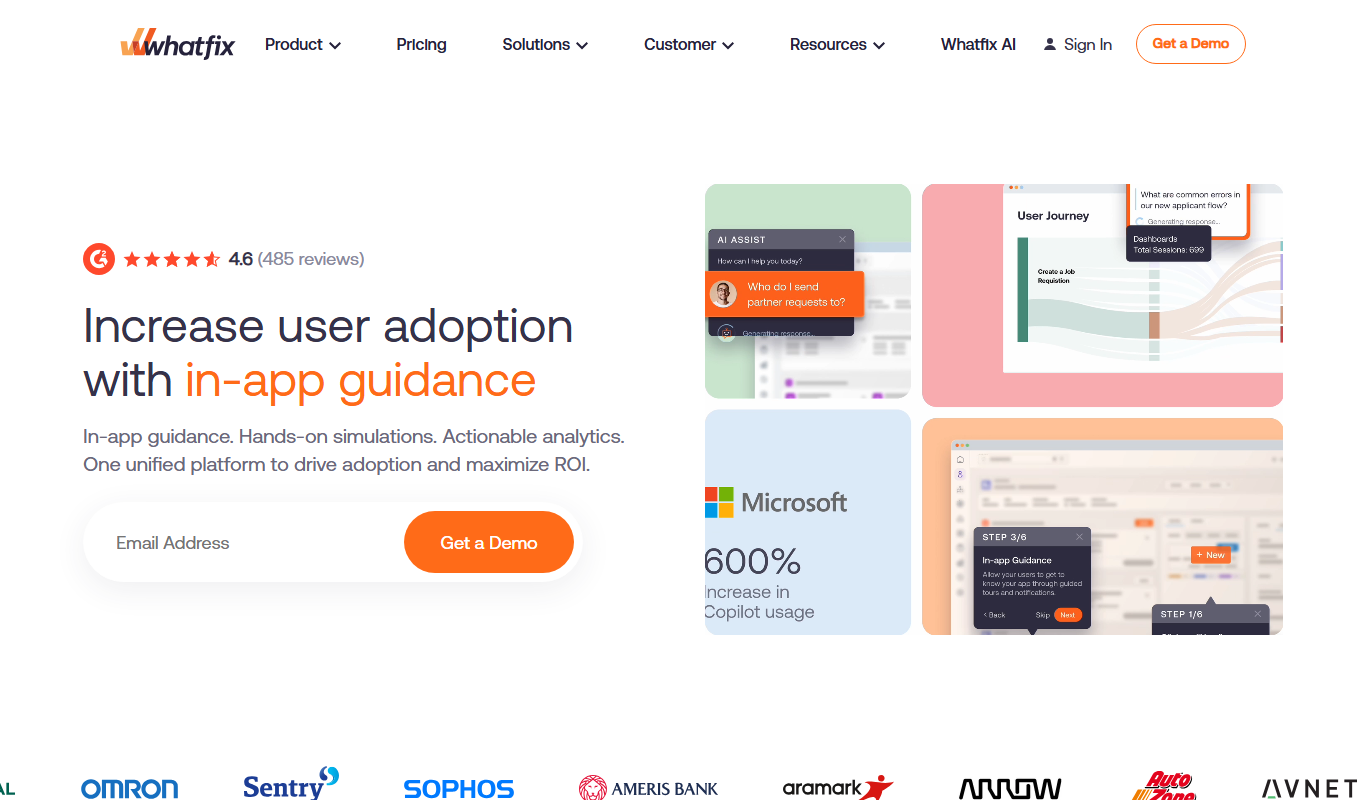
Whatfix
Whatfix is a digital adoption platform that helps businesses create interactive in-app guidance and walkthroughs to improve user onboarding, training, and software adoption.
More AI Knowledge Base Tools tools
Other tools in the same category, for when this one is not quite the fit.

Free Trial
KBaseBot
KBaseBot is an AI chatbot that automates customer support by leveraging your knowledge base to provide instant, accurate answers and reduce support workload.

Free
Aardvark
Aardvark is an AI assistant that helps teams quickly search and access internal knowledge by integrating with multiple data sources and providing natural language answers.

Free
Penseum
Penseum is a knowledge management platform that helps individuals and teams organize, share, and collaborate on notes and documents through a hierarchical structure and powerful search, accessible via web and API.

Free
Skim AI
Skim AI is an AI-driven tool that summarizes long documents and web pages by extracting key points and insights, helping users save time and improve comprehension.
Free
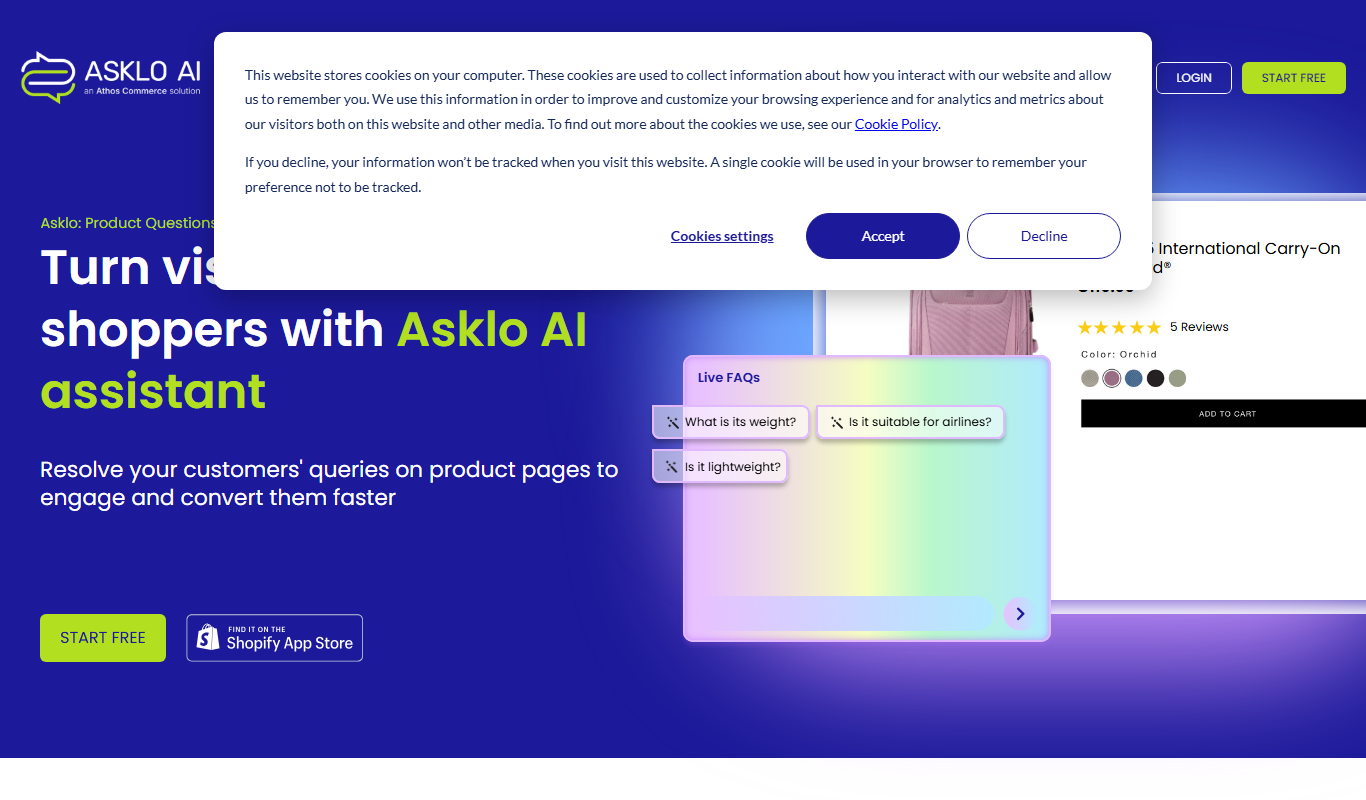
Asklo AI
Asklo AI is an AI-powered conversational search platform that enables users to query internal documents and data sources using natural language, providing context-aware answers and seamless integration via API.

Custom Pricing
Glean
Glean is an AI-powered enterprise knowledge management platform that integrates multiple data sources to provide unified search, expert identification, and collaboration tools for organizations.

Free Trial
Biliki AI
Biliki AI is an AI-driven knowledge management platform that integrates with multiple data sources to provide teams with instant, accurate answers via a natural language chat interface, enhancing productivity and collaboration.

Free Trial
RAGFlow
RAGFlow is a no-code AI platform that enables users to build and automate retrieval-augmented generation workflows by integrating document retrieval with generative AI to provide accurate, context-aware responses.