

From my experience with GPTGuard, I found it excels at accurately identifying AI-generated content while also providing plagiarism detection in a straightforward, user-friendly platform. After spending time with the tool, I can say it’s particularly well-suited for educators and content creators who need to verify the authenticity of writing quickly. However, the free plan has usage limits, and detection accuracy can vary with complex or heavily edited texts. Overall, if you need a reliable AI content detector combined with plagiarism checking, GPTGuard delivers solid, practical results.
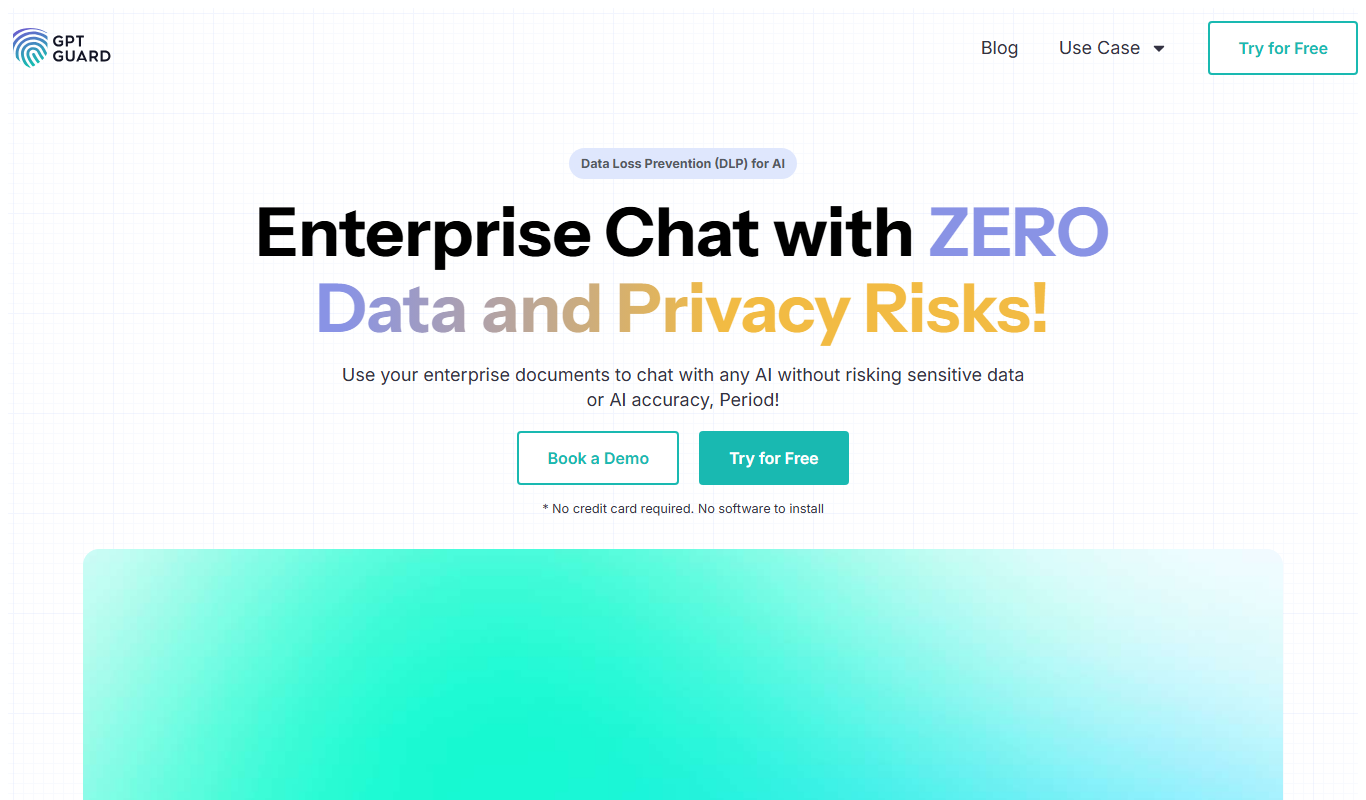
GPTGuard AI Content Detector and Plagiarism Checker for Authentic Writing
GPTGuard is a web-based tool that detects AI-generated content and checks for plagiarism to ensure writing authenticity.
- Best for
- Academic Integrity
- Key capability
- AI Content Detection
Do you recommend this tool?
What is GPTGuard?
GPTGuard is an AI-powered content detection and plagiarism checking tool designed to identify AI-generated text and ensure content authenticity. It helps educators, content creators, and editors verify whether a piece of writing is human-written or produced by AI models like GPT. The platform offers a user-friendly web interface where users can paste text or upload documents for analysis.
Key features of GPTGuard
GPTGuard provides AI content detection, plagiarism checking, detailed reports highlighting suspicious text, and supports multiple document formats. It offers both free and subscription-based plans, catering to individual users and organizations seeking to maintain content integrity.
AI Content Detection
Identifies text generated by AI models with high accuracy.
Plagiarism Checker
Detects copied content from various sources to ensure originality.
Detailed Reporting
Provides clear, easy-to-understand reports highlighting suspicious text.
User-Friendly Interface
Simple web-based platform requiring no technical expertise.
Multi-Format Support
Supports text input and document uploads for flexible analysis.
Pros and cons of GPTGuard
Pros
- Accurate AI-generated content detection
- Includes plagiarism checking
- Easy-to-use web interface
- Supports multiple document formats
- Offers free and affordable paid plans
Cons
- Limited free plan usage
- No desktop or mobile apps available
- Detection accuracy may vary with complex texts
Key use cases for GPTGuard
Academic Integrity
Detect AI-generated content in student submissions to maintain academic honesty.
Content Authenticity Verification
Verify if articles, blog posts, or reports are human-written or AI-generated.
Plagiarism Detection
Identify copied or AI-generated text to prevent content duplication.
Editorial Quality Control
Assist editors in ensuring originality and authenticity of published content.
SEO Content Validation
Check if website content is original and not AI-generated to maintain search engine trust.
How GPTGuard works
- 1
Input Text or Upload Document
Users submit the text or upload files they want to analyze through the web interface.
- 2
AI and Plagiarism Analysis
The tool scans the content using proprietary AI detection algorithms and plagiarism databases.
- 3
Receive Detailed Report
Users get a report indicating the likelihood of AI generation and any plagiarized segments.
- 4
Take Action Based on Results
Based on the report, users can decide to revise, reject, or approve the content.
Who is using GPTGuard
Educators and academic institutions
Content creators and bloggers
Editors and publishers
SEO professionals
Businesses verifying content authenticity
GPTGuard pricing
Free
$0/month
Limited daily checks with basic AI detection and plagiarism features.
Pro
$19/month
Unlimited checks, advanced detection algorithms, and priority support.
Plans and prices are as published by the vendor and can change. Check the official site before you buy. Open the pricing page (opens in a new tab)
Frequently asked questions about GPTGuard
GPTGuard uses advanced algorithms to detect most AI-generated text, but no tool can guarantee 100% accuracy.
GPTGuard respects user privacy and does not share or store content beyond the analysis process.
Common formats like .txt, .docx, and .pdf are supported for document uploads.
Yes, GPTGuard is suitable for businesses verifying content authenticity.
It depends on your specific needs and how you plan to use the tool. The official website and documentation are the best sources for the latest details.
It depends on your specific needs and how you plan to use the tool. The official website and documentation are the best sources for the latest details.
Yes, it can help with that use case depending on how you configure it and what features are available. You’ll get the best results with clear inputs and a defined goal.
Sign in to review this tool.
Sign In to ReviewNo reviews yet
Be the first to share how this tool worked for you.
Ask about pricing, limits, or how it compares — or answer someone else.
Sign In to AskNo questions yet
Have a question about using or paying for this tool? Be the first to ask.
Featured on TiorAI



More AI Content Detection tools
Other tools in the same category, for when this one is not quite the fit.

Free
AI or Not
AI or Not is a free online tool that detects whether text is generated by AI or written by a human by analyzing linguistic patterns and providing a confidence score.
Free
BypassAI.IO
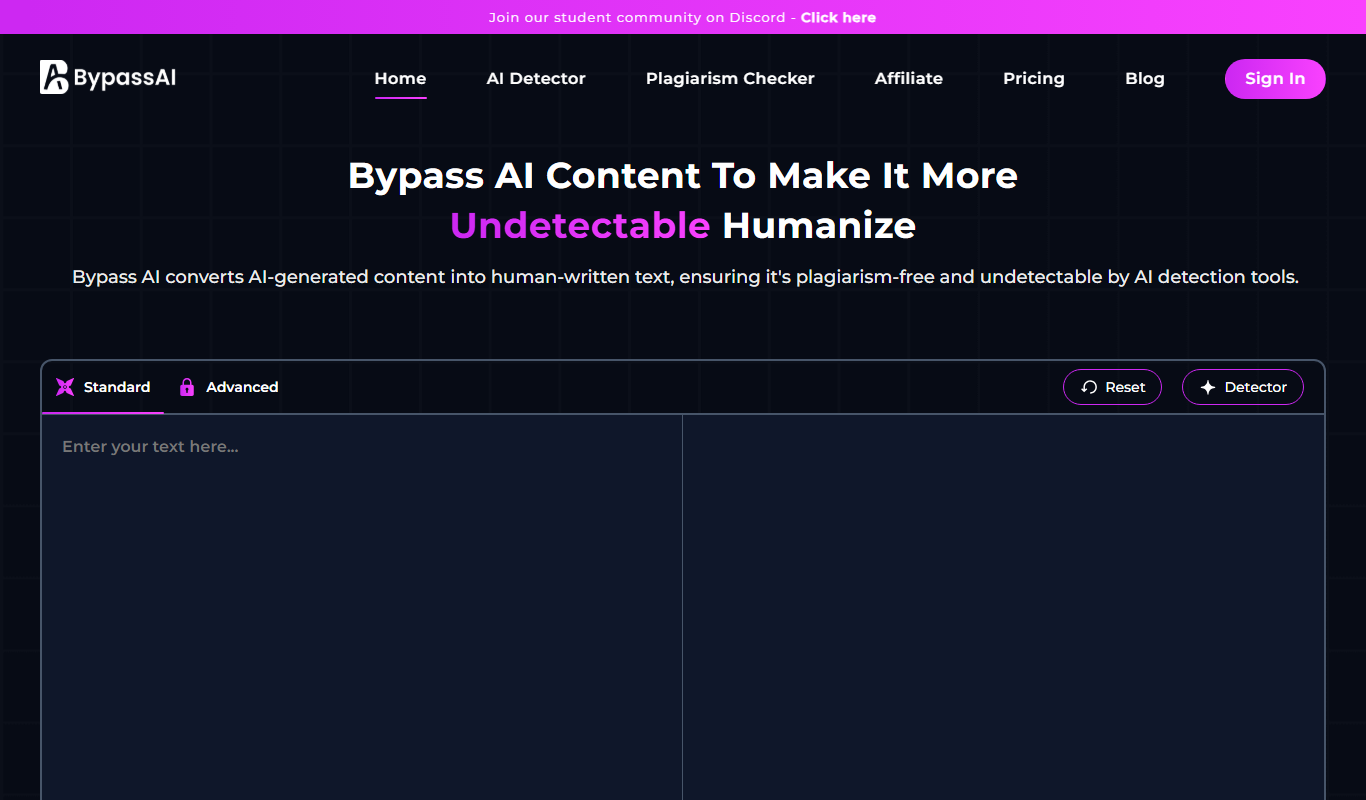
BypassAI.IO is a web-based tool that detects AI-generated content and checks for plagiarism to help users verify the authenticity of their text.
Free
Detecting-AI.com
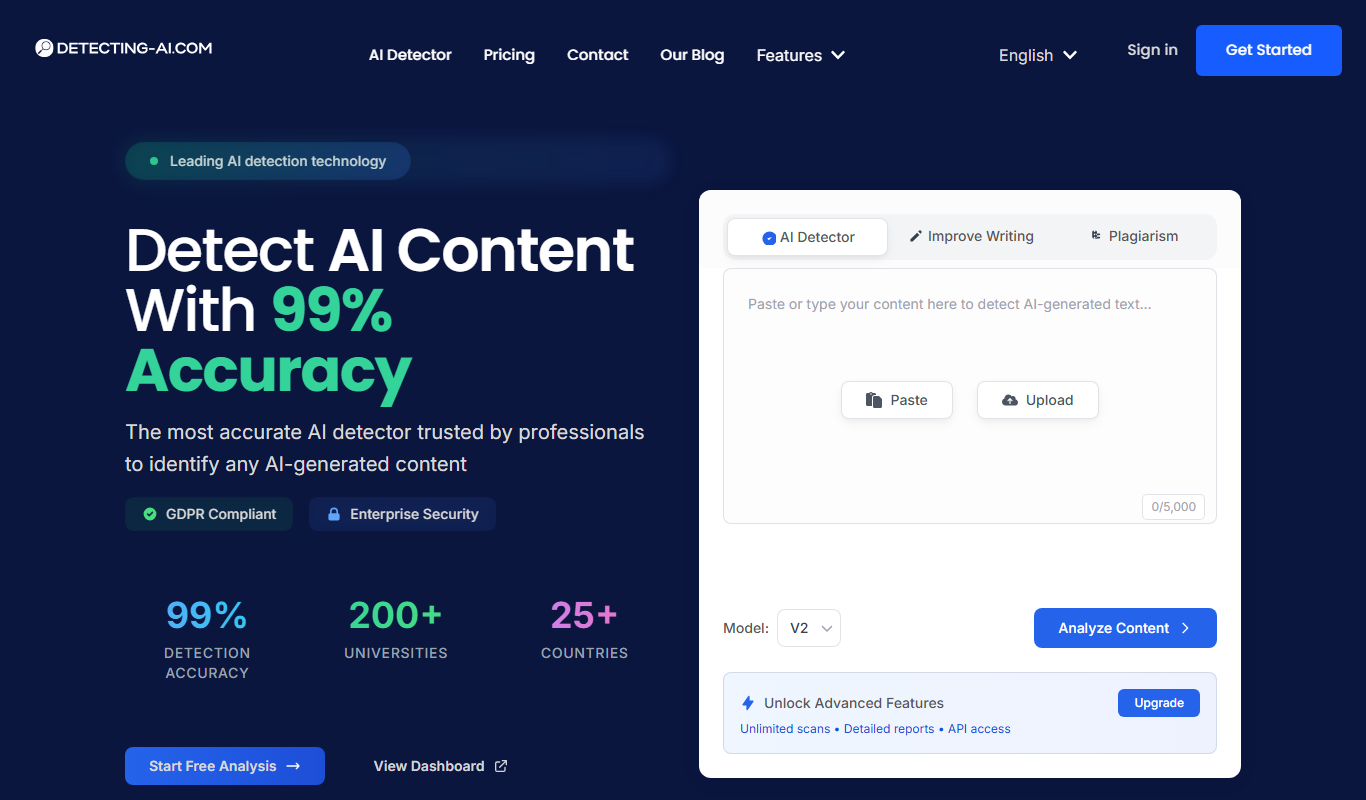
Detecting-AI.com is an online tool that analyzes text or URLs to determine the likelihood that content was generated by AI, helping users verify authenticity.

Free
AI Bypass
AI Bypass is a web tool that detects AI-generated text by analyzing content to determine the likelihood it was created by AI, helping users verify originality.
Free
Undetectable.ai
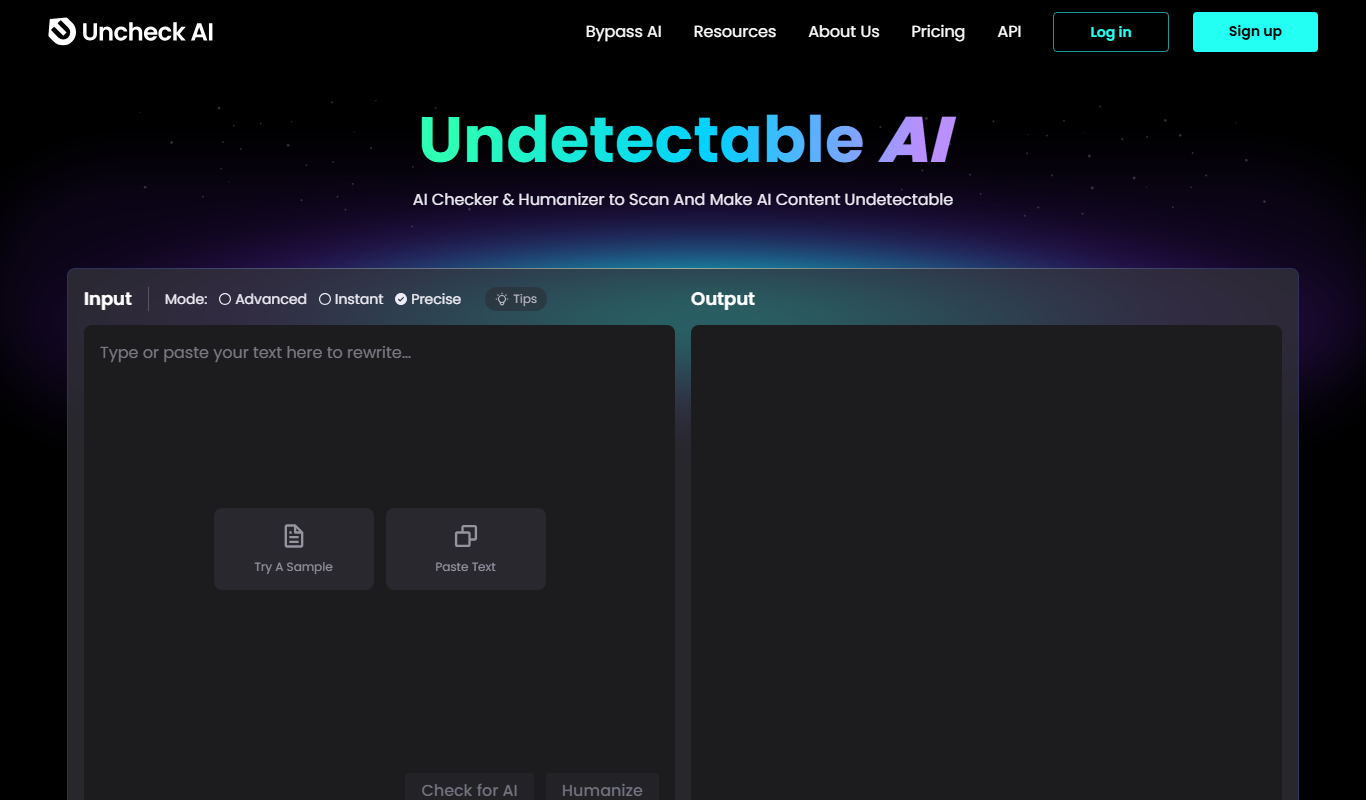
Undetectable.ai is a web-based tool that analyzes text to determine if it was written by AI or a human, providing probability scores to help users verify content authenticity.
Free
CopyFind – Plagiarism and AI Detector
CopyFind is an AI-powered tool that detects plagiarism and AI-generated text to ensure content originality.

Free
AI Detector & Plagiarism Scan
AI Detector & Plagiarism Scan is a web tool that identifies AI-generated text and checks for plagiarism to ensure content originality.
Free
AIHumanize.com
AIHumanize.com is an online tool that detects AI-generated text and checks for plagiarism to help users verify content authenticity.