

From my experience with GitCase.dev, it stands out by simplifying the management of GitHub issues across multiple repositories, which is a common pain point for development teams juggling several projects. The intuitive project boards and real-time collaboration features make it easier to prioritize tasks and keep everyone aligned. However, its exclusive focus on GitHub means teams using other platforms might find it limiting, and the lack of a mobile app could be a drawback for users needing on-the-go access. Overall, GitCase.dev is a solid choice for teams seeking streamlined GitHub issue tracking and project management.
GitCase.dev - Collaborative GitHub Issue Tracking and Project Management Tool
GitCase.dev is a web-based tool that centralizes GitHub issues from multiple repositories into customizable project boards, enhancing collaboration and project tracking for development teams.
- Best for
- GitHub Issue Management
- Key capability
- Multi-Repository Issue Aggregation
Your actions
Save GitCase.dev, follow its updates and vote on it — everything stays in your account.
Sign in or create a free account
What is GitCase.dev?
GitCase.dev is a web-based project management and issue tracking tool designed to enhance GitHub workflows. It aggregates issues from multiple repositories into a single dashboard, enabling teams to manage, prioritize, and collaborate on development tasks more efficiently. By providing customizable views and project boards, GitCase.dev helps developers and project managers maintain clear visibility over their work and streamline their processes.
Key features of GitCase.dev
GitCase.dev offers centralized GitHub issue aggregation, customizable project boards, advanced filtering options, and collaborative features that improve team productivity and project transparency.
Multi-Repository Issue Aggregation
View and manage issues from various GitHub repositories in a single interface.
Customizable Project Boards
Create Kanban-style boards tailored to your team's workflow.
Advanced Filtering and Search
Filter issues by labels, assignees, milestones, and more for efficient triaging.
Real-Time Collaboration
Communicate with team members directly on issues and track updates live.
Pros and cons of GitCase.dev
Pros
- Centralizes GitHub issues from multiple repositories
- User-friendly customizable project boards
- Improves team collaboration and visibility
Cons
- Limited to GitHub platform integration
- No dedicated mobile application yet
Key use cases for GitCase.dev
GitHub Issue Management
Centralize and organize GitHub issues across multiple repositories with enhanced filtering and views.
Project Planning
Create and manage project boards to track progress and prioritize tasks collaboratively.
Team Collaboration
Facilitate communication and coordination among developers by providing a unified interface for issues and projects.
Workflow Automation
Automate issue triaging and status updates to streamline development workflows.
How GitCase.dev works
- 1
Connect GitHub Account
Authorize GitCase.dev to access your GitHub repositories and issues.
- 2
Aggregate Issues
Import and consolidate issues from multiple repositories into one dashboard.
- 3
Create Project Boards
Organize issues into customizable boards to visualize progress and priorities.
- 4
Collaborate and Manage
Assign tasks, comment, and update issue statuses within the platform.
Who is using GitCase.dev
Software development teams
Open source project maintainers
Project managers
Freelance developers
Startups
GitCase.dev pricing
Free
$0/month
Basic access with limited repositories and project boards.
Pro
$10/month
Unlimited repositories, advanced features, and priority support.
Plans and prices are as published by the vendor and can change. Check the official site before you buy. Open the pricing page (opens in a new tab)
Frequently asked questions about GitCase.dev
Yes, GitCase.dev supports both public and private repositories with proper GitHub authorization.
No, GitCase.dev requires a GitHub account to access and manage your repositories and issues.
Currently, GitCase.dev is only available as a web application.
It depends on your specific needs and how you plan to use the tool. The official website and documentation are the best sources for the latest details.
Some tools offer a free plan or trial with limited features. Availability can vary, so confirm on the official website.
Integration support depends on the tool and its available connectors or API. Check the official documentation or integrations page to confirm what is supported.
Sign in to review this tool.
Sign In to ReviewNo reviews yet
Be the first to share how this tool worked for you.
Ask about pricing, limits, or how it compares — or answer someone else.
Sign In to AskNo questions yet
Have a question about using or paying for this tool? Be the first to ask.
Featured on TiorAI



Alternative Tools
Explore similar AI tools that might fit your needs
Free
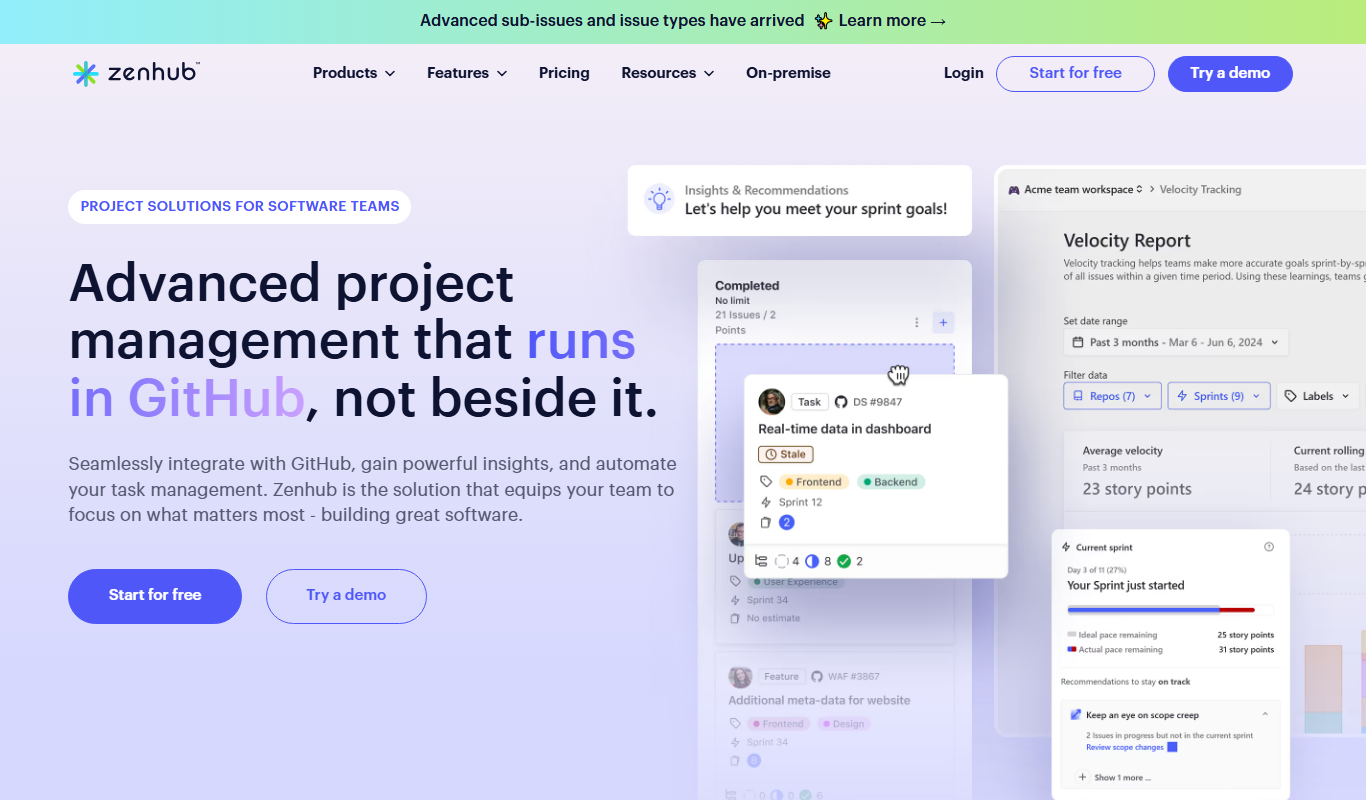
ZenHub
ZenHub is a project management tool that integrates directly with GitHub to help software teams manage agile workflows, track issues, and collaborate efficiently.
More AI Code Assistant tools
Other tools in the same category, for when this one is not quite the fit.
Enterprise License
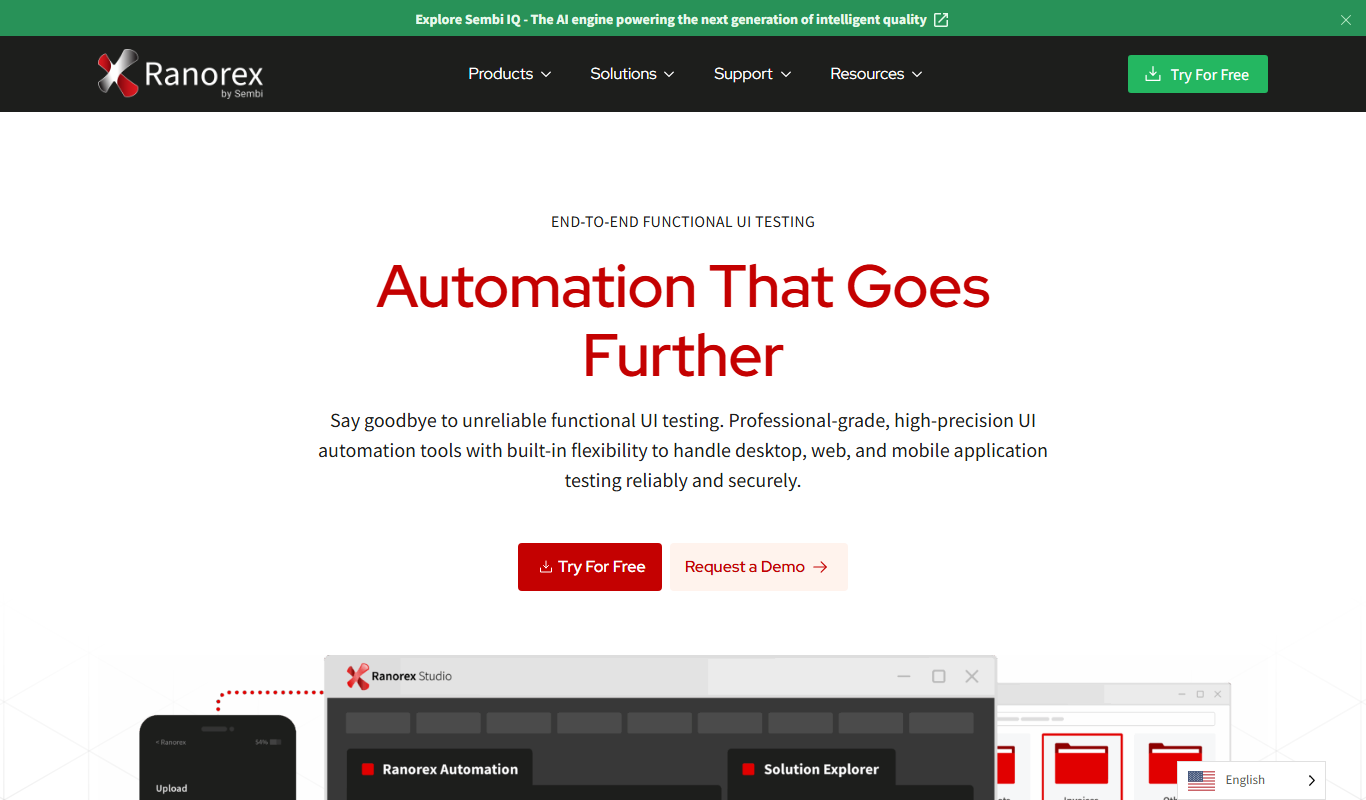
Ranorex
Ranorex is a comprehensive test automation tool that supports GUI testing for desktop, web, and mobile apps, offering both codeless and code-based test creation with strong CI/CD integration.

Free
Tynker
Tynker is an educational coding platform that teaches kids programming through interactive block coding and text-based languages like Python and JavaScript, supporting STEM learning and creative project development.
Free
Gamefroot
Gamefroot is a web-based platform that enables users to create 2D games through drag-and-drop tools and JavaScript scripting, focusing on educational and indie game development.

Free
Donkey Car
Donkey Car is an open source platform that lets users build and program small-scale autonomous vehicles using affordable hardware and AI models for self-driving capabilities.

Free
Numerai
Numerai is an AI-powered hedge fund platform that hosts weekly data science competitions using encrypted financial data, allowing data scientists to submit machine learning models anonymously and earn cryptocurrency rewards.

Free
Cymath
Cymath is an AI-powered math solver that provides step-by-step solutions for algebra, calculus, and other math problems via web and mobile apps.

Free
Sphinx
Sphinx is an open-source documentation generator primarily for Python projects that converts reStructuredText and docstrings into multi-format technical documentation.

Free
The Odin Project
The Odin Project is a free, open-source online curriculum that teaches full-stack web development through project-based learning and community support.