

From my experience with Flux AI Lab, I found it excels at making advanced AI-driven data analytics accessible to users without coding skills. The platform’s intuitive interface and customizable AI models allow businesses to automate complex data workflows and gain real-time insights efficiently. It’s particularly well-suited for small to medium businesses and teams looking to leverage AI for predictive analytics and operational automation. However, the lack of mobile apps and limited language support may restrict accessibility for some users. Overall, if you need a versatile AI analytics platform that balances power with ease of use, Flux AI Lab delivers solid value.
Flux AI Lab Review: AI-Powered Data Analytics and Automation Platform
Flux AI Lab is a cloud-based AI platform that enables businesses to automate data analytics, build custom AI models, and gain real-time insights without coding.
- Best for
- Business Intelligence
- Key capability
- Automated Data Integration


Do you recommend this tool?
What is Flux AI Lab?
Flux AI Lab is a cloud-based AI-powered data analytics and automation platform designed to help businesses transform raw data into actionable insights. It combines advanced machine learning algorithms with intuitive visualization tools to streamline data analysis, predictive modeling, and operational automation. The platform targets organizations seeking to leverage AI for smarter decision-making and efficiency improvements without requiring extensive technical expertise.
Key features of Flux AI Lab
Flux AI Lab offers a comprehensive suite of features including automated data ingestion, customizable AI model creation, real-time analytics dashboards, predictive forecasting, and workflow automation. Its user-friendly interface supports both technical and non-technical users in extracting value from complex datasets efficiently.
Automated Data Integration
Supports multiple data sources with automatic syncing to keep analytics up to date.
Custom AI Model Builder
Enables users to create and train AI models without coding, adapting to unique business needs.
Real-time Dashboards
Visualizes data dynamically to provide immediate insights and anomaly detection.
Predictive Analytics
Forecasts future trends using historical data and machine learning techniques.
Workflow Automation
Automates routine data tasks and reporting to improve operational efficiency.
Pros and cons of Flux AI Lab
Pros
- User-friendly interface suitable for non-technical users
- Comprehensive AI model customization without coding
- Real-time analytics and monitoring capabilities
- Flexible data source integration
- Automated workflows reduce manual effort
Cons
- Limited language support (English only)
- Pricing details for enterprise plans require direct contact
- No mobile app available currently
Key use cases for Flux AI Lab
Business Intelligence
Enables companies to analyze complex datasets to uncover actionable insights and improve decision-making.
Predictive Analytics
Uses machine learning models to forecast trends and outcomes, helping businesses anticipate future scenarios.
Data Automation
Automates repetitive data processing tasks, reducing manual workload and increasing operational efficiency.
Custom AI Model Development
Allows users to build and deploy tailored AI models suited to their specific data challenges.
Real-time Data Monitoring
Provides live dashboards and alerts to track key performance indicators and detect anomalies promptly.
How Flux AI Lab works
- 1
Sign Up and Connect Data Sources
Create an account and link your databases, spreadsheets, or cloud storage to import data seamlessly.
- 2
Configure AI Models
Select or customize machine learning models tailored to your business objectives and data types.
- 3
Analyze and Visualize
Use interactive dashboards to explore insights, track KPIs, and monitor trends in real time.
- 4
Automate Workflows
Set up automated processes for data updates, alerts, and report generation to save time.
Who is using Flux AI Lab
Small to medium businesses
Data analysts and business intelligence teams
Marketing agencies
Operations managers
Enterprises seeking AI automation
Flux AI Lab pricing
Free Trial
$0 for 14 days
Full access to platform features for two weeks to evaluate suitability.
Professional
$49/month
Includes core analytics, AI model customization, and standard support.
Enterprise
Custom pricing
Advanced features, dedicated support, and tailored integrations for large organizations.
Plans and prices are as published by the vendor and can change. Check the official site before you buy. Open the pricing page (opens in a new tab)
Frequently asked questions about Flux AI Lab
No, the platform is designed for users without coding experience, offering drag-and-drop AI model building.
Flux AI Lab supports databases, cloud storage, spreadsheets, and APIs for seamless data integration.
Yes, a 14-day free trial is offered with full access to all features.
Yes, the platform allows custom AI model creation tailored to specific data and goals.
This tool is designed to help users accomplish its core tasks more efficiently. It is typically used by individuals or teams looking to improve productivity and workflow.
Some tools offer a free plan or trial with limited features. Availability can vary, so confirm on the official website.
Yes, it can help with that use case depending on how you configure it and what features are available. You’ll get the best results with clear inputs and a defined goal.
Data handling and security practices vary by provider. Review the official privacy policy to understand how your data is stored and used.
Sign in to review this tool.
Sign In to ReviewNo reviews yet
Be the first to share how this tool worked for you.
Ask about pricing, limits, or how it compares — or answer someone else.
Sign In to AskNo questions yet
Have a question about using or paying for this tool? Be the first to ask.
Featured on TiorAI



Alternative Tools
Explore similar AI tools that might fit your needs

Enterprise
Alteryx
Alteryx is a no-code data analytics platform that enables users to prepare, blend, and analyze data through visual workflows, supporting predictive analytics and automation.
More AI Art Generator tools
Other tools in the same category, for when this one is not quite the fit.

Free
Prompt Hero
Prompt Hero is a web platform that provides a marketplace and community for discovering, sharing, and selling AI prompts used in text-to-image generation with popular AI art models.
Paid
MyPetPortrait
MyPetPortrait is an online service that creates personalized pet portraits from your photos, offering various artistic styles and options for digital or printed artwork.
Free
Sketchbook
Sketchbook is a professional digital drawing and painting software by Autodesk that offers customizable brushes, layers, and cross-platform support for artists and designers.

Free
Aggie.io
Aggie.io is a free online collaborative drawing tool that allows multiple users to paint together in real time on a shared canvas without requiring installation or accounts.

Enterprise
Redshift
Redshift is a GPU-accelerated 3D rendering software that enables fast, photorealistic image creation for artists and designers, integrating with major 3D applications.
Free
ThisPersonDoesNotExist
ThisPersonDoesNotExist is a free web tool that uses AI to generate photorealistic human faces that do not belong to real people, useful for creative and privacy-conscious applications.
Free
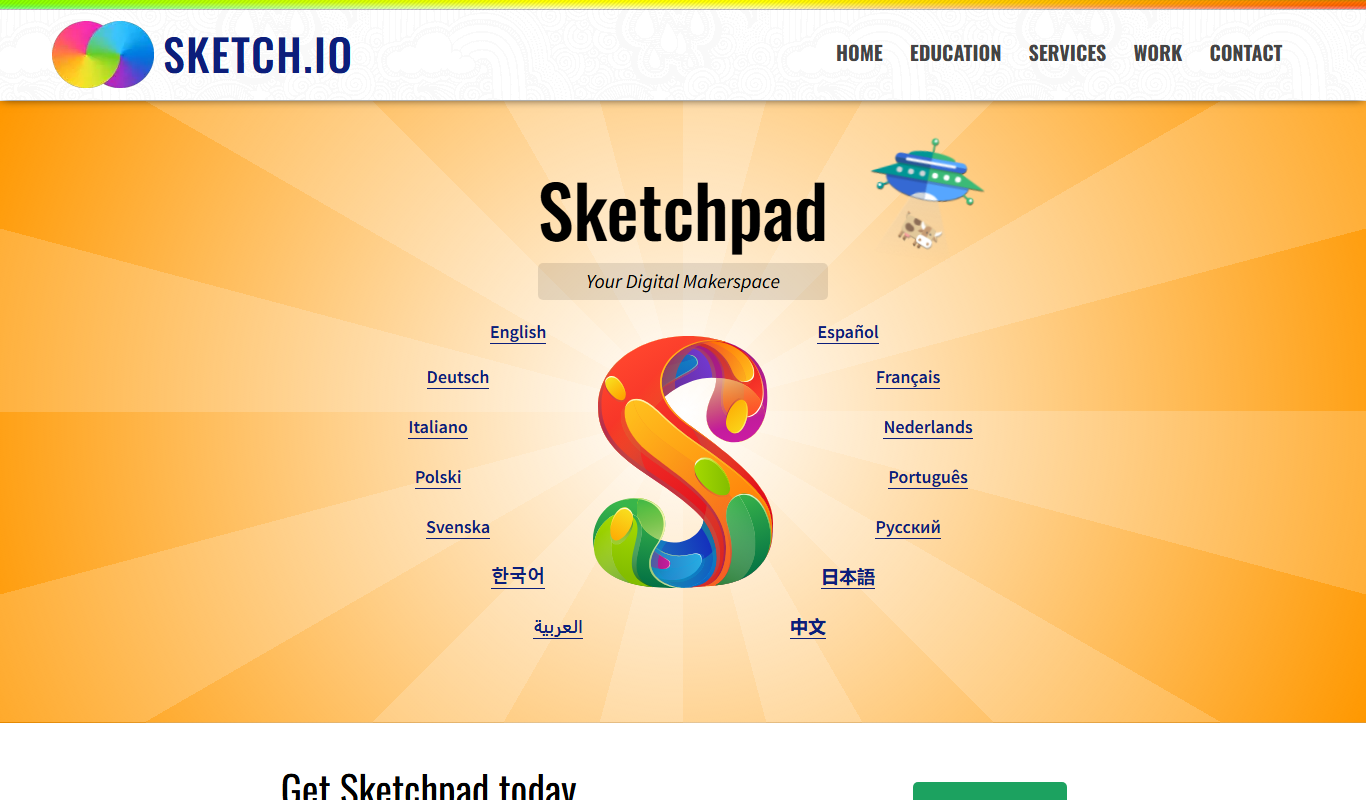
Sketchpad
Sketchpad is a free web-based drawing application that supports vector and raster graphics, offering tools for digital illustration, graphic design, and creative projects accessible directly in your browser.

Freemium
Microstockr
Microstockr is an AI-powered platform that generates royalty-free stock photos and creative images from text prompts, ideal for marketing and design projects.