

From my experience with Flow Trials, I found it excels at enabling quick and effective remote user testing without the complexity of traditional tools. The platform’s straightforward test creation and comprehensive video recording features make it easy to gather actionable UX insights. It’s particularly well-suited for startups and product teams needing rapid feedback on prototypes or websites. However, the platform currently supports only English and is web-based without mobile apps, which might limit some users. Overall, if you want a simple yet powerful tool for remote usability testing, Flow Trials delivers solid value.
Flow Trials User Testing Platform for Rapid UX Feedback and Insights
Flow Trials is a remote user testing platform that enables teams to quickly collect user feedback through video and screen recordings, helping improve UX and validate product ideas.
- Best for
- Rapid User Feedback
- Key capability
- Remote User Testing
Your actions
Save Flow Trials, follow its updates and vote on it — everything stays in your account.
Sign in or create a free account
What is Flow Trials?
Flow Trials is a user testing platform designed to help product teams quickly gather user feedback on digital products. It enables remote usability testing by allowing users to create tests that participants can complete on their own devices. The platform focuses on rapid insights to accelerate UX improvements and product validation.
Key features of Flow Trials
Flow Trials offers features such as easy test creation, participant recruitment, video and screen recording of user sessions, detailed analytics, and reporting tools to streamline the user testing process.
Remote User Testing
Conduct tests with users anywhere, removing geographical barriers and enabling flexible scheduling.
Video & Screen Recording
Capture user interactions and verbal feedback for rich qualitative insights.
Easy Test Setup
Intuitive interface for creating tests without technical expertise.
Participant Management
Tools to recruit, invite, and manage testers efficiently.
Detailed Analytics
Access quantitative data and session summaries to support decision-making.
Pros and cons of Flow Trials
Pros
- Simple and intuitive test creation process
- Supports remote testing with real user interactions
- Comprehensive video and screen recording capabilities
- Flexible participant recruitment options
Cons
- Limited language support (English only)
- No mobile app available, web platform only
Key use cases for Flow Trials
Rapid User Feedback
Collect quick and actionable feedback from real users on prototypes, websites, and apps to improve UX.
Usability Testing
Conduct remote usability tests to identify pain points and optimize user flows before launch.
Product Development Validation
Validate product ideas and features early in the development cycle with targeted user trials.
UX Research
Gather qualitative and quantitative data to inform design decisions and enhance user satisfaction.
How Flow Trials works
- 1
Create a Test
Design your user test by uploading prototypes, websites, or apps and defining tasks for participants.
- 2
Recruit Participants
Invite users via links or use Flow Trials’ participant pool to find testers matching your target audience.
- 3
Collect Feedback
Participants complete tasks remotely while their interactions and verbal feedback are recorded.
- 4
Analyze Results
Review session recordings, metrics, and user responses to identify usability issues and opportunities.
Who is using Flow Trials
UX designers
Product managers
Startups and small businesses
Digital agencies
Market researchers
Flow Trials pricing
Free Trial
$0
Limited access to test creation and participant recruitment for evaluation purposes.
Pro
$49/month
Full access to all features with higher participant limits and advanced analytics.
Plans and prices are as published by the vendor and can change. Check the official site before you buy. Open the pricing page (opens in a new tab)
Frequently asked questions about Flow Trials
Yes, Flow Trials supports testing of prototypes from tools like Figma, Adobe XD, and InVision.
You can invite your own users via shareable links or use Flow Trials’ participant recruitment services.
Limits depend on your subscription plan; the Pro plan offers higher or unlimited tests.
Some tools offer a free plan or trial with limited features. Availability can vary, so confirm on the official website.
Some tools offer a free plan or trial with limited features. Availability can vary, so confirm on the official website.
Pricing depends on the plan and included features. For the most accurate and up-to-date details, check the official pricing page.
Sign in to review this tool.
Sign In to ReviewNo reviews yet
Be the first to share how this tool worked for you.
Ask about pricing, limits, or how it compares — or answer someone else.
Sign In to AskNo questions yet
Have a question about using or paying for this tool? Be the first to ask.
Featured on TiorAI



Alternative Tools
Explore similar AI tools that might fit your needs

Custom Pricing
UserTesting
UserTesting is a platform that provides video-based user feedback and usability testing to help businesses improve their digital products by understanding real user experiences.
Free
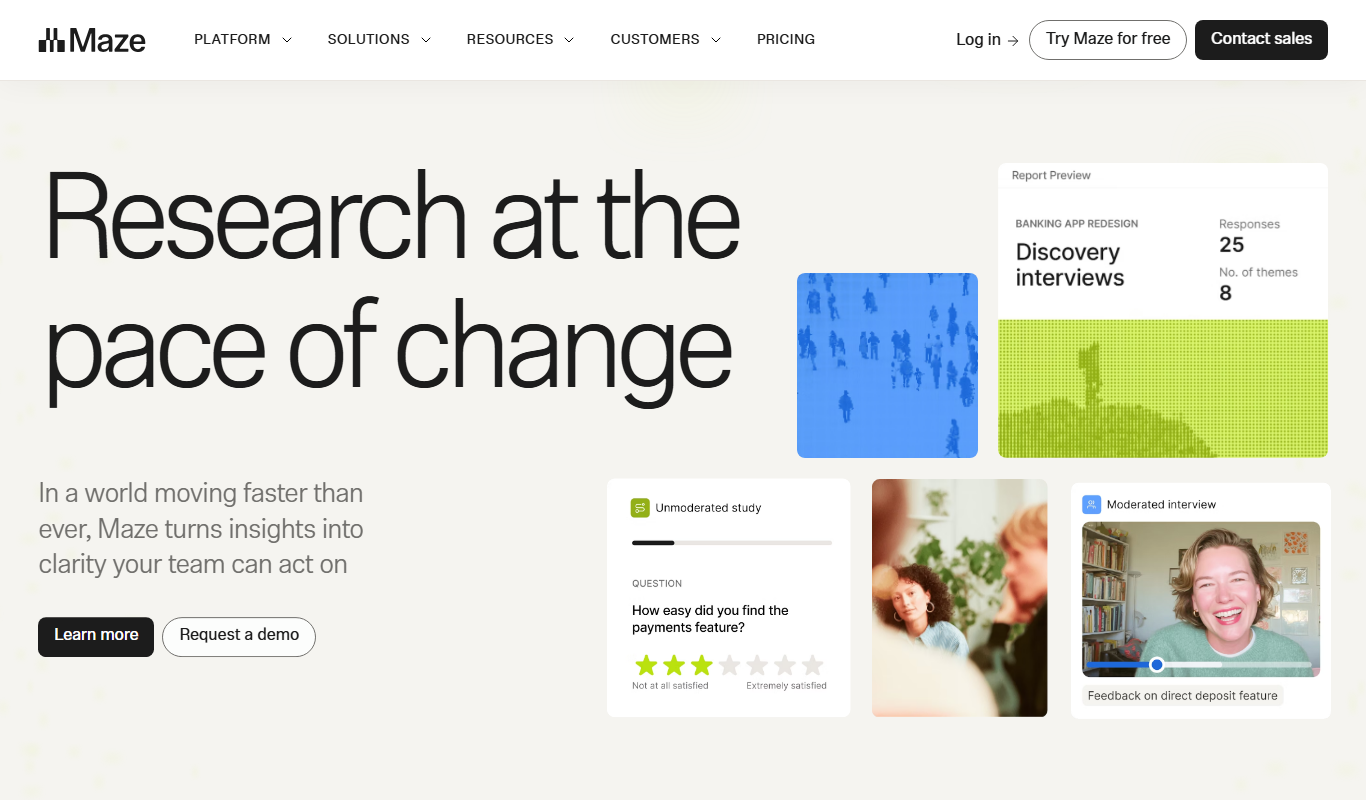
Maze
Maze is a user testing platform that helps teams validate prototypes and gather user feedback remotely through unmoderated tests integrated with popular design tools.
More AI Transcription Tools tools
Other tools in the same category, for when this one is not quite the fit.

Free Trial
Voxpad
Voxpad is an AI notetaker that converts uploaded video and audio into detailed, customizable notes, including lecture notes and meeting notes.

Free
TensorFlow
TensorFlow is an open-source machine learning framework developed by Google Brain that enables building, training, and deploying AI models across various platforms with support for hardware acceleration.

Free Trial
NeuralText
NeuralText is an AI-driven platform that assists marketers and SEO specialists in generating SEO-friendly content, performing keyword research, and creating content briefs to streamline content marketing workflows.
Free Trial
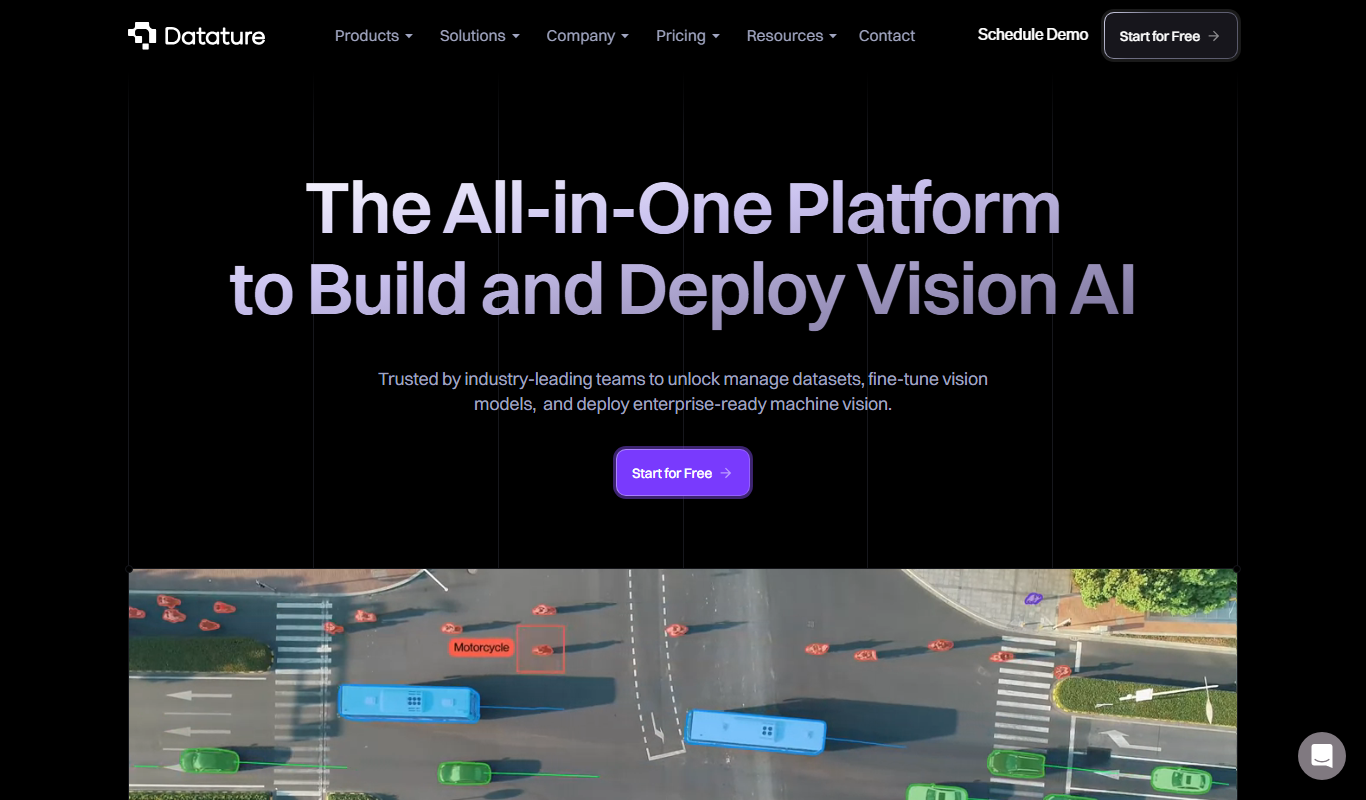
Datature
Datature is a comprehensive AI platform designed to streamline computer vision projects by providing tools for data annotation, model training, deployment, and team collaboration.
Free
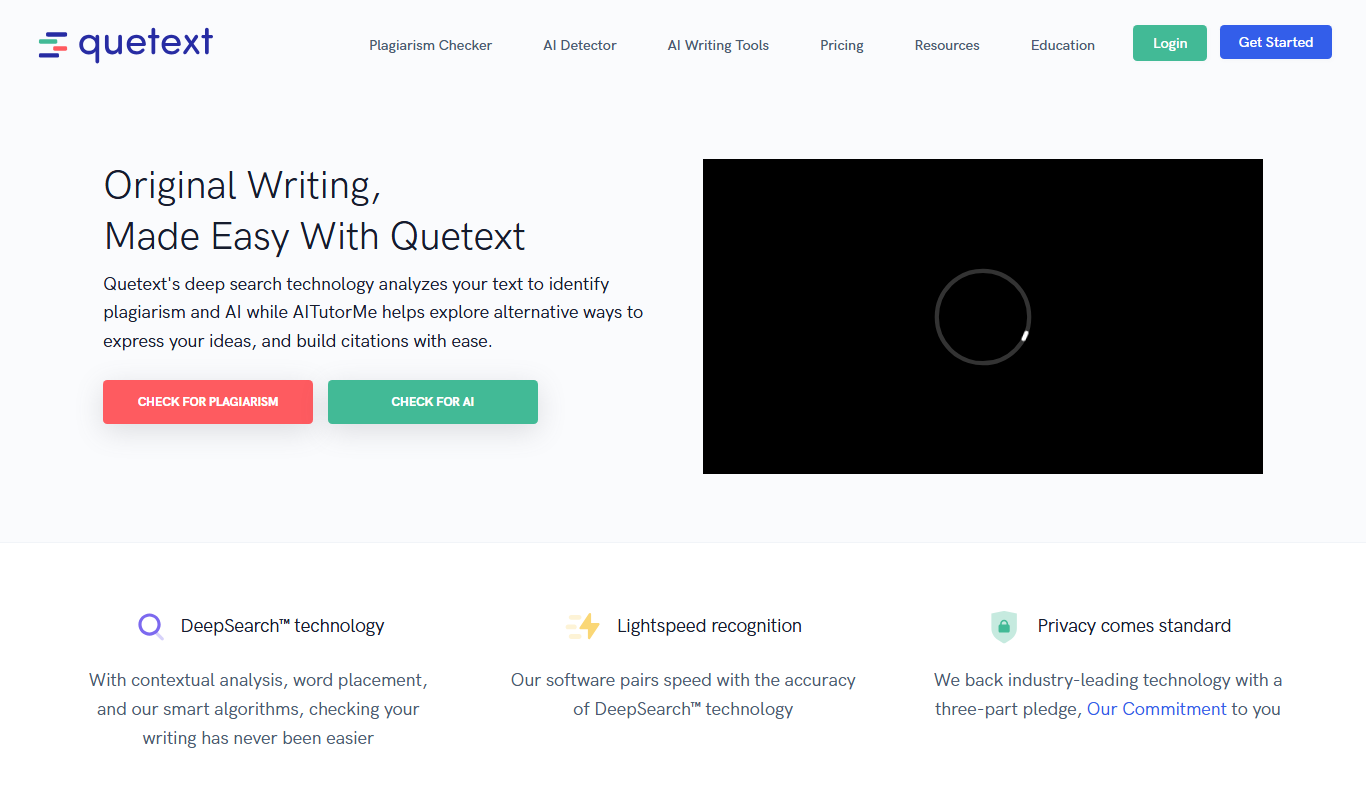
Quetext
Quetext is a plagiarism checker and AI detector that searches billions of sources to detect plagiarism and AI-written content.

Freemium
Transcript LOL
Transcript LOL is a web-based AI tool that transcribes audio and video files and generates summaries.

Free
TarotRead
TarotRead is an AI-driven online tool that provides personalized tarot card readings and spiritual guidance by combining traditional tarot symbolism with artificial intelligence.

Freemium
Smart Dictate
Smart Dictate is an AI-powered dictation tool for the web that understands context, technical terms and industry jargon for accurate voice-to-text across all websites.