
From my experience with Voxpad, it excels at delivering accurate real-time meeting transcriptions combined with AI-generated summaries that save significant time reviewing notes. The platform’s ability to capture voice notes and extract actionable tasks makes it a practical assistant for busy professionals and remote teams. However, its current limitation to English language support and subscription pricing may not suit all casual users. Overall, if you need a reliable AI voice assistant to streamline meeting documentation and enhance collaboration, Voxpad offers a solid, user-friendly solution.

Voxpad AI Voice Assistant for Efficient Meeting Transcriptions and Summaries
Voxpad is an AI voice assistant that transcribes meetings in real-time and generates summaries to improve productivity and collaboration.
What is Voxpad?
Voxpad is an AI-powered voice assistant designed to streamline meeting workflows by providing real-time transcription, summarization, and voice note capabilities. It helps professionals capture conversations accurately, generate actionable insights, and improve team collaboration without the distraction of manual note-taking.

Key Features of Voxpad
Accurate Real-Time Transcription
Captures spoken words with high accuracy to ensure no detail is missed during meetings.
AI-Powered Meeting Summaries
Automatically creates clear and concise summaries to save time on note review.
Voice Note Recording
Allows users to record and organize voice notes for easy access and reference.
Task Extraction and Integration
Identifies tasks from conversations and integrates them with productivity tools.
Multi-Platform Accessibility
Accessible via web and mobile apps to support meetings anywhere.
Pros and Cons of Voxpad
Pros
- Accurate real-time transcription reduces manual note-taking
- AI-generated summaries save time reviewing meetings
- Easy sharing and collaboration features
- Supports task extraction to boost productivity
Cons
- Limited to English language support
- Pricing plans may be restrictive for casual users
Key Use Cases for Voxpad
Meeting Transcriptions
Automatically transcribe meetings in real-time to capture accurate notes without manual effort.
Meeting Summaries
Generate concise summaries of meetings to quickly review key points and action items.
Voice Notes Capture
Record and organize voice notes for personal or team use, improving information retention.
Task Management Integration
Convert meeting discussions into actionable tasks and integrate with productivity tools.
Collaboration Enhancement
Share transcriptions and summaries with team members to improve communication and follow-up.
How Voxpad Works
-
1
Start a Meeting Session
Launch Voxpad and begin recording your meeting or conversation.
-
2
Real-Time Transcription
Voxpad transcribes spoken words instantly, displaying text for easy reference.
-
3
AI Summarization
After the meeting, Voxpad generates a concise summary highlighting key points and action items.
-
4
Review and Share
Review the transcription and summary, then share with your team or export for documentation.
Who's Using Voxpad
Business professionals
Remote teams
Project managers
Content creators
Sales and customer support teams
Voxpad Pricing
Free Trial
$0 for 7 days
Full access to features for a limited trial period.
Pro
$15/month
Unlimited meeting transcriptions, summaries, and integrations.
Frequently Asked Questions About Voxpad
Currently, Voxpad supports English language transcription and summarization only.
Yes, Voxpad allows you to export transcriptions and summaries in common formats for sharing or archiving.
Yes, Voxpad offers mobile applications for both iOS and Android platforms.
It depends on your specific needs and how you plan to use the tool. The official website and documentation are the best sources for the latest details.
Yes, it can help with that use case depending on how you configure it and what features are available. You’ll get the best results with clear inputs and a defined goal.
Integration support depends on the tool and its available connectors or API. Check the official documentation or integrations page to confirm what is supported.
Share your review
Reviews are limited to one per logged-in user and are published after moderation.
You need an account to review this tool.
0.0
★
★
★
★
★
0 reviews
5 star
0
4 star
0
3 star
0
2 star
0
1 star
0
No reviews yet
Be the first to share how this tool worked for you.
Questions from the community
Read questions and answers about this tool, or ask your own.
No questions yet
Start the conversation by asking the first question about this tool.
Is this tool helpful?
Free Trial
nettle.ai
Nettle.ai is an AI meeting assistant that provides real-time transcription, AI-generated summaries, and action item extraction to improve meeting productivity.

Freemium
AI Perfect Assistant – GPT for Office365
AI Perfect Assistant is a GPT-4 powered AI tool integrated with Microsoft Office365 apps to automate email drafting, document summarization, and streamline office workflows.
Freemium
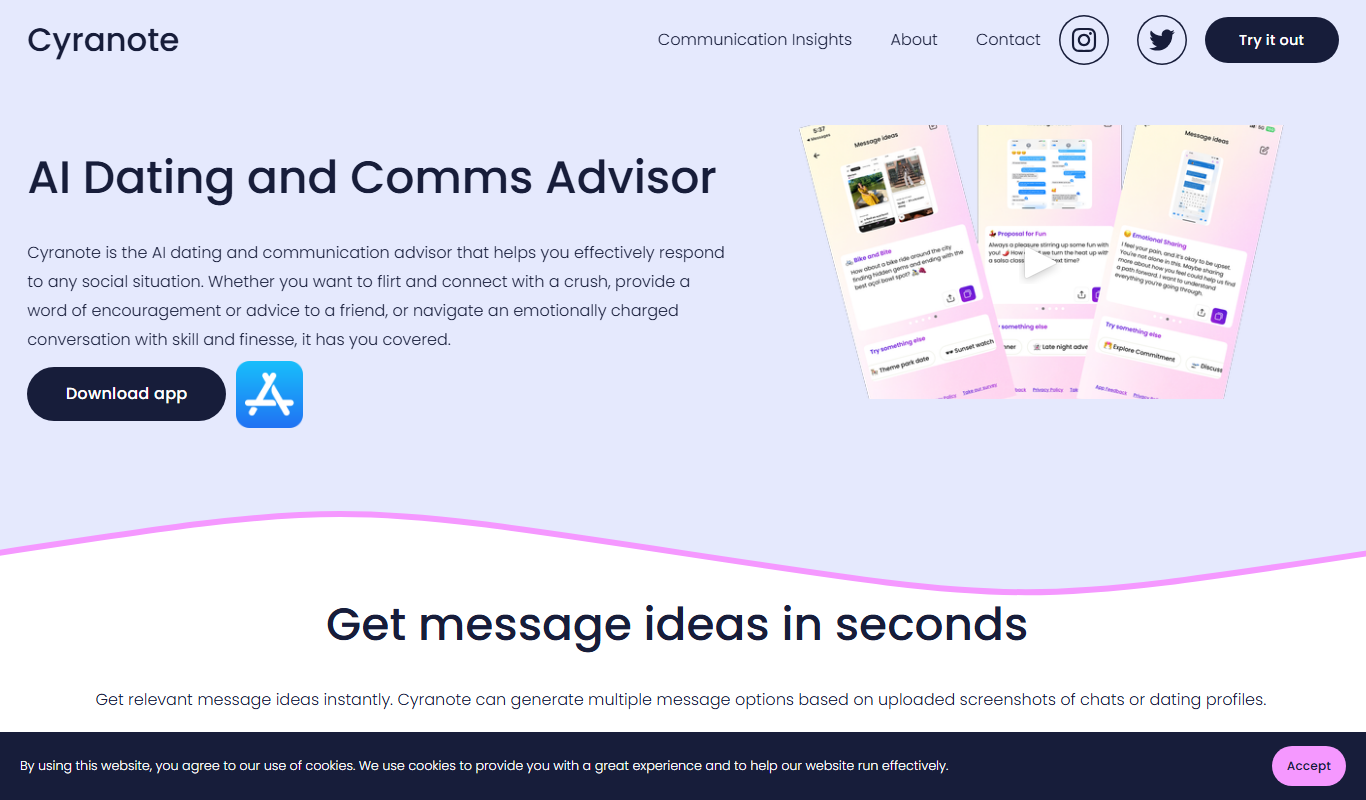
Cyranote
Cyranote is an AI meeting assistant that provides real-time transcription and automated summarization to help users capture and review meeting content efficiently.

Free
PulseAI
PulseAI is an AI meeting assistant that transcribes and summarizes meetings in real-time to improve productivity and collaboration.

Free
AskNotion
AskNotion is an AI assistant that integrates with Notion to provide natural language search and instant answers from your Notion workspace content.

Freemium
Phew AI Tab
Phew AI Tab is a Chrome browser extension that integrates AI-powered research, note-taking, and summarization tools directly into your browsing experience to enhance productivity and streamline information management.

Free Trial
DialSense
DialSense is an AI-powered sales assistant that automates outbound calls to engage and qualify leads, schedule appointments, and integrate with CRM systems to streamline sales outreach.

Free
Avoma – AI Meeting Assistant
Avoma is an AI-powered meeting assistant that provides real-time transcription, automated meeting notes, collaboration tools, and sales call analytics to improve meeting productivity and team alignment.