

From my experience with FakeYou, I found it excels at providing a vast and diverse collection of AI-generated voices, especially character and celebrity voice clones, which makes it highly engaging for content creators and hobbyists. The platform’s free access and community-driven voice contributions add great value without financial barriers. However, the voice quality can vary depending on the model, and the service currently supports mainly English, limiting multilingual use. Overall, if you want a quick, fun, and free way to generate custom AI voices for entertainment or prototyping, FakeYou delivers solid results.
FakeYou AI Voice Generator for Custom Text-to-Speech and Voice Cloning
FakeYou is a free web-based AI voice generator that converts text into speech using a wide range of AI voices, including celebrity and character clones, enabling users to create custom audio content easily.
- Best for
- Content Creation
- Key capability
- Extensive Voice Library
Your actions
Save FakeYou, follow its updates and vote on it — everything stays in your account.
Sign in or create a free account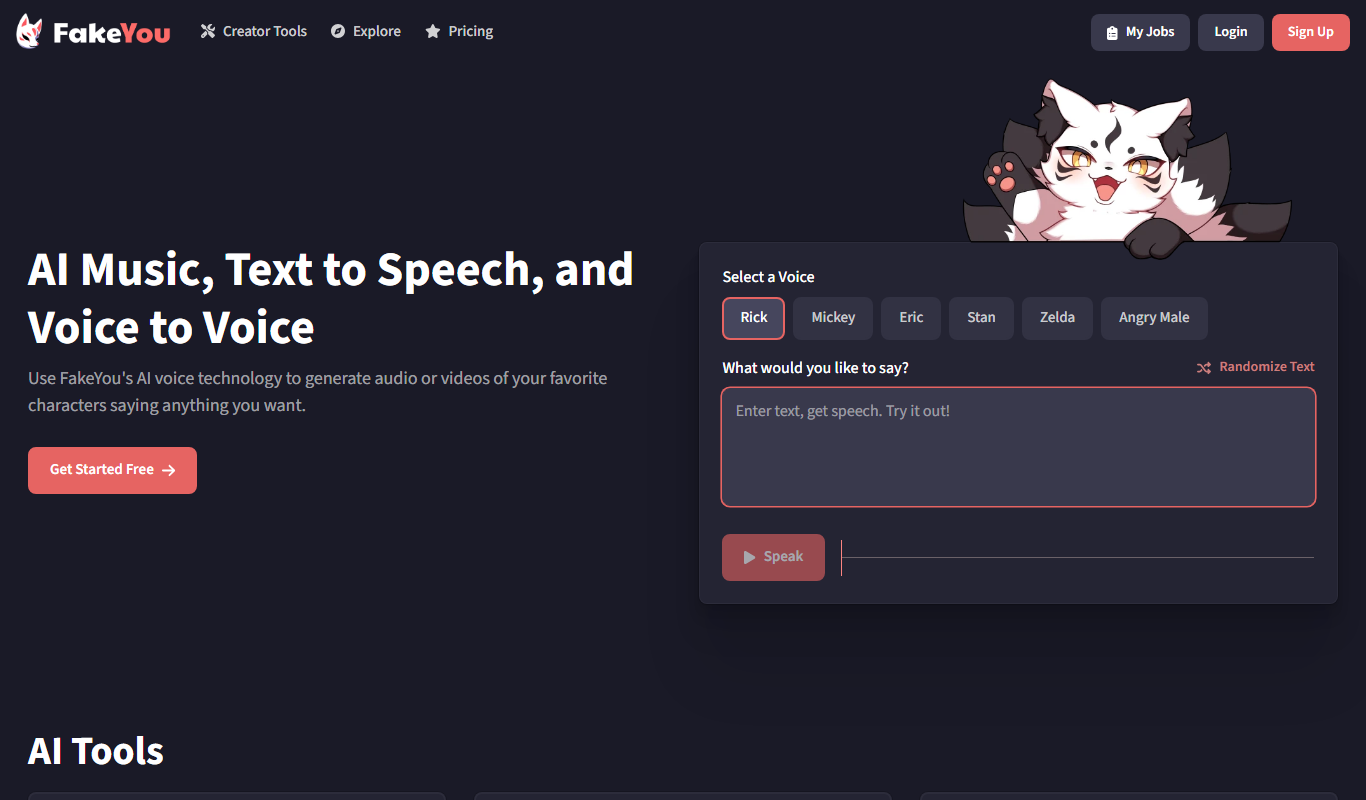

What is FakeYou?
FakeYou is a web-based AI voice generation platform that enables users to convert text into speech using a wide variety of AI-generated voices, including voice clones of famous characters and celebrities. It leverages deep learning models to produce realistic and customizable voice outputs, allowing users to create entertaining, educational, or accessibility-focused audio content.
Key features of FakeYou
FakeYou offers a large library of AI voices, including character impersonations and celebrity voice clones. Users can input custom text and generate speech audio instantly. The platform supports user submissions for new voice models and provides a community-driven environment for sharing voice clips. It operates primarily as a free service with optional donations.
Extensive Voice Library
Access hundreds of AI voices spanning various characters, celebrities, and styles.
User-Contributed Voice Models
Community members can submit and train new voice models to expand the platform.
Instant Text-to-Speech Conversion
Generate speech audio quickly from any input text.
Free Access with Donation Support
Use the platform for free with optional donations to support development.
Web-Based Interface
No installation required; accessible via any modern web browser.
Pros and cons of FakeYou
Pros
- Large and diverse voice library including popular characters
- Completely free with no mandatory subscription
- Community-driven voice model contributions
- Easy-to-use web interface with instant results
Cons
- Limited language support beyond English
- Voice quality varies depending on model training
- No official mobile app or offline usage
- Potential ethical concerns with voice cloning
Key use cases for FakeYou
Content Creation
Create unique voiceovers for videos, podcasts, or presentations using AI-generated voices.
Entertainment
Generate humorous or creative voice clips by mimicking famous characters or celebrities.
Accessibility
Provide alternative audio content for users with reading difficulties or visual impairments.
Voice Prototyping
Test and prototype voice interfaces or audio branding with customizable AI voices.
Language Learning
Practice listening and pronunciation with diverse AI-generated voices.
How FakeYou works
- 1
Select a Voice Model
Choose from hundreds of AI-generated voices, including popular characters and celebrities.
- 2
Enter Text
Type or paste the text you want to convert into speech.
- 3
Generate Audio
Click the generate button to produce the AI-synthesized voice clip.
- 4
Listen and Download
Preview the generated audio and download it for personal use.
Who is using FakeYou
Content creators and YouTubers
Podcasters and streamers
Educators and accessibility advocates
Voiceover artists and marketers
AI enthusiasts and hobbyists
FakeYou pricing
Free
$0
Full access to voice generation with some usage limits and community support.
Plans and prices are as published by the vendor and can change. Check the official site before you buy. Open the pricing page (opens in a new tab)
Frequently asked questions about FakeYou
Yes, FakeYou is free to use with optional donations to support the platform.
Yes, users can contribute voice models by submitting training data through the platform.
Users should ensure their use complies with copyright and privacy laws, especially when using celebrity voices.
Currently, FakeYou primarily supports English voice models.
It depends on your specific needs and how you plan to use the tool. The official website and documentation are the best sources for the latest details.
Yes, it can help with that use case depending on how you configure it and what features are available. You’ll get the best results with clear inputs and a defined goal.
It depends on your specific needs and how you plan to use the tool. The official website and documentation are the best sources for the latest details.
It depends on your specific needs and how you plan to use the tool. The official website and documentation are the best sources for the latest details.
Sign in to review this tool.
Sign In to ReviewNo reviews yet
Be the first to share how this tool worked for you.
Ask about pricing, limits, or how it compares — or answer someone else.
Sign In to AskNo questions yet
Have a question about using or paying for this tool? Be the first to ask.
Featured on TiorAI



More AI Text-to-Speech tools
Other tools in the same category, for when this one is not quite the fit.

Free
Typecast AI
Typecast AI is a web-based platform that generates realistic AI voices using text-to-speech and voice cloning technologies, supporting multiple languages and emotional speech customization.

Free
free text Into Speech
Free Text Into Speech is a free web tool that converts typed text into natural-sounding speech with multiple voice options and downloadable MP3 audio.

Freemium
MS Text-to-Speech Downloader
MS Text-to-Speech Downloader is a web tool for synthesizing speech with the Microsoft Text-to-Speech service and playing or downloading the audio with one click, with a capped Free plan and a Pro plan for unlimited downloads.

Freemium
FREE Trump AI voice Generator
The AI Voice Generator is a web-based text to speech tool with a Donald Trump voice among 30+ AI voices, free with no sign-up for up to 120 characters per clip.
Free
Kokoro Web
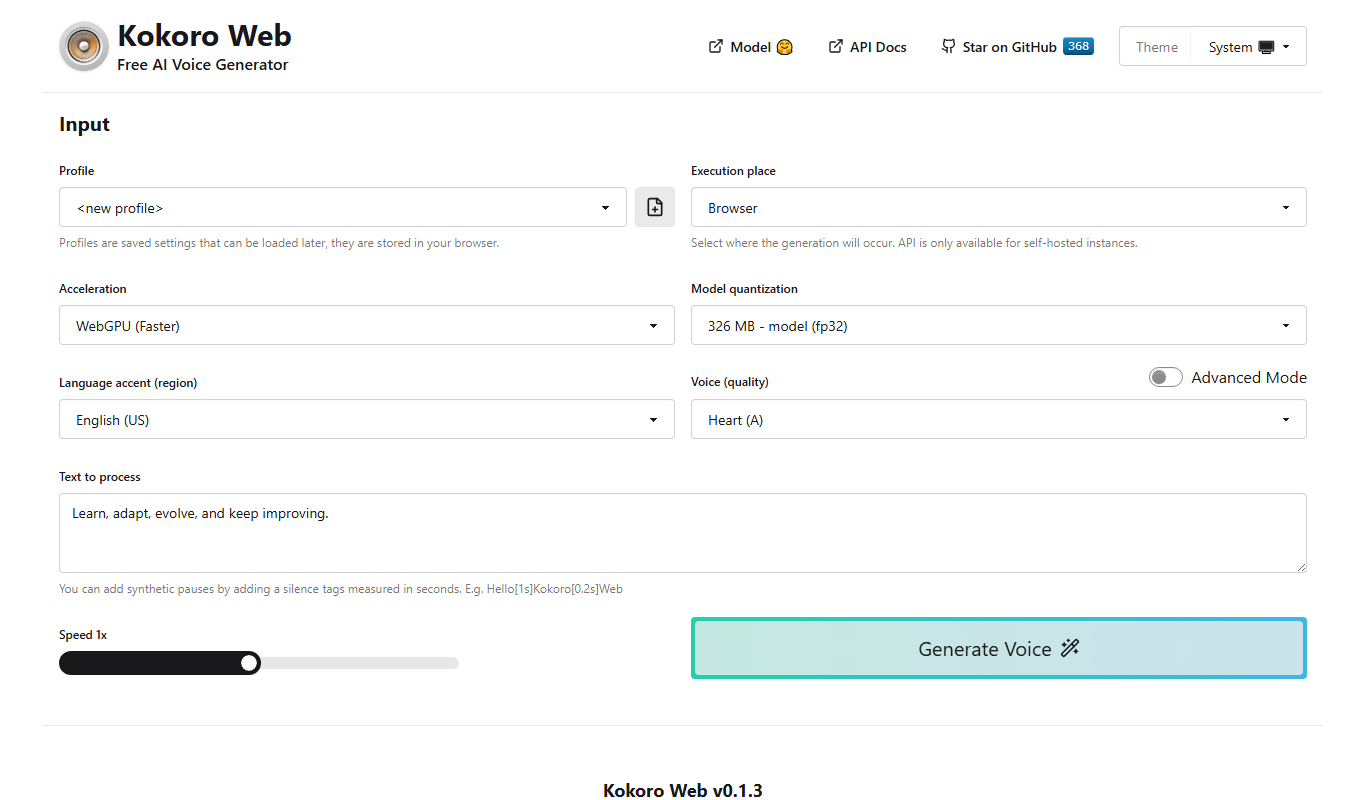
Kokoro Web is a free, open-source text-to-speech tool built on Kokoro-82M that supports 8 languages and more than 40 voices, with self-hosting and an OpenAI-compatible API.

Freemium
TTSLabs
TTSLabs is a real-time text to speech tool for live streams: the audience triggers the alerts, and the streamer controls the voices, clips and filters.

Freemium
TexttoSpeech.im: Convert Text to Speech Free Online
TexttoSpeech.im is a free web-based tool that converts written text into natural-sounding speech in multiple languages, allowing users to download the audio as MP3 files without registration.

Free
GPT Reader: A Free AI Text-to-Speech
GPT Reader is a browser extension for Chrome, Firefox and Edge that offers text-to-speech and speech-to-text.