

From my experience with Eraser, I found it excels at automating the tedious and error-prone task of code review by leveraging AI to detect bugs and security vulnerabilities that might be missed by manual checks. The platform integrates smoothly with common development workflows, making it a practical choice for teams aiming to improve code quality without slowing down their release cycles. However, its limited language support and subscription pricing might be a consideration for smaller teams or projects with diverse tech stacks. Overall, if you need an AI-powered tool to enhance your code review process and catch issues early, Eraser delivers reliable and actionable insights.
Eraser AI Tool for Automated Code Review and Bug Detection
Eraser is an AI-driven automated code review tool that detects bugs and security vulnerabilities in codebases, integrates with CI/CD pipelines, and provides actionable reports to improve software quality.
- Best for
- Automated Code Review
- Key capability
- AI-Powered Bug Detection
Your actions
Save Eraser, follow its updates and vote on it — everything stays in your account.
Sign in or create a free account
What is Eraser?
Eraser is an AI-powered automated code review and bug detection platform designed to help developers identify issues, vulnerabilities, and bugs in their codebases quickly and efficiently. It leverages machine learning models trained on vast amounts of code to provide actionable insights that improve code quality and security.
Key features of Eraser
Eraser offers automated scanning of code for bugs and vulnerabilities, integration with popular development workflows, detailed reports highlighting issues, and suggestions for fixes. It supports multiple programming languages and provides an API for seamless integration.
AI-Powered Bug Detection
Uses advanced machine learning to identify subtle bugs that traditional linters might miss.
Security Vulnerability Scanning
Detects common security flaws such as injection vulnerabilities and insecure coding patterns.
Multi-Language Support
Supports major programming languages including Python, JavaScript, and more.
Integration with Development Tools
Works with GitHub, GitLab, and other repository hosting services for seamless workflow integration.
Detailed Issue Reports
Provides clear explanations and remediation advice for each detected issue.
Pros and cons of Eraser
Pros
- Automates tedious code review tasks
- Detects subtle bugs and security issues
- Integrates well with popular development tools
- Provides clear, actionable reports
Cons
- Limited language support compared to some competitors
- Pricing may be high for small teams
- Requires internet connection for cloud-based analysis
Key use cases for Eraser
Automated Code Review
Eraser automatically scans codebases to identify bugs, vulnerabilities, and code quality issues, streamlining the review process.
Bug Detection
The tool detects potential bugs early in the development cycle, reducing the risk of production errors.
Security Vulnerability Identification
Eraser helps uncover security weaknesses in code to prevent exploits and enhance software safety.
Developer Productivity Enhancement
By automating repetitive code review tasks, Eraser allows developers to focus on higher-value work.
Continuous Integration Support
Integrates with CI pipelines to provide real-time feedback on code quality during development.
How Eraser works
- 1
Connect Your Repository
Link your code repository to Eraser via the web platform or API.
- 2
Automated Code Analysis
Eraser scans your codebase using AI models to detect bugs, vulnerabilities, and code smells.
- 3
Review Detailed Reports
Receive comprehensive reports with identified issues and recommended fixes.
- 4
Integrate with CI/CD
Set up Eraser to run automatically during your continuous integration process for ongoing code quality checks.
Who is using Eraser
Software developers
QA engineers
DevOps teams
Security analysts
Development agencies
Eraser pricing
Free Trial
$0 for 14 days
Full feature access for evaluation with limited usage.
Pro
$49/month
Unlimited scans, priority support, and advanced integrations.
Enterprise
Custom pricing
Tailored solutions with dedicated support and on-premises deployment options.
Plans and prices are as published by the vendor and can change. Check the official site before you buy. Open the pricing page (opens in a new tab)
Frequently asked questions about Eraser
Eraser supports multiple languages including Python, JavaScript, TypeScript, and more, with plans to expand support.
Yes, Eraser provides API access and integrations to run automated code reviews during your CI/CD processes.
Eraser offers a 14-day free trial with full features to evaluate the platform.
Eraser uses secure connections and does not store your code beyond analysis. Enterprise plans offer on-premises deployment for enhanced security.
It depends on your specific needs and how you plan to use the tool. The official website and documentation are the best sources for the latest details.
Yes, it can help with that use case depending on how you configure it and what features are available. You’ll get the best results with clear inputs and a defined goal.
Integration support depends on the tool and its available connectors or API. Check the official documentation or integrations page to confirm what is supported.
Sign in to review this tool.
Sign In to ReviewNo reviews yet
Be the first to share how this tool worked for you.
Ask about pricing, limits, or how it compares — or answer someone else.
Sign In to AskNo questions yet
Have a question about using or paying for this tool? Be the first to ask.
Featured on TiorAI



Alternative Tools
Explore similar AI tools that might fit your needs

Free
Snyk
Snyk is a security platform designed for developers to find, fix, and monitor vulnerabilities in open source dependencies, container images, and infrastructure as code, integrating directly into developer workflows and CI/CD pipelines.
More AI Ai Tools tools
Other tools in the same category, for when this one is not quite the fit.

Free
KidsAIStory
KidsAIStory is a tool for parents to create personalized illustrated children's books, not a platform where children write their own stories.

Free
InstaNovel AI
InstaNovel AI is a mini-novel generator that produces 4-6 chapters with illustrations, with a waiting queue for free users.

Free
ChatGPT Famous Resumes
ChatGPT Famous Resumes is a gallery of resumes to browse, not a tool that generates a resume for the user.

Free
image Upscaling
Image Upscaling is a professional online image editor with multiple AI image processing tools.

Free
Free AI Watermark Remover Online
Free AI Watermark Remover Online is a free tool for removing watermarks from images and video.

Free
Pixelcut
Pixelcut is an AI-driven photo editing tool that automates background removal and image enhancement, ideal for e-commerce and social media content creation.
Freemium
Splitter.ai
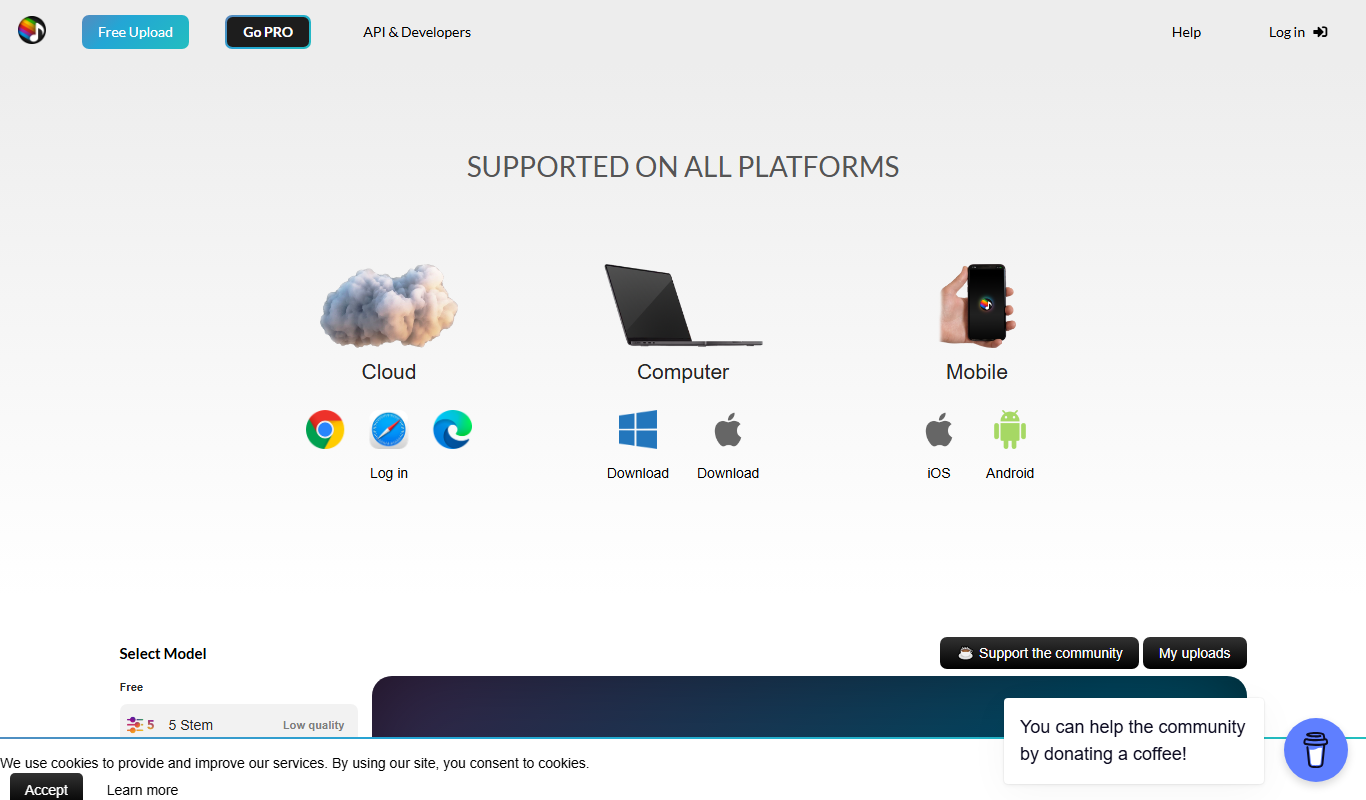
Splitter.ai is an online AI tool that separates audio tracks into individual stems like vocals and instruments, enabling easy vocal removal and remixing.

Freemium
Visla
Visla is a web-based AI video editor that automates editing tasks and supports real-time collaboration to help users create professional videos quickly and easily.