

Endlesss Collaborative Music Creation Platform for Live Jamming and Remixing
Endlesss is a platform for real-time collaborative music creation, allowing users to jam, remix, and produce music together remotely using loops and built-in instruments.
- Best for
- Live Collaborative Music Jamming
- Key capability
- Real-Time Collaborative Jamming
Save Endlesss, follow its updates and vote on it — everything stays in your account.
Sign in or create a free account
What is Endlesss?
Endlesss is a platform for real-time collaborative music creation using loops, samples and built-in instruments. It shut down in 2024 and came back online under HabLab London, run by Imogen Heap.
Key features of Endlesss
Endlesss offers real-time collaborative jamming, a library of loops and samples, multi-track layering, live audio effects, and social sharing features. It supports seamless music creation across iOS, desktop, and web platforms, making it accessible for musicians anywhere.
Real-Time Collaborative Jamming
Enables multiple users to create and edit music together live from different locations.
Loop-Based Music Creation
Users can build tracks by layering loops, beats, and samples seamlessly.
Built-In Audio Effects and Instruments
Includes a variety of audio effects and virtual instruments to enhance music production.
Cross-Platform Support
Accessible via iOS app, desktop application, and web browser for flexible use.
Social Music Sharing
Community features allow sharing, feedback, and discovery of new collaborative jams.
Pros and cons of Endlesss
Pros
- Enables seamless real-time remote music collaboration
- User-friendly loop-based interface for quick music creation
- Cross-platform availability increases accessibility
- Strong community features for sharing and feedback
Cons
- Limited advanced production features compared to full DAWs
- Requires stable internet connection for smooth collaboration
Key use cases for Endlesss
Live Collaborative Music Jamming
Musicians and producers can jam together in real-time remotely, creating music collaboratively.
Beat and Loop Creation
Users can create beats and loops using built-in instruments and effects to build music tracks.
Music Remixing and Editing
Artists can remix existing loops and tracks, layering sounds and editing audio live.
Music Production and Composition
Endlesss serves as a platform for composing and producing music collaboratively with others.
Social Music Sharing
Users can share their jams and creations with the community for feedback and collaboration.
How Endlesss works
- 1
Create an Account
Sign up on Endlesss via the website or app to start creating and collaborating.
- 2
Join or Start a Jam
Enter an existing jam session or create a new one to begin live collaborative music making.
- 3
Use Instruments and Loops
Add beats, loops, and sounds using built-in instruments and sample libraries.
- 4
Collaborate in Real-Time
Invite others to join your jam and create music together live, layering and remixing sounds.
- 5
Share Your Creations
Publish your jams to the community or export them for further production.
Who is using Endlesss
Endlesss pricing
Free
$0/month
Access to basic features, limited jam sessions, and community sharing.
Pro
$9.99/month
Unlocks unlimited jams, advanced audio tools, higher quality exports, and priority support.
Plans and prices are as published by the vendor and can change. Check the official site before you buy. Open the pricing page (opens in a new tab)
Frequently asked questions about Endlesss
Yes, Endlesss offers a free tier with basic features and limited jam sessions.
Absolutely, Endlesss is designed for real-time remote collaboration between musicians.
Endlesss is available on iOS devices, desktop applications, and web browsers.
Yes, it includes virtual instruments and audio effects for music creation.
It depends on your specific needs and how you plan to use the tool. The official website and documentation are the best sources for the latest details.
Some tools offer a free plan or trial with limited features. Availability can vary, so confirm on the official website.
Yes, it can help with that use case depending on how you configure it and what features are available. You’ll get the best results with clear inputs and a defined goal.
Yes, it can help with that use case depending on how you configure it and what features are available. You’ll get the best results with clear inputs and a defined goal.
Conclusion
A user starts a new jam or enters an existing one, then adds beats, loops and sounds from built-in instruments and sample libraries. Other musicians can be invited to layer and remix those sounds live from different locations. Finished jams are published to the community or exported for further production.
It is meant for musicians and producers, live performers and DJs, and music educators and students. The page notes that it lacks the advanced production features of full DAWs and needs a stable internet connection. After shutting down in 2024, the platform came back online under HabLab London.
Sources
Sign in to review this tool.
Sign In to ReviewNo reviews yet
Be the first to share how this tool worked for you.
Ask about pricing, limits, or how it compares — or answer someone else.
Sign In to AskNo questions yet
Have a question about using or paying for this tool? Be the first to ask.
Featured on TiorAI



Alternative Tools
Explore similar AI tools that might fit your needs

Soundtrap
Soundtrap is a cloud-based digital audio workstation that enables users to create, record, edit, and collaborate on music and podcasts online through web and mobile platforms.

Audiotool
Audiotool is a web-based digital audio workstation that lets users create, mix, and collaborate on music projects online using virtual instruments and effects without software installation.
More AI Audio Editing tools
Other tools in the same category, for when this one is not quite the fit.

Drumbit
Drumbit is a free web-based drum machine that lets you create and export drum beats using an easy step sequencer interface with multiple drum kits and tempo control.

Soundiiz
Soundiiz is a web-based tool that lets you transfer and synchronize music playlists across over 40 streaming services like Spotify and Apple Music, simplifying playlist management and sharing.
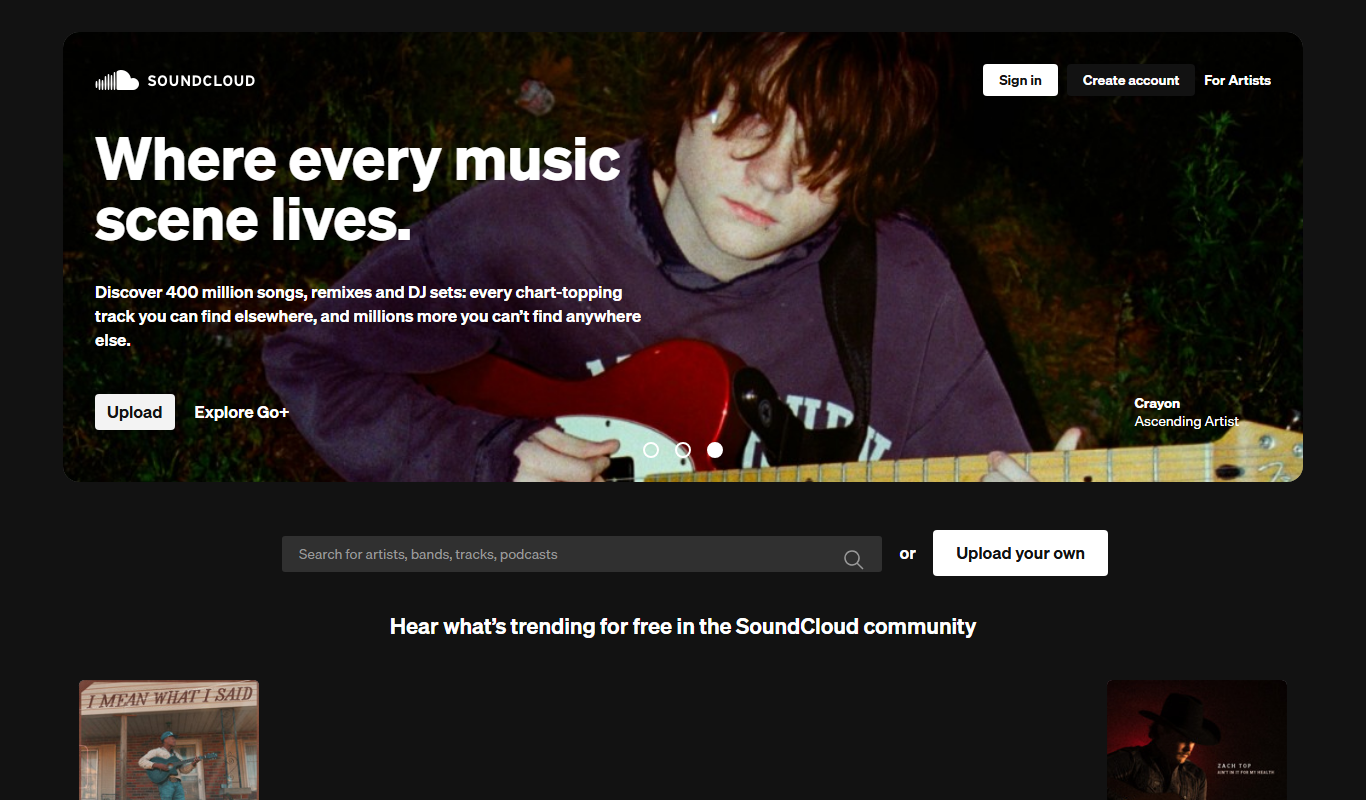
SoundCloud
SoundCloud is a music streaming and audio sharing platform that allows creators to upload, share, and monetize their audio content while listeners can discover and stream a vast library of music and podcasts.

Virtual DJ
Virtual DJ is a professional DJ software that enables live audio and video mixing with AI-powered beat matching, extensive hardware compatibility, and features for DJs of all skill levels.

Mixed In Key
Mixed In Key is a software tool that analyzes audio tracks to detect their musical key and energy level, helping DJs and producers perform harmonic mixing and create seamless transitions.
Vocaroo
Vocaroo is a free online voice recorder that lets you record, share, and download audio clips instantly from your browser without any account or software installation.

TuneIn Radio
TuneIn Radio is a streaming platform providing access to live radio stations, podcasts, music, and news globally, available on web, mobile, and smart devices with free and premium options.
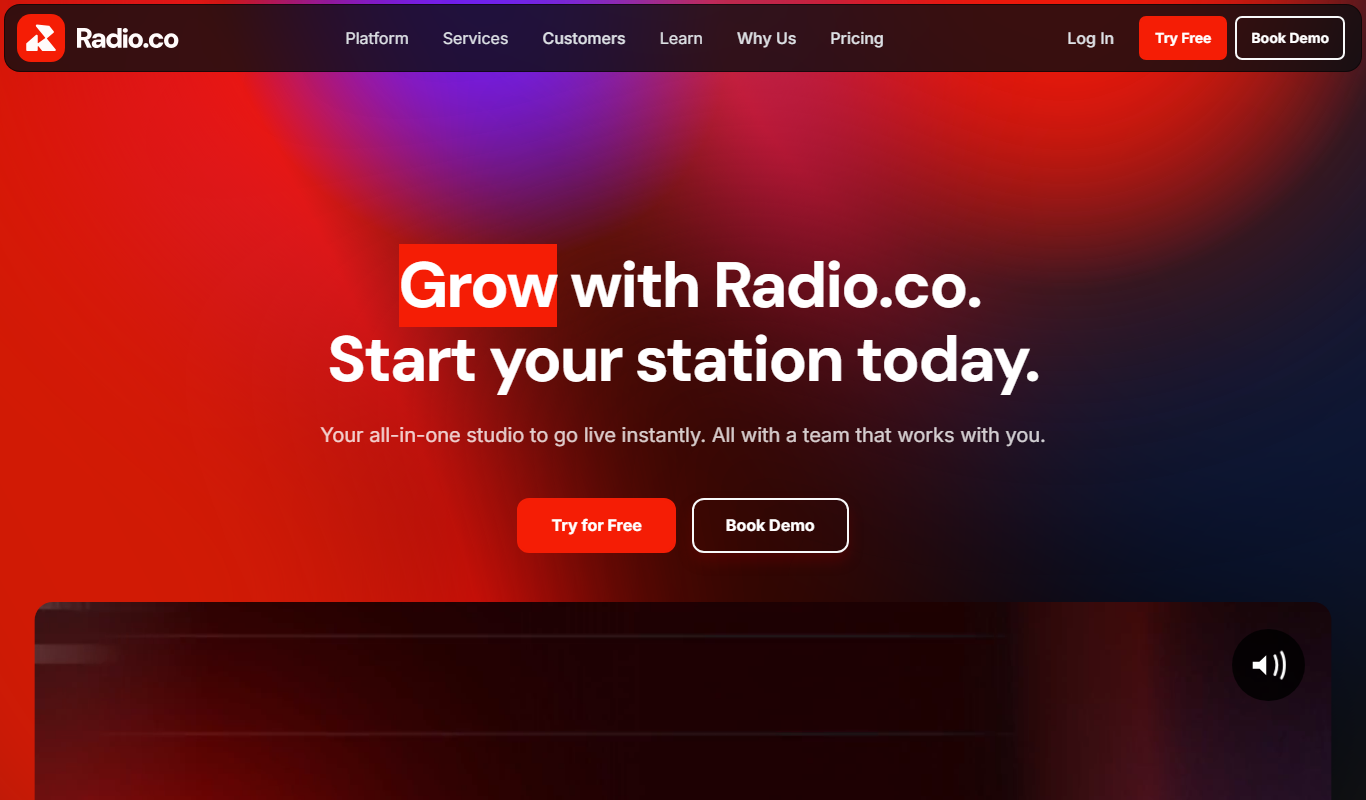
Radio.co
Radio.co is an online platform that allows users to create, manage, and broadcast internet radio stations and podcasts with live streaming, automated scheduling, and monetization features.