

From my experience with EchoMD, I found it excels at accurately transcribing complex medical dictations into structured clinical notes, which is a critical need in healthcare documentation. After spending time with the platform, I can say it’s particularly well-suited for physicians and medical transcriptionists looking to reduce administrative workload while maintaining data accuracy. However, there’s a trade-off: the tool currently supports only English and requires direct contact for pricing details, which may limit accessibility for some users. Overall, if you need reliable AI-driven medical transcription integrated with EHR systems, EchoMD delivers solid results.
EchoMD AI Medical Transcription and Voice Recognition Software for Healthcare
EchoMD is an AI-driven medical transcription platform that converts physician voice dictations into accurate clinical notes, integrating with EHR systems to improve healthcare documentation efficiency.
- Best for
- Medical Transcription
- Key capability
- Medical Vocabulary Recognition
Do you recommend this tool?
What is EchoMD?
EchoMD is an AI-powered medical transcription and voice recognition platform designed specifically for healthcare professionals. It transforms spoken medical dictations into accurate, structured clinical documentation, helping reduce the time clinicians spend on paperwork and improving the quality of patient records.
Key features of EchoMD
EchoMD offers advanced speech-to-text capabilities tailored for medical terminology, real-time transcription, voice command support, and integration with electronic health records (EHR) systems to streamline clinical workflows.
Medical Vocabulary Recognition
Specialized AI trained to accurately transcribe complex medical terminology.
Real-Time Transcription
Instant conversion of speech to text during live dictations.
EHR Integration
Supports seamless syncing with popular electronic health record platforms.
Voice Command Support
Enables hands-free navigation and editing through voice commands.
Pros and cons of EchoMD
Pros
- Highly accurate medical transcription tailored for healthcare
- Reduces clinician documentation time significantly
- Supports integration with electronic health records
- Real-time transcription improves workflow efficiency
Cons
- Limited to English language support
- Pricing details require direct consultation
- Primarily focused on US healthcare terminology
Key use cases for EchoMD
Medical Transcription
Convert physician voice dictations into accurate, structured clinical notes.
Clinical Documentation Automation
Automate the creation of patient records to reduce administrative burden on healthcare providers.
Voice-Enabled Charting
Enable doctors to document patient encounters hands-free using voice commands.
Integration with EHR Systems
Seamlessly integrate transcribed notes into electronic health record platforms.
How EchoMD works
- 1
Record or Upload Audio
Physicians record their dictations or upload existing audio files to the EchoMD platform.
- 2
AI Transcription Processing
The AI engine processes the audio, recognizing medical terms and converting speech to text.
- 3
Review and Edit
Users review the transcribed notes and make any necessary edits for accuracy.
- 4
Export or Integrate
Finalized notes can be exported or automatically integrated into EHR systems.
Who is using EchoMD
Physicians and clinicians
Medical transcriptionists
Healthcare IT administrators
Hospitals and clinics
Medical billing and coding professionals
EchoMD pricing
Custom Subscription
Contact for pricing
Tailored plans based on volume and integration needs.
Plans and prices are as published by the vendor and can change. Check the official site before you buy. Open the pricing page (opens in a new tab)
Frequently asked questions about EchoMD
Yes, EchoMD adheres to HIPAA regulations to ensure patient data privacy and security.
EchoMD supports integration with many major EHR platforms; contact support for specific compatibility.
Currently, EchoMD supports English transcription optimized for US medical terminology.
It depends on your specific needs and how you plan to use the tool. The official website and documentation are the best sources for the latest details.
Yes, it can help with that use case depending on how you configure it and what features are available. You’ll get the best results with clear inputs and a defined goal.
Integration support depends on the tool and its available connectors or API. Check the official documentation or integrations page to confirm what is supported.
Sign in to review this tool.
Sign In to ReviewNo reviews yet
Be the first to share how this tool worked for you.
Ask about pricing, limits, or how it compares — or answer someone else.
Sign In to AskNo questions yet
Have a question about using or paying for this tool? Be the first to ask.
Featured on TiorAI



More AI Speech-to-Text tools
Other tools in the same category, for when this one is not quite the fit.

Free
Speechify
Speechify is an AI-powered text-to-speech tool that converts written text into natural audio, supporting multiple languages and platforms to enhance accessibility and productivity.
Free Trial
Deepgram
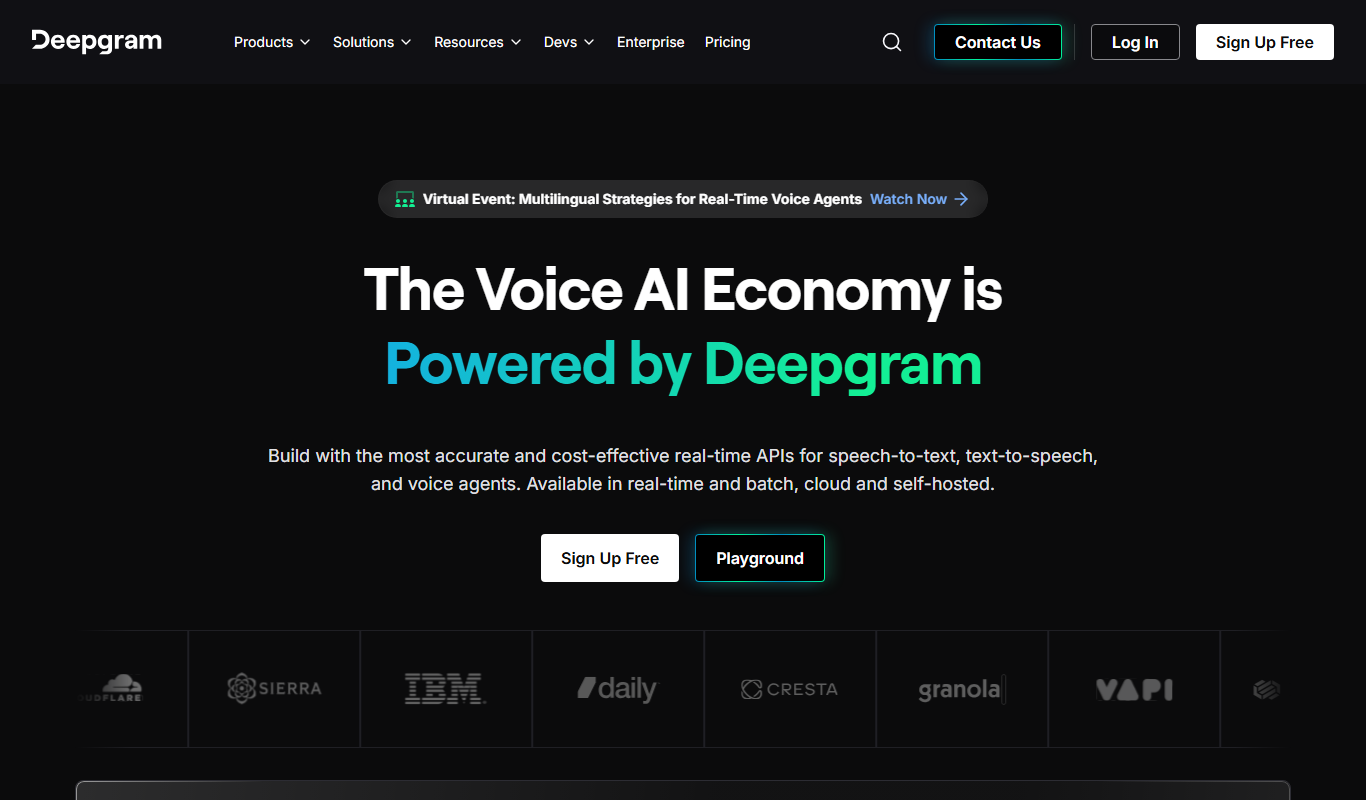
Deepgram is an AI-driven speech-to-text platform providing accurate, customizable, and scalable audio transcription services with real-time streaming and multi-language support.

Free
The TWIML AI Podcast
The TWIML AI Podcast is a free podcast platform offering expert interviews and discussions on artificial intelligence and machine learning topics.

Free
EnglishCentral
EnglishCentral is an online English learning platform that uses video lessons and AI-powered speech recognition to help users improve their English speaking and listening skills through interactive practice and instant feedback.

Free
Castbox Notes
Castbox Notes is a mobile app that uses AI to transcribe audio recordings into searchable text notes, ideal for podcasts, meetings, and lectures.

Custom Pricing
Veritone
Veritone is an AI-powered media intelligence platform that automates transcription, content analysis, and advertising verification for audio and video media.

Free
Musixmatch
Musixmatch is a music platform that identifies songs playing nearby and provides synchronized lyrics with multi-language translations, available on web and mobile.
Freemium
Verbling
Verbling is an online platform that connects language learners with native-speaking tutors for live video lessons, offering personalized and flexible language education.