

From my experience with Dvina, I found it excels at simplifying the writing process by combining AI-generated content with robust grammar and style corrections. The platform’s clean interface and helpful templates make it accessible even for those new to AI writing tools. It’s particularly well-suited for content creators and marketers who need to produce polished text quickly. However, the tool currently supports only English and lacks a mobile app, which might limit flexibility for some users. Overall, if you want an efficient AI assistant to boost your writing productivity, Dvina offers solid value, especially with its free tier and affordable subscription.
Dvina AI Writing Assistant for Efficient Content Creation and Editing
Dvina is an AI-powered writing assistant that helps users generate, edit, and improve written content efficiently through advanced natural language processing and customizable templates.
- Best for
- Content Writing
- Key capability
- AI Content Generation
Your actions
Save Dvina, follow its updates and vote on it — everything stays in your account.
Sign in or create a free account

What is Dvina?
Dvina is an AI-powered writing assistant designed to help users create, edit, and optimize written content efficiently. It leverages advanced natural language processing to generate human-like text, provide grammar and style improvements, and assist with brainstorming ideas. The tool is accessible via a web platform and aims to streamline the writing process for professionals, marketers, and content creators.
Key features of Dvina
Dvina offers features such as AI-generated content creation, grammar and style correction, idea generation, and customizable writing templates. Its intuitive interface allows users to quickly produce polished text suitable for blogs, emails, social media, and more.
AI Content Generation
Produce original, coherent text based on user prompts.
Grammar and Style Correction
Automatically detect and suggest improvements for grammar, punctuation, and tone.
Customizable Templates
Access pre-built templates for emails, blogs, social media posts, and more.
Idea Brainstorming
Generate creative ideas and outlines to jumpstart writing projects.
User-Friendly Interface
Clean, intuitive design that simplifies the writing and editing workflow.
Pros and cons of Dvina
Pros
- Easy-to-use interface suitable for beginners
- Effective grammar and style correction
- Supports multiple writing formats and templates
- Affordable pricing with a free tier
Cons
- Limited language support beyond English
- No dedicated mobile app currently
- Some advanced features require Pro subscription
Key use cases for Dvina
Content Writing
Generate high-quality articles, blog posts, and marketing copy quickly and efficiently.
Editing and Proofreading
Improve grammar, style, and clarity of existing text with AI-powered suggestions.
Idea Generation
Brainstorm and develop creative ideas for content topics and outlines.
Email Drafting
Compose professional and personalized emails faster using AI assistance.
Social Media Content
Create engaging posts and captions tailored for various social media platforms.
How Dvina works
- 1
Create an Account
Sign up on the Dvina website to access the AI writing assistant.
- 2
Select a Writing Task
Choose from various templates or start a custom writing project.
- 3
Input Your Prompt or Text
Provide a topic, keywords, or existing text to guide the AI.
- 4
Generate and Edit Content
Use AI suggestions to create or improve your content, then refine as needed.
- 5
Export or Publish
Download your final text or copy it for use in your projects.
Who is using Dvina
Content creators
Marketing professionals
Small business owners
Freelance writers
Social media managers
Dvina pricing
Free
$0/month
Basic access with limited AI generations and features.
Pro
$19/month
Unlimited AI generations, priority support, and advanced features.
Plans and prices are as published by the vendor and can change. Check the official site before you buy. Open the pricing page (opens in a new tab)
Frequently asked questions about Dvina
Yes, Dvina offers a free plan with limited features to try the tool before upgrading.
Yes, content generated with Dvina can be used commercially according to their terms of service.
Currently, Dvina primarily supports English.
Dvina uses industry-standard security measures to protect user data and privacy.
This tool is designed to help users accomplish its core tasks more efficiently. It is typically used by individuals or teams looking to improve productivity and workflow.
Pricing depends on the plan and included features. For the most accurate and up-to-date details, check the official pricing page.
Yes, it can help with that use case depending on how you configure it and what features are available. You’ll get the best results with clear inputs and a defined goal.
Some tools offer a free plan or trial with limited features. Availability can vary, so confirm on the official website.
Sign in to review this tool.
Sign In to ReviewNo reviews yet
Be the first to share how this tool worked for you.
Ask about pricing, limits, or how it compares — or answer someone else.
Sign In to AskNo questions yet
Have a question about using or paying for this tool? Be the first to ask.
Featured on TiorAI


More AI Charting tools
Other tools in the same category, for when this one is not quite the fit.
Free
Lychee
Lychee is an open-source, self-hosted photo management software that lets you organize, upload, and share photos securely on your own server with features like password protection and album management.
Free Trial
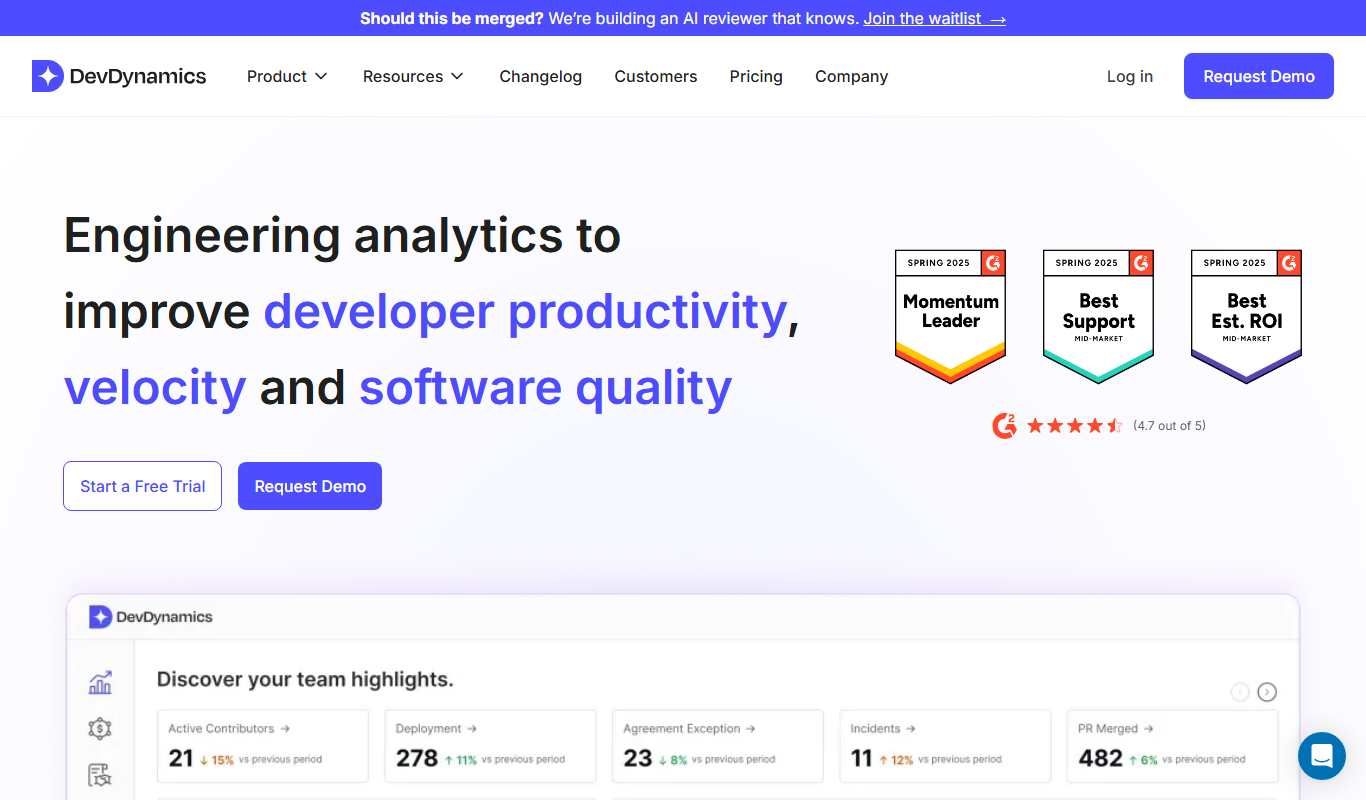
DevDynamics
DevDynamics is an AI-driven developer analytics platform that provides engineering leaders with insights into team productivity, collaboration, and project health by analyzing data from code repositories and communication tools.

Free
edraw ai
Edraw AI is an AI-powered diagramming tool by EdrawSoft that helps users create flowcharts, mind maps, and business diagrams efficiently with AI-assisted features and real-time collaboration.

Free
Gorilla Terminal
Gorilla Terminal is a web platform providing real-time stock market data, customizable stock scanners, and integrated trading capabilities for active traders.

Subscription
TradeUI
TradeUI is a web-based platform that provides customizable stock scanning, real-time trading alerts, and a market dashboard to help investors identify trading opportunities and manage portfolios efficiently.

Custom Pricing
Bodh
Bodh is a web-based data annotation platform that supports multi-modal data labeling including images, videos, text, and audio to help teams create accurate datasets for machine learning models.

Free Trial
Analytics Model
Analytics Model is a web-based AI platform that automates data analysis and predictive modeling, enabling users to generate insights and visualizations without coding expertise.
Free
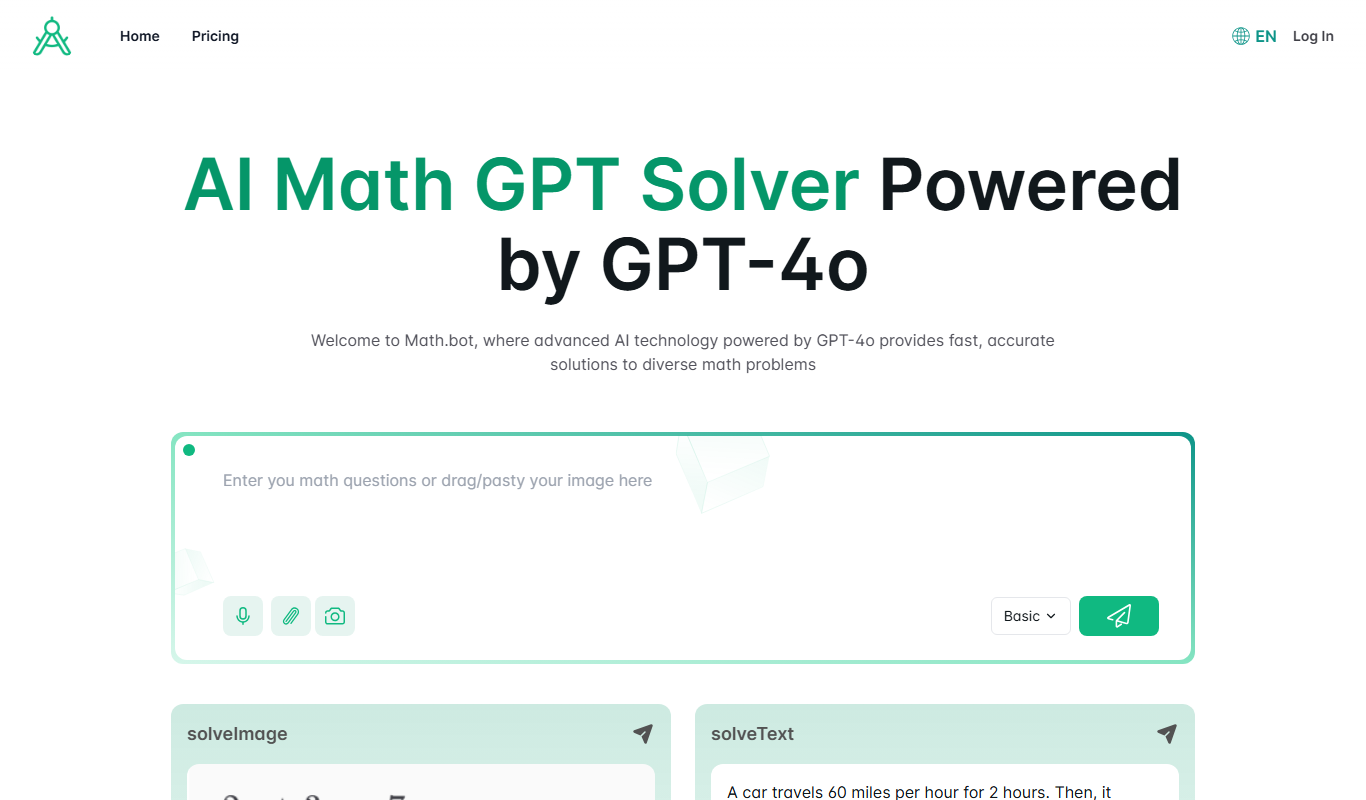
Math.bot: AI Math Solver by GPT-4o
Math.bot is an AI-powered math solver using GPT-4o that provides detailed step-by-step solutions to a wide range of math problems via a web interface.