

From my experience with DevDynamics, I found it excels at providing AI-driven insights that reveal hidden patterns in developer productivity and team collaboration. The platform’s customizable dashboards and integration capabilities make it a practical choice for engineering managers seeking data-driven ways to improve workflows and project outcomes. However, the lack of transparent pricing and absence of a mobile app may require some consideration depending on your organization’s needs. Overall, if you want to leverage AI to better understand and optimize your software development processes, DevDynamics offers a robust and insightful solution.
DevDynamics AI Developer Analytics Platform for Engineering Productivity Insights
DevDynamics is an AI-driven developer analytics platform that provides engineering leaders with insights into team productivity, collaboration, and project health by analyzing data from code repositories and communication tools.
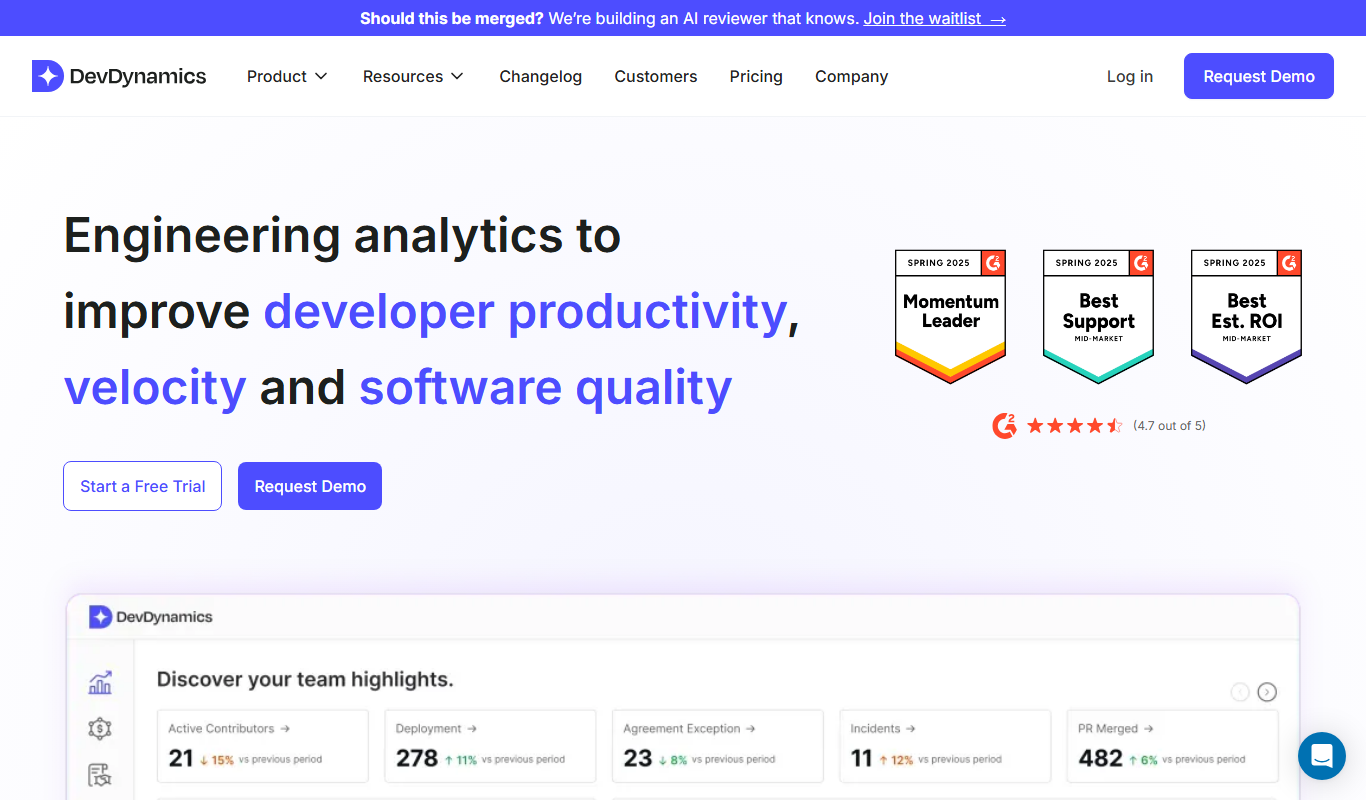
What is DevDynamics?
DevDynamics is an AI-powered developer analytics platform designed to provide engineering leaders with deep insights into their software development processes. By analyzing data from code repositories, issue trackers, and communication tools, it helps teams understand productivity patterns, collaboration dynamics, and project health to drive better engineering outcomes.
Key use cases for DevDynamics
Engineering Productivity Analysis
Gain detailed insights into developer activities and productivity trends to optimize team performance.
Project Health Monitoring
Track project progress and identify bottlenecks early through comprehensive codebase and workflow analytics.
Team Collaboration Insights
Understand collaboration patterns and communication flows within engineering teams to improve coordination.
Data-Driven Engineering Management
Leverage AI-powered analytics to make informed decisions about resource allocation and process improvements.
Developer Experience Enhancement
Identify pain points and areas for improvement in developer workflows to boost satisfaction and retention.
How DevDynamics works
-
1
Connect Your Tools
Integrate DevDynamics with your code repositories, issue trackers, and communication platforms to start data collection.
-
2
Analyze Developer Data
The platform processes and analyzes development activities using AI to generate productivity and collaboration insights.
-
3
Review Dashboards and Reports
Access intuitive dashboards that visualize key metrics and trends across teams and projects.
-
4
Take Action
Use the insights and recommendations to optimize workflows, improve team dynamics, and enhance project delivery.
Frequently asked questions about DevDynamics
DevDynamics integrates with popular code repositories like GitHub, GitLab, and Bitbucket, as well as issue trackers and communication platforms.
Yes, DevDynamics follows industry-standard security practices to ensure your data is protected and confidential.
Absolutely, dashboards are fully customizable to highlight the metrics most relevant to your team.
Yes, the platform is designed to provide insights regardless of team location or size.
This tool is designed to help users accomplish its core tasks more efficiently. It is typically used by individuals or teams looking to improve productivity and workflow.
It depends on your specific needs and how you plan to use the tool. The official website and documentation are the best sources for the latest details.
Integration support depends on the tool and its available connectors or API. Check the official documentation or integrations page to confirm what is supported.
Data handling and security practices vary by provider. Review the official privacy policy to understand how your data is stored and used.
Sign in to review this tool.
No reviews yet
Be the first to share how this tool worked for you.
Ask about pricing, limits, or how it compares — or answer someone else.
No questions yet
Have a question about using or paying for this tool? Be the first to ask.
Featured on TiorAI



Alternative Tools
Explore similar AI tools that might fit your needs
Free Trial
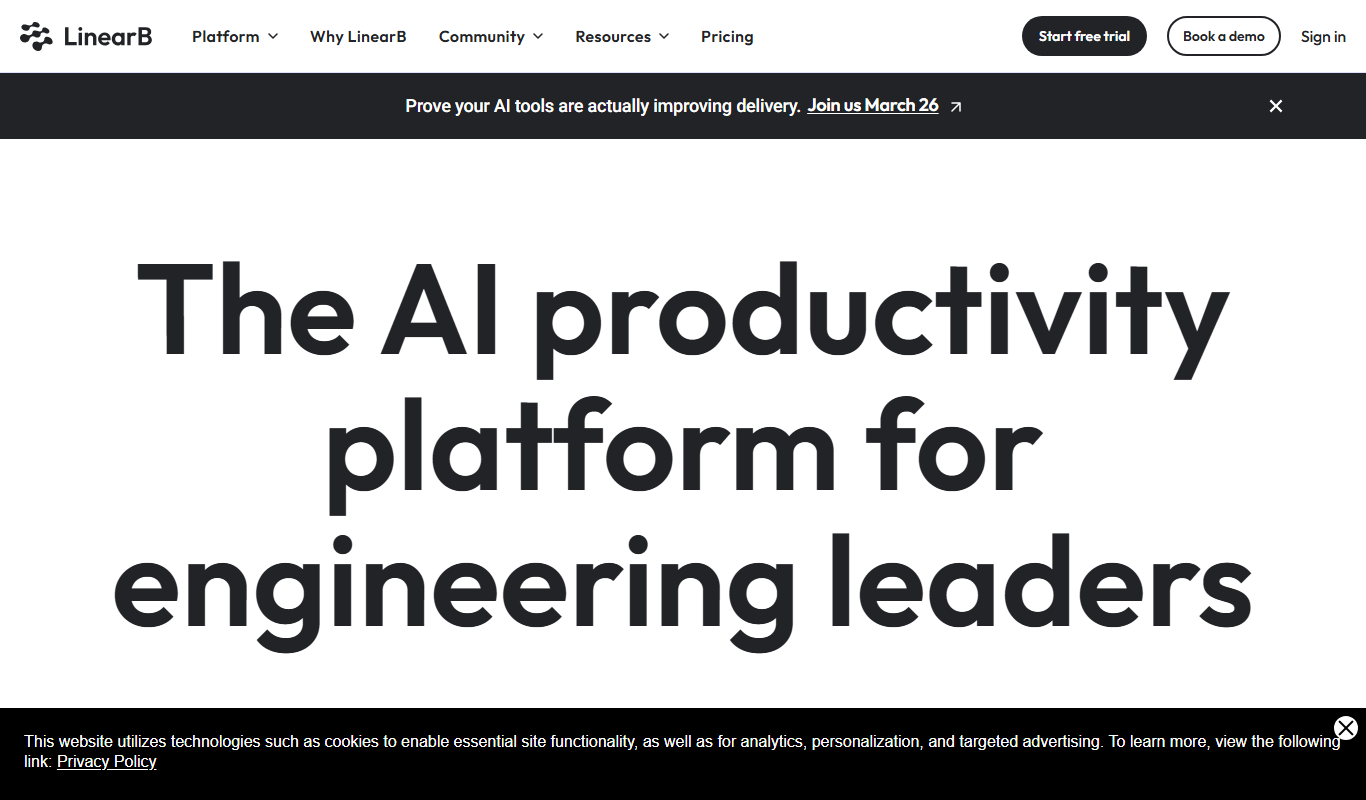
LinearB
LinearB is a software engineering analytics platform that helps DevOps and agile teams monitor and optimize their software delivery processes through real-time metrics and workflow insights.

Free Trial
Waydev
Waydev is an engineering analytics platform that analyzes git data to provide software development teams with insights on productivity, code quality, and agile process efficiency.
More AI Charting tools
Other tools in the same category, for when this one is not quite the fit.

Free
Anania AI
Anania AI is a web-based platform that allows users to query databases and spreadsheets using natural language, providing instant answers and visualizations without requiring SQL knowledge.

Free
Gorilla Terminal
Gorilla Terminal is a web platform providing real-time stock market data, customizable stock scanners, and integrated trading capabilities for active traders.

Freemium
DressPlay
DressPlay is an AI-driven virtual try-on platform that creates realistic 3D avatars and uses augmented reality to help users visualize clothing before purchase.

Subscription
TradeUI
TradeUI is a web-based platform that provides customizable stock scanning, real-time trading alerts, and a market dashboard to help investors identify trading opportunities and manage portfolios efficiently.

Custom Pricing
Bodh
Bodh is a web-based data annotation platform that supports multi-modal data labeling including images, videos, text, and audio to help teams create accurate datasets for machine learning models.

Free Trial
Analytics Model
Analytics Model is a web-based AI platform that automates data analysis and predictive modeling, enabling users to generate insights and visualizations without coding expertise.
Free
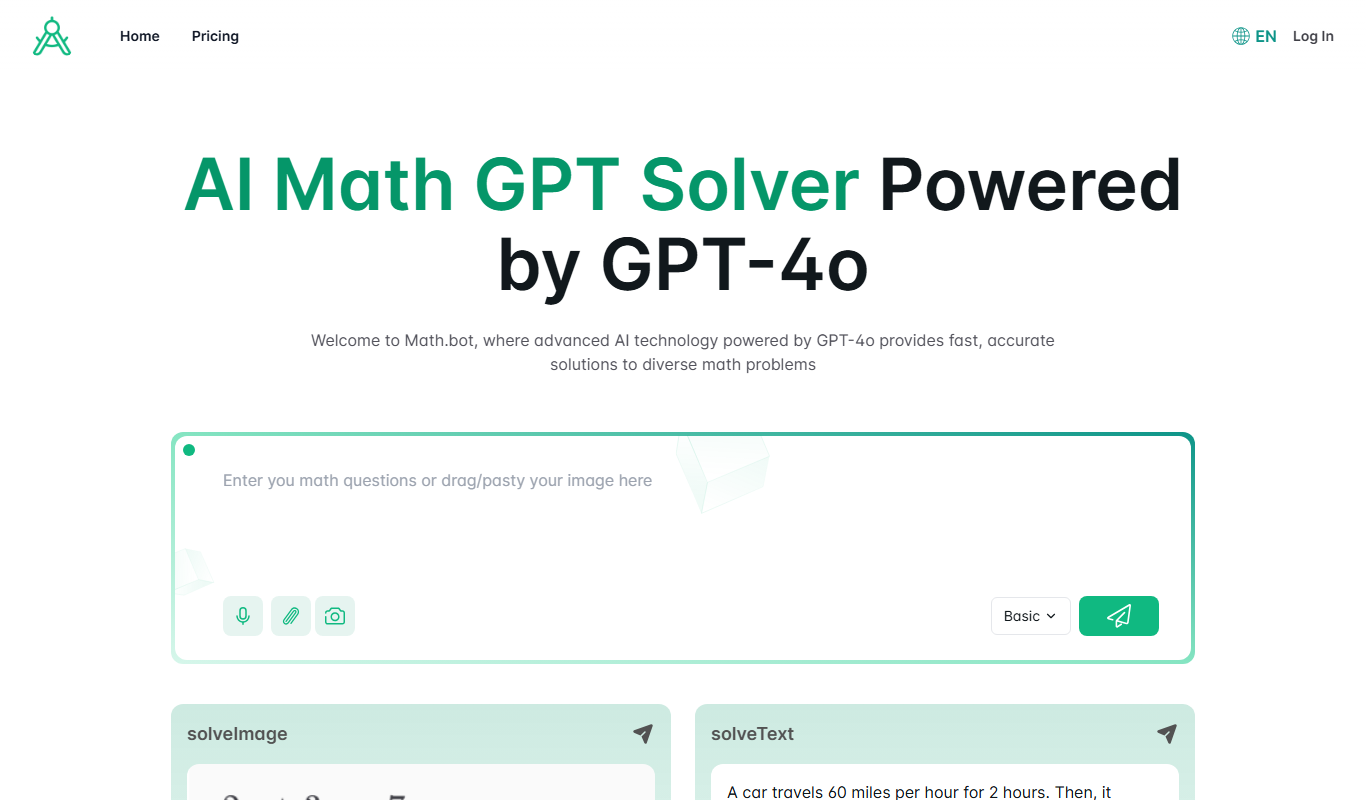
Math.bot: AI Math Solver by GPT-4o
Math.bot is an AI-powered math solver using GPT-4o that provides detailed step-by-step solutions to a wide range of math problems via a web interface.

Freemium
Mest
Mest is an AI writing assistant that helps users generate and edit content efficiently with grammar and style suggestions.