

From my experience with Lychee, I found it excels at providing a straightforward and privacy-focused way to manage photo galleries without relying on third-party services. Its self-hosted nature gives full control over your images, which is a big plus for photographers and privacy-conscious users. However, setting it up requires some technical knowledge of web servers and databases, which might be a barrier for casual users. Overall, if you want a clean, open-source photo management solution that you can host yourself, Lychee delivers solid, reliable performance.
Lychee Photo Management Software for Secure Self-Hosted Galleries
Lychee is an open-source, self-hosted photo management software that lets you organize, upload, and share photos securely on your own server with features like password protection and album management.
- Best for
- Personal Photo Galleries
- Key capability
- Self-Hosted Privacy
Your actions
Save Lychee, follow its updates and vote on it — everything stays in your account.
Sign in or create a free accountWhat is Lychee?
Lychee is a free, open-source, self-hosted photo-management tool that allows users to easily upload, organize, and share photos through a web interface. It provides a simple and elegant way to manage photo galleries on your own server without relying on third-party services.
Key features of Lychee
Lychee offers features such as drag-and-drop photo uploads, album creation, password protection, EXIF metadata display, and easy sharing options. Its lightweight design and open-source nature make it highly customizable and privacy-focused.
Self-Hosted Privacy
Keep full control of your photos by hosting galleries on your own server.
Easy Photo Uploads
Drag-and-drop interface for quick photo uploads and batch processing.
Album and Tag Management
Organize photos into albums and add tags for easy searching.
Password Protection
Secure albums or entire galleries with password access.
EXIF Metadata Display
View camera and photo details directly within the gallery.
Pros and cons of Lychee
Pros
- Full control over photo data with self-hosting
- Simple and clean user interface
- Open-source with active community
- Supports password-protected galleries
- Lightweight and easy to install
Cons
- Requires technical knowledge to set up server
- No official mobile app
- Limited video support
Key use cases for Lychee
Personal Photo Galleries
Create and manage private or public photo galleries for personal use.
Professional Portfolio Hosting
Host and showcase photography portfolios securely on your own server.
Team Photo Sharing
Share and organize photos within teams or groups with access controls.
Event Photo Management
Organize and distribute event photos efficiently with album and tagging features.
How Lychee works
- 1
Install on Server
Download and install Lychee on your web server with PHP and MySQL support.
- 2
Upload Photos
Use the web interface to upload photos individually or in bulk via drag-and-drop.
- 3
Organize Albums
Create albums and organize photos with tags and descriptions.
- 4
Set Access Controls
Configure public or password-protected galleries to control who can view your photos.
- 5
Share Galleries
Share links to your galleries or embed them on other websites.
Who is using Lychee
Photographers wanting portfolio control
Privacy-conscious individuals
Small teams sharing photos internally
Event organizers managing photo galleries
Lychee pricing
Free
$0
Open-source and free to use with self-hosting requirements.
Plans and prices are as published by the vendor and can change. Check the official site before you buy. Open the pricing page (opens in a new tab)
Frequently asked questions about Lychee
Yes, Lychee is completely free and open-source software.
Yes, Lychee requires a web server with PHP and MySQL to be installed.
Yes, Lychee supports password protection for albums and galleries.
Lychee primarily focuses on photos; video support is limited.
This tool is designed to help users accomplish its core tasks more efficiently. It is typically used by individuals or teams looking to improve productivity and workflow.
It depends on your specific needs and how you plan to use the tool. The official website and documentation are the best sources for the latest details.
Yes, it can help with that use case depending on how you configure it and what features are available. You’ll get the best results with clear inputs and a defined goal.
Sign in to review this tool.
Sign In to ReviewNo reviews yet
Be the first to share how this tool worked for you.
Ask about pricing, limits, or how it compares — or answer someone else.
Sign In to AskNo questions yet
Have a question about using or paying for this tool? Be the first to ask.
Featured on TiorAI



Alternative Tools
Explore similar AI tools that might fit your needs

Free
Piwigo
Piwigo is an open source photo gallery software that allows users to organize, manage, and share images online with customizable themes, user permissions, and plugin support.

Free
PhotoPrism
PhotoPrism is an AI-powered, open source photo management software that helps organize, tag, and search photos using machine learning, with options for self-hosting to ensure privacy.
More AI Charting tools
Other tools in the same category, for when this one is not quite the fit.

Free
Gorilla Terminal
Gorilla Terminal is a web platform providing real-time stock market data, customizable stock scanners, and integrated trading capabilities for active traders.

Subscription
TradeUI
TradeUI is a web-based platform that provides customizable stock scanning, real-time trading alerts, and a market dashboard to help investors identify trading opportunities and manage portfolios efficiently.

Custom Pricing
Bodh
Bodh is a web-based data annotation platform that supports multi-modal data labeling including images, videos, text, and audio to help teams create accurate datasets for machine learning models.

Free Trial
Analytics Model
Analytics Model is a web-based AI platform that automates data analysis and predictive modeling, enabling users to generate insights and visualizations without coding expertise.
Free
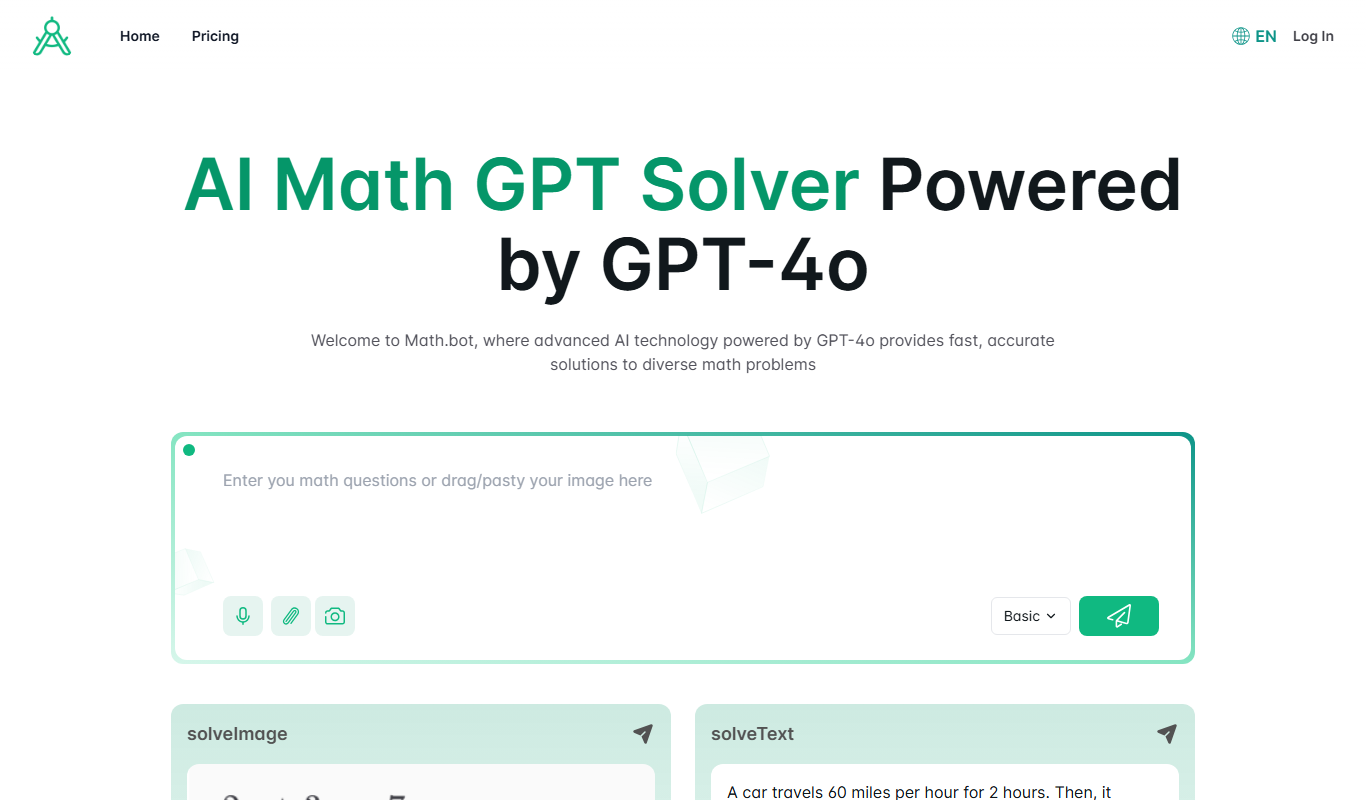
Math.bot: AI Math Solver by GPT-4o
Math.bot is an AI-powered math solver using GPT-4o that provides detailed step-by-step solutions to a wide range of math problems via a web interface.

Freemium
Cloud Hero
Cloud Hero is an AI-driven cloud cost management platform that helps businesses reduce cloud expenses by providing real-time monitoring, multi-cloud visibility, anomaly detection, and budget forecasting.
Free Trial
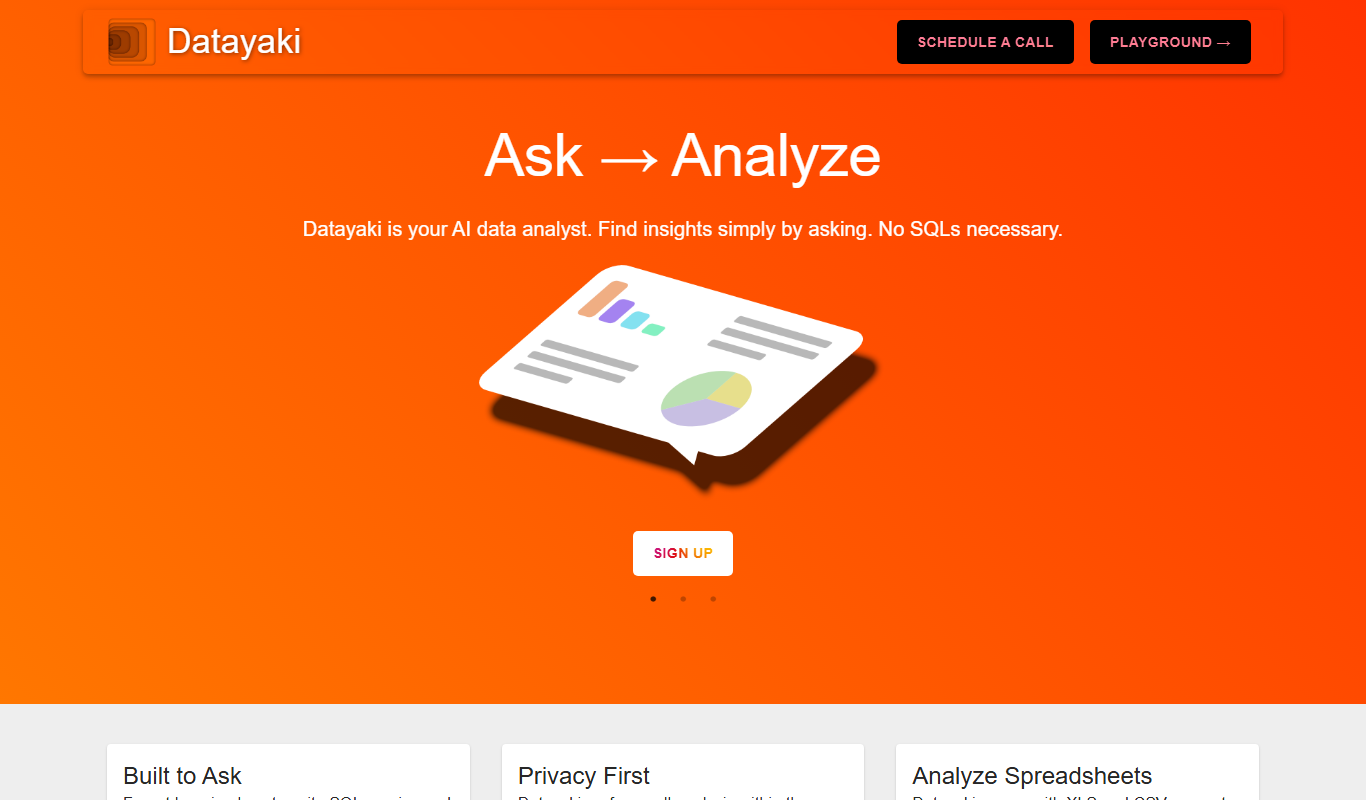
Datayaki
Datayaki is an AI-driven platform that automates data extraction from business documents such as invoices and receipts using OCR and machine learning, offering customizable templates and API integration.

Free Trial
Finalle
Finalle is an AI-powered meeting assistant that automatically transcribes meetings, generates summaries, and extracts action items to help teams save time and improve collaboration.