

From my experience with Datayaki, I found it excels at automating data extraction from complex business documents with impressive accuracy thanks to its AI-powered OCR technology. The ability to customize extraction templates makes it adaptable to various document formats, which is a big plus for businesses with diverse paperwork. However, the platform currently supports only English and requires direct contact for pricing details, which might slow down evaluation for some users. Overall, if your workflow involves high volumes of invoices or receipts and you want to reduce manual data entry, Datayaki offers a robust and flexible solution.
Datayaki AI Data Extraction Tool for Automated Document Processing
Datayaki is an AI-driven platform that automates data extraction from business documents such as invoices and receipts using OCR and machine learning, offering customizable templates and API integration.
Your actions
Save Datayaki, follow its updates and vote on it — everything stays in your account.
Sign in or create a free account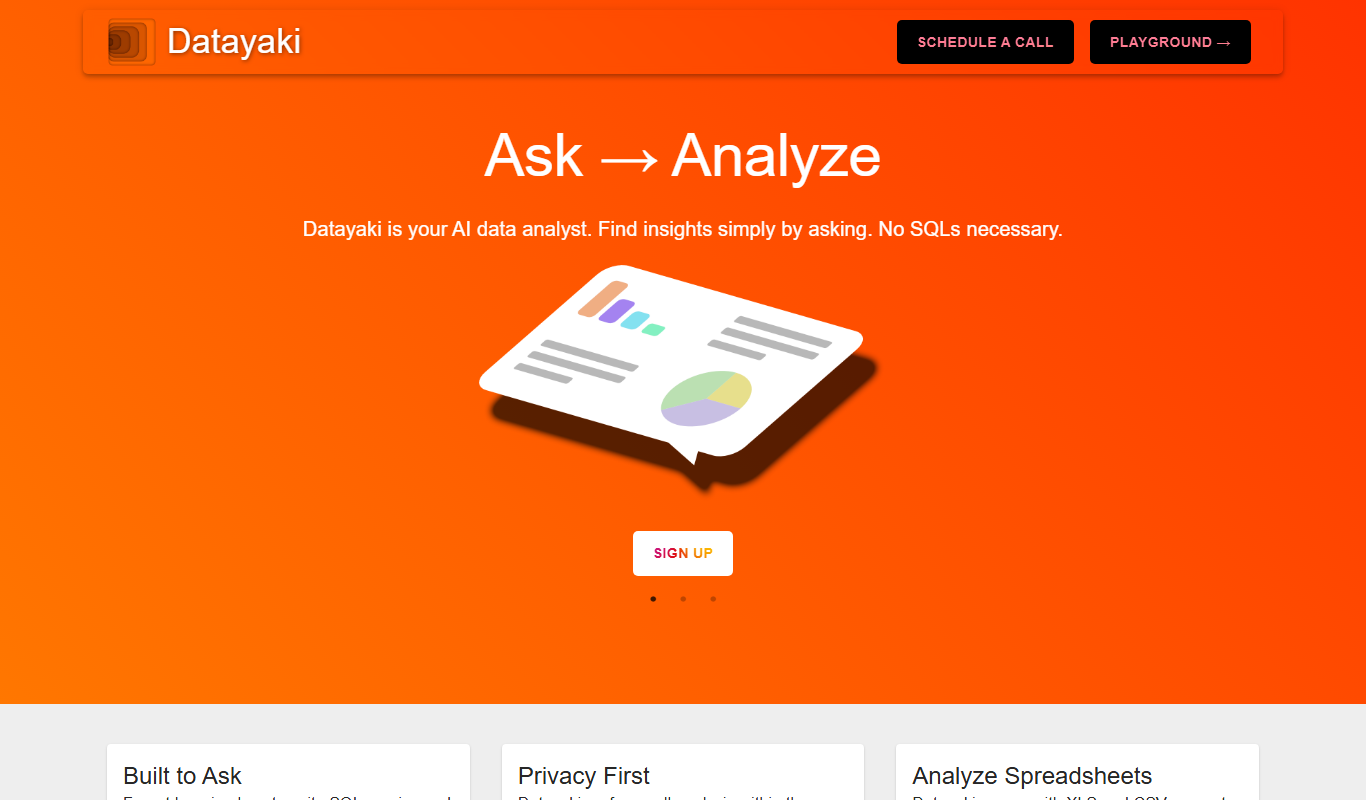
What is Datayaki?
Datayaki is an AI-powered data extraction platform designed to automate the capture of structured data from unstructured documents. It leverages machine learning and OCR technologies to identify and extract relevant information from invoices, receipts, purchase orders, and other business documents, reducing manual effort and errors.
Key use cases for Datayaki
Invoice and Receipt Processing
Automatically extract key data fields from invoices and receipts to streamline accounting workflows.
Document Data Capture
Extract structured data from various document types such as purchase orders, bills, and forms.
Automated Data Entry
Reduce manual data entry by automating extraction and integration of data into business systems.
Compliance and Audit
Ensure accurate data capture for regulatory compliance and audit readiness.
How Datayaki works
- 1
Upload Documents
Users upload scanned or digital documents via the web interface or API.
- 2
AI-Based Extraction
The platform uses AI and OCR to analyze documents and extract relevant data fields.
- 3
Review and Validate
Extracted data can be reviewed and corrected if necessary to ensure accuracy.
- 4
Export and Integrate
Validated data is exported or integrated into ERP, accounting, or other business systems.
Frequently asked questions about Datayaki
Datayaki can process invoices, receipts, purchase orders, bills, and other structured business documents.
Yes, Datayaki provides a RESTful API to integrate data extraction into your existing systems.
Currently, Datayaki primarily supports English documents.
Yes, users can create and modify extraction templates to suit specific document formats.
Data handling and security practices vary by provider. Review the official privacy policy to understand how your data is stored and used.
Data handling and security practices vary by provider. Review the official privacy policy to understand how your data is stored and used.
Data handling and security practices vary by provider. Review the official privacy policy to understand how your data is stored and used.
Sign in to review this tool.
Sign In to ReviewNo reviews yet
Be the first to share how this tool worked for you.
Ask about pricing, limits, or how it compares — or answer someone else.
Sign In to AskNo questions yet
Have a question about using or paying for this tool? Be the first to ask.
Featured on TiorAI


Alternative Tools
Explore similar AI tools that might fit your needs

Custom Pricing
Rossum
Rossum is an AI-driven document processing platform that automates data extraction from business documents like invoices and purchase orders using deep learning, eliminating manual data entry and template setup.

Custom Pricing
Hypatos
Hypatos is an AI-powered document processing platform that automates data extraction from invoices and financial documents to optimize accounts payable workflows.
More AI Artificial Intelligence Tools tools
Other tools in the same category, for when this one is not quite the fit.
Freemium
EasyTrip AI
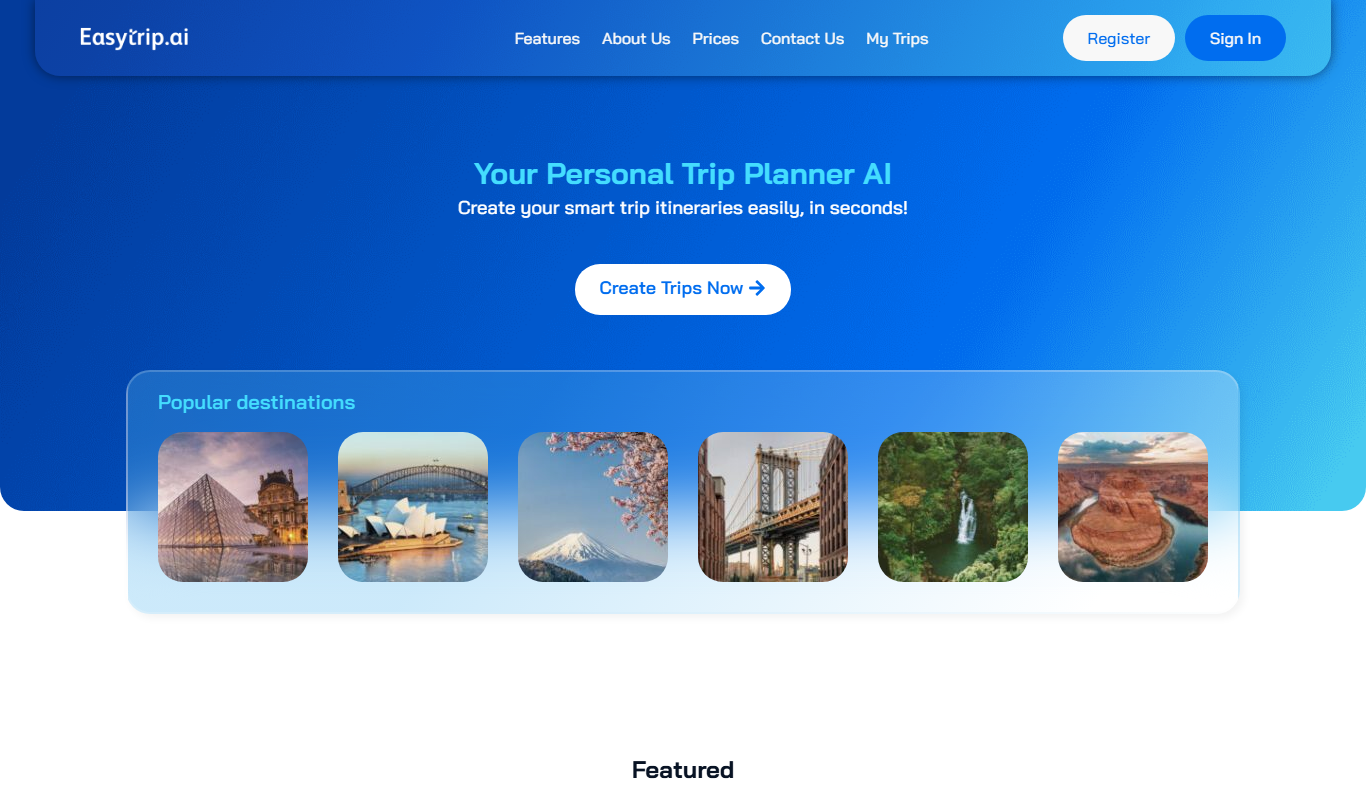
EasyTrip AI is an AI-driven travel planner that generates customized trip itineraries based on your travel dates, destinations, and preferences, helping you organize your trip efficiently.

Freemium
Travel Itinerary AI
Travel Itinerary AI is an AI-powered web tool that creates personalized travel itineraries based on your preferences, helping you plan and manage trips efficiently.

Free
aigclist
AIGCList is a free online directory that aggregates and categorizes AI tools, providing detailed information, user reviews, and AI industry news to help users discover and compare AI solutions.

Free
AI Tool Center
AI Tool Center is a free online directory that helps users discover, compare, and review AI tools across various categories and industries.

Free
TryVeo3.ai: Free Access to Google Veo 3 for AI Video Generation
TryVeo3.ai is a web-based AI video generator using Google Veo 3.1 to create videos from text or images, with a free plan and paid subscriptions.

Free
AI Singing
AI Singing is an AI singer and singing voice generator that creates AI singing voices and music from text or lyrics.

Free
Consensus
Consensus is an AI research tool that delivers evidence-based answers by synthesizing scientific literature, helping users quickly find verified information with citations.

Free
Let’s Trip AI
Let's Trip AI is an AI-driven travel planning tool that generates personalized itineraries based on your travel preferences, dates, and interests, helping you organize your trip efficiently.