

From my experience with Dubbing AI, it stands out for its ability to automate multilingual video dubbing with impressive voice cloning and lip-sync accuracy. The platform’s intuitive web interface makes it accessible even for users without technical expertise, which is a big plus for content creators and marketers aiming to reach global audiences quickly. However, the free plan’s limitations and the need for quality audio samples for voice cloning are practical considerations. Overall, if you require efficient, natural-sounding video localization without the overhead of traditional dubbing, Dubbing AI is a strong choice.
Dubbing AI Voiceover Software for Multilingual Video Localization
Dubbing AI is a web-based platform that uses AI to automatically dub videos into multiple languages with natural-sounding voice cloning and lip-sync technology.
- Best for
- Video Localization
- Key capability
- AI Voice Cloning
Your actions
Save Dubbing AI, follow its updates and vote on it — everything stays in your account.
Sign in or create a free account

What is Dubbing AI?
Dubbing AI is an AI-powered platform that automates the process of dubbing videos into multiple languages. It uses advanced speech synthesis and voice cloning technologies to generate natural-sounding voiceovers that match the original speaker’s tone and lip movements. This tool helps content creators, marketers, and media producers localize their videos quickly and affordably without the need for traditional voice actors or studios.
Key features of Dubbing AI
Dubbing AI offers features such as AI voice cloning, multilingual voiceover generation, lip-sync alignment, and easy integration with video editing workflows. Users can upload videos, select target languages, and receive dubbed versions with synchronized audio, enabling efficient global content distribution.
AI Voice Cloning
Create a digital replica of the original speaker’s voice for consistent dubbing across languages.
Multilingual Support
Supports dubbing into multiple languages including English, Spanish, French, German, Chinese, and Japanese.
Lip-Sync Technology
Ensures the dubbed audio matches the speaker’s lip movements for realistic video localization.
User-Friendly Interface
Intuitive web platform that simplifies video upload, language selection, and dubbing management.
Fast Processing
Quick turnaround times for dubbing videos, enabling faster content distribution.
Pros and cons of Dubbing AI
Pros
- Automates multilingual video dubbing efficiently
- Produces natural-sounding AI voiceovers with lip-sync
- User-friendly web platform with fast processing
- Supports multiple popular languages
- Offers voice cloning for personalized dubbing
Cons
- Free plan has limited dubbing minutes and watermarks
- Voice cloning requires quality audio samples
- Currently only available as a web platform
Key use cases for Dubbing AI
Video Localization
Automatically dub videos into multiple languages to reach global audiences without manual voiceover recording.
Content Creators
Enable creators to produce multilingual content quickly and cost-effectively using AI-generated voiceovers.
Marketing Agencies
Localize promotional videos for different regions with natural-sounding AI voices to increase engagement.
E-learning
Convert educational videos into various languages to make learning accessible worldwide.
Entertainment Industry
Dub films, series, and animations with AI voices to streamline post-production workflows.
How Dubbing AI works
- 1
Upload Video
Users upload their original video files to the Dubbing AI platform.
- 2
Select Target Languages
Choose one or more languages for dubbing from the supported list.
- 3
AI Voice Cloning & Synthesis
The system clones the original voice or selects an AI voice and generates dubbed audio matching the video.
- 4
Lip-Sync Alignment
Dubbing AI synchronizes the generated voiceover with the speaker’s lip movements for natural appearance.
- 5
Download Dubbed Video
Users download the localized video ready for publishing or further editing.
Who is using Dubbing AI
Content creators and YouTubers
Marketing and advertising agencies
E-learning platforms and educators
Film and entertainment producers
Localization and translation companies
Dubbing AI pricing
Free
$0/month
Limited dubbing minutes per month with watermark on output videos.
Pro
$29/month
Increased dubbing minutes, no watermarks, and access to premium AI voices.
Enterprise
Custom pricing
Tailored solutions with dedicated support, higher volume limits, and API access.
Plans and prices are as published by the vendor and can change. Check the official site before you buy. Open the pricing page (opens in a new tab)
Frequently asked questions about Dubbing AI
Yes, Dubbing AI can clone your voice if you provide sufficient audio samples.
The lip-sync technology is designed to closely match mouth movements, providing natural-looking dubbing.
Common video formats like MP4, MOV, and AVI are supported for upload.
Limits depend on your subscription plan; higher tiers allow longer videos.
It depends on your specific needs and how you plan to use the tool. The official website and documentation are the best sources for the latest details.
Yes, it can help with that use case depending on how you configure it and what features are available. You’ll get the best results with clear inputs and a defined goal.
Yes, it can help with that use case depending on how you configure it and what features are available. You’ll get the best results with clear inputs and a defined goal.
Sign in to review this tool.
Sign In to ReviewNo reviews yet
Be the first to share how this tool worked for you.
Ask about pricing, limits, or how it compares — or answer someone else.
Sign In to AskNo questions yet
Have a question about using or paying for this tool? Be the first to ask.
Featured on TiorAI



More AI Ai Tools tools
Other tools in the same category, for when this one is not quite the fit.

Free
Pogo Travel
Pogo Travel is an AI-driven platform that generates personalized travel itineraries based on your preferences, travel dates, and interests, offering collaborative planning and offline access.

Freemium
PlaninGo
PlaninGo is an AI travel planning tool that generates personalized trip itineraries and guides based on your preferences, helping you plan efficient and enjoyable trips.

Freemium
TravelBot AI Travel Assistant
TravelBot AI Travel Assistant is a web-based platform that uses artificial intelligence to help users create personalized travel itineraries, book flights and hotels, and receive tailored travel recommendations based on preferences and budget.

Free
AIJOURNEY
AIJOURNEY is an AI-driven career development tool that provides personalized career path recommendations, identifies skill gaps, and offers curated learning resources to help users advance professionally.

Free Trial
AI VYX
AI VYX is an AI-driven video creation platform that automates script generation and video assembly to help marketers and content creators produce professional videos quickly and easily.

Free
Webo.AI
Webo.AI is an AI-powered no-code website builder that automates website design and content creation, enabling users to launch responsive websites quickly without coding skills.

Freemium
Langtail
Langtail is an AI-driven translation platform that automates multilingual content management through machine learning, API integration, and collaborative editing features.
Freemium
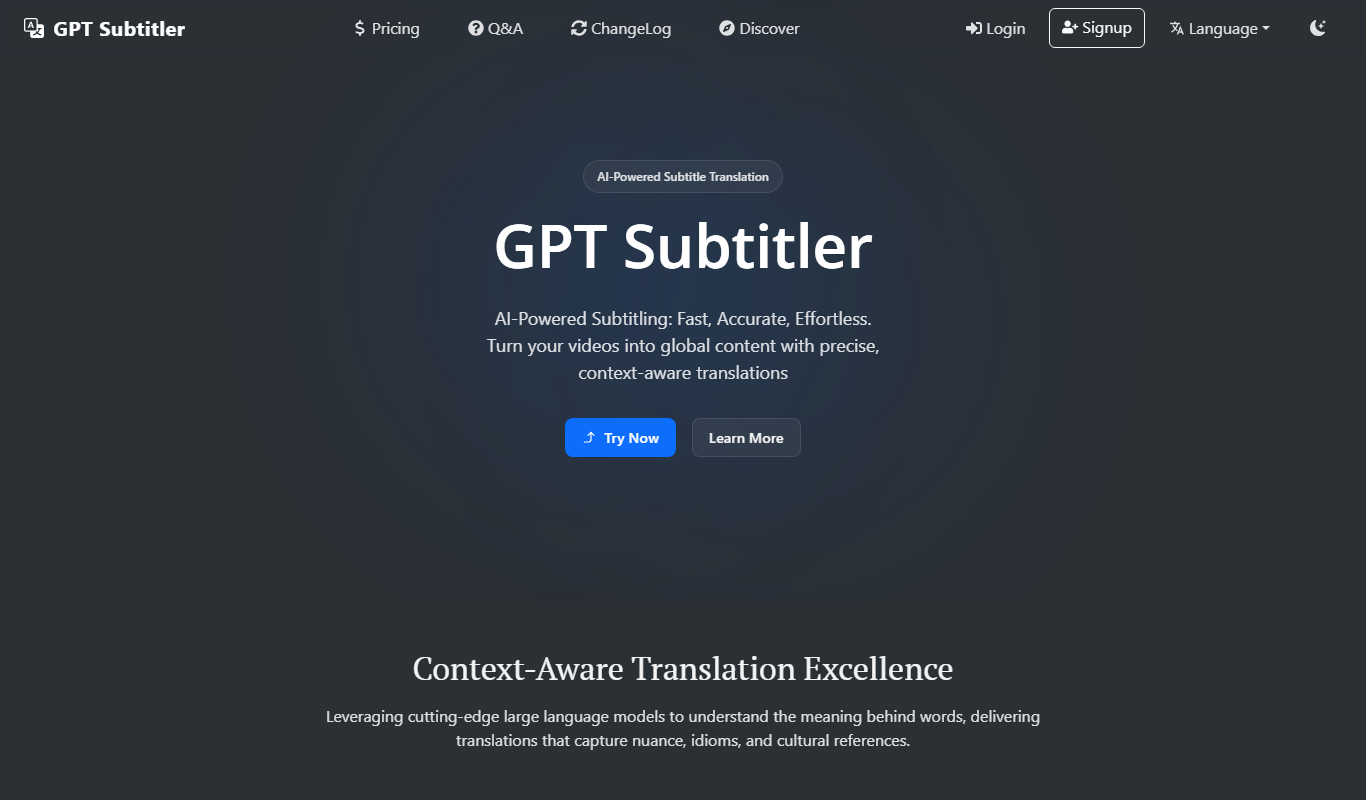
GPT Subtitler
GPT Subtitler is an AI-based tool that automatically generates synchronized subtitles for videos, enabling quick and accurate captioning to improve accessibility and engagement.