

From my experience with Docsie 2.0, I found it excels at creating interactive and easy-to-navigate user manuals that significantly improve user onboarding. Its embedding capabilities allow seamless integration into web apps, which is a big plus for contextual help. The collaboration and version control features make it practical for teams to maintain up-to-date documentation. However, the lack of a permanent free plan and limited language support might be a drawback for some users. Overall, if you need a web-based platform to build and manage interactive documentation with analytics, Docsie 2.0 delivers solid, user-friendly results.
Docsie 2.0 Documentation Platform for Interactive User Manuals
Docsie 2.0 is a web-based documentation platform that helps businesses create interactive user manuals and knowledge bases with embedding, collaboration, and analytics capabilities.
- Best for
- Create Interactive User Manuals
- Key capability
- Interactive Documentation Editor

Do you recommend this tool?
What is Docsie 2.0?
Docsie 2.0 is a cloud-based documentation platform designed to help businesses create, manage, and deliver interactive user manuals, knowledge bases, and help centers. It focuses on improving user experience by enabling easy navigation, embedding capabilities, and collaboration features that streamline content updates and maintenance.
Key features of Docsie 2.0
Docsie 2.0 offers interactive documentation creation, embedding options, version control, collaboration tools, and analytics to optimize how companies share product information and support users.
Interactive Documentation Editor
Create rich, easy-to-navigate documentation with a user-friendly editor supporting multimedia and links.
Embedding Capabilities
Seamlessly embed documentation within web applications or websites for contextual user support.
Version Control and History
Track changes and revert to previous versions to maintain accurate and reliable documentation.
Collaboration Tools
Enable multiple contributors with role-based access to streamline content creation and review.
Analytics and Reporting
Gain insights into how users interact with documentation to improve content effectiveness.
Pros and cons of Docsie 2.0
Pros
- User-friendly interactive documentation editor
- Easy embedding into websites and apps
- Robust collaboration and version control
- Insightful analytics for documentation usage
- Flexible pricing plans for different team sizes
Cons
- No permanent free plan beyond trial
- Limited language support (English only)
- Primarily web-based, no desktop or mobile apps
Key use cases for Docsie 2.0
Create Interactive User Manuals
Docsie 2.0 enables businesses to build interactive, easy-to-navigate user manuals that improve customer onboarding and reduce support tickets.
Maintain Knowledge Bases
The platform supports dynamic knowledge base creation with version control and easy updates to keep information accurate and accessible.
Embed Documentation in Apps
Docsie 2.0 allows embedding documentation directly into web applications, providing users contextual help without leaving the product.
Collaborate on Documentation
Teams can collaborate on content creation and editing with role-based permissions and real-time updates.
Track Documentation Usage
Analytics features help monitor how users interact with documentation to identify gaps and improve content.
How Docsie 2.0 works
- 1
Sign Up and Create Project
Register on Docsie.io and start a new documentation project tailored to your product or service.
- 2
Add and Organize Content
Use the editor to add pages, structure content hierarchically, and include interactive elements like search and navigation.
- 3
Customize and Embed
Customize the look and feel, then embed the documentation into your website or app using provided code snippets.
- 4
Collaborate and Update
Invite team members to edit content with role-based permissions and keep documentation up to date with version control.
- 5
Analyze Usage
Monitor user engagement and documentation performance through built-in analytics dashboards.
Who is using Docsie 2.0
SaaS companies
Product managers
Technical writers
Customer support teams
Software development teams
Docsie 2.0 pricing
Free Trial
$0 for 14 days
Full feature access for two weeks to evaluate the platform.
Starter
$29/month
Basic documentation features suitable for small teams with limited projects.
Professional
$79/month
Advanced features including collaboration, analytics, and embedding for growing teams.
Enterprise
Custom pricing
Tailored solutions with dedicated support and additional integrations for large organizations.
Plans and prices are as published by the vendor and can change. Check the official site before you buy. Open the pricing page (opens in a new tab)
Frequently asked questions about Docsie 2.0
Yes, Docsie 2.0 provides embedding options to integrate documentation directly within your web applications.
Yes, it offers role-based permissions and collaboration tools for teams to work together on documentation.
Docsie offers a 14-day free trial with full access to features, but no permanent free tier.
Docsie includes usage analytics to track how users interact with your documentation and identify areas for improvement.
This tool is designed to help users accomplish its core tasks more efficiently. It is typically used by individuals or teams looking to improve productivity and workflow.
Yes, it can help with that use case depending on how you configure it and what features are available. You’ll get the best results with clear inputs and a defined goal.
Yes, it can help with that use case depending on how you configure it and what features are available. You’ll get the best results with clear inputs and a defined goal.
Some tools offer a free plan or trial with limited features. Availability can vary, so confirm on the official website.
Sign in to review this tool.
Sign In to ReviewNo reviews yet
Be the first to share how this tool worked for you.
Ask about pricing, limits, or how it compares — or answer someone else.
Sign In to AskNo questions yet
Have a question about using or paying for this tool? Be the first to ask.
Featured on TiorAI



Alternative Tools
Explore similar AI tools that might fit your needs
Free Trial
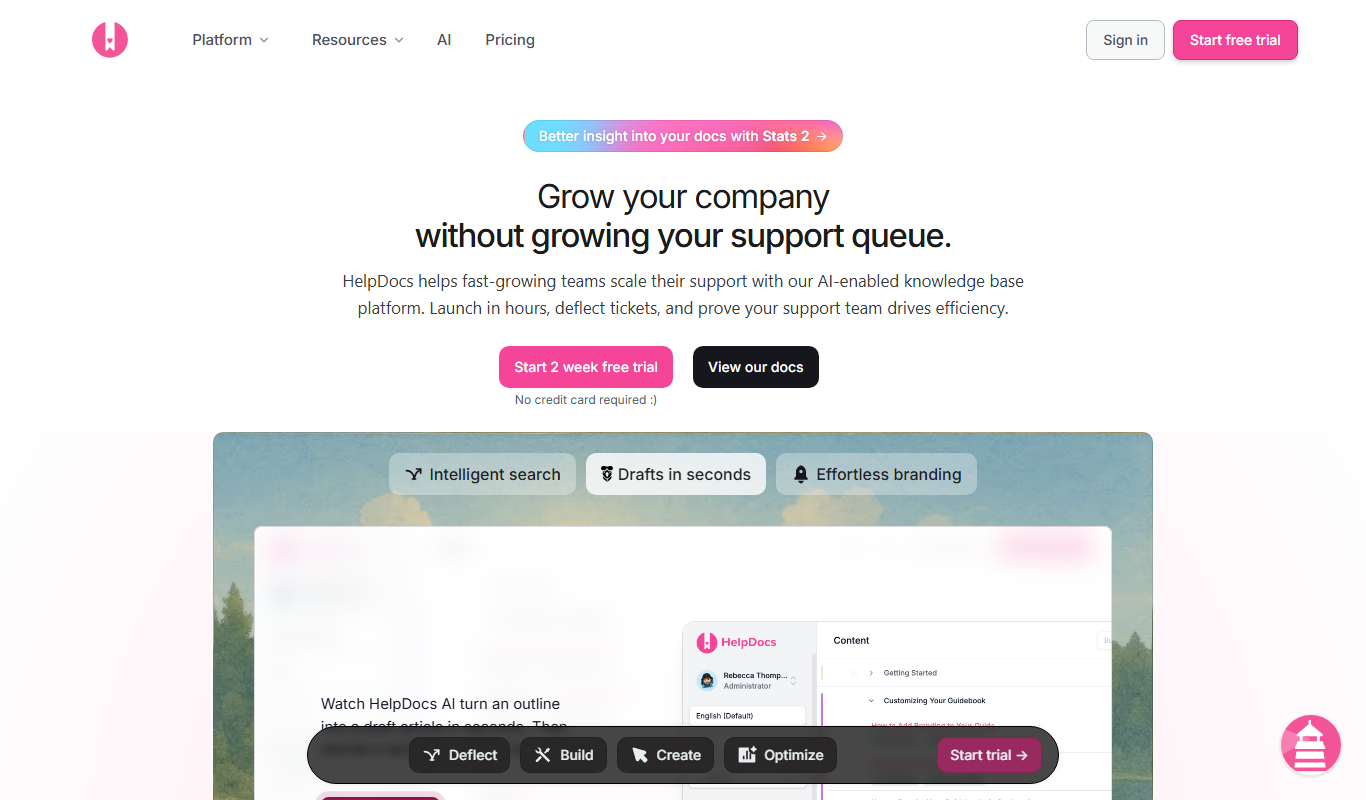
HelpDocs
HelpDocs is a cloud-based knowledge base software that enables businesses to create, customize, and manage self-service help centers to improve customer support and reduce support tickets.

Free Trial
Document360
Document360 is a cloud-based knowledge base software that helps businesses create, manage, and publish documentation and help centers for both internal teams and customers.

Free
ReadMe
ReadMe is a SaaS platform that enables companies to create, manage, and publish interactive API documentation and developer portals with features like API explorers, versioning, and user feedback collection.
More AI Brochure Maker tools
Other tools in the same category, for when this one is not quite the fit.

Freemium
Blogbutler Ai
Blogbutler AI is an AI-driven writing assistant designed to help bloggers and content creators generate SEO-optimized articles and social media content efficiently through a user-friendly web platform.

Free
BixGPT ReleaseNotes
BixGPT ReleaseNotes is an AI-driven tool that automatically generates software release notes by analyzing commit messages and pull requests, primarily integrating with GitHub to streamline release documentation.

Freemium
Logomaster
Logomaster is an AI-driven online logo maker that generates and customizes professional logos for businesses and individuals without design experience.

Freemium
CelebrateAlly AI
CelebrateAlly AI is a web platform that provides organizations with an inclusive holiday calendar and AI-driven event planning tools to celebrate diverse cultural and identity-based observances.

Freemium
Inksprout Video
Inksprout Video is an AI-driven platform that automates video creation by converting text content into customizable marketing videos optimized for social media.

Freemium
Producks AI
Producks AI is an AI-driven tool that generates unique and SEO-optimized product descriptions for e-commerce stores, helping businesses save time and improve product page performance.

Free
The New GitBook
GitBook is a web-based documentation platform that helps teams and developers create, manage, and share collaborative knowledge bases, internal wikis, and technical documentation with real-time editing and version control.

Freemium
AutoFunnel
AutoFunnel is an AI-driven marketing funnel builder that helps businesses automate lead capture, sales funnel creation, and email follow-ups to boost conversions.