

From my experience with Doclin, I found it excels at automating the tedious process of generating and maintaining software documentation. Its AI-driven approach significantly reduces manual effort, keeping docs in sync with code changes, which is a common pain point for development teams. The web interface is intuitive, making collaboration straightforward. However, the tool currently supports a limited set of programming languages compared to some competitors, and pricing details could be clearer. Overall, if you are a developer or team looking to streamline your API documentation workflow, Doclin offers a practical and efficient solution.
Doclin AI Documentation Generator for Developers and Teams
Doclin is an AI-driven documentation generator that automates the creation and maintenance of software and API documentation by analyzing source code and comments, streamlining developer workflows.
- Best for
- Automated API Documentation
- Key capability
- Automated Documentation Generation
Your actions


Do you recommend this tool?
What is Doclin?
Doclin is an AI-powered documentation generator designed to help developers and teams create, maintain, and update software documentation efficiently. It automates the process of generating API docs and other technical documentation by analyzing source code and comments, reducing manual effort and improving accuracy.
Key features of Doclin
Doclin offers automated documentation generation, real-time synchronization with code changes, support for multiple programming languages, and a user-friendly web interface to manage and share documentation within teams.
Automated Documentation Generation
Leverages AI to parse code and generate accurate, readable documentation automatically.
Real-Time Sync with Code
Keeps documentation up-to-date by syncing with code changes in connected repositories.
Multi-Language Support
Supports popular programming languages to cater to diverse development environments.
Collaborative Web Interface
Enables teams to review, edit, and manage documentation collaboratively online.
Pros and cons of Doclin
Pros
- Automates tedious documentation tasks effectively
- Keeps docs synchronized with code changes
- User-friendly interface for collaboration
Cons
- Limited language support compared to some competitors
- Pricing details are not extensively transparent on the website
Key use cases for Doclin
Automated API Documentation
Generate clear, structured API documentation automatically from code comments and annotations.
Developer Onboarding
Help new developers quickly understand project APIs and codebases through up-to-date documentation.
Documentation Maintenance
Keep documentation synchronized with code changes to reduce manual updates and errors.
Team Collaboration
Facilitate team collaboration by providing a centralized, AI-enhanced documentation platform.
How Doclin works
- 1
Connect Your Codebase
Integrate Doclin with your repository or upload your source code to start generating documentation.
- 2
AI-Powered Parsing
Doclin analyzes your code comments, annotations, and structure using AI to create comprehensive docs.
- 3
Review and Customize
Review the generated documentation and customize sections as needed through the web interface.
- 4
Publish and Share
Publish your documentation online and share it with your team or external users.
Who is using Doclin
Software developers
Development teams
Technical writers
Startups and SMEs
Open source project maintainers
Doclin pricing
Free
$0/month
Basic features with limited projects and documentation size.
Pro
$15/month
Advanced features including unlimited projects, priority support, and enhanced collaboration.
Plans and prices are as published by the vendor and can change. Check the official site before you buy. Open the pricing page (opens in a new tab)
Frequently asked questions about Doclin
Doclin supports multiple popular languages including JavaScript, Python, Java, and more.
Yes, Doclin can connect to repositories on platforms like GitHub to sync documentation automatically.
Doclin offers a free tier with basic features; details about Pro plan trials can be found on their website.
It depends on your specific needs and how you plan to use the tool. The official website and documentation are the best sources for the latest details.
Some tools offer a free plan or trial with limited features. Availability can vary, so confirm on the official website.
Integration support depends on the tool and its available connectors or API. Check the official documentation or integrations page to confirm what is supported.
Sign in to review this tool.
Sign In to ReviewNo reviews yet
Be the first to share how this tool worked for you.
Ask about pricing, limits, or how it compares — or answer someone else.
Sign In to AskNo questions yet
Have a question about using or paying for this tool? Be the first to ask.
Featured on TiorAI



Alternative Tools
Explore similar AI tools that might fit your needs

Free
Swagger
Swagger is a set of tools for designing, documenting, testing, and mocking RESTful APIs using the OpenAPI Specification, widely used by developers and teams to streamline API development.
Free
Postman
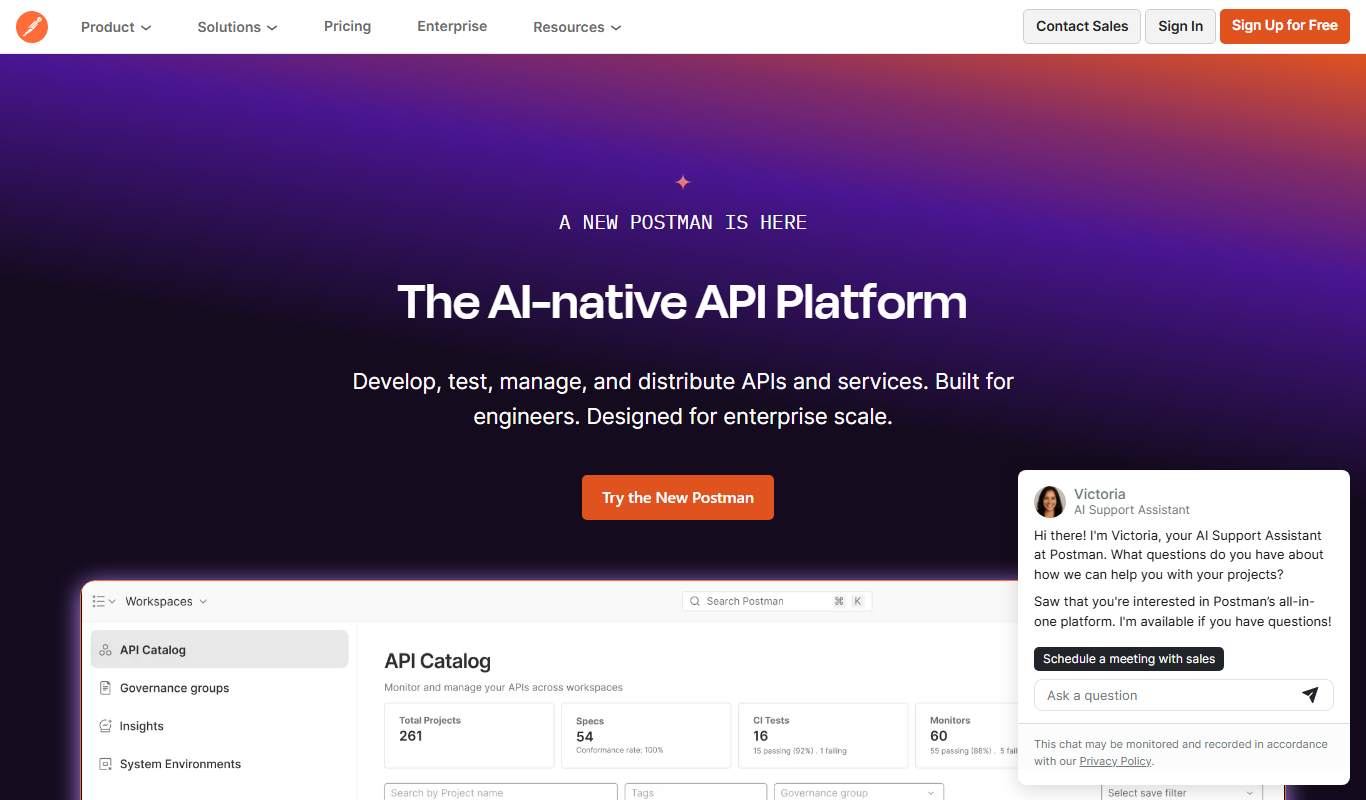
Postman is a comprehensive API platform that helps developers design, test, automate, document, and monitor APIs efficiently with collaboration tools.

Free
ReadMe
ReadMe is a SaaS platform that enables companies to create, manage, and publish interactive API documentation and developer portals with features like API explorers, versioning, and user feedback collection.
More AI Ai Tools tools
Other tools in the same category, for when this one is not quite the fit.

Free
Pogo Travel
Pogo Travel is an AI-driven platform that generates personalized travel itineraries based on your preferences, travel dates, and interests, offering collaborative planning and offline access.

Freemium
PlaninGo
PlaninGo is an AI travel planning tool that generates personalized trip itineraries and guides based on your preferences, helping you plan efficient and enjoyable trips.

Free
Travelwiz
Travelwiz is an AI-powered travel planning tool that creates personalized trip itineraries and offers tailored travel recommendations based on user preferences.

Free
Momo
Momo is an AI-powered assistant that automates workflows, manages tasks, and enhances team collaboration by integrating with popular productivity tools.

Free
Nextrip
Nextrip AI is an online travel planning tool that uses artificial intelligence to generate personalized trip itineraries based on your preferences, travel dates, and destinations.

Freemium
TravelBot AI Travel Assistant
TravelBot AI Travel Assistant is a web-based platform that uses artificial intelligence to help users create personalized travel itineraries, book flights and hotels, and receive tailored travel recommendations based on preferences and budget.

Freemium
AIreelity
AIreelity is an AI-driven video creation platform that transforms text scripts into engaging marketing videos with customizable templates and AI voiceovers.

Free
AIJOURNEY
AIJOURNEY is an AI-driven career development tool that provides personalized career path recommendations, identifies skill gaps, and offers curated learning resources to help users advance professionally.