

From my experience with DeepBrain AI’s AI Kiosk, I found it excels at delivering highly realistic and interactive AI avatars that significantly enhance customer engagement in physical locations. The platform’s multilingual support and customization options make it versatile for various industries, from retail to education. However, the solution requires a tailored integration and can be costly for smaller businesses, which is a trade-off for its advanced capabilities. Overall, if you need a scalable, AI-driven interactive kiosk solution that offers personalized user experiences, DeepBrain AI Kiosk is a strong choice.
AI Kiosk by DeepBrain AI – Interactive AI Video Solutions for Businesses
DeepBrain AI's AI Kiosk is an interactive AI video platform that uses lifelike virtual humans to engage customers in real-time conversations via kiosks, supporting multiple languages and customizable avatars for various industries.
- Best for
- Customer Service Automation
- Key capability
- Real-Time AI Avatar Interaction
Your actions
Save DeepBrain AI’s AI Kiosk, follow its updates and vote on it — everything stays in your account.
Sign in or create a free account
What is DeepBrain AI’s AI Kiosk?
DeepBrain AI’s AI Kiosk is an advanced interactive video solution that leverages AI-generated virtual humans to engage users in real-time conversations. It combines deep learning, natural language processing, and computer vision to create lifelike AI avatars that can be deployed in kiosks for customer service, marketing, education, and more. The platform enables businesses to provide personalized, scalable, and consistent user interactions through AI-powered video interfaces.
Key features of DeepBrain AI’s AI Kiosk
The AI Kiosk offers real-time AI avatar interaction, multilingual support, customizable avatars, seamless kiosk hardware integration, and analytics to track user engagement. It supports natural conversations, facial expressions, and lip-syncing to enhance realism and user experience.
Real-Time AI Avatar Interaction
Enables natural, conversational engagement with users through lifelike virtual humans.
Multilingual Support
Supports multiple languages including English, Korean, Chinese, and Japanese for global reach.
Customizable Avatars
Allows businesses to design avatars that reflect their brand identity and messaging.
Kiosk Hardware Integration
Seamlessly integrates with various kiosk and digital signage hardware for smooth deployment.
Analytics Dashboard
Provides insights into user interactions and engagement metrics to improve service.
Pros and cons of DeepBrain AI’s AI Kiosk
Pros
- Highly realistic AI avatars enhance user engagement
- Supports multiple languages for diverse audiences
- Customizable to fit various business needs
- Integrates smoothly with existing kiosk hardware
- Provides valuable analytics for performance tracking
Cons
- Pricing is custom and may be expensive for small businesses
- Requires technical setup and integration effort
- Limited public information on detailed pricing and plans
Key use cases for DeepBrain AI’s AI Kiosk
Customer Service Automation
Deploy AI-powered virtual humans in kiosks to provide 24/7 customer support and information.
Interactive Marketing
Engage customers with personalized AI video content and interactive experiences in retail or events.
Education and Training
Use AI avatars to deliver educational content or training modules in an interactive kiosk format.
Reception and Information Desk
Replace or augment human receptionists with AI kiosks that can greet visitors and answer FAQs.
How DeepBrain AI’s AI Kiosk works
- 1
Integration Setup
Connect the AI Kiosk software with your kiosk hardware or digital signage systems.
- 2
Avatar Customization
Choose or create AI avatars tailored to your brand and use case.
- 3
Content Configuration
Define conversation scripts, FAQs, and interactive flows for the AI to handle.
- 4
Deployment
Launch the AI Kiosk in your physical locations or events for live user interaction.
- 5
Monitoring and Analytics
Track user interactions and system performance to optimize engagement.
Who is using DeepBrain AI’s AI Kiosk
Retail chains and shopping malls
Financial institutions and banks
Educational institutions
Healthcare providers
Event organizers and marketers
DeepBrain AI’s AI Kiosk pricing
Custom Enterprise Plan
Contact for pricing
Tailored pricing based on deployment scale, features, and support requirements.
Plans and prices are as published by the vendor and can change. Check the official site before you buy. Open the pricing page (opens in a new tab)
Frequently asked questions about DeepBrain AI’s AI Kiosk
Industries like retail, banking, education, healthcare, and hospitality can leverage AI Kiosk for customer engagement and automation.
Yes, it supports several languages including English, Korean, Chinese, and Japanese.
DeepBrain AI provides software solutions that integrate with existing kiosk hardware; hardware procurement is typically handled by the client.
Avatars can be customized in appearance, voice, and behavior to align with your brand and use case.
This tool is designed to help users accomplish its core tasks more efficiently. It is typically used by individuals or teams looking to improve productivity and workflow.
It depends on your specific needs and how you plan to use the tool. The official website and documentation are the best sources for the latest details.
Yes, it can help with that use case depending on how you configure it and what features are available. You’ll get the best results with clear inputs and a defined goal.
It depends on your specific needs and how you plan to use the tool. The official website and documentation are the best sources for the latest details.
Sign in to review this tool.
Sign In to ReviewNo reviews yet
Be the first to share how this tool worked for you.
Ask about pricing, limits, or how it compares — or answer someone else.
Sign In to AskNo questions yet
Have a question about using or paying for this tool? Be the first to ask.
Featured on TiorAI



More AI Avatar Video Generator tools
Other tools in the same category, for when this one is not quite the fit.

Enterprise
Studio Neiro AI
Studio Neiro AI turns text into videos presented by AI avatars, with natural AI voices, text to speech, script generation and automatic captions.
Custom Pricing
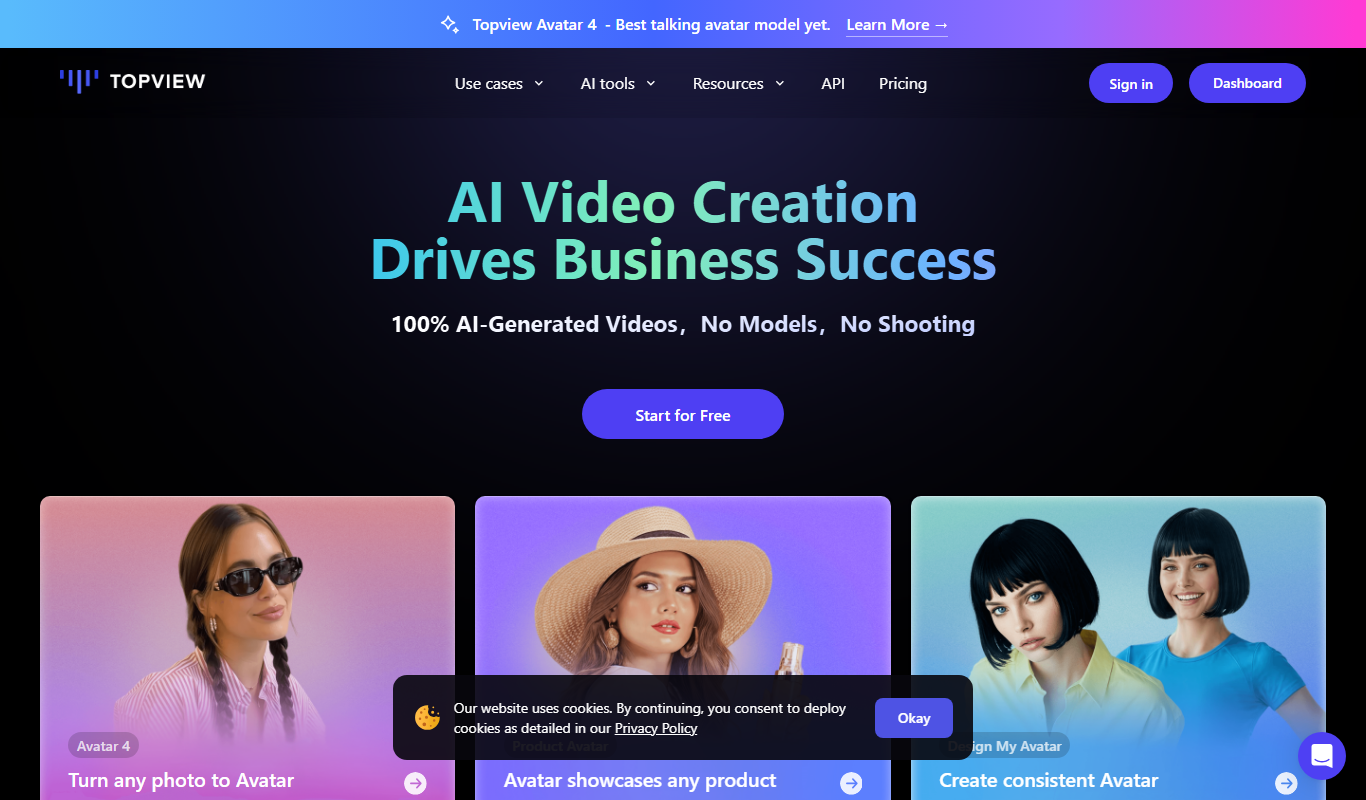
TopView.ai
TopView.ai is an AI video agent that creates short films, marketing videos and ads from scripts, references or product URLs, planning every scene on one canvas.
Pay Per Use
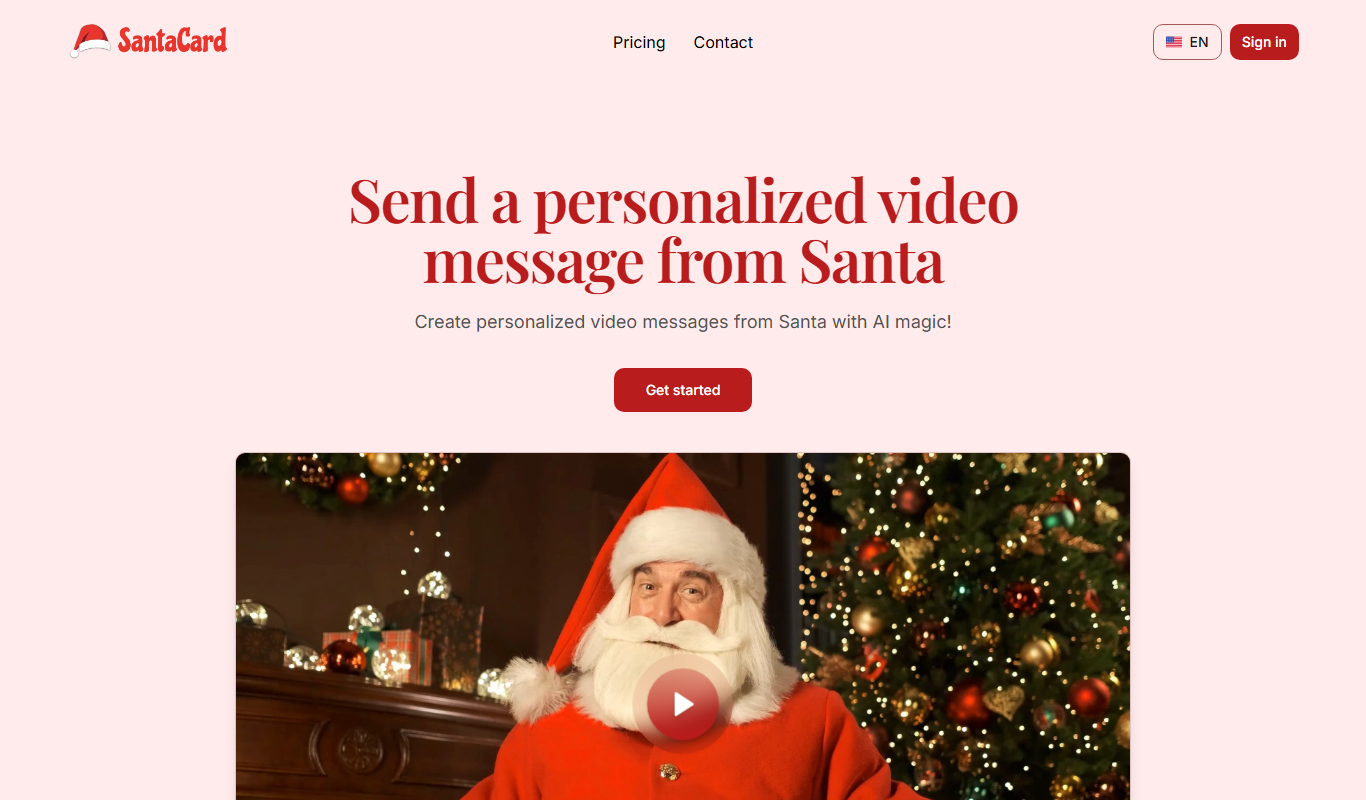
SantaCard
SantaCard creates personalized video messages from Santa with AI: type a message and get a realistic Santa video in 29 languages, sold per video.
Free
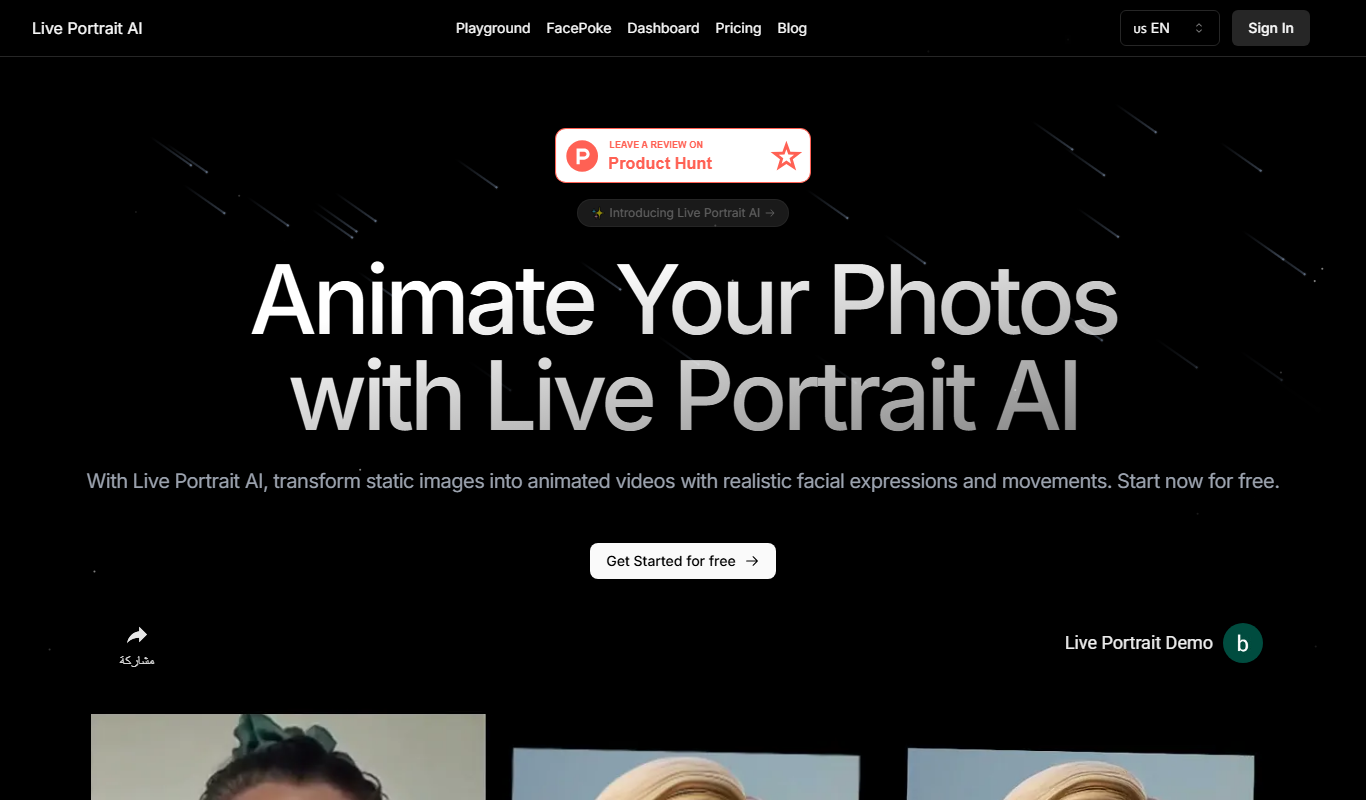
Live Portrait AI
Live Portrait AI animates still photos with the LivePortrait model, matching the head movement and facial expressions of a driving video.

Freemium
KreadoAI – Free AI Video Generator
KreadoAI turns product inputs into ready-to-run video, image and copy ad creatives, with 1000+ AI avatars, 140+ languages and multi-platform export.

Subscription
VidMax
VidMax is an AI UGC ad generator that turns templates into talking-avatar video ads ready for Meta and TikTok, built for DTC marketers.

Free
Vizard
Vizard uses AI to turn long-form videos into short clips ready for TikTok, Instagram, YouTube Shorts and more.

Free Trial
Immersive Fox
Immersive Fox turns PDFs and documents into AI video courses with AI actors, adaptive learning and quizzes in 57+ languages.