

From my experience with Data Normalizer, it stands out for its intuitive interface that allows users without coding skills to efficiently clean and standardize data. The real-time preview feature is particularly helpful in minimizing errors before applying transformations. It is well-suited for data analysts and machine learning engineers who need reliable preprocessing tools. However, the platform currently supports only English and lacks desktop or mobile apps, which might limit accessibility for some users. Overall, if your goal is to streamline data cleaning workflows with customizable rules and integration options, Data Normalizer offers a solid, user-friendly solution.
Data Normalizer Software for Efficient Data Cleaning and Standardization
Data Normalizer is a web-based tool that automates data cleaning and standardization, helping users prepare consistent datasets for analysis and machine learning without coding.
- Best for
- Data Cleaning
- Key capability
- Automated Data Cleaning
Your actions
Save Data Normalizer, follow its updates and vote on it — everything stays in your account.
Sign in or create a free account
What is Data Normalizer?
Data Normalizer is a web-based software tool designed to clean, standardize, and transform raw data into a consistent and usable format. It helps organizations streamline their data preprocessing workflows by automating normalization tasks, reducing manual effort, and improving data quality for analytics, reporting, and machine learning applications.
Key features of Data Normalizer
The tool offers automated data cleaning, customizable normalization rules, batch processing, integration with popular data sources, and real-time preview of transformations. It supports various data formats and provides an intuitive interface for users to define normalization workflows without coding.
Automated Data Cleaning
Automatically detect and correct inconsistencies, duplicates, and formatting errors.
Customizable Normalization Rules
Create tailored rules to fit specific data standards and business requirements.
Batch Processing
Handle large datasets efficiently by processing multiple files or records simultaneously.
Real-Time Preview
Visualize the effects of normalization rules instantly to validate changes.
Integration Support
Connect with databases, cloud storage, and data pipelines for seamless workflows.
Pros and cons of Data Normalizer
Pros
- User-friendly interface with no coding required
- Flexible and customizable normalization rules
- Supports multiple data formats and integrations
- Real-time preview reduces errors before processing
- Scalable plans for different business sizes
Cons
- Limited language support (English only)
- No desktop or mobile app versions available
Key use cases for Data Normalizer
Data Cleaning
Remove inconsistencies, duplicates, and errors from datasets to improve data quality.
Data Standardization
Convert data into a consistent format to enable easier analysis and integration.
ETL Processes
Facilitate Extract, Transform, Load workflows by normalizing data before loading into databases.
Data Preprocessing for Machine Learning
Prepare raw data by normalizing features to improve model training and accuracy.
Database Management
Ensure database entries follow uniform standards to maintain integrity and reduce redundancy.
How Data Normalizer works
- 1
Upload Data
Import datasets in supported formats such as CSV, Excel, or connect directly to databases.
- 2
Define Normalization Rules
Set rules for standardizing formats, removing duplicates, handling missing values, and more.
- 3
Preview Changes
Review the normalized data in real-time to ensure accuracy before applying transformations.
- 4
Process and Export
Apply normalization to the entire dataset and export the cleaned data for downstream use.
Who is using Data Normalizer
Data analysts
Business intelligence teams
Machine learning engineers
Database administrators
Small to medium enterprises
Data Normalizer pricing
Free Trial
$0 for 14 days
Full feature access for two weeks to evaluate the platform.
Professional
$49/month
Includes unlimited data normalization, priority support, and integration options.
Enterprise
Custom pricing
Tailored solutions with dedicated support, advanced security, and SLA guarantees.
Plans and prices are as published by the vendor and can change. Check the official site before you buy. Open the pricing page (opens in a new tab)
Frequently asked questions about Data Normalizer
It supports CSV, Excel, JSON, and direct database connections.
Yes, you can schedule batch processing and integrate with APIs for automation.
The Professional plan supports large datasets; Enterprise plans can handle custom volumes.
No, the interface is designed for users without programming experience.
Data handling and security practices vary by provider. Review the official privacy policy to understand how your data is stored and used.
Data handling and security practices vary by provider. Review the official privacy policy to understand how your data is stored and used.
Data handling and security practices vary by provider. Review the official privacy policy to understand how your data is stored and used.
Sign in to review this tool.
Sign In to ReviewNo reviews yet
Be the first to share how this tool worked for you.
Ask about pricing, limits, or how it compares — or answer someone else.
Sign In to AskNo questions yet
Have a question about using or paying for this tool? Be the first to ask.
Featured on TiorAI



Alternative Tools
Explore similar AI tools that might fit your needs
Free
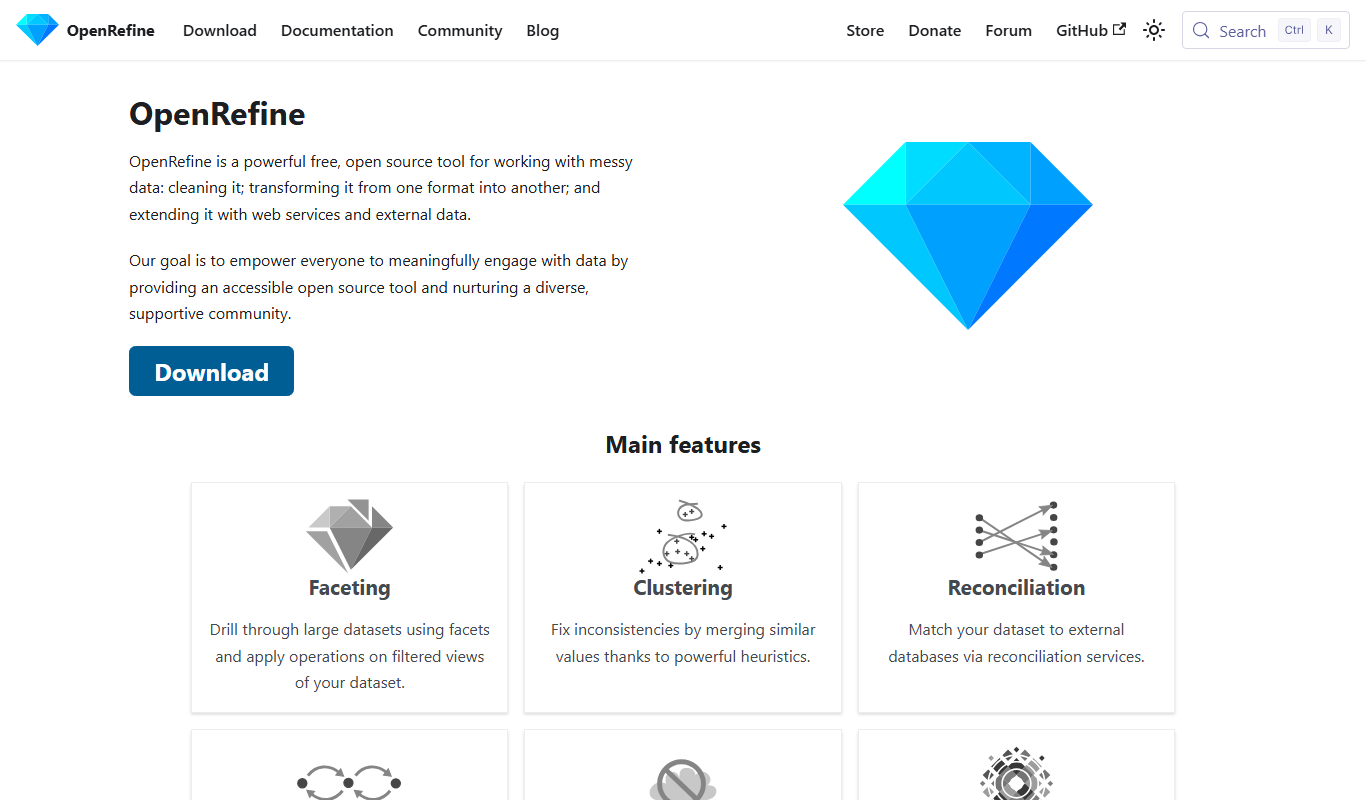
OpenRefine
OpenRefine is a free, open-source desktop tool designed for cleaning, transforming, and exploring large datasets with features like faceted browsing, clustering, and data reconciliation.
More Cloud, Data & Infrastructure tools
Other tools in the same category, for when this one is not quite the fit.

Free Trial
Census GPT
Census GPT lets users search census and crime data for the USA with natural language questions.

Free
Open Source Database Designs
Open Source Database Designs offers database schema examples plus an online database designer, an AI generator and SQL converters between MySQL, PostgreSQL and MSSQL.

Free
Laion
Laion is a non-profit open-source AI research organization providing large-scale datasets for training machine learning models, focusing on democratizing access to high-quality AI data.

Free
FormBuilderGPT
FormBuilderGPT is an AI-driven tool that creates customizable forms based on your natural language descriptions, enabling quick and easy data collection without coding.

Free Trial
ngsurvey.com
ngSurvey is enterprise survey software deployed on-premise or in the cloud, with an AI agent called Artemis for analysis.

Custom Pricing
EOS Data Analytics
EOS Data Analytics is a cloud-based platform that provides AI-powered satellite imagery analysis for environmental monitoring, agriculture, urban planning, and disaster management.

Pay As You Go
RunPod
RunPod is a cloud platform providing on-demand GPU rentals optimized for AI model training and inference, enabling users to access powerful GPUs remotely with flexible pricing.

Custom Pricing
XenonStack
XenonStack is a technology company positioned as an AI Reasoning Foundry, offering the Akira AI, NexaStack, ElixirData and MetaSecure products alongside cloud migration and DevOps services.