

From my experience with CVPIC.CO.UK, I found it excels at providing a straightforward and free solution for preparing professional profile pictures tailored for CVs and resumes. The automatic background removal is impressively accurate for a no-cost tool, and the interface is clean and easy to use even for beginners. However, it lacks advanced editing features and is limited to web use only, which might be a drawback for users seeking more comprehensive photo enhancements or mobile access. Overall, if you need a quick, hassle-free way to polish your CV photo without spending money, CVPIC.CO.UK delivers solid results.
CVPIC.CO.UK - Free Online CV and Resume Profile Picture Editor Tool
CVPIC.CO.UK is a free online tool that allows users to remove backgrounds and edit profile pictures specifically for CVs and resumes without registration or cost.
- Best for
- Professional CV Photo Editing
- Key capability
- Automatic Background Removal
Your actions
Save CVPIC.CO.UK, follow its updates and vote on it — everything stays in your account.
Sign in or create a free account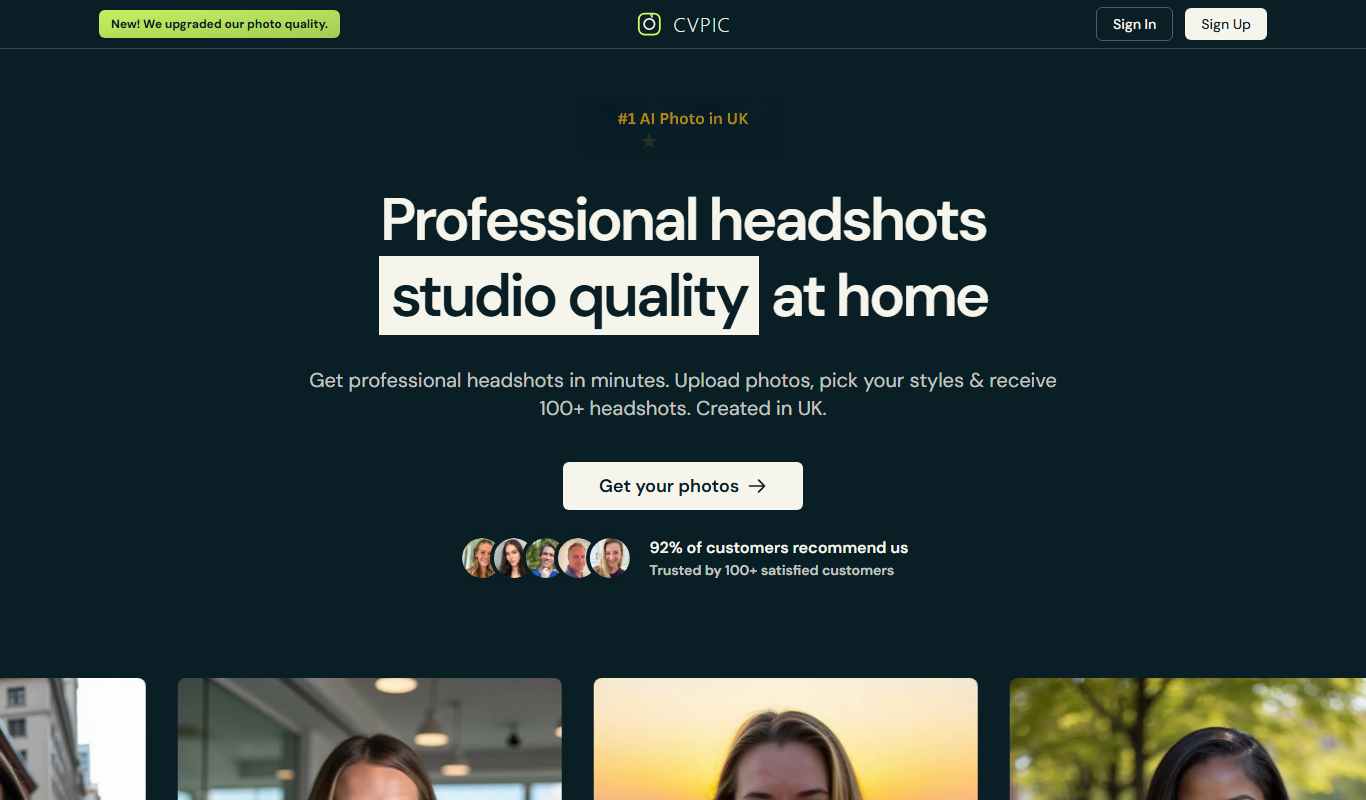
What is CVPIC.CO.UK?
CVPIC.CO.UK is a free online tool designed to help users create professional profile pictures specifically tailored for CVs and resumes. It offers simple editing features such as background removal, cropping, and resizing to ensure your photo meets the standards expected by recruiters and hiring managers.
Key features of CVPIC.CO.UK
The tool provides an intuitive interface for uploading photos, removing backgrounds automatically, cropping to standard CV photo dimensions, and downloading the finished image without watermarks or fees.
Automatic Background Removal
Uses AI to quickly and accurately remove photo backgrounds.
Easy Cropping Tool
Crop images to the ideal dimensions for CV profile pictures.
Free to Use
No cost or registration required to edit and download photos.
No Watermarks
Download clean images without any branding or watermarks.
Pros and cons of CVPIC.CO.UK
Pros
- Completely free with no registration
- Fast and accurate background removal
- Simple and user-friendly interface
- No watermarks on downloaded images
Cons
- Limited to basic editing features
- No advanced photo enhancement options
- Web-only platform, no mobile app
Key use cases for CVPIC.CO.UK
Professional CV Photo Editing
Edit and enhance your CV or resume profile picture to meet professional standards.
Background Removal
Remove or replace the background of your profile photo to create a clean, uniform look.
Quick Online Photo Editing
Use an easy web-based tool to crop, resize, and adjust your profile pictures without software installation.
How CVPIC.CO.UK works
- 1
Upload Your Photo
Select a photo from your device to start editing.
- 2
Automatic Background Removal
The tool automatically detects and removes the background from your photo.
- 3
Crop and Adjust
Crop the image to the recommended size and make any necessary adjustments.
- 4
Download Your Edited Photo
Save the finished profile picture to your device for use in your CV or resume.
Who is using CVPIC.CO.UK
Job seekers
Students preparing CVs
Recruitment professionals
Career coaches
Freelancers creating professional profiles
CVPIC.CO.UK pricing
Free
$0
Full access to all editing features with no charges.
Plans and prices are as published by the vendor and can change. Check the official site before you buy. Open the pricing page (opens in a new tab)
Frequently asked questions about CVPIC.CO.UK
Yes, the tool is completely free with no hidden fees.
No account or registration is required to use the service.
The tool works best with clear photos where the subject is distinguishable from the background.
You can upload common image formats such as JPG and PNG.
Some tools offer a free plan or trial with limited features. Availability can vary, so confirm on the official website.
Yes, it can help with that use case depending on how you configure it and what features are available. You’ll get the best results with clear inputs and a defined goal.
Some tools offer a free plan or trial with limited features. Availability can vary, so confirm on the official website.
Sign in to review this tool.
Sign In to ReviewNo reviews yet
Be the first to share how this tool worked for you.
Ask about pricing, limits, or how it compares — or answer someone else.
Sign In to AskNo questions yet
Have a question about using or paying for this tool? Be the first to ask.
Featured on TiorAI



More AI Image & Visual Tools tools
Other tools in the same category, for when this one is not quite the fit.
Subscription
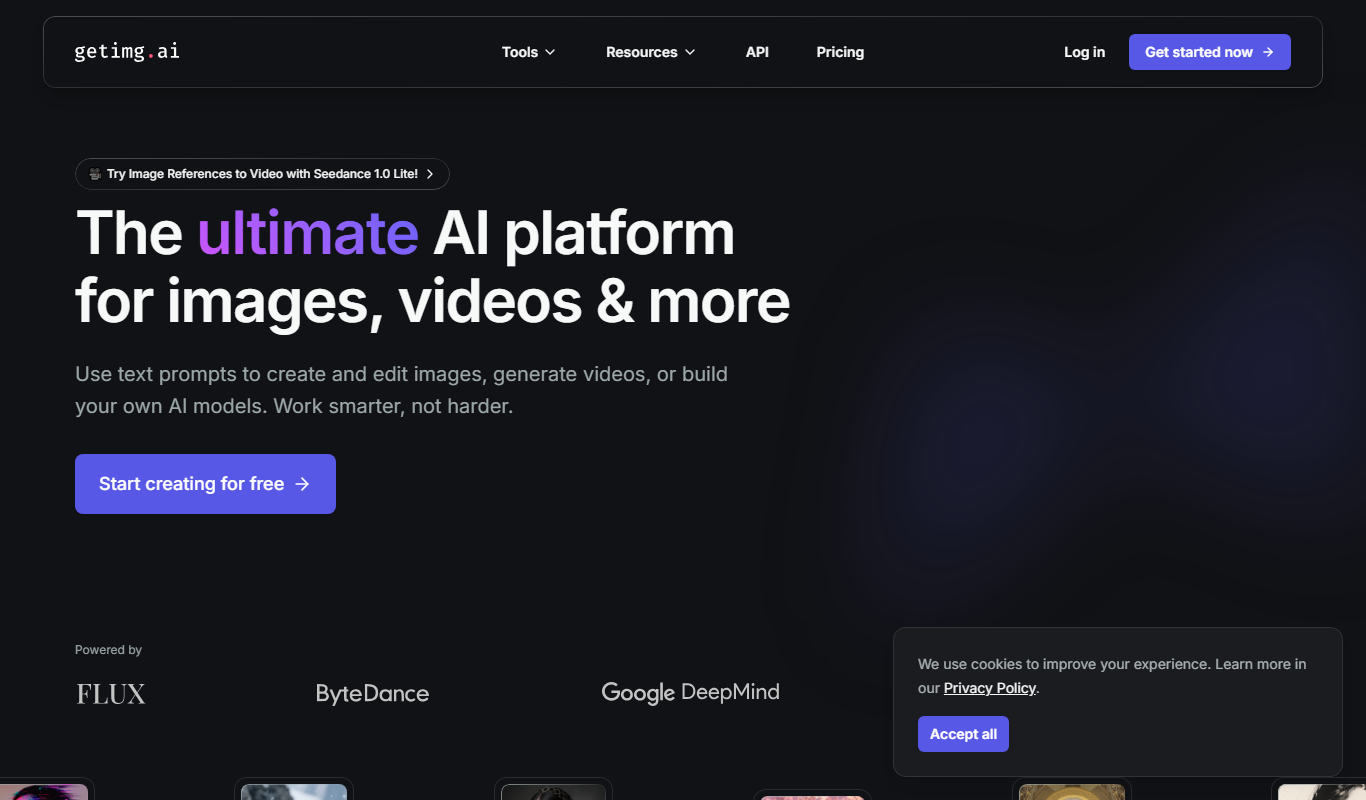
Getimg.ai
Getimg.ai is an AI creative platform to create and edit images, video, music, speech and sound effects with leading AI models in one workspace.
Free
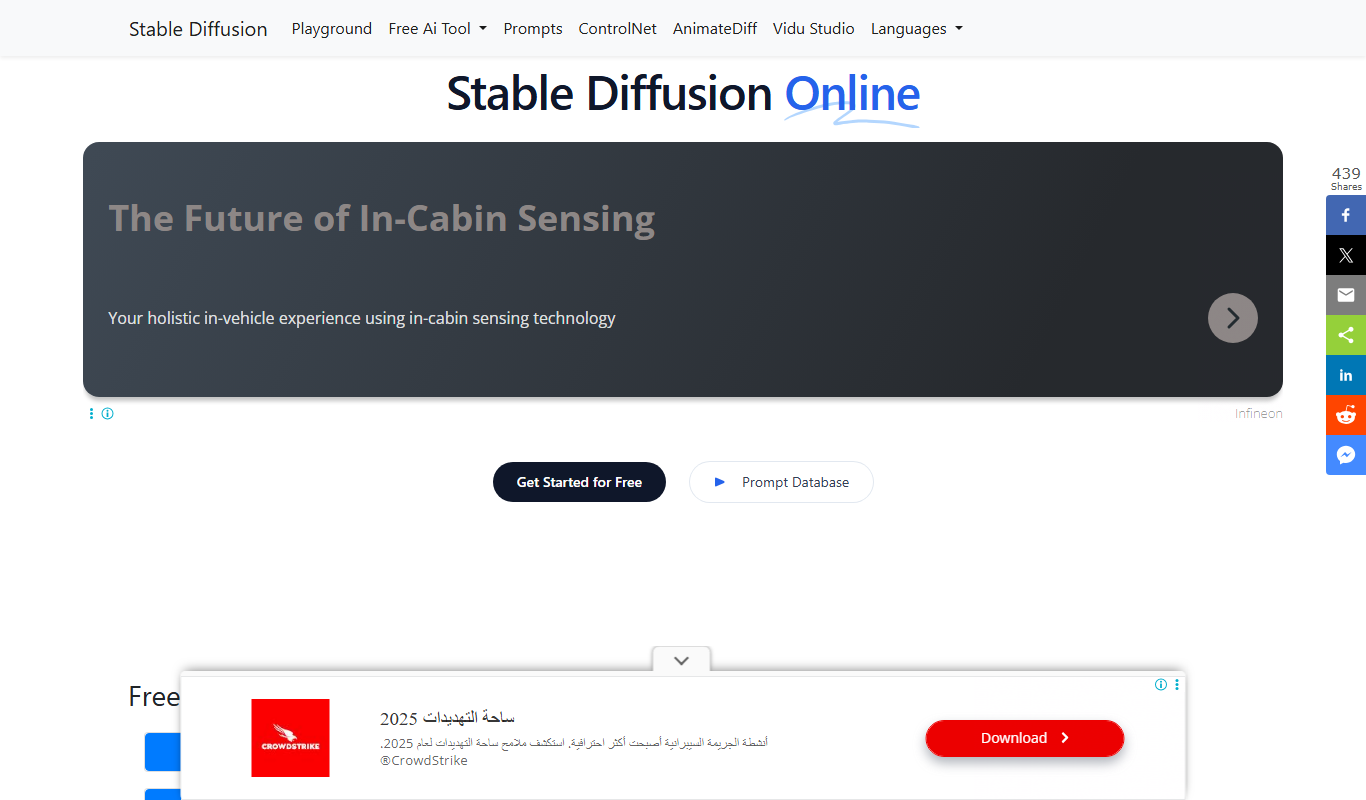
Stable Diffusion Online
Stable Diffusion Online is a web platform that uses the Stable Diffusion AI model to generate images from text prompts, enabling users to create digital art easily without software installation.

Free
AI Image Generator/Search
AI Image Generator/Search is a web platform that allows users to generate images from text prompts and search a database of AI-created images for creative and commercial use.

Free
Illusion Diffusion AI Online
Illusion Diffusion AI Online is an AI optical illusion image generator that turns any design, text or photo into illusion art, using credits bought as one-time packs.
Free
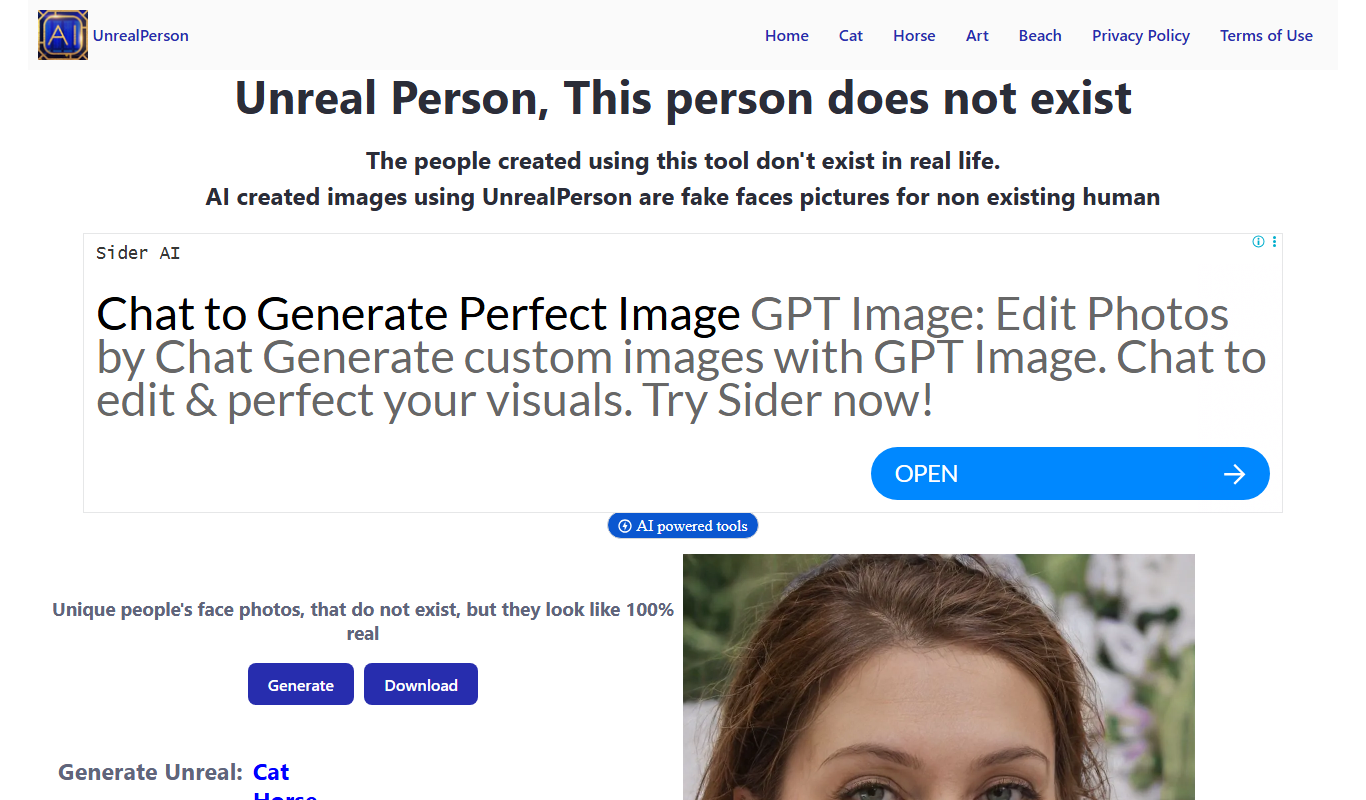
UnrealPerson
UnrealPerson is a free AI-powered web tool that generates unique, realistic synthetic human faces instantly without requiring registration.

Free Trial
Business Portrait AI
Business Portrait AI is an online tool that uses artificial intelligence to create professional business portraits and corporate headshots quickly and affordably without traditional photoshoots.

One-time purchase
KiraHeadshots
KiraHeadshots is an AI-based web tool that generates professional-quality headshots from user photos, ideal for resumes and social media profiles.

One-time purchase
Headshot Photo
Headshot Photo is an AI-based web tool that generates professional-quality headshots from your photos, offering style customization and high-resolution downloads.