

From my experience with Crosby Health, I found it excels at streamlining patient communication and reducing appointment no-shows through automated multi-channel outreach. The platform’s integration with telehealth services and EHR systems makes it a practical choice for healthcare providers aiming to enhance patient engagement and care coordination. However, the lack of publicly available pricing and limited language options may require organizations to engage directly with sales for tailored solutions. Overall, Crosby Health is well-suited for hospitals, clinics, and telehealth providers focused on improving patient experience and operational efficiency.
Crosby Health Patient Engagement Platform for Healthcare Providers and Patients
Crosby Health is a healthcare technology platform that enhances patient engagement through automated messaging, appointment reminders, telehealth support, and secure communication, helping providers improve patient experience and reduce no-shows.
- Best for
- Patient Engagement
- Key capability
- Multi-Channel Patient Communication
Your actions
Save Crosby Health, follow its updates and vote on it — everything stays in your account.
Sign in or create a free account
What is Crosby Health?
Crosby Health is a patient engagement platform designed to improve communication between healthcare providers and patients. It offers automated messaging, appointment reminders, telehealth integration, and patient education tools to enhance patient experience and streamline healthcare workflows.
Key features of Crosby Health
The platform provides features such as multi-channel patient outreach (SMS, email, voice), telehealth appointment scheduling, automated reminders, patient surveys, and secure messaging to support care coordination and patient engagement.
Multi-Channel Patient Communication
Engage patients via SMS, email, and voice calls to ensure messages are received.
Automated Appointment Reminders
Reduce no-shows with timely reminders and confirmations sent automatically.
Telehealth Integration
Seamlessly coordinate virtual visits with appointment scheduling and patient notifications.
Patient Surveys and Feedback
Collect patient satisfaction data to inform quality improvement efforts.
Secure Messaging
Enable HIPAA-compliant communication between patients and care teams.
Pros and cons of Crosby Health
Pros
- Improves patient engagement and reduces no-shows
- Supports multiple communication channels
- Integrates with existing healthcare systems
- Enhances telehealth coordination
- Collects valuable patient feedback
Cons
- Pricing details are not publicly available
- Limited language support (primarily English)
- May require technical support for integration
Key use cases for Crosby Health
Patient Engagement
Enhance communication and interaction between healthcare providers and patients through automated messaging and appointment reminders.
Telehealth Support
Facilitate virtual care delivery by integrating telehealth appointment scheduling and patient outreach.
Appointment Management
Reduce no-shows and streamline scheduling with automated reminders and confirmations.
Patient Education
Deliver personalized health education content and follow-up instructions to patients.
Care Coordination
Improve coordination among care teams and patients with secure messaging and data sharing.
How Crosby Health works
- 1
Integration Setup
Healthcare organizations integrate Crosby Health with their existing EHR or practice management systems.
- 2
Patient Data Sync
Patient information is synchronized to enable personalized communication and appointment management.
- 3
Automated Outreach
The system sends automated reminders, educational content, and surveys via preferred communication channels.
- 4
Telehealth Coordination
Patients receive telehealth appointment details and links directly through the platform.
- 5
Feedback and Follow-up
Providers collect patient feedback and follow up to improve care quality and satisfaction.
Who is using Crosby Health
Hospitals and health systems
Medical practices and clinics
Telehealth providers
Patient experience teams
Care coordination departments
Crosby Health pricing
Custom Pricing
Contact for pricing
Pricing tailored to organization size and feature needs.
Plans and prices are as published by the vendor and can change. Check the official site before you buy. Open the pricing page (opens in a new tab)
Frequently asked questions about Crosby Health
Yes, Crosby Health is HIPAA-compliant and ensures secure handling of patient data.
Yes, the platform supports integration with major EHR and practice management systems.
Yes, it facilitates telehealth scheduling and patient communication for virtual visits.
The platform uses SMS, email, and voice calls to reach patients effectively.
This tool is designed to help users accomplish its core tasks more efficiently. It is typically used by individuals or teams looking to improve productivity and workflow.
Yes, it can help with that use case depending on how you configure it and what features are available. You’ll get the best results with clear inputs and a defined goal.
It depends on your specific needs and how you plan to use the tool. The official website and documentation are the best sources for the latest details.
It depends on your specific needs and how you plan to use the tool. The official website and documentation are the best sources for the latest details.
Sign in to review this tool.
Sign In to ReviewNo reviews yet
Be the first to share how this tool worked for you.
Ask about pricing, limits, or how it compares — or answer someone else.
Sign In to AskNo questions yet
Have a question about using or paying for this tool? Be the first to ask.
Featured on TiorAI



Alternative Tools
Explore similar AI tools that might fit your needs

Custom Pricing
Solutionreach
Solutionreach is a healthcare-focused patient communication platform that automates appointment reminders, enables secure messaging, supports telehealth, and manages patient reviews to improve engagement and practice efficiency.
More AI Subtitle Generator tools
Other tools in the same category, for when this one is not quite the fit.

Free Trial
Sqriblr
Sqriblr is an AI-powered writing assistant designed to help users generate high-quality, SEO-optimized content for blogs, marketing, and social media.

Free
Free Ai text Generator
Free AI Text Generator by Copyson is a web-based tool that allows users to generate written content instantly without registration or payment, supporting English language content creation for various use cases.

Free
Alt Text AI Generator
Alt Text AI Generator is a web tool that uses AI to create descriptive alternative text for images, helping improve website accessibility and SEO.
Free Trial
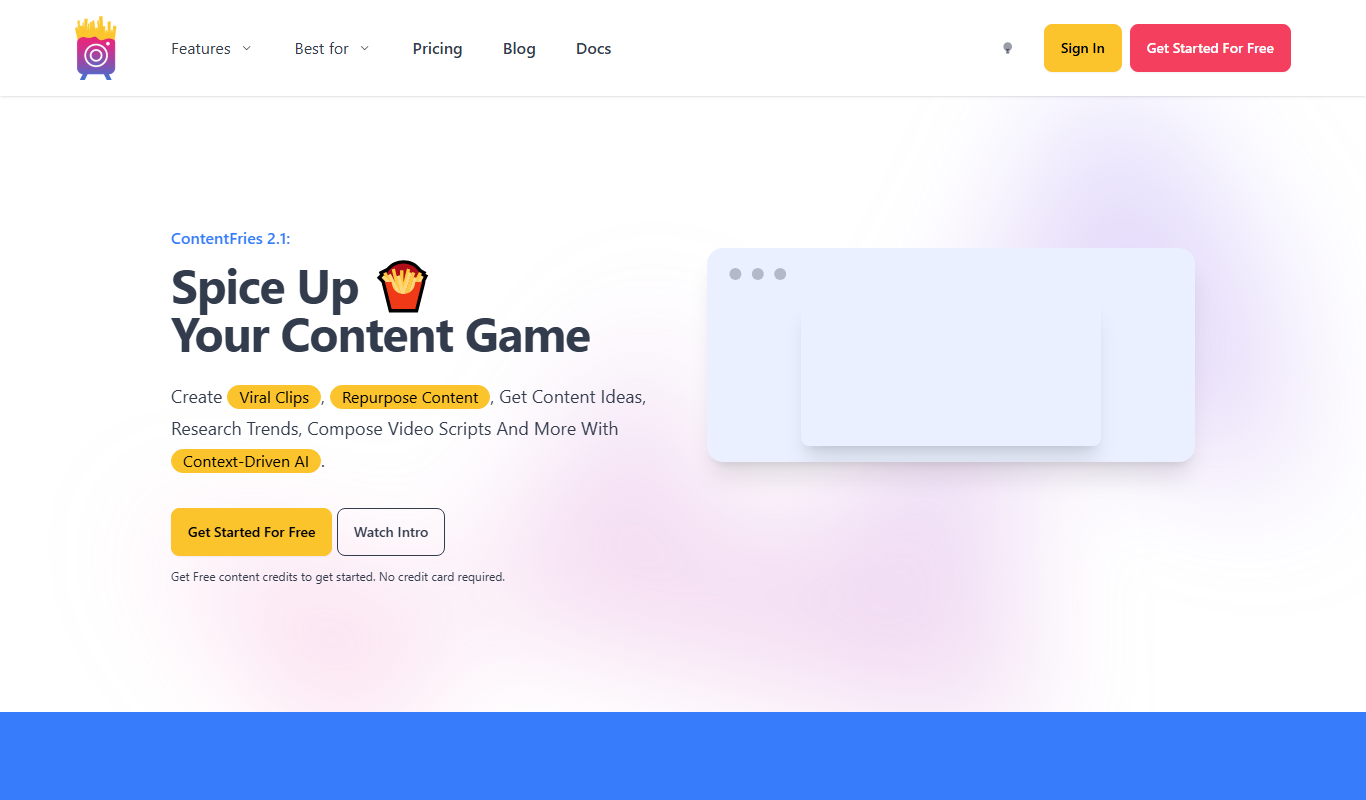
Contentfries
Contentfries is an AI-driven platform that transforms long-form video and audio content into multiple short clips optimized for social media, helping marketers and creators save time and increase engagement.
Custom Pricing
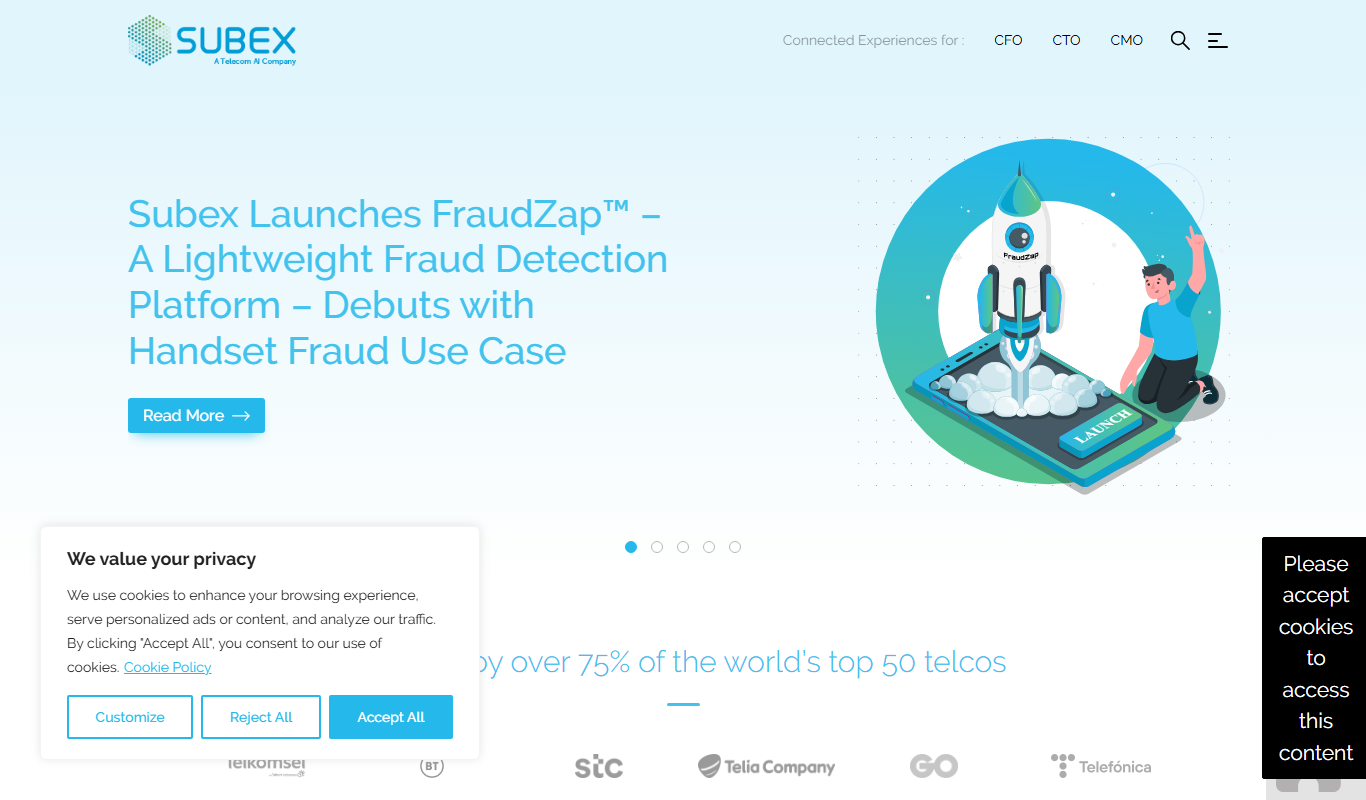
subex.com
Subex is a telecom-focused analytics and risk management software platform that uses AI to detect fraud, assure revenue, and manage operational risks for telecom operators.
Freemium
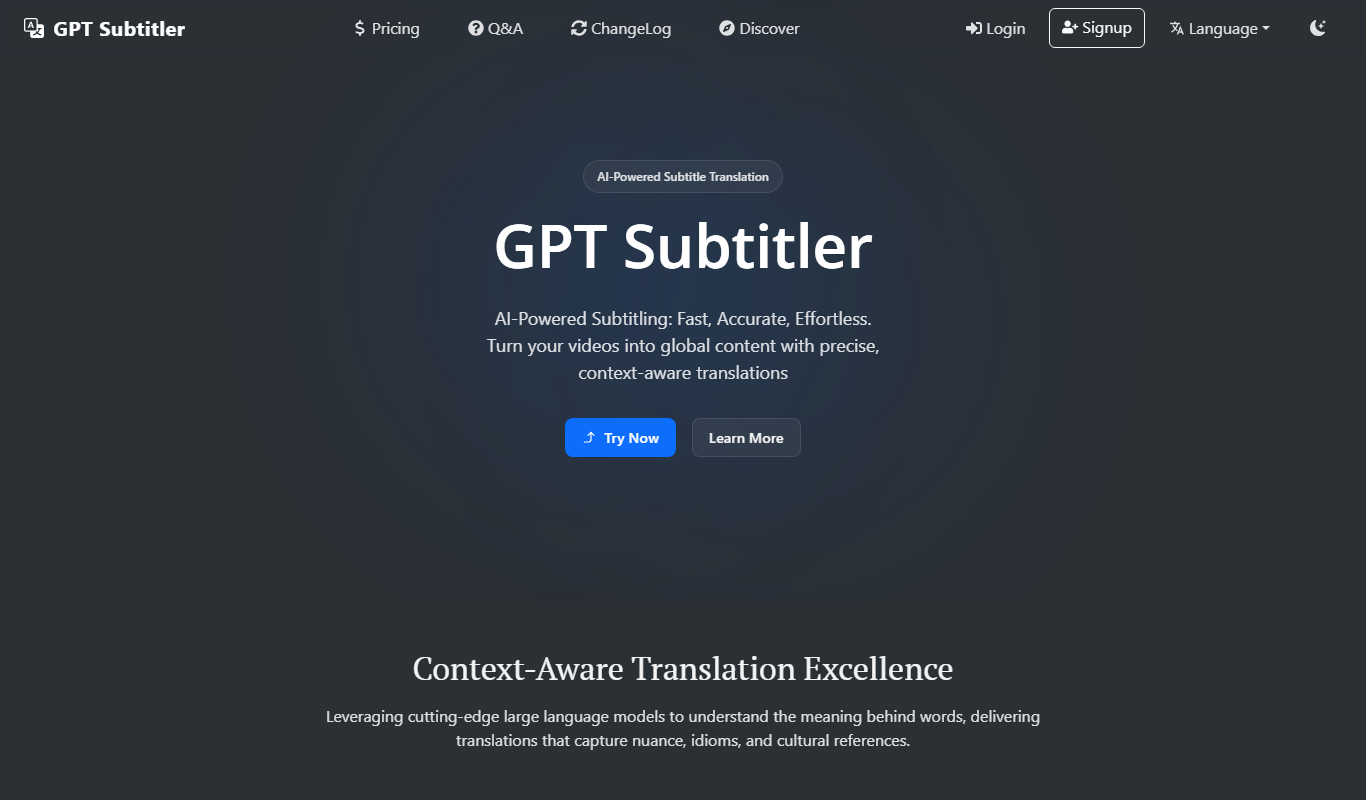
GPT Subtitler
GPT Subtitler is an AI-based tool that automatically generates synchronized subtitles for videos, enabling quick and accurate captioning to improve accessibility and engagement.
Free
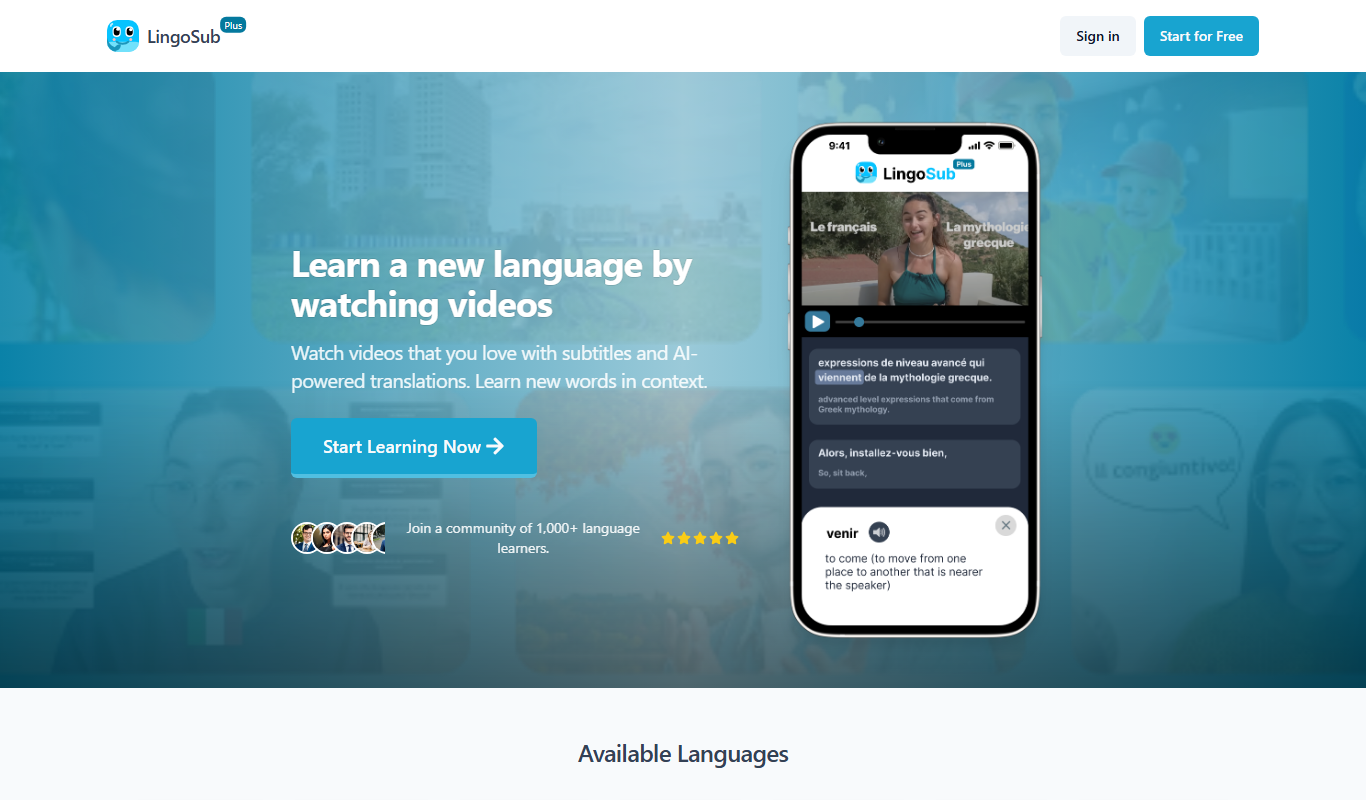
LingoSub
LingoSub is an AI-driven platform that automatically generates and translates video subtitles into multiple languages, enhancing accessibility and audience reach.
Free Trial
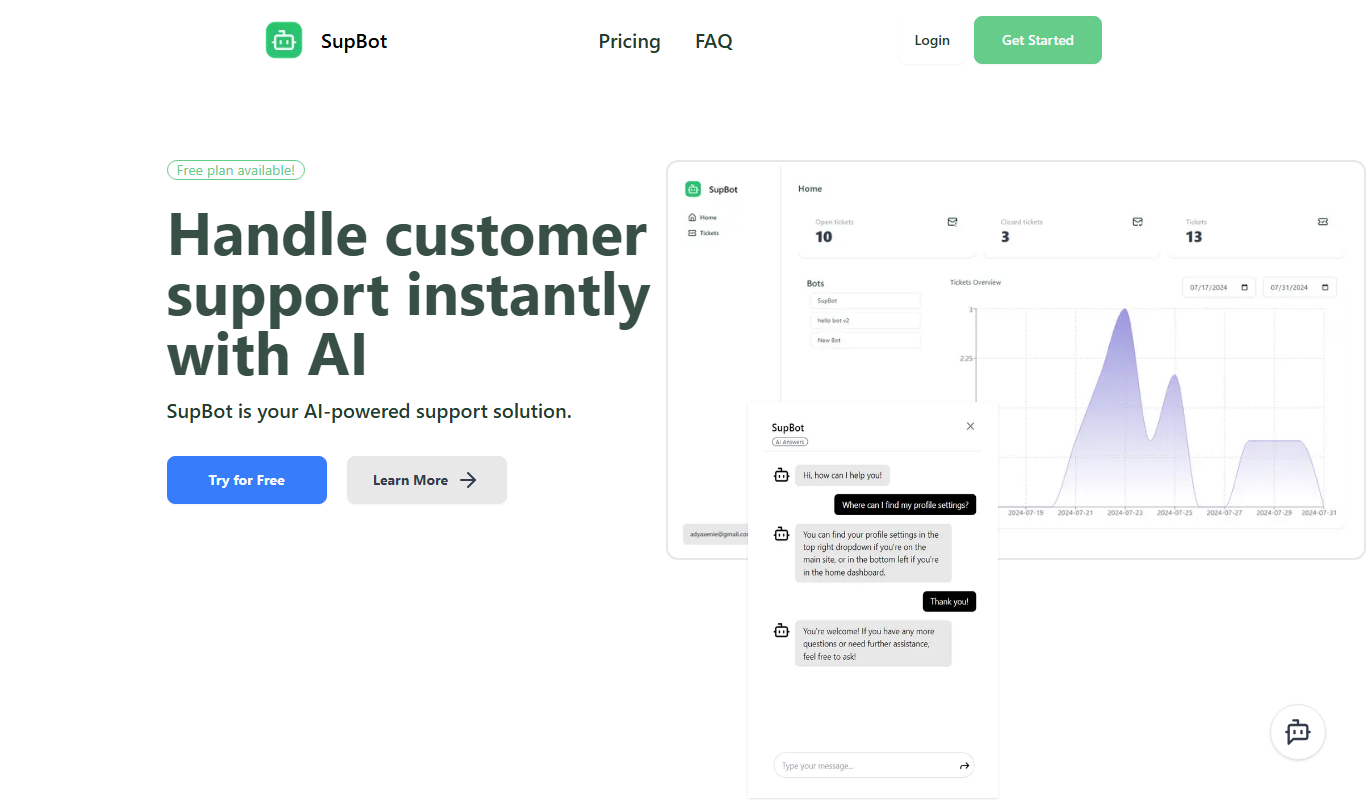
SupBot
SupBot is an AI-powered chatbot platform designed to automate customer support and engagement by providing customizable chatbots that operate across multiple channels.