

From my experience with cPanel, it stands out as a reliable and user-friendly web hosting control panel that simplifies complex server management tasks. Its intuitive interface makes it accessible for beginners while still offering powerful features for experienced administrators. I found the one-click installers and email management particularly helpful for streamlining website setup and communication. However, the subscription pricing might be a consideration for smaller users, and it is primarily designed for Linux servers, which could limit flexibility in some environments. Overall, if you need a comprehensive and widely supported hosting control panel, cPanel delivers solid performance and ease of use.
cPanel Web Hosting Control Panel for Server Management and Website Hosting
cPanel is a web-based control panel that simplifies website and server management by providing an intuitive interface for managing files, domains, emails, databases, and security settings.
- Best for
- Website Hosting Management
- Key capability
- File Manager
Your actions
Save cPanel, follow its updates and vote on it — everything stays in your account.
Sign in or create a free account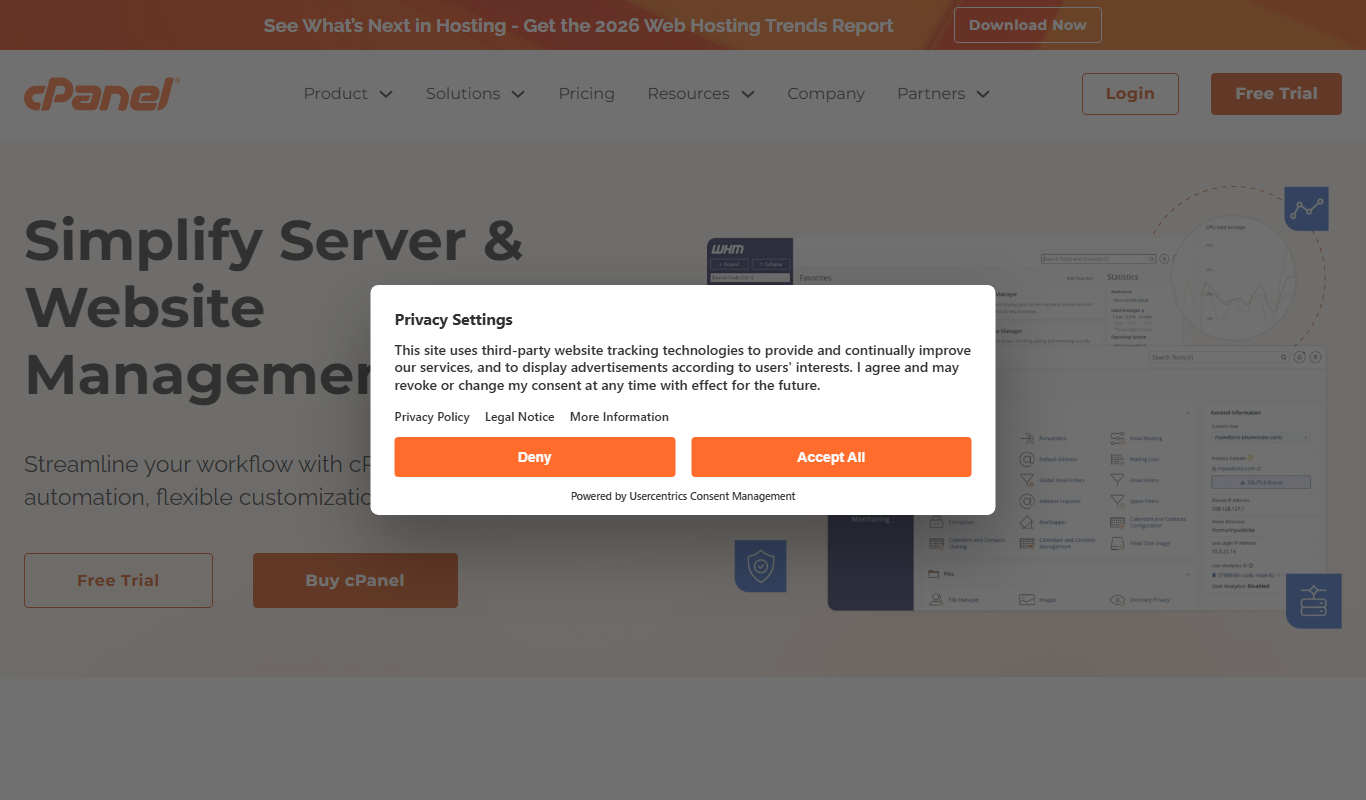
What is cPanel?
cPanel is a web-based hosting control panel that provides a graphical interface and automation tools designed to simplify the process of hosting a website. It allows users to manage their web hosting environment, including files, databases, email, and domains, without needing advanced technical skills. Widely used by hosting providers and website owners, cPanel streamlines server and website management tasks.
Key features of cPanel
cPanel offers a comprehensive set of features including file management, domain and DNS management, email account setup, database administration, security tools, and application installers. Its user-friendly dashboard enables efficient control over hosting environments, making it accessible for both beginners and experienced administrators.
File Manager
Upload, edit, and organize website files directly through the web interface.
Email Management
Create and manage email accounts, forwarders, and spam filters.
Domain and DNS Management
Add and configure domains, subdomains, and DNS records.
Database Administration
Create and manage MySQL and PostgreSQL databases with phpMyAdmin integration.
One-Click Application Installer
Install popular CMS and web applications quickly without manual setup.
Backup and Restore
Schedule backups and restore website data to prevent data loss.
Security Features
Manage SSL certificates, IP blockers, and password-protected directories.
Pros and cons of cPanel
Pros
- Intuitive and user-friendly interface
- Comprehensive hosting management features
- Widely supported by hosting providers
- Robust security and backup options
- One-click application installers
Cons
- Subscription pricing may be costly for small users
- Primarily designed for Linux-based servers
- Limited customization for advanced server configurations
Key use cases for cPanel
Website Hosting Management
Manage websites, domains, email accounts, and databases through an intuitive web interface.
Server Administration
Perform server configuration, security settings, and resource monitoring without command-line expertise.
Email Management
Create and manage email accounts, forwarders, autoresponders, and spam filters easily.
Backup and Restore
Schedule and manage backups of website files and databases to ensure data safety.
Software Installation
Install popular web applications like WordPress, Joomla, and Drupal with one-click installers.
How cPanel works
- 1
Access cPanel Dashboard
Log in to the cPanel interface provided by your hosting provider using your credentials.
- 2
Manage Hosting Resources
Use the dashboard to configure domains, upload files, create databases, and set up email accounts.
- 3
Utilize Automation Tools
Leverage built-in tools like one-click installers and backup managers to simplify tasks.
- 4
Monitor and Secure
Monitor resource usage and apply security settings such as SSL certificates and firewall rules.
Who is using cPanel
Web hosting providers
Small to medium business owners
Freelance web developers
Website administrators
Digital marketing agencies
cPanel pricing
Solo
$15/month
Designed for single users managing one account with essential features.
Premier
$30/month
Supports up to 5 accounts with advanced features and priority support.
Premier Plus
$45/month
Supports up to 30 accounts with full feature set and premium support.
Plans and prices are as published by the vendor and can change. Check the official site before you buy. Open the pricing page (opens in a new tab)
Frequently asked questions about cPanel
cPanel is used to manage web hosting accounts, allowing users to control website files, email, domains, and databases through a graphical interface.
Yes, cPanel is designed with a user-friendly interface that makes website and server management accessible to users without advanced technical skills.
Yes, cPanel includes one-click installers like Softaculous that allow easy installation of WordPress and other popular applications.
Yes, cPanel provides tools to create and manage email accounts, forwarders, autoresponders, and spam filters.
It depends on your specific needs and how you plan to use the tool. The official website and documentation are the best sources for the latest details.
Some tools offer a free plan or trial with limited features. Availability can vary, so confirm on the official website.
Yes, it can help with that use case depending on how you configure it and what features are available. You’ll get the best results with clear inputs and a defined goal.
Sign in to review this tool.
Sign In to ReviewNo reviews yet
Be the first to share how this tool worked for you.
Ask about pricing, limits, or how it compares — or answer someone else.
Sign In to AskNo questions yet
Have a question about using or paying for this tool? Be the first to ask.
Featured on TiorAI



Alternative Tools
Explore similar AI tools that might fit your needs

Freemium
Plesk
Plesk is a web hosting control panel that provides an intuitive interface and automation tools to manage websites, servers, and security efficiently.
More Business Management tools
Other tools in the same category, for when this one is not quite the fit.

Free
PrayerPath
PrayerPath is a Christian app for prayer and devotionals on the web, Android and iOS.
Custom Pricing
Sinequa
Sinequa by ChapsVision is an enterprise AI search and analytics platform for large volumes of structured and unstructured data, with pricing on request.

Subscription
BetterWorks
BetterWorks is a cloud-based software platform designed to help organizations manage Objectives and Key Results (OKRs) and continuous employee performance through goal setting, regular check-ins, and real-time progress tracking.

Custom Pricing
GreyOrange
GreyOrange provides AI-driven autonomous robots and software solutions to automate warehouse operations, improving efficiency and accuracy in logistics.

Free Trial
Mobicip
Mobicip is a parental control app that helps parents filter internet content, manage screen time, monitor app usage, and track their children's location across multiple devices.
Free Trial
Bark
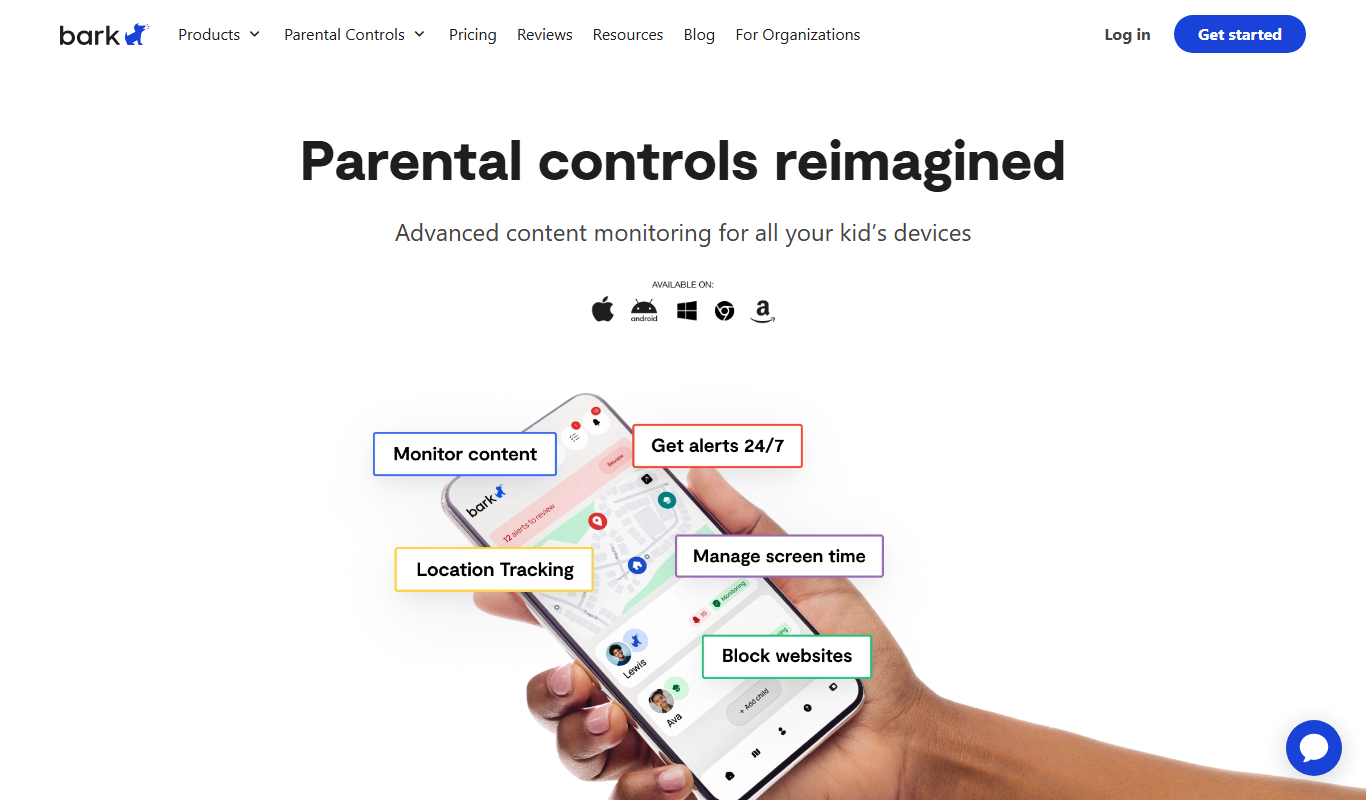
Bark is a parental control app that monitors children's online activity using AI to detect cyberbullying, threats, and inappropriate content, while offering screen time management and content filtering.

Free Trial
2Houses
2Houses is a co-parenting app that helps separated parents manage custody schedules, expenses, and communication in one secure platform.

Free
Cozi Family Organizer
Cozi Family Organizer is a multi-platform app that centralizes family scheduling, meal planning, and task management with shared calendars and real-time syncing.