

From my experience with Components.ai, I found it excels at providing a streamlined, open source React component library that simplifies UI prototyping and design system development. The live preview and customization features make it easy to tailor components without deep configuration, which is great for developers and designers working closely together. However, since it is limited to React components, teams using other frameworks may find it less useful. Overall, if you are focused on React frontend projects and want a free, community-driven resource to speed up UI development, Components.ai delivers solid, practical value.
Components.ai UI Component Library for Developers and Designers
Components.ai is a free, open source platform offering a curated library of customizable React UI components for rapid frontend development and design system building.
- Best for
- Rapid UI Prototyping
- Key capability
- Curated React Component Library
Your actions
Save components.ai, follow its updates and vote on it — everything stays in your account.
Sign in or create a free account
What is components.ai?
Components.ai is an open-source, web-based platform offering a curated library of React UI components. It enables developers and designers to browse, customize, and compose reusable components to accelerate frontend development and design system creation.
Key features of components.ai
The platform provides a searchable catalog of high-quality React components, live previews, customization options, and code export capabilities, facilitating rapid UI prototyping and consistent design implementation.
Curated React Component Library
A well-organized collection of reusable React components covering common UI patterns.
Live Component Preview
Instant visual feedback when customizing components to see changes in real time.
Customizable Props and Styles
Modify component properties and CSS variables to tailor components to your needs.
Code Export and Integration
Easily export clean React code snippets for seamless integration into development workflows.
Open Source and Community Driven
Components.ai is open source, encouraging community contributions and transparency.
Pros and cons of components.ai
Pros
- Free and open source with no usage restrictions
- High-quality, customizable React components
- Live preview and easy code export
- Supports rapid prototyping and design system consistency
- Community-driven with active development
Cons
- Limited to React components only
- No native support for other frontend frameworks
- Customization options may be limited compared to full design tools
Key use cases for components.ai
Rapid UI Prototyping
Developers and designers can quickly assemble UI prototypes using pre-built, customizable React components.
Design System Implementation
Teams can adopt consistent design patterns by leveraging the curated component library to build scalable design systems.
Frontend Development
Frontend engineers can integrate ready-to-use components into React projects to accelerate development cycles.
Learning and Experimentation
Beginners and professionals can explore component usage and customization to better understand React UI building blocks.
How components.ai works
- 1
Browse Components
Explore the extensive library of React components categorized by type and functionality.
- 2
Customize Components
Adjust component properties and styles interactively to fit your design requirements.
- 3
Compose UI
Combine multiple components to build complex user interfaces directly within the platform.
- 4
Export Code
Download or copy the React code for your customized components to integrate into your projects.
Who is using components.ai
Frontend developers using React
UI/UX designers working with React teams
Startups and small teams needing rapid prototyping
Open source enthusiasts and contributors
Educators teaching React component design
components.ai pricing
Free
$0
Full access to the component library and customization tools without cost.
Plans and prices are as published by the vendor and can change. Check the official site before you buy. Open the pricing page (opens in a new tab)
Frequently asked questions about components.ai
Yes, Components.ai is completely free and open source.
Yes, the components are open source and can be used in personal and commercial projects.
Currently, Components.ai focuses exclusively on React components.
Yes, the project welcomes community contributions via its GitHub repository.
This tool is designed to help users accomplish its core tasks more efficiently. It is typically used by individuals or teams looking to improve productivity and workflow.
Some tools offer a free plan or trial with limited features. Availability can vary, so confirm on the official website.
Yes, it can help with that use case depending on how you configure it and what features are available. You’ll get the best results with clear inputs and a defined goal.
Sign in to review this tool.
Sign In to ReviewNo reviews yet
Be the first to share how this tool worked for you.
Ask about pricing, limits, or how it compares — or answer someone else.
Sign In to AskNo questions yet
Have a question about using or paying for this tool? Be the first to ask.
Featured on TiorAI



Alternative Tools
Explore similar AI tools that might fit your needs

Free
Storybook
Storybook is an open-source tool that allows developers to build, test, and document UI components in isolation for frameworks like React, Vue, and Angular, improving frontend development workflows and UI consistency.
Free
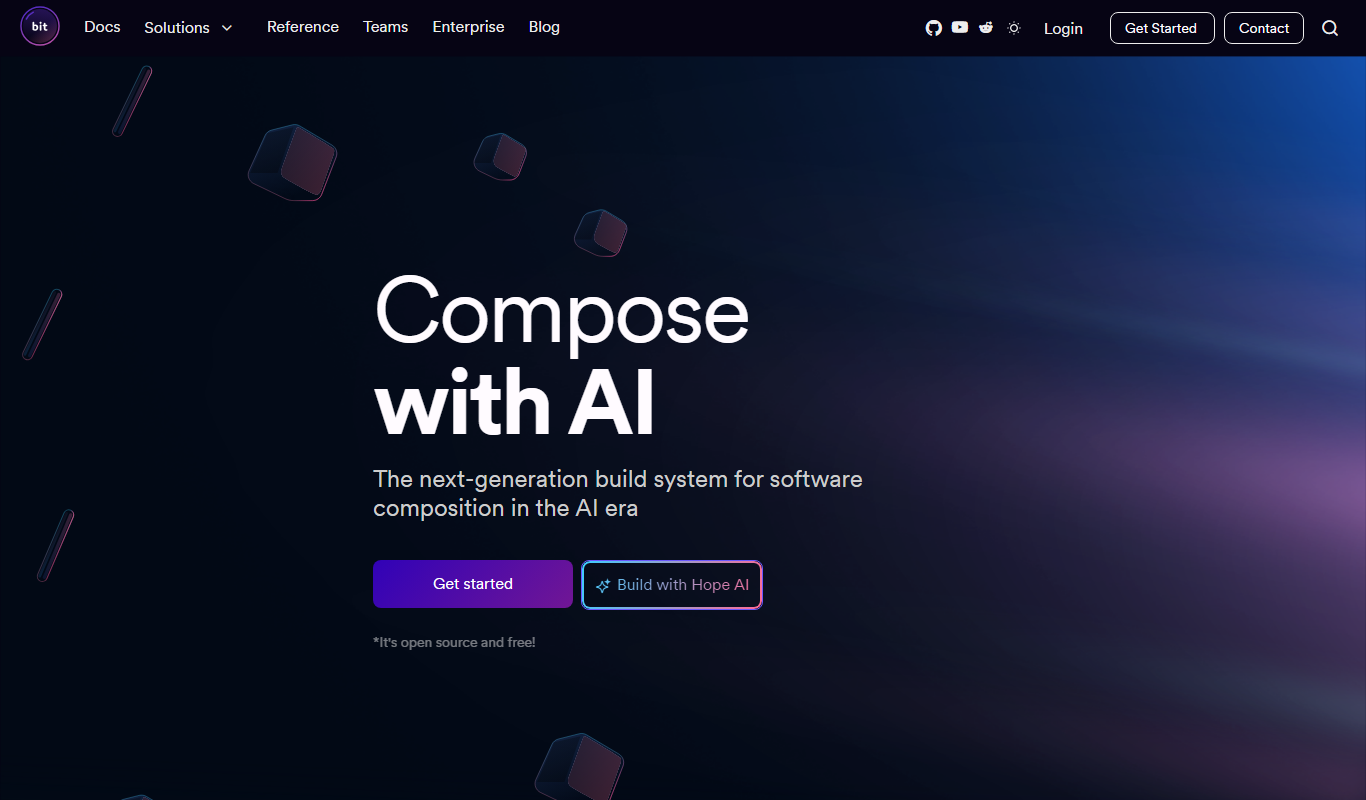
Bit.dev
Bit.dev is a platform that enables software teams to build, share, and collaborate on reusable components, improving modularity and speeding up development.

Free
Material-UI
Material-UI is an open-source React component library that implements Google's Material Design system, providing developers with customizable UI components to build modern, accessible web applications efficiently.
More Art & Creative Design tools
Other tools in the same category, for when this one is not quite the fit.
Free
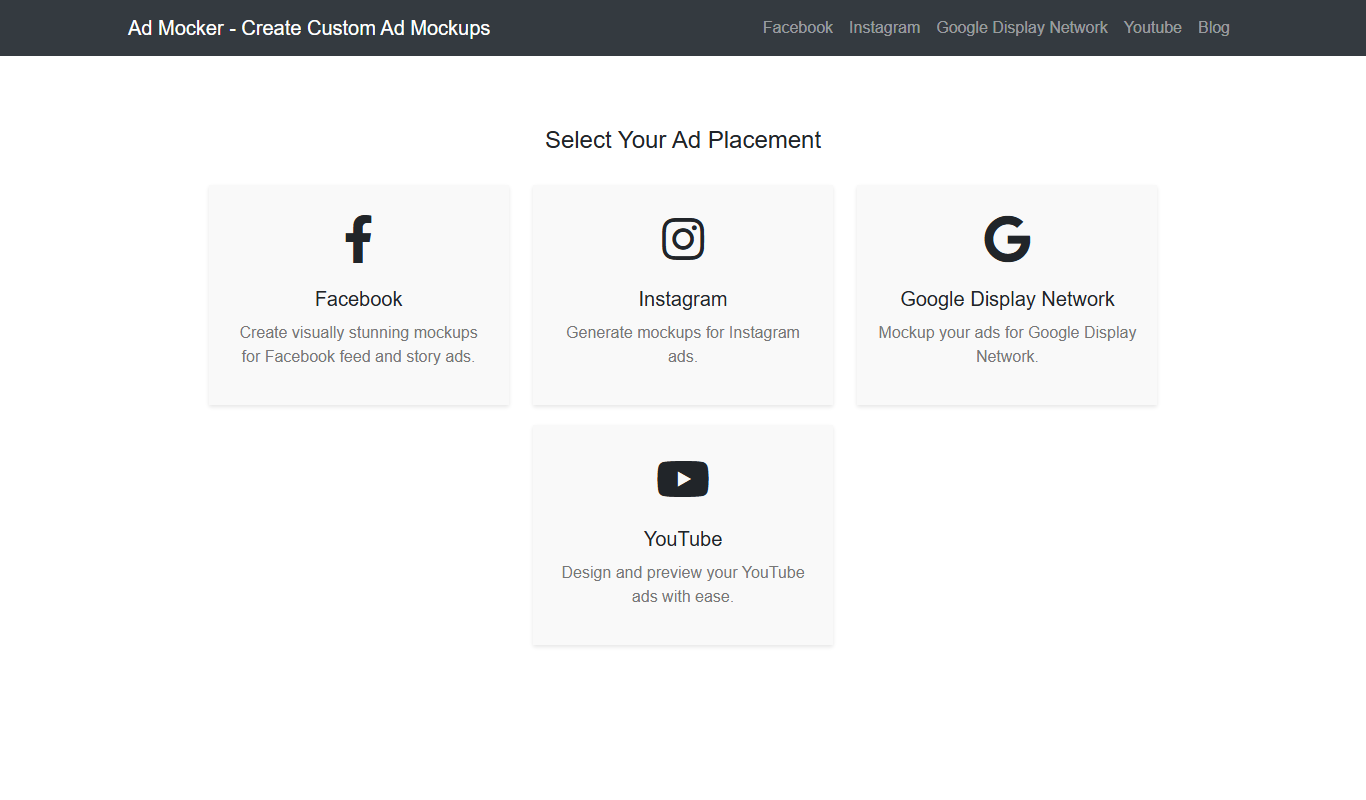
Ad Mocker
Ad Mocker is a free web-based tool that helps marketers and designers create realistic ad mockups quickly without needing advanced design software.

Free
Favic-o-Matic
Favic-o-Matic is a free online tool that generates website favicons and app icons in multiple sizes and formats from a single image upload, requiring no account or payment.

Free
Houzz
Houzz is a free online platform offering home design inspiration, a directory of home improvement professionals, and an integrated marketplace for home products.
Free
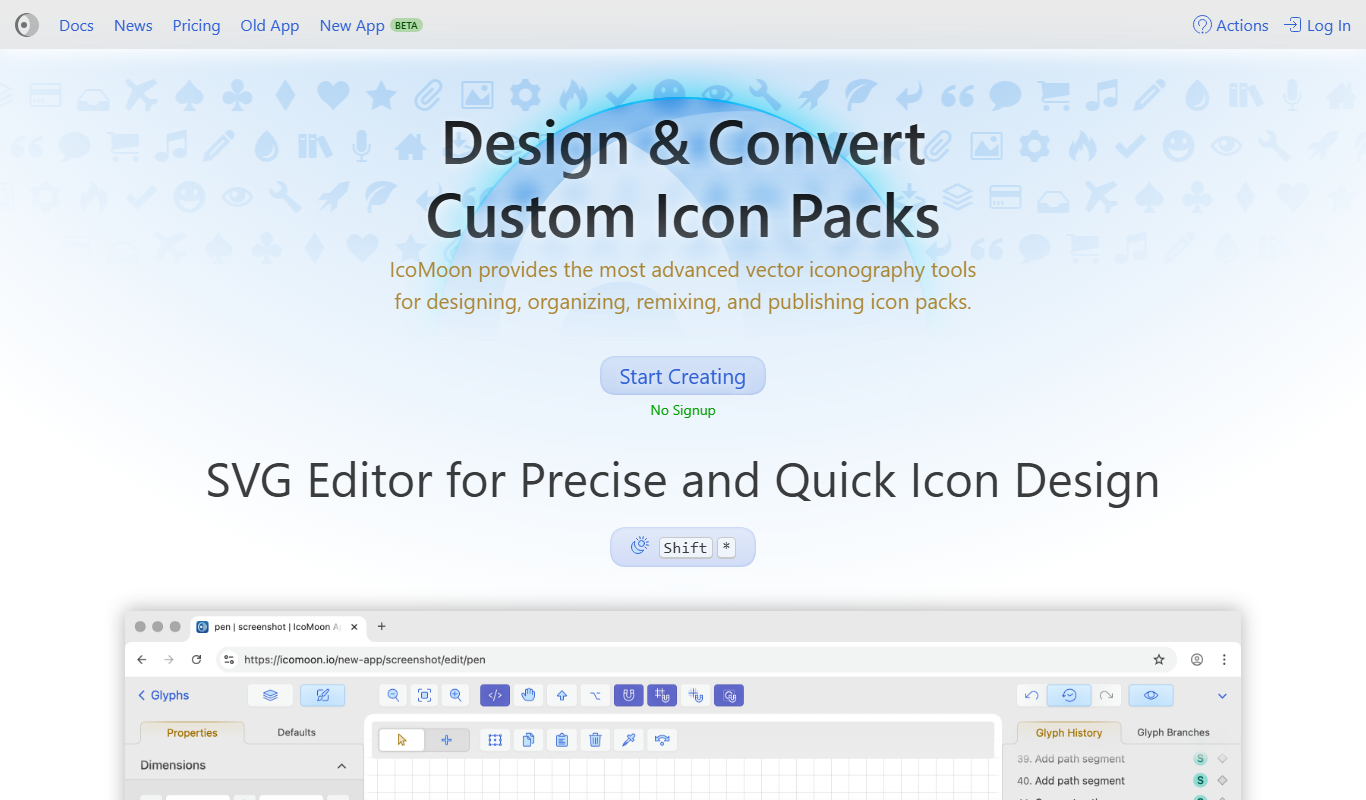
IcoMoon
IcoMoon is a web tool that enables users to create custom icon fonts and manage SVG icons for web and app design projects.

Free
MockupWorld
MockupWorld is a web platform offering free and premium mockup templates that designers and marketers can download and customize to present their designs realistically.
Subscription
Artlogic
Artlogic is a cloud-based platform that helps artists, galleries, and dealers manage art inventory, sales, and create professional websites with e-commerce capabilities.
Free
DeepAI
DeepAI is an AI platform providing APIs and web tools for image generation, text analysis, and other machine learning tasks, suitable for developers and content creators.
Free
Awesome Screenshot
Awesome Screenshot is a tool for capturing screenshots and screen recordings with annotation features, available as browser extensions and desktop apps, suitable for collaboration and content creation.