

Clubhouse Social Audio App for Live Conversations and Networking
Clubhouse is a free social audio app that allows users to join or host live voice chat rooms for networking, discussions, and events without video or text.
- Best for
- Live Audio Discussions
- Key capability
- Live Drop-in Audio Rooms
Save Clubhouse, follow its updates and vote on it — everything stays in your account.
Sign in or create a free account
What is Clubhouse?
Clubhouse is a social audio app that enables users to participate in live, drop-in audio conversations. It creates a space where people can host and join virtual rooms to discuss topics ranging from casual chats to professional panels. Unlike traditional social media, Clubhouse focuses solely on voice interaction, fostering spontaneous and authentic dialogue.
Key features of Clubhouse
Clubhouse offers live audio rooms, the ability to follow topics and people, schedule events, and create clubs for ongoing communities. It supports real-time moderation, speaker management, and audience engagement features to facilitate dynamic conversations.
Live Drop-in Audio Rooms
Join or host real-time voice conversations without prior scheduling.
Clubs and Communities
Create or join clubs to build ongoing groups around shared interests.
Event Scheduling
Plan and promote upcoming audio events to your followers.
Moderation Tools
Manage speakers and audience participation to keep conversations organized.
Follow and Discover
Personalize your experience by following topics and people.
Pros and cons of Clubhouse
Pros
- Enables spontaneous, authentic voice conversations
- Great for networking and community building
- User-friendly interface with easy room creation
- Free to use with no ads
- Supports diverse topics and global participation
Cons
- Audio-only format may limit content types
- No built-in recording or transcription features
- Dependent on live participation, no on-demand playback
Key use cases for Clubhouse
Live Audio Discussions
Host or join real-time audio conversations on a variety of topics with people worldwide.
Networking and Community Building
Connect with professionals, creators, and enthusiasts in your field or interests through interactive audio rooms.
Event Hosting
Organize virtual events, panels, and Q&A sessions with live audience participation.
Content Discovery
Discover new ideas, trends, and insights by listening to conversations from experts and thought leaders.
Collaboration and Brainstorming
Use live audio rooms to brainstorm, collaborate, and share feedback in a more natural, conversational format.
How Clubhouse works
- 1
Download and Sign Up
Install the Clubhouse app on your iOS or Android device and create an account using your phone number.
- 2
Follow Interests and People
Select topics and users to follow to personalize your feed and discover relevant audio rooms.
- 3
Join or Create Rooms
Enter existing live audio rooms to listen or raise your hand to speak, or start your own room to host a conversation.
- 4
Engage and Network
Participate in discussions, connect with speakers and listeners, and join clubs to build communities.
Who is using Clubhouse
Clubhouse pricing
Free
$0
Access to all Clubhouse features without cost.
Plans and prices are as published by the vendor and can change. Check the official site before you buy. Open the pricing page (opens in a new tab)
Frequently asked questions about Clubhouse
Yes, Clubhouse is completely free to download and use.
Clubhouse is available on iOS, Android, and via web access.
Initially, Clubhouse was invite-only, but it is now open to everyone.
Clubhouse does not allow recording of conversations to protect privacy.
It depends on your specific needs and how you plan to use the tool. The official website and documentation are the best sources for the latest details.
Yes, it can help with that use case depending on how you configure it and what features are available. You’ll get the best results with clear inputs and a defined goal.
Conclusion
Clubhouse centers on live, drop-in audio rooms: people enter to listen, raise a hand to speak or start a room to host a conversation. An account is created using a phone number, and following topics and users personalizes the feed and helps discover relevant audio rooms. Clubs let people build ongoing groups around shared interests, and upcoming audio events can be planned and promoted to followers. Hosts get moderation tools to manage speakers and audience participation.
It is aimed at content creators, professionals seeking networking, community organizers and event hosts, and podcasters. It is free to download and use on iOS, Android and the web, and after an invite-only start it is now open to everyone. The format stays audio-only, which may limit the types of content it suits.
Sources
Sign in to review this tool.
Sign In to ReviewNo reviews yet
Be the first to share how this tool worked for you.
Ask about pricing, limits, or how it compares — or answer someone else.
Sign In to AskNo questions yet
Have a question about using or paying for this tool? Be the first to ask.
Featured on TiorAI



More AI Speech-to-Text tools
Other tools in the same category, for when this one is not quite the fit.

Veritone
Veritone is an AI-powered media intelligence platform that automates transcription, content analysis, and advertising verification for audio and video media.
Verbling
Verbling is an online platform that connects language learners with native-speaking tutors for live video lessons, offering personalized and flexible language education.

i2OCR
i2OCR is a free online OCR tool that extracts editable text from images and PDFs in over 100 languages without requiring registration or software installation.
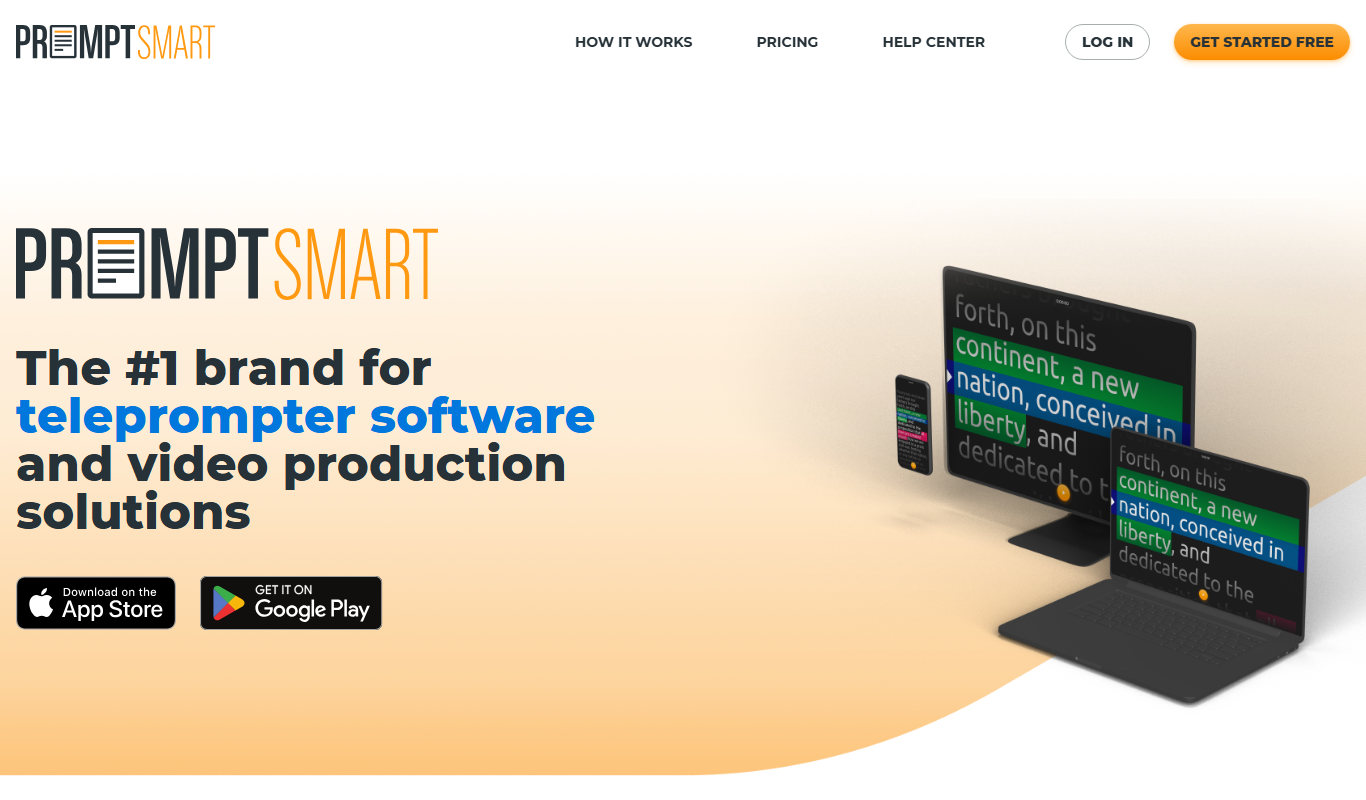
PromptSmart
PromptSmart is a teleprompter app that uses voice recognition technology called VoiceTrack to scroll your script in real time as you speak, allowing for natural and flexible presentations.

E2Language
E2Language is an online platform offering comprehensive preparation courses for IELTS, PTE, and TOEFL exams, featuring AI-powered speaking practice and personalized writing correction.

Augmedix
Augmedix is an AI-powered medical documentation platform that combines speech recognition and remote medical scribes to automate clinical note-taking for healthcare providers.

KUDO
KUDO is a cloud-based platform providing real-time multilingual interpretation for virtual and hybrid events, supporting over 100 languages and accessible via web and mobile apps.
Amberscript
Amberscript is an AI-driven platform that converts audio and video files into accurate transcripts and subtitles, supporting multiple languages and offering both automated and human-assisted transcription services.