

Click2Magic live chat software for websites and mobile apps
Click2Magic is live chat and chatbot software for websites, sales, marketplaces and support, with lead tracking and iOS and Android apps.
- Best for
- Live chat for sales
- Key capability
- Multiple web properties
Save Click2Magic, follow its updates and vote on it — everything stays in your account.
Sign in or create a free account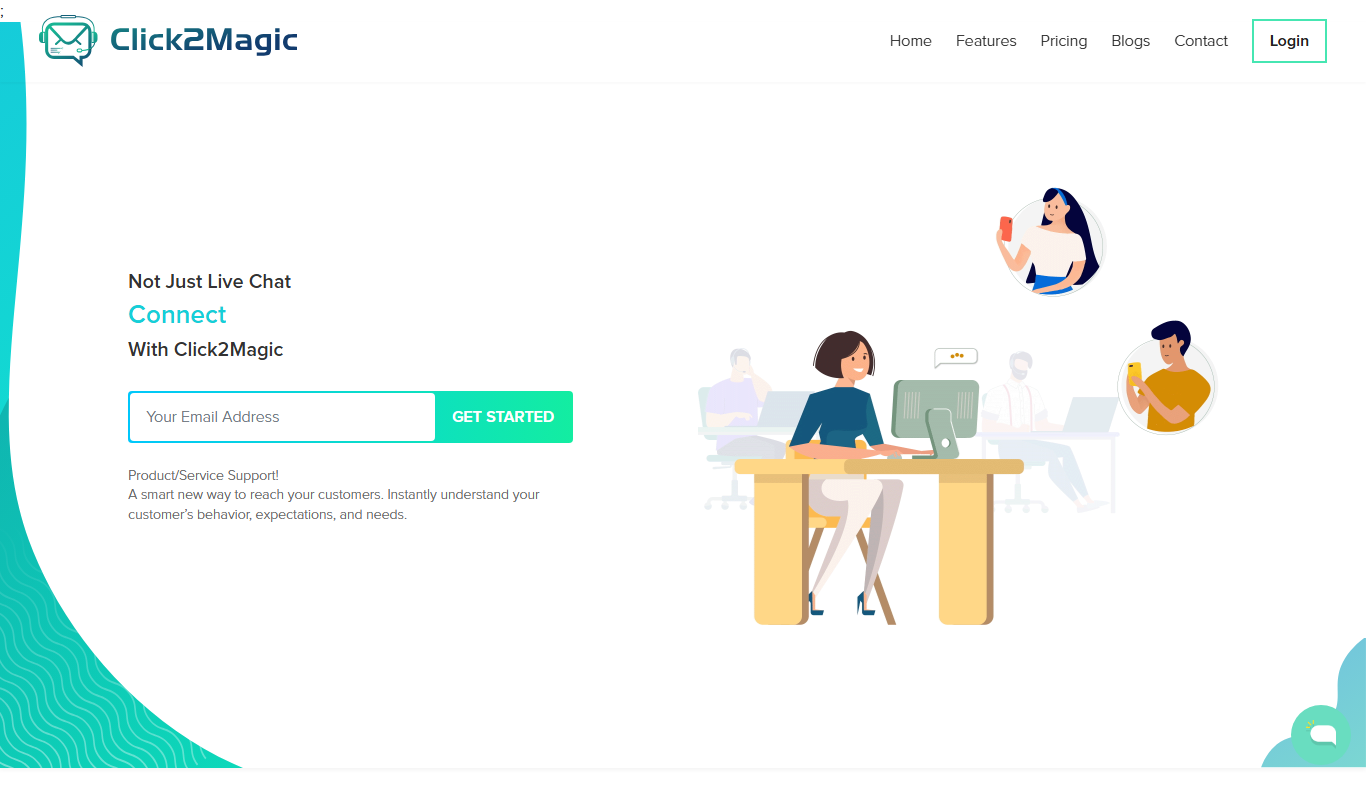
What is Click2Magic?
Click2Magic is live chat software for websites, sales, marketplaces and support. Businesses add a chat widget to their web properties, where AI chatbots and customer support agents answer visitors and help identify qualified leads, with iOS and Android apps for agents.
Key features of Click2Magic
Click2Magic hosts multiple web properties in a single interface, with a customizable chat widget, chat history archives, text, audio and video file attachments, AI chatbots and support agents, canned responses and lead status categories.
Multiple web properties
Add multiple websites (properties) to one account, based on the license chosen.
Agents and permissions
Add customer support executives for each property as Admin, Supervisor, Agent or Moderator.
Chatbots and human agents
Let bots or customer support teams answer every query.
Canned responses
Pre-defined replies that agents send instantly without typing.
Customizable widget
Customize the chat widget theme and launch requirement for each property.
Pros and cons of Click2Magic
Pros
- Chatbots and human agents in one chat
- Multiple websites from a single interface
- Free Basic plan and 14-day free trial
- Mobile apps for iOS and Android
Cons
- Paid plans are priced per seat and billed annually
- Lead features such as instant lead alerts are a paid add-on
- Pricing may be high for small businesses
Key use cases for Click2Magic
Live chat for sales
Personalized customer conversations that help identify qualified leads.
Live chat for support
Handle volumes of support tickets with AI chatbots and customer support teams.
Marketplace chat
Add the chatbot service to multi-vendor online marketplaces.
Lead qualification
Track lead status with categories in the dashboard.
How Click2Magic works
- 1
Add a property
Add your website as a property in Click2Magic.
- 2
Add agents
Add customer support executives and set their permissions.
- 3
Customize the widget
Set the chat widget theme and launch requirement.
- 4
Chat with customers
Agents chat with customers across the properties allocated to them, supported by bots.
- 5
Edit and Customize
Review the generated content and make any necessary edits to fit your brand voice.
- 6
Download or Publish
Save the content for later use or publish it directly to your marketing channels.
Who is using Click2Magic
Click2Magic pricing
Basic
Free
1 website, 1 bot, 1 agent, 1k MUV.
Professional
$39/month per seat, billed annually
2 websites, 1 bot, 3 agents, 3k MUV.
Enterprise
$69/month per seat, billed annually
5 websites, 1 bot, 10 agents, 15k MUV.
Add-on
$18/month
Extra features to get more leads on your website.
Plans and prices are as published by the vendor and can change. Check the official site before you buy. Open the pricing page (opens in a new tab)
Frequently asked questions about Click2Magic
Yes. Click2Magic can be tried for 14 days free without a credit card, and a free Basic plan exists.
Yes. Bots or customer support teams can answer every query, with or without human intervention.
Live chat for websites, sales, marketplaces and support.
Yes. Click2Magic has iOS and Android apps for talking to customers.
Yes. Multiple properties can be added, based on the license chosen.
Yes. The Basic plan is free with 1 website, 1 bot and 1 agent.
Yes. A personal one to one demo with the team can be booked.
Conclusion
A business adds its websites to one account as properties, customizes the chat widget for each and then talks to visitors in real time. Conversations can run with or without human intervention: AI chatbots answer queries, and customer support agents take over where needed. Agents can chat with customers across several properties at once, keep canned responses ready and mark lead status in categories.
Sales teams, support desks and multi-vendor marketplaces each get their own live chat setup, and iOS and Android apps keep agents reachable away from the desk. A free Basic plan and a 14-day trial without a credit card are offered, while paid plans are priced per seat, billed annually and scale by websites, agents and monthly unique visitors.
Sources
Sign in to review this tool.
Sign In to ReviewNo reviews yet
Be the first to share how this tool worked for you.
Ask about pricing, limits, or how it compares — or answer someone else.
Sign In to AskNo questions yet
Have a question about using or paying for this tool? Be the first to ask.
Featured on TiorAI



More AI Chatbot tools
Other tools in the same category, for when this one is not quite the fit.

Modly
Modly.ai trains, fine-tunes and hosts custom large language models on your business data, delivered as a managed service with API access.

Voyageraid
VoyagerAid is end-to-end disruption management software that helps airlines handle rebooking, passenger communication and disruptions with predictive analytics.
Open Tutor App
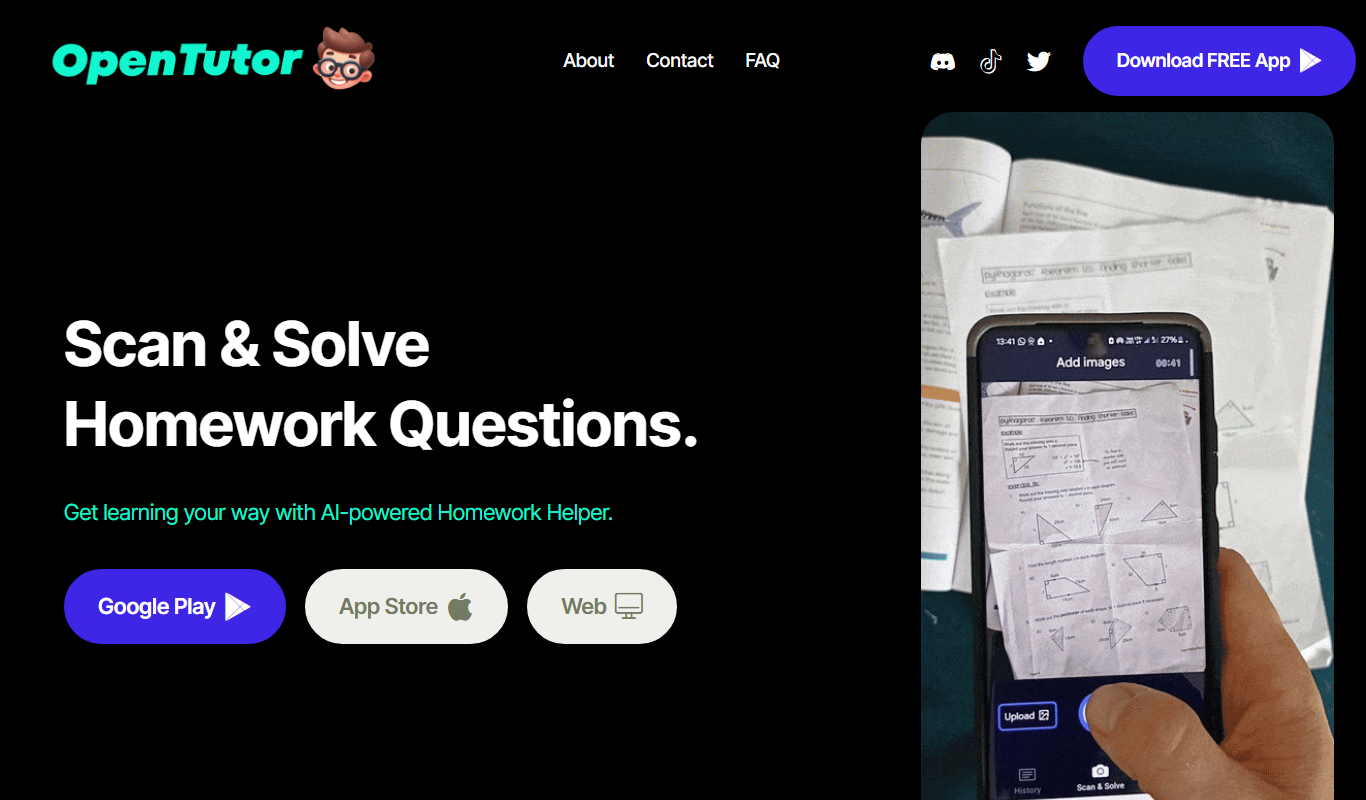
Open Tutor App is an AI homework helper app that scans a photo of a homework question and returns step-by-step solutions and explanations.
Wazgar – ChatGPT in Whatsapp
Wazgar is an AI assistant inside WhatsApp that can assist users at any time, from learning and writing to everyday conversation.

Chat Breezes 1.0
Chat Breezes is an AI-powered omnichannel conversation suite that unifies WhatsApp, Instagram, Facebook and Twitter/X messages in one dashboard for engagement and social selling.

chaterimo.com
Chaterimo is an AI chatbot platform that helps businesses automate customer support and engagement through customizable conversational bots on websites.

Pickaxe
Pickaxe is a no-code platform to build AI agents, package them into products and sell them through branded portals with billing and access control.

ChatHelp.ai
ChatHelp.ai is an AI chatbot platform that automates customer support by engaging website visitors with conversational AI, integrating with helpdesk tools, and providing analytics to optimize service.