

ChatHub AI Chatbot Platform for Multi-Model Conversations and Productivity
ChatHub is an app that lets you use and compare multiple AI chatbots such as ChatGPT, Claude and Gemini simultaneously.
- Best for
- Multi-Model AI Chatting
- Key capability
- Multi-Model Chat Interface
Save ChatHub, follow its updates and vote on it — everything stays in your account.
Sign in or create a free account

What is ChatHub?
ChatHub is an app for using and comparing multiple AI chatbots simultaneously, such as ChatGPT, Claude and Gemini, with access to 20+ models in one subscription.
Key features of ChatHub
ChatHub offers a unified chat interface supporting multiple AI models, conversation history management, customizable chat themes, and easy toggling between AI engines. It supports multi-model chatting, enabling users to compare responses side-by-side and optimize their AI interactions for various use cases.
Multi-Model Chat Interface
Chat with several AI models simultaneously to compare answers and perspectives.
Conversation History
Automatically save chat sessions for easy access and review.
Customizable Themes
Personalize the chat interface with different themes and layouts.
Free Access with Optional Upgrades
Use core features for free with optional premium plans for enhanced capabilities.
Pros and cons of ChatHub
Pros
- Unified access to multiple AI chat models
- Easy comparison of AI responses
- Free tier available for casual users
- Simple and clean web interface
Cons
- Limited advanced features on free plan
- No dedicated mobile app
- Country of origin and company details not clearly disclosed
Key use cases for ChatHub
Multi-Model AI Chatting
Interact with AI chat models like ChatGPT, Claude, Gemini and others in one unified interface.
Productivity Enhancement
Use ChatHub to streamline workflows by quickly switching between AI models for different tasks.
Research and Learning
Leverage multiple AI perspectives to gather diverse insights and information efficiently.
Creative Writing Assistance
Generate ideas, drafts, and creative content by comparing outputs from different AI engines.
Customer Support Simulation
Test and prototype chatbot responses across various AI models for customer service scenarios.
How ChatHub works
- 1
Access the Platform
Visit the ChatHub website on any web browser to start using the service without installation.
- 2
Select AI Models
Choose from available AI chat models like ChatGPT, Claude and Gemini to include in your chat session.
- 3
Start Chatting
Enter your queries or prompts and receive responses from multiple AI models in one interface.
- 4
Manage Conversations
Save, organize, and revisit your chat histories for ongoing projects or reference.
Who is using ChatHub
ChatHub pricing
Free
$0/month
Access to basic multi-model chatting with limited usage and features.
ChatHub Pro
$14.99 per month, billed annually
10000 basic model queries / month, 1500 advanced model queries / month, 3,000 credits / month, 300 document uploads / month; iOS and Android apps.
ChatHub Unlimited
$24.99 per month, billed annually
Unlimited basic and advanced model queries / month, 10,000 credits / month, unlimited document uploads / month.
Plans and prices are as published by the vendor and can change. Check the official site before you buy. Open the pricing page (opens in a new tab)
Frequently asked questions about ChatHub
Yes, ChatHub offers a free plan with basic features and usage limits.
ChatHub supports ChatGPT, Claude, Gemini, Llama and over 20 more chatbots.
Creating an account is optional but recommended to save conversations and access premium features.
ChatHub is accessible via web browsers on both desktop and mobile devices.
Yes, it can help with that use case depending on how you configure it and what features are available. You’ll get the best results with clear inputs and a defined goal.
Yes, it can help with that use case depending on how you configure it and what features are available. You’ll get the best results with clear inputs and a defined goal.
It depends on your specific needs and how you plan to use the tool. The official website and documentation are the best sources for the latest details.
Conclusion
One question goes to up to 6 chatbots simultaneously, so answers from GPT, Claude, Gemini and other models can be compared side by side. The site’s reasoning is that any single AI can hallucinate, so multiple perspectives add confidence. A single subscription covers 20+ models with no API key required, and image generation, file analysis and web search sit in the same workspace.
Access runs through a web app and browser extension, with native iOS and Android apps plus desktop apps for Windows and Mac. Use starts free, but more usage and features require a paid plan. Pro sets monthly quotas for basic and advanced model queries, while Unlimited removes those query caps. Teams can ask for seat-based discounts.
Sources
Sign in to review this tool.
Sign In to ReviewNo reviews yet
Be the first to share how this tool worked for you.
Ask about pricing, limits, or how it compares — or answer someone else.
Sign In to AskNo questions yet
Have a question about using or paying for this tool? Be the first to ask.
Featured on TiorAI



More AI Chatbot tools
Other tools in the same category, for when this one is not quite the fit.

Modly
Modly.ai trains, fine-tunes and hosts custom large language models on your business data, delivered as a managed service with API access.

Voyageraid
VoyagerAid is end-to-end disruption management software that helps airlines handle rebooking, passenger communication and disruptions with predictive analytics.
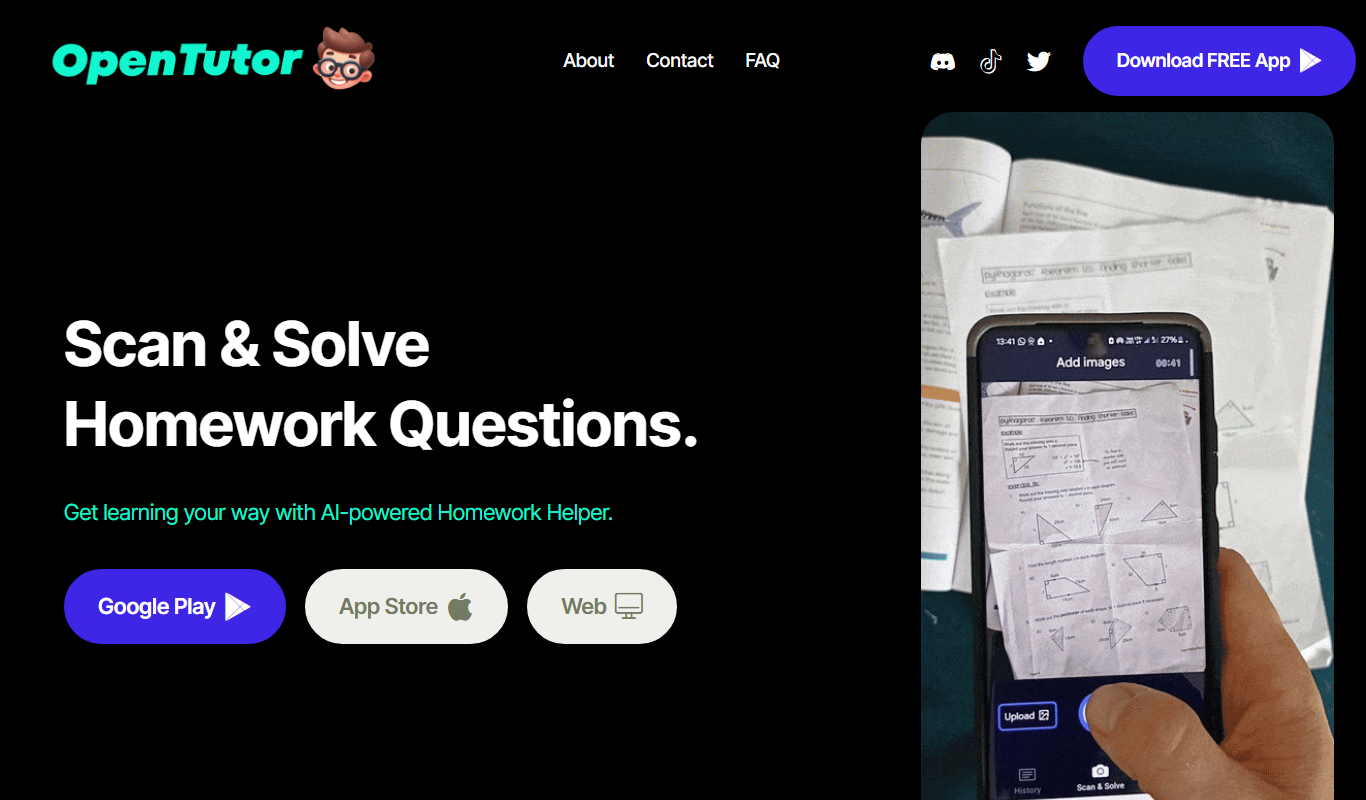
Open Tutor App
Open Tutor App is an AI homework helper app that scans a photo of a homework question and returns step-by-step solutions and explanations.
Wazgar – ChatGPT in Whatsapp
Wazgar is an AI assistant inside WhatsApp that can assist users at any time, from learning and writing to everyday conversation.

Chat Breezes 1.0
Chat Breezes is an AI-powered omnichannel conversation suite that unifies WhatsApp, Instagram, Facebook and Twitter/X messages in one dashboard for engagement and social selling.

chaterimo.com
Chaterimo is an AI chatbot platform that helps businesses automate customer support and engagement through customizable conversational bots on websites.

Pickaxe
Pickaxe is a no-code platform to build AI agents, package them into products and sell them through branded portals with billing and access control.

ChatHelp.ai
ChatHelp.ai is an AI chatbot platform that automates customer support by engaging website visitors with conversational AI, integrating with helpdesk tools, and providing analytics to optimize service.