

From my experience with ChatGPT Finder, I found it excels at simplifying the discovery of ChatGPT-powered AI tools by aggregating them into one easy-to-navigate platform. After spending time exploring the site, I can say it’s particularly well-suited for AI enthusiasts and professionals looking to quickly compare and access a variety of ChatGPT applications without searching multiple sources. However, there’s a trade-off: it does not host any tools itself, so users must navigate to external sites to use the AI services. Overall, if you want a centralized directory to explore ChatGPT tools efficiently, ChatGPT Finder delivers solid results.
ChatGPT Finder - Discover and Access ChatGPT AI Tools Easily Online
ChatGPT Finder is a free web directory that helps users discover, compare, and access a wide range of ChatGPT-powered AI tools through an easy-to-use platform.
- Best for
- Discover AI Tools
- Key capability
- Comprehensive AI Tool Listings
Your actions
Save ChatGPT Finder, follow its updates and vote on it — everything stays in your account.
Sign in or create a free account
What is ChatGPT Finder?
ChatGPT Finder is a free web-based directory that helps users discover, compare, and access a wide range of AI tools powered by ChatGPT technology. It aggregates various ChatGPT applications, providing descriptions, features, and direct links to facilitate easy exploration and usage.
Key features of ChatGPT Finder
The platform offers a curated catalog of ChatGPT-based AI tools, categorized for easy navigation. Users can filter tools by use case, features, and popularity. It also provides up-to-date information on new AI tools emerging in the ChatGPT ecosystem.
Comprehensive AI Tool Listings
Aggregates a wide variety of ChatGPT-powered tools across multiple categories.
User-Friendly Interface
Clean and intuitive design makes discovering and comparing tools straightforward.
Regular Updates
Continuously updated with the latest ChatGPT tools and innovations.
Direct Access Links
Provides direct links to AI tools for quick and easy access.
Pros and cons of ChatGPT Finder
Pros
- Free and easy to use
- Curated and comprehensive AI tool listings
- Helps users discover new ChatGPT applications
- Direct links save time accessing tools
Cons
- Does not provide AI tools itself, only links
- Limited to ChatGPT-powered tools only
- No mobile app available
Key use cases for ChatGPT Finder
Discover AI Tools
Find and explore a curated list of ChatGPT-powered AI tools across various categories.
Compare Features
Easily compare different ChatGPT tools to identify the best fit for your needs.
Access AI Tools Quickly
Direct links to AI tools allow users to access and try ChatGPT applications without hassle.
Stay Updated
Keep up with the latest ChatGPT tools and innovations through the platform’s regularly updated listings.
How ChatGPT Finder works
- 1
Browse the Directory
Visit the website and explore the categorized list of ChatGPT-powered AI tools.
- 2
Filter and Compare
Use filters to narrow down tools based on your needs and compare their features.
- 3
Select and Access
Click on a tool to view details and follow the direct link to start using it.
Who is using ChatGPT Finder
AI enthusiasts
Developers exploring ChatGPT tools
Businesses seeking AI productivity tools
Content creators looking for AI assistants
Researchers interested in AI applications
ChatGPT Finder pricing
Free
$0
Full access to the ChatGPT Finder directory and tool listings at no cost.
Plans and prices are as published by the vendor and can change. Check the official site before you buy. Open the pricing page (opens in a new tab)
Frequently asked questions about ChatGPT Finder
Yes, ChatGPT Finder is completely free to use with no subscription required.
No, it is a directory that links to external ChatGPT-powered AI tools.
The directory is regularly updated to include new and trending ChatGPT tools.
This tool is designed to help users accomplish its core tasks more efficiently. It is typically used by individuals or teams looking to improve productivity and workflow.
It depends on your specific needs and how you plan to use the tool. The official website and documentation are the best sources for the latest details.
It depends on your specific needs and how you plan to use the tool. The official website and documentation are the best sources for the latest details.
Sign in to review this tool.
Sign In to ReviewNo reviews yet
Be the first to share how this tool worked for you.
Ask about pricing, limits, or how it compares — or answer someone else.
Sign In to AskNo questions yet
Have a question about using or paying for this tool? Be the first to ask.
Featured on TiorAI



More AI Checker tools
Other tools in the same category, for when this one is not quite the fit.

Free
Dictionary.com
Dictionary.com is a comprehensive online platform offering English word definitions, synonyms, antonyms, pronunciation guides, and grammar tips to help users improve their language skills.

Free
Merriam-Webster Dictionary
Merriam-Webster Dictionary is a trusted online English dictionary offering definitions, synonyms, audio pronunciations, and language learning resources.

Free
Full Fact
Full Fact is an AI-assisted fact-checking platform that combines automated claim detection with expert human review to identify and correct misinformation in news and public statements.

Free
Scite
Scite is an AI-powered platform that analyzes scientific citations by classifying them as supporting, contrasting, or mentioning, providing researchers with deeper insights into how papers are referenced.

Custom Pricing
inspectorio.com
Inspectorio is a cloud-based platform that digitizes and automates supply chain quality inspections and compliance management, helping brands and suppliers improve product quality and reduce risks.
Free
MailTester
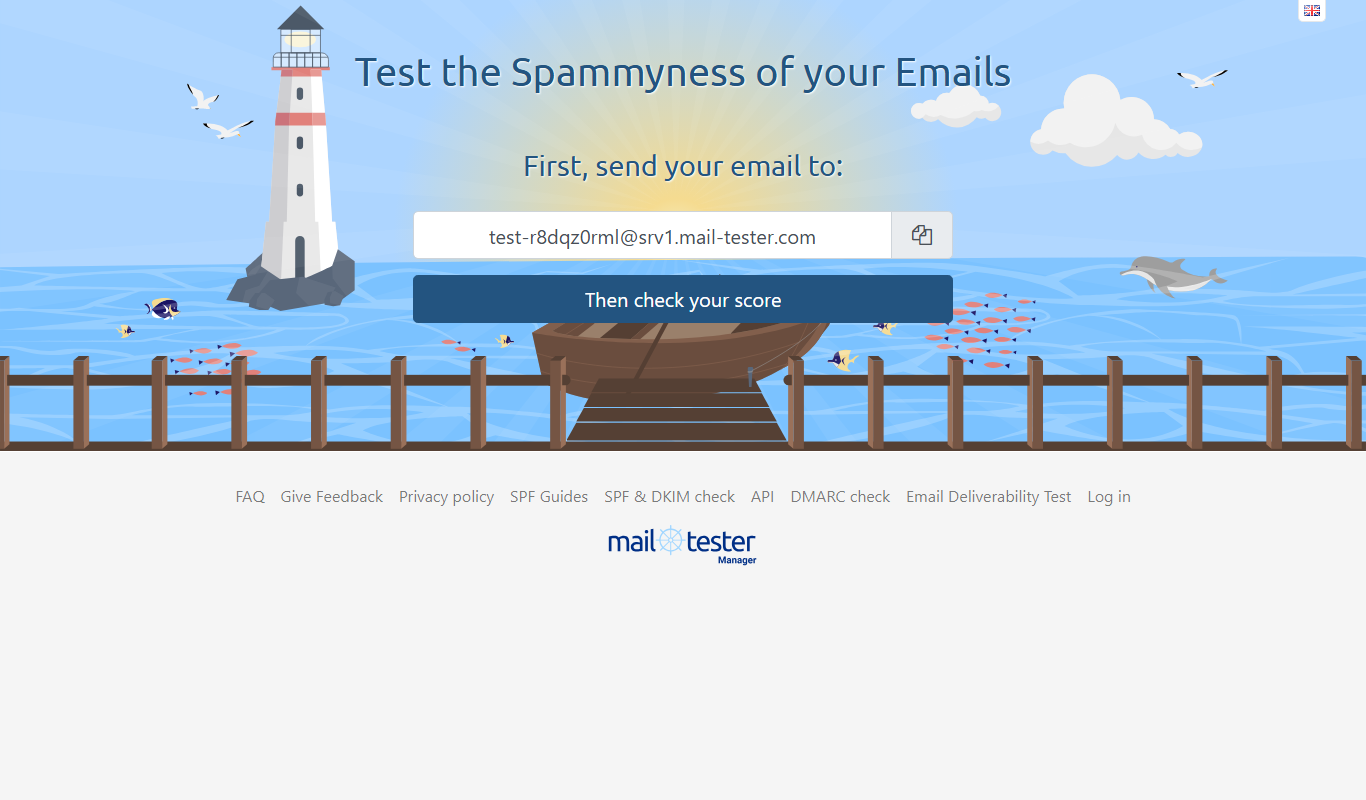
MailTester is an online tool that analyzes your email's spam score, authentication, and deliverability; occasional manual use is free and paid packages start at $10/month.

Custom Pricing
netradyne.com
Netradyne is an AI-driven fleet safety platform that uses video telematics and machine learning to monitor driver behavior in real time, providing alerts and analytics to improve safety and compliance.

Free
AI Detector Writer
AI Detector Writer is a free online tool that analyzes text to determine if it was generated by AI, providing a confidence score and detailed report to help users verify content authenticity.