

From my experience with Builder.io, I found it excels at bridging the gap between marketers and developers by offering a powerful visual editor alongside robust APIs. This dual approach makes it especially suitable for teams that want to rapidly build and customize websites or ecommerce storefronts without heavy developer dependency. However, while the platform is user-friendly for content creators, mastering its advanced developer features can take some time. Also, pricing for enterprise-level use may be a consideration for some. Overall, if you need a flexible no-code CMS with strong ecommerce integration and personalization, Builder.io delivers a comprehensive solution.
Builder.io No-Code Visual CMS & Headless Commerce Platform for Developers
Builder.io is a no-code visual CMS and headless commerce platform that enables marketers and developers to build, manage, and optimize websites and ecommerce storefronts using drag-and-drop editing and powerful APIs.
- Best for
- Visual Website Building
- Key capability
- Drag-and-Drop Visual Editor
Your actions
Save Builder.io, follow its updates and vote on it — everything stays in your account.
Sign in or create a free account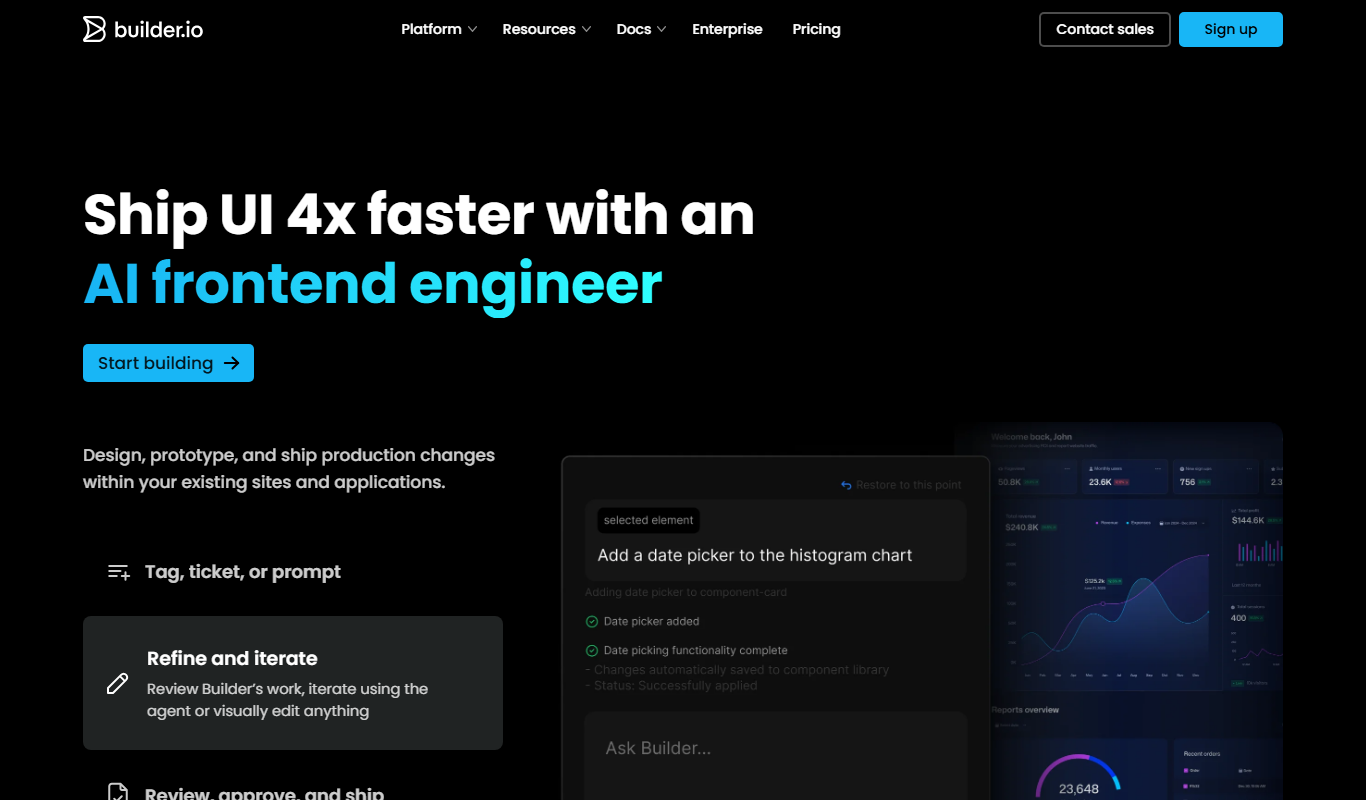
What is Builder.io?
Builder.io is a no-code visual content management system (CMS) and headless commerce platform that empowers both marketers and developers to build, manage, and optimize digital experiences. It offers a drag-and-drop editor for creating websites and ecommerce storefronts without writing code, while also providing APIs and SDKs for developers to integrate and customize content delivery across any frontend technology.
Key features of Builder.io
Builder.io combines a visual drag-and-drop editor with powerful developer tools, enabling teams to collaborate on content creation and site building. Key features include real-time visual editing, headless CMS APIs, ecommerce integrations, personalization capabilities, and A/B testing tools.
Drag-and-Drop Visual Editor
Intuitive interface for building and editing pages without code.
Headless CMS APIs
Robust APIs to deliver content to any frontend or device.
Ecommerce Integrations
Seamless integration with platforms like Shopify for storefront customization.
Personalization and Targeting
Deliver tailored content experiences based on user behavior and attributes.
A/B Testing and Analytics
Built-in tools to test variations and measure performance.
Pros and cons of Builder.io
Pros
- User-friendly drag-and-drop editor for non-technical users
- Powerful APIs for developer customization
- Strong ecommerce platform integrations
- Built-in personalization and A/B testing
- Scalable for small to enterprise-level projects
Cons
- Learning curve for advanced developer features
- Pricing can be high for enterprise needs
- Limited language support (primarily English)
Key use cases for Builder.io
Visual Website Building
Create and manage websites using drag-and-drop visual editing without coding.
Headless CMS for Developers
Integrate content management with any frontend framework via APIs.
Ecommerce Storefront Customization
Build and customize ecommerce experiences with seamless integration to platforms like Shopify.
Personalized Content Delivery
Deliver personalized content experiences based on user data and behavior.
Rapid Prototyping and Experimentation
Quickly prototype UI changes and test variations without developer bottlenecks.
How Builder.io works
- 1
Sign Up and Connect
Create an account on Builder.io and connect your existing website or ecommerce platform.
- 2
Use Visual Editor
Drag and drop components to build pages visually without coding.
- 3
Integrate with Frontend
Use Builder.io APIs and SDKs to fetch and render content in your frontend framework.
- 4
Publish and Optimize
Publish changes instantly and use built-in analytics and A/B testing to optimize user experience.
Who is using Builder.io
Marketing teams
Frontend developers
Ecommerce businesses
Product managers
Digital agencies
Builder.io pricing
Free
$0/month
Basic access with limited page views and features for small projects.
Pro
$49/month
Advanced features, higher limits, and priority support for growing teams.
Enterprise
Custom pricing
Tailored solutions with dedicated support and SLAs for large organizations.
Plans and prices are as published by the vendor and can change. Check the official site before you buy. Open the pricing page (opens in a new tab)
Frequently asked questions about Builder.io
Yes, Builder.io provides APIs and SDKs that allow developers to integrate and customize content delivery in any frontend framework.
Absolutely, Builder.io integrates with popular ecommerce platforms like Shopify to customize storefronts visually.
Yes, it includes built-in A/B testing tools to optimize content and user experience.
Yes, Builder.io offers a free plan with limited features suitable for small projects or evaluation.
This tool is designed to help users accomplish its core tasks more efficiently. It is typically used by individuals or teams looking to improve productivity and workflow.
Integration support depends on the tool and its available connectors or API. Check the official documentation or integrations page to confirm what is supported.
Pricing depends on the plan and included features. For the most accurate and up-to-date details, check the official pricing page.
Sign in to review this tool.
Sign In to ReviewNo reviews yet
Be the first to share how this tool worked for you.
Ask about pricing, limits, or how it compares — or answer someone else.
Sign In to AskNo questions yet
Have a question about using or paying for this tool? Be the first to ask.
Featured on TiorAI



Alternative Tools
Explore similar AI tools that might fit your needs

Free
Contentful
Contentful is a cloud-based headless CMS that enables developers and content teams to create, manage, and deliver content via APIs to any digital platform, supporting scalable and flexible content infrastructure.
More Coding & Development tools
Other tools in the same category, for when this one is not quite the fit.

Custom Pricing
Kaedim3D
Kaedim3D is an AI tool that transforms 2D images and sketches into textured 3D models, accelerating asset creation for games, animation, and design.

Enterprise
ZapWorks
ZapWorks is an augmented reality platform that enables users to create interactive AR experiences using no-code tools and developer SDKs, supporting web and mobile deployment.

Custom Pricing
Clearpath Robotics
Clearpath Robotics, part of Rockwell Automation since 2023, provides robots for research and development; its industrial offering is now OTTO by Rockwell.
Free
Jamovi
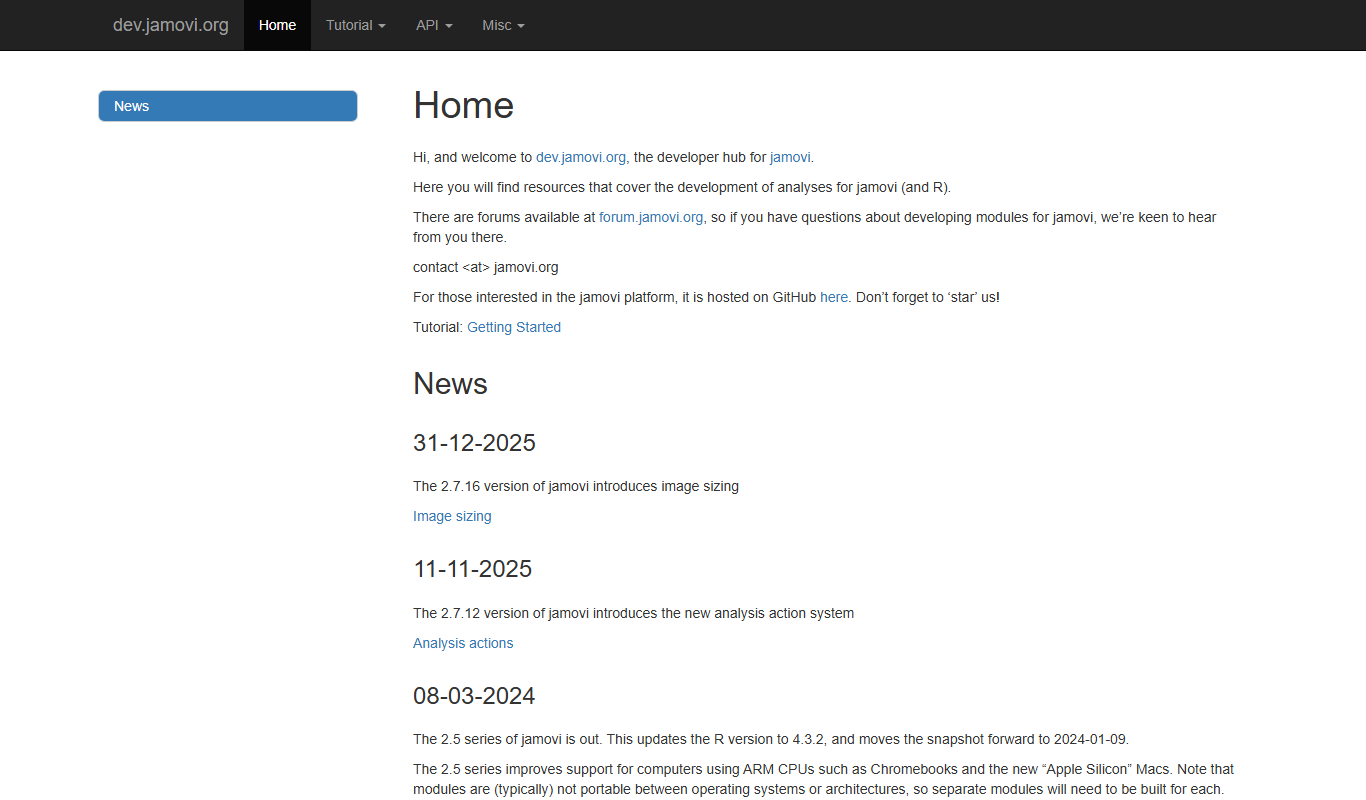
Jamovi is a free, open-source statistical software designed for easy and reproducible data analysis with a user-friendly interface built on R.
Enterprise
Weights & Biases
Weights & Biases is a machine learning platform that helps data scientists track experiments, version datasets and models, collaborate with teams, and monitor models in production.

Free
MLflow
MLflow is an open source platform that manages the machine learning lifecycle by providing tools for experiment tracking, model packaging, registry, and deployment.
Free
SushiSwap
SushiSwap is a decentralized exchange platform that enables users to swap cryptocurrencies, provide liquidity, earn yield farming rewards, and participate in governance without intermediaries.

Free
Uniswap
Uniswap is a decentralized exchange protocol on Ethereum, Base, Arbitrum, Polygon, Unichain and other networks that lets users swap tokens directly from their wallets using liquidity pools and an automated market maker model.