

From my experience with Bugpilot.io, I found it excels at automating the tedious process of bug reporting by capturing detailed context like screenshots and logs without manual effort. This makes it especially valuable for QA teams and developers working on web applications who want to speed up debugging and improve communication. However, the tool is limited to browser-based environments and does not offer a permanent free plan, which might be a consideration for smaller teams. Overall, if you need a streamlined, integrated bug reporting solution for web projects, Bugpilot.io delivers reliable and practical results.
Bugpilot.io Automated Bug Reporting Tool for Developers and QA Teams
Bugpilot.io is an automated bug reporting tool that captures detailed bug data including screenshots, logs, and user actions to help developers and QA teams efficiently track and resolve software issues.
- Best for
- Automated Bug Reporting
- Key capability
- Automatic Context Capture
Your actions
Save bugpilot.io, follow its updates and vote on it — everything stays in your account.
Sign in or create a free account

What is bugpilot.io?
Bugpilot.io is an automated bug reporting platform designed to simplify and accelerate the process of identifying, documenting, and communicating software bugs. It captures detailed information such as screenshots, user actions, console logs, and environment data to create comprehensive bug reports. This helps developers and QA teams reduce the time spent on manual bug documentation and improve overall software quality.
Key features of bugpilot.io
Bugpilot.io offers features like automatic bug capture, detailed contextual data collection, easy integration with issue trackers, and a user-friendly interface for both testers and developers. Its browser extension enables seamless bug reporting directly from the web application under test.
Automatic Context Capture
Collects screenshots, user interactions, console logs, and environment details automatically.
Browser Extension
Easy-to-use extension for Chrome and other browsers to report bugs directly from the web app.
Issue Tracker Integration
Supports integration with tools like Jira, GitHub Issues, and others to streamline bug management.
Annotation Tools
Allows users to highlight and comment on screenshots to clarify issues.
Team Collaboration
Facilitates communication between QA and development teams with clear, reproducible bug reports.
Pros and cons of bugpilot.io
Pros
- Automates detailed bug report creation saving time
- Easy browser extension for quick bug capture
- Integrates with popular issue trackers
- Improves communication between QA and developers
Cons
- No permanent free plan available
- Limited to web applications and browser environments
- Pricing details require contacting sales
Key use cases for bugpilot.io
Automated Bug Reporting
Automatically capture and report bugs with detailed context, screenshots, and logs to streamline debugging.
Quality Assurance Testing
Enable QA teams to efficiently document issues with minimal manual effort, improving testing workflows.
Developer Collaboration
Facilitate communication between developers and testers by providing clear, reproducible bug reports.
Bug Tracking Integration
Integrate with popular issue trackers to centralize bug management and accelerate resolution.
How bugpilot.io works
- 1
Install Browser Extension
Add the Bugpilot browser extension to your preferred browser to start capturing bugs.
- 2
Trigger Bug Capture
When a bug is encountered, trigger Bugpilot to automatically collect relevant data including screenshots and logs.
- 3
Review and Annotate
Review the captured bug report, add annotations or comments if needed, and prepare it for submission.
- 4
Submit to Issue Tracker
Send the detailed bug report to your integrated issue tracking system or share it directly with your development team.
Who is using bugpilot.io
Software developers
QA engineers and testers
Product managers
Agile development teams
Startups and SMEs focused on web apps
bugpilot.io pricing
Free Trial
$0 for 14 days
Full feature access for two weeks to evaluate the platform.
Professional
Contact for pricing
Subscription plan with advanced features and integrations for teams.
Plans and prices are as published by the vendor and can change. Check the official site before you buy. Open the pricing page (opens in a new tab)
Frequently asked questions about bugpilot.io
Bugpilot currently supports Chrome and Chromium-based browsers via its browser extension.
Yes, Bugpilot offers integration with Jira and other popular issue tracking systems.
Bugpilot offers a free 14-day trial but does not have a permanent free tier.
It records user actions, screenshots, console logs, and environment data when a bug is reported.
It depends on your specific needs and how you plan to use the tool. The official website and documentation are the best sources for the latest details.
Integration support depends on the tool and its available connectors or API. Check the official documentation or integrations page to confirm what is supported.
Some tools offer a free plan or trial with limited features. Availability can vary, so confirm on the official website.
It depends on your specific needs and how you plan to use the tool. The official website and documentation are the best sources for the latest details.
Sign in to review this tool.
Sign In to ReviewNo reviews yet
Be the first to share how this tool worked for you.
Ask about pricing, limits, or how it compares — or answer someone else.
Sign In to AskNo questions yet
Have a question about using or paying for this tool? Be the first to ask.
Featured on TiorAI



Alternative Tools
Explore similar AI tools that might fit your needs

Free Trial
BugHerd
BugHerd is a visual bug tracking tool that allows teams to report, manage, and resolve website bugs by pinning issues directly on the webpage, streamlining communication and project management.

Free Trial
Usersnap
Usersnap is a user feedback platform for product teams where one code snippet powers segmented surveys, annotated screen-capture tickets, and an in-product feedback menu tied to support.
Free
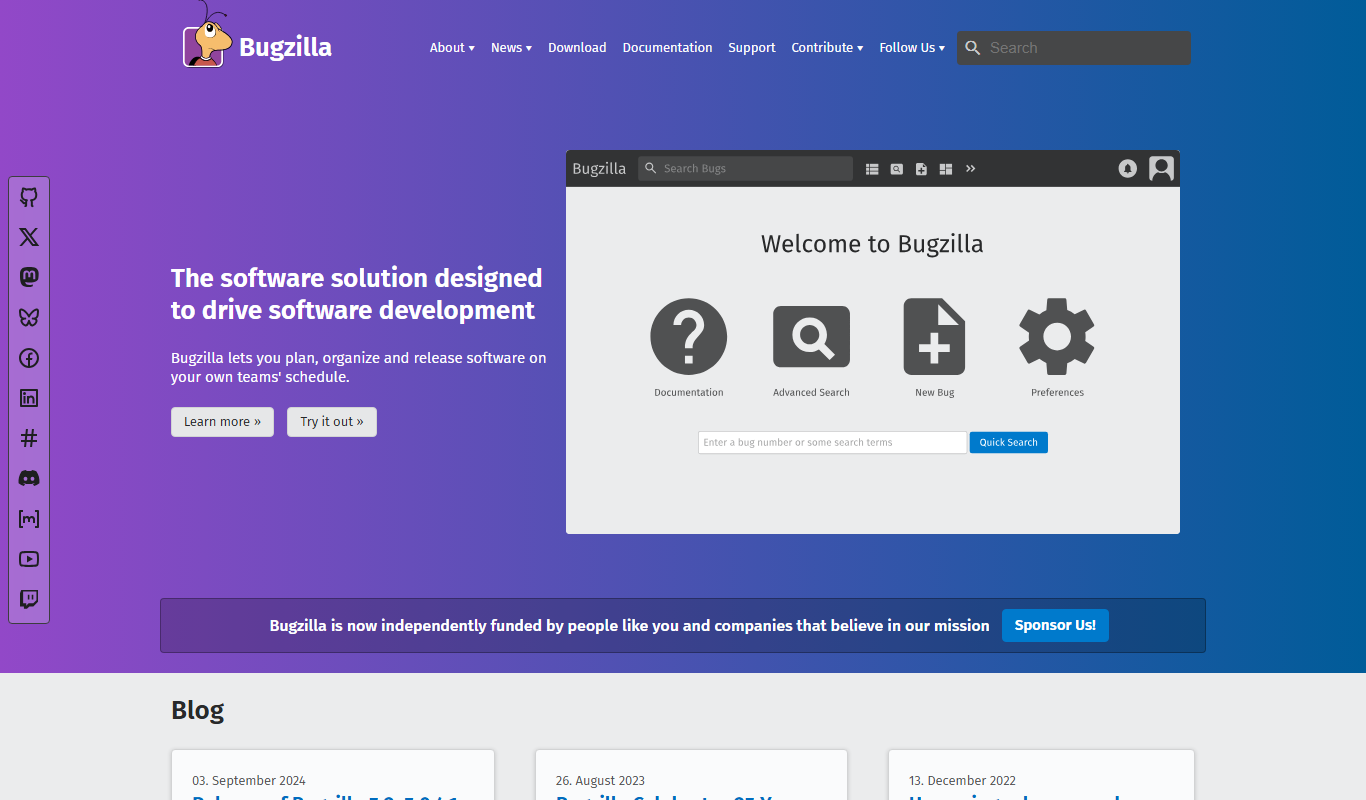
Bugzilla
Bugzilla is an open-source bug tracking system developed by the Mozilla Foundation that helps software teams report, track, and manage bugs efficiently through a customizable web interface.
More AI Copilot tools
Other tools in the same category, for when this one is not quite the fit.

Free Trial
CloudTruth Config & Secrets AI Copilot
CloudTruth Config & Secrets AI Copilot is a cloud-native platform that centralizes and secures application configuration and secrets management, enhanced with AI to automate and optimize workflows.

Free Trial
ReplyPilot
ReplyPilot is an AI email assistant that automates and streamlines email replies using a Chrome extension integrated with Gmail and other web email clients.

Free Trial
DataDripper
DataDripper is an AI-driven platform that automates web data extraction, enabling users to scrape and export structured data from websites easily without programming skills.

Free Trial
SlidesPilot
SlidesPilot is an AI-powered tool that automates the creation of professional slide presentations by generating content and design from user inputs, helping users save time and improve slide quality.

Free Trial
Cardamon
Cardamon is an AI-driven data privacy platform that helps organizations enforce real-time access control, detect anomalies, and ensure compliance with data protection regulations.

Free Trial
MacCopilot
MacCopilot is an AI-powered assistant for macOS that helps automate tasks and improve productivity using natural language commands.

Freemium
CopyCopter
CopyCopter is an AI-powered writing assistant designed to generate marketing copy, blog content, and email campaigns with SEO optimization, helping marketers and content creators produce quality content faster.

Free
AI Interview Copilot
AI Interview Copilot is an AI-driven platform that helps job seekers practice interviews, receive personalized feedback, and improve their resume and cover letter to increase their chances of job success.