

From my experience with Braintain, it stands out as a practical AI assistant for brainstorming that genuinely helps overcome creative blocks. The platform’s real-time collaboration and customizable templates make it easy to engage teams and generate diverse ideas efficiently. While it currently lacks a mobile app and supports only English, its intuitive interface and affordable pricing make it a solid choice for marketers, content creators, and product teams seeking structured creativity. If you want to boost your brainstorming sessions with AI-driven insights, Braintain offers a balanced mix of simplicity and power.
Braintain AI Brainstorming Tool for Creative Idea Generation Online
Braintain is an AI-driven brainstorming platform designed to help users generate creative ideas and collaborate in real time through customizable templates and AI suggestions.
- Best for
- Creative Brainstorming
- Key capability
- AI-Powered Idea Generation
Your actions
Save Braintain, follow its updates and vote on it — everything stays in your account.
Sign in or create a free account

What is Braintain?
Braintain is an AI-powered brainstorming platform designed to enhance creativity and idea generation. It leverages artificial intelligence to assist individuals and teams in generating diverse and innovative ideas quickly. The tool provides a structured environment where users can input prompts, receive AI-generated suggestions, and collaborate seamlessly to refine concepts.
Key features of Braintain
Braintain offers AI-assisted idea generation, real-time collaboration, customizable brainstorming templates, and an intuitive web interface. It helps users overcome creative blocks by providing diverse perspectives and structured workflows tailored to various brainstorming needs.
AI-Powered Idea Generation
Leverages advanced AI to provide creative prompts and diverse ideas tailored to your input.
Real-Time Collaboration
Enables multiple users to brainstorm together remotely with synchronized updates.
Customizable Templates
Offers various brainstorming frameworks to suit different project types and goals.
Intuitive User Interface
Clean and user-friendly design that simplifies the brainstorming process.
Idea Organization Tools
Features for grouping, tagging, and prioritizing ideas to streamline decision-making.
Pros and cons of Braintain
Pros
- Facilitates creative thinking with AI assistance
- Supports real-time team collaboration
- Offers customizable brainstorming templates
- User-friendly and intuitive interface
- Affordable pricing with a free tier
Cons
- No dedicated mobile app yet
- Limited language support (English only)
- Some advanced features require paid subscription
Key use cases for Braintain
Creative Brainstorming
Generate fresh ideas and creative concepts for projects, marketing campaigns, or content creation.
Team Collaboration
Facilitate collaborative brainstorming sessions with team members remotely using AI-assisted prompts.
Problem Solving
Use AI to explore multiple perspectives and solutions for complex challenges or business problems.
Content Ideation
Help content creators and marketers develop engaging topics and angles for blogs, videos, and social media.
Product Development
Support product teams in generating innovative features and improvements through structured brainstorming.
How Braintain works
- 1
Create an Account
Sign up on the Braintain website to access the platform and start brainstorming.
- 2
Start a Brainstorming Session
Choose a template or create a custom session by entering your topic or challenge.
- 3
Generate Ideas with AI
Use AI-powered prompts and suggestions to explore new ideas and perspectives.
- 4
Collaborate with Team
Invite team members to join the session and contribute ideas in real time.
- 5
Organize and Refine Ideas
Group, prioritize, and develop ideas into actionable plans within the platform.
Who is using Braintain
Marketing teams
Content creators
Product managers
Small to medium businesses
Creative agencies
Braintain pricing
Free
$0/month
Access to basic brainstorming features with limited sessions and collaborators.
Pro
$15/month
Unlimited sessions, advanced AI suggestions, and expanded collaboration tools.
Plans and prices are as published by the vendor and can change. Check the official site before you buy. Open the pricing page (opens in a new tab)
Frequently asked questions about Braintain
Yes, Braintain supports both individual brainstorming and team collaboration.
Yes, you can invite others to join your brainstorming sessions in real time.
Braintain uses proprietary AI models combined with natural language processing to generate ideas.
Currently, Braintain is available as a web platform optimized for desktop use.
Yes, it can help with that use case depending on how you configure it and what features are available. You’ll get the best results with clear inputs and a defined goal.
Some tools offer a free plan or trial with limited features. Availability can vary, so confirm on the official website.
Yes, it can help with that use case depending on how you configure it and what features are available. You’ll get the best results with clear inputs and a defined goal.
Yes, it can help with that use case depending on how you configure it and what features are available. You’ll get the best results with clear inputs and a defined goal.
Sign in to review this tool.
Sign In to ReviewNo reviews yet
Be the first to share how this tool worked for you.
Ask about pricing, limits, or how it compares — or answer someone else.
Sign In to AskNo questions yet
Have a question about using or paying for this tool? Be the first to ask.
Featured on TiorAI



Alternative Tools
Explore similar AI tools that might fit your needs

Free
MindMeister
MindMeister is an online tool that enables users to create, collaborate on, and present mind maps for brainstorming, project planning, and knowledge management.
Free
Stormboard
Stormboard is a cloud-based online whiteboard platform that enables teams to brainstorm, plan projects, and collaborate in real-time using sticky notes, drawings, and templates accessible via web and mobile apps.
More AI Voice Enhancer tools
Other tools in the same category, for when this one is not quite the fit.
Free
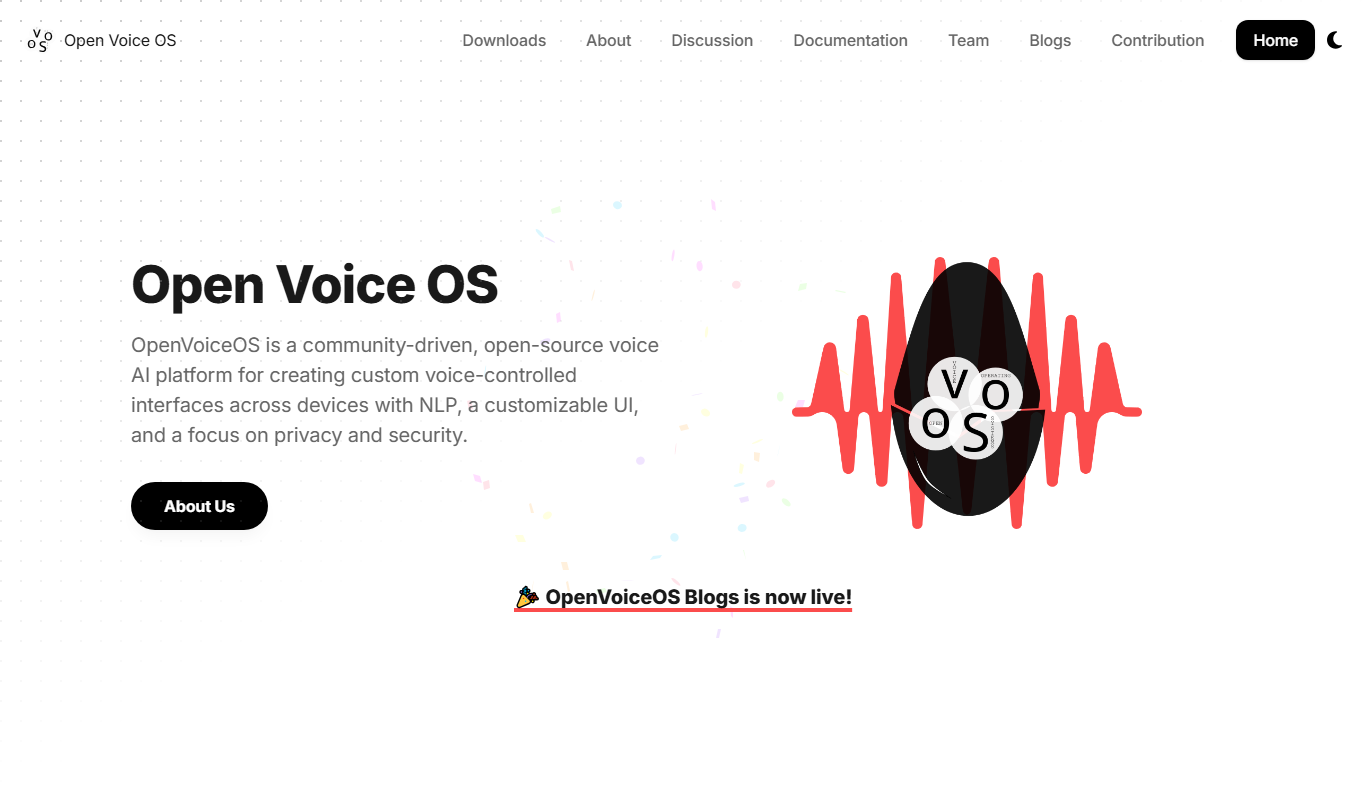
Open Voice OS
Open Voice OS is an open source voice assistant operating system that enables privacy-focused, offline voice control on Linux and Raspberry Pi devices.

Free
Lingolette
Lingolette is an AI-driven language learning platform that provides personalized conversational practice, pronunciation feedback, and tailored lessons to help users improve fluency in multiple languages.

Custom Pricing
CaseXellence
CaseXellence from Speridian is a low-code case management platform for government, healthcare, legal and FAMS use.

Freemium
Harmonis – Afirmaciones Personalizadas
Harmonis is a Spanish-language app that provides personalized daily affirmations to help users improve mental wellbeing, practice mindfulness, and foster positive thinking.

Freemium
revocalize.ai
Revocalize.ai is an AI voice cloning platform that creates realistic synthetic voices from small audio samples, enabling text-to-speech synthesis and custom voice creation for various applications.
Freemium
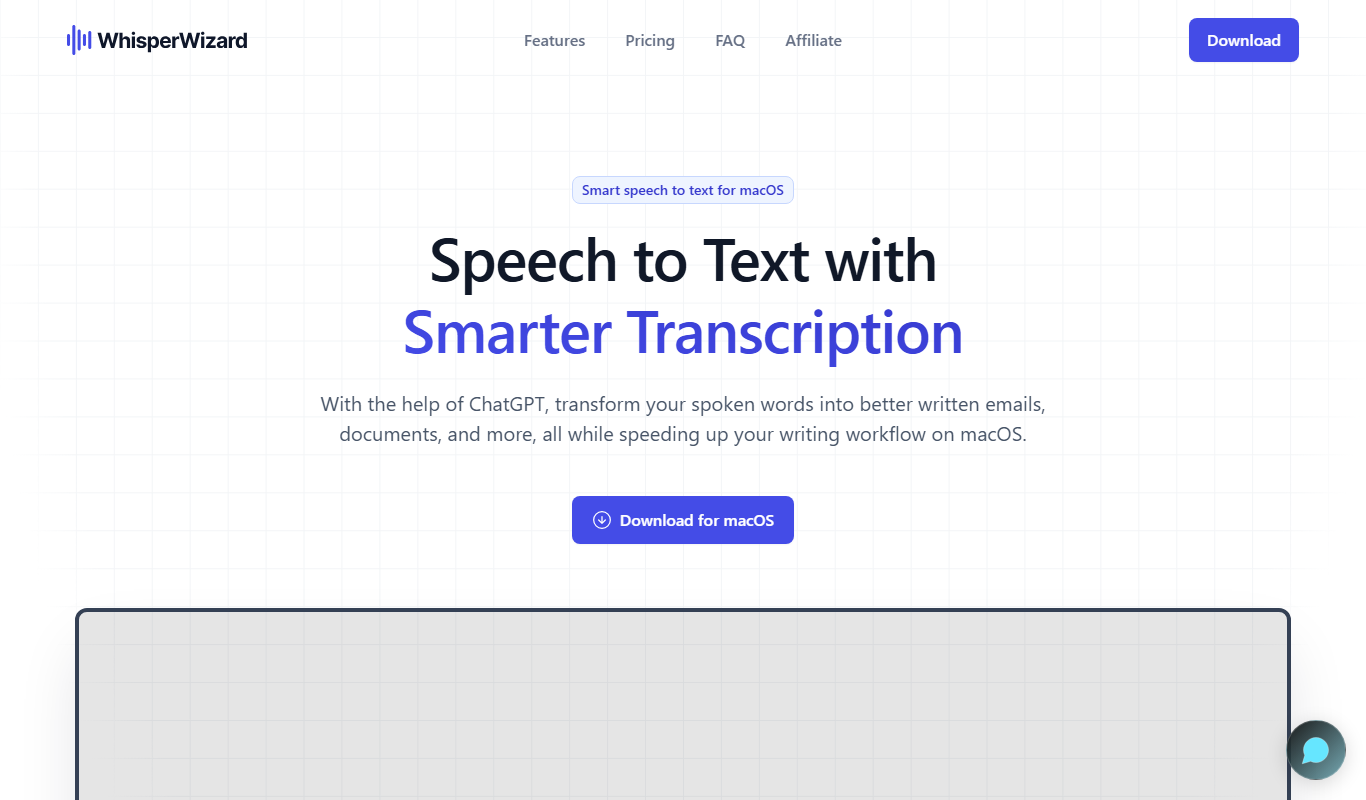
Whisper Wizard
Whisper Wizard is an AI-powered transcription tool that converts audio and video files into accurate text transcripts using OpenAI's Whisper model, supporting multiple languages and speaker diarization.

Custom Pricing
Digital Emperor
Digital Emperor is an AI marketing automation platform that automates digital advertising campaigns by using AI to optimize targeting, bidding, and audience segmentation across multiple channels.

Freemium
Impactor.APP
Impactor.APP is an AI-driven content marketing platform that helps businesses generate SEO-friendly content and automate marketing workflows efficiently.