

Bookly Appointment Scheduling Software for Small Business and Freelancers
Bookly is an appointment scheduling software that helps small businesses and freelancers automate bookings, send reminders, and accept online payments through customizable forms integrated with websites.
- Best for
- Small Business Appointment Booking
- Key capability
- Customizable Booking Forms
Save Bookly, follow its updates and vote on it — everything stays in your account.
Sign in or create a free accountWhat is Bookly?
Bookly is an online appointment scheduling software designed to help businesses and freelancers automate booking processes. It integrates with websites, especially WordPress, allowing clients to book services online, receive notifications, and make payments. The tool simplifies calendar management, client communication, and payment collection.
Key features of Bookly
Bookly offers customizable booking forms, automated SMS and email notifications, online payments, multi-staff scheduling, and integration with Google Calendar. It supports multiple languages and time zones, making it suitable for a variety of service industries.
Customizable Booking Forms
Create booking forms tailored to your services and branding.
Automated Notifications
Send SMS and email reminders to reduce no-shows and keep clients informed.
Online Payments
Accept deposits or full payments securely through integrated payment gateways.
Multi-Staff and Service Management
Manage multiple employees’ schedules and various services within one system.
Google Calendar Integration
Sync appointments with Google Calendar for real-time schedule updates.
Pros and cons of Bookly
Pros
- Easy to set up and customize booking forms
- Automated SMS and email notifications reduce no-shows
- Supports online payments and deposits
- Multi-staff and multi-service management
- Integrates well with WordPress and Google Calendar
Cons
- No dedicated mobile app for business owners
- Some advanced features require paid add-ons
- One-time payment model may be costly upfront for some users
Key use cases for Bookly
Small Business Appointment Booking
Allows small businesses to automate and manage client appointments efficiently through online booking.
Freelancer Scheduling
Enables freelancers to organize their schedules, accept bookings, and reduce no-shows with automated reminders.
Service Provider Client Management
Helps service providers keep track of clients, appointments, and payments in one integrated platform.
Online Payment Processing
Supports accepting deposits and full payments online to streamline the booking and payment process.
Multi-Staff Scheduling
Facilitates managing appointments for multiple staff members with individual calendars and availability.
How Bookly works
- 1
Install and Configure
Add Bookly to your website or WordPress, then customize booking forms and set your availability.
- 2
Publish Booking Form
Embed the booking form on your website or share a direct link with clients.
- 3
Clients Book Online
Clients select services, staff, date, and time to book appointments through the online form.
- 4
Receive Notifications
Both business and clients receive automated email and SMS notifications and reminders.
- 5
Manage Appointments
Track, reschedule, or cancel appointments via the Bookly dashboard.
Who is using Bookly
Bookly pricing
Free
$0 forever, no card required
For individuals testing the booking workflow, with unlimited appointments.
Pro
$39 per year or $99 one-time, 1 site
For solo professionals running their schedule on WordPress; 1 site license.
Business
$69 per year, 1 site
For growing service businesses that need every core paid feature; 1 site or 5 sites.
Ultimate
$159 per year, 1 site
For agencies and multi-location operations; 1, 20 or 100 sites.
Plans and prices are as published by the vendor and can change. Check the official site before you buy. Open the pricing page (opens in a new tab)
Frequently asked questions about Bookly
Yes, Bookly offers a WordPress plugin and can be embedded into other websites via shortcode or direct links.
Yes, Bookly supports multiple payment gateways including PayPal and Stripe for secure online payments.
Bookly does not have a dedicated mobile app but the booking forms and dashboard are mobile-friendly.
Yes, Bookly allows you to manage appointments for multiple staff members with individual calendars.
It depends on your specific needs and how you plan to use the tool. The official website and documentation are the best sources for the latest details.
Yes, it can help with that use case depending on how you configure it and what features are available. You’ll get the best results with clear inputs and a defined goal.
It depends on your specific needs and how you plan to use the tool. The official website and documentation are the best sources for the latest details.
Integration support depends on the tool and its available connectors or API. Check the official documentation or integrations page to confirm what is supported.
Conclusion
As a WordPress booking plugin, it lets the site owner customize booking forms and set availability, then embed the form on a page or share a direct link with clients. Clients choose a service, staff member, date and time, and both sides receive automated email and SMS notifications and reminders. Deposits or full payments go through gateways such as PayPal and Stripe, and appointments sync with Google Calendar. Service providers, health and wellness professionals and consultants are the intended users.
A Free version with unlimited appointments is available, while Pro, Business and Ultimate are sold per site as annual or lifetime licenses. Paid licenses come with a 30-day money-back guarantee. Bookly Cloud offers a new AI Assistant booking form, which is Cloud-only.
Sources
Sign in to review this tool.
Sign In to ReviewNo reviews yet
Be the first to share how this tool worked for you.
Ask about pricing, limits, or how it compares — or answer someone else.
Sign In to AskNo questions yet
Have a question about using or paying for this tool? Be the first to ask.
Featured on TiorAI



Alternative Tools
Explore similar AI tools that might fit your needs

Acuity Scheduling
Acuity Scheduling is an online appointment booking software that enables businesses to automate scheduling, send reminders, accept payments, and sync calendars to streamline client bookings.

Calendly
Calendly is an online scheduling platform that automates appointment booking by syncing with your calendar and allowing invitees to select available times.
Setmore
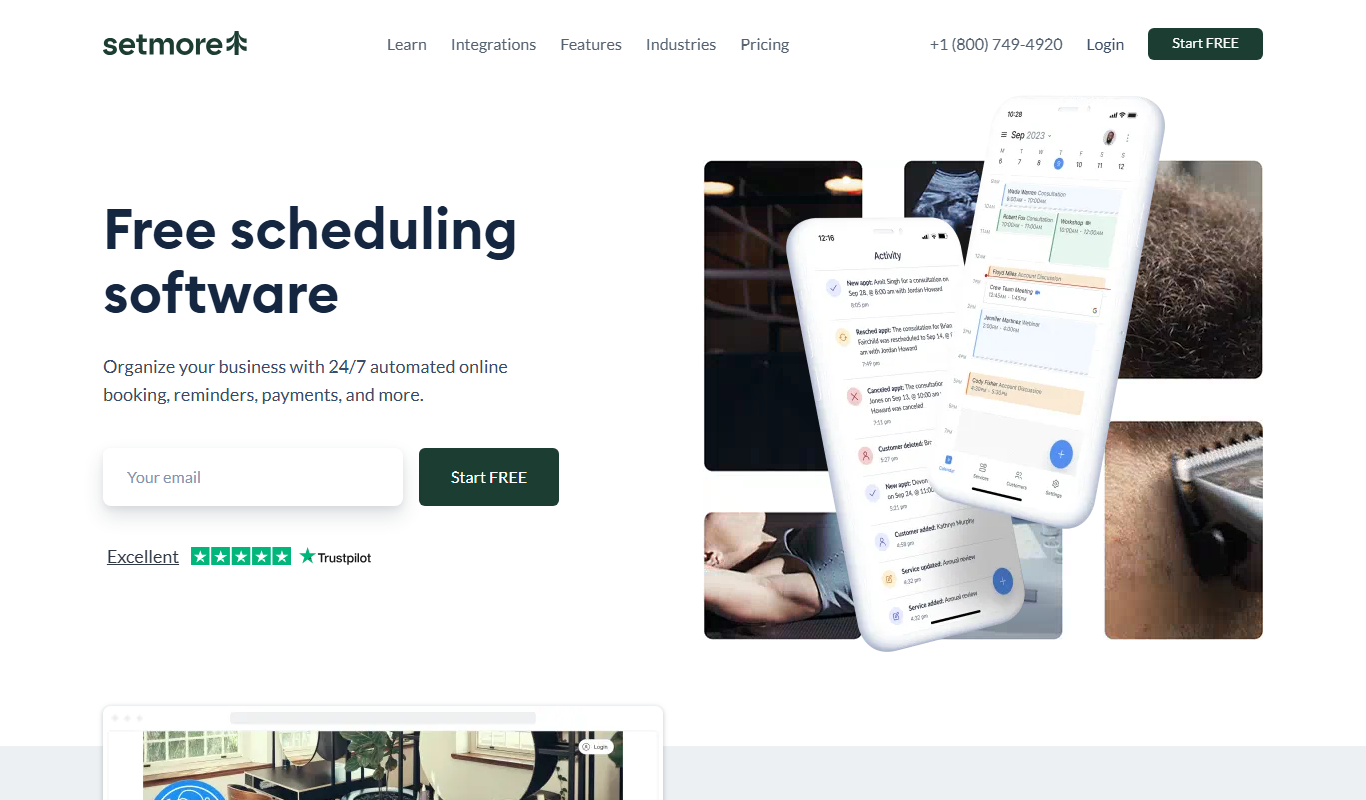
Setmore is an online appointment scheduling software designed for small businesses to manage bookings, staff schedules, automated reminders, and payments through web and mobile platforms.
More AI Workflow tools
Other tools in the same category, for when this one is not quite the fit.

Lens Protocol
Lens Protocol is a blockchain stack built for SocialFi, made up of Lens Chain, the Social Protocol and Storage Nodes, where one Lens account works across many apps.

Botkeeper
Botkeeper is an AI accounting solution purpose-built for accounting firms that automates the most manual and time-consuming bookkeeping work.

Furkot
Furkot is a web-based trip planner that helps users create multi-stop routes, optimize travel paths, schedule accommodations and activities, and share itineraries for efficient road trip planning.

Trials.ai
Trials.ai is an AI-driven platform that helps medical researchers design optimized clinical trial protocols, improve patient recruitment, and ensure regulatory compliance to accelerate trial success.

ZipBooks
ZipBooks is a cloud-based accounting software designed for small businesses and freelancers to manage invoicing, expenses, payments, and financial reporting with ease.

Lookeen
Lookeen is a Windows desktop search software that enables fast and comprehensive searching of emails, files, and documents, integrating deeply with Microsoft Outlook and supporting network drives.
Ataccama
Ataccama is an AI-driven data management platform that integrates data governance, master data management, and data quality automation to help enterprises manage and improve their data assets efficiently.

FloQast
FloQast is a cloud software designed to streamline and automate the accounting month-end close process, improving accuracy and collaboration for finance teams.