

Setmore Online Appointment Scheduling Software for Small Businesses
Setmore is an online appointment scheduling software designed for small businesses to manage bookings, staff schedules, automated reminders, and payments through web and mobile platforms.
- Best for
- Appointment Scheduling
- Key capability
- Online Booking Calendar
Save Setmore, follow its updates and vote on it — everything stays in your account.
Sign in or create a free account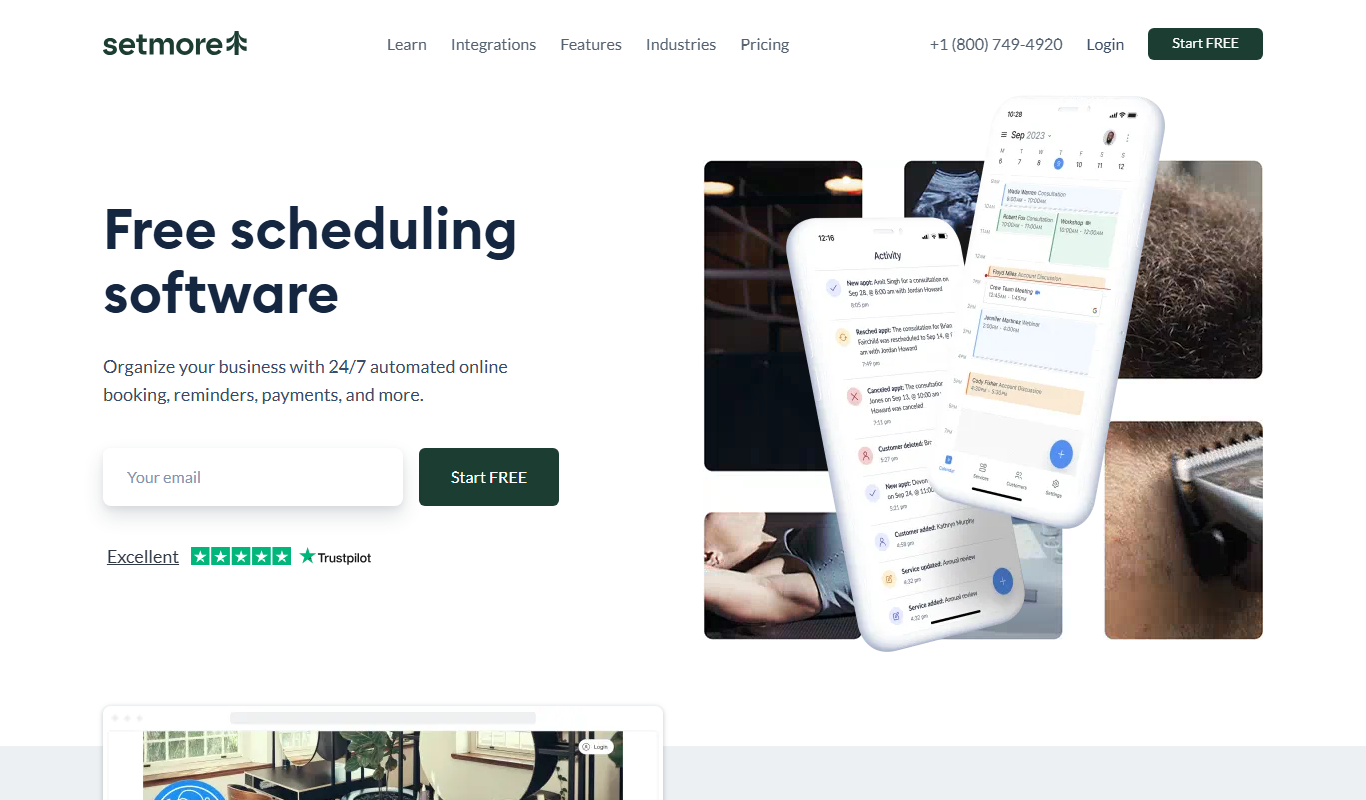
What is Setmore?
Setmore is an online appointment scheduling software designed to help small to medium-sized businesses manage bookings, staff schedules, and client communications efficiently. It provides an intuitive calendar interface accessible via web and mobile apps, enabling customers to book services 24/7. The platform also supports automated reminders, payment processing, and integration with popular business tools.
Key features of Setmore
Setmore offers a comprehensive suite of features including customizable booking pages, multi-staff scheduling, automated email and SMS reminders, payment integrations, and calendar sync with Google and Outlook. Its user-friendly interface and mobile apps make managing appointments seamless for businesses and their clients.
Online Booking Calendar
A centralized calendar that clients can access to book appointments based on real-time availability.
Automated Email and SMS Reminders
Reduce missed appointments by sending customizable reminders to clients.
Multi-Staff Scheduling
Manage schedules for multiple employees with individual calendars and booking rules.
Payment Integration
Supports payment gateways like Stripe and Square to accept payments during booking.
Third-Party Integrations
Integrates with tools like Zoom, Google Calendar, Facebook, and Instagram for seamless workflows.
Pros and cons of Setmore
Pros
- User-friendly interface with easy setup
- Robust free plan with essential features
- Supports multiple staff and services
- Automated reminders reduce no-shows
- Integrates with popular payment gateways
Cons
- Advanced features require paid plans
- Limited customization options on free plan
- SMS reminders have usage limits on lower tiers
Key use cases for Setmore
Appointment Scheduling
Allows businesses to set up and manage online booking calendars for clients to schedule appointments easily.
Client Management
Stores client contact information and appointment history to improve customer relationship management.
Staff Scheduling
Enables businesses with multiple employees to manage individual staff calendars and availability.
Automated Notifications
Sends automated email and SMS reminders to reduce no-shows and keep clients informed.
Payment Processing
Integrates with payment gateways to allow clients to pay for services during booking.
How Setmore works
- 1
Create an Account
Sign up on Setmore’s website to start setting up your business profile.
- 2
Set Up Services and Staff
Define the services offered and add staff members with their availability.
- 3
Customize Booking Page
Personalize your booking page with branding and embed it on your website or share the link.
- 4
Accept Bookings
Clients can book appointments online anytime, which automatically updates your calendar.
- 5
Send Reminders and Collect Payments
Automated notifications reduce no-shows, and integrated payment options streamline transactions.
Who is using Setmore
Setmore pricing
Free
$0/month
Up to 4 users with unlimited appointments, accepting payments, a Branded Booking Page, email reminders and confirmations, and iOS and Android apps.
Pro
$12 per user per month, or $5 per user per month with annual billing
Unlimited users, SMS and email reminders, recurring appointments, 2-way calendar sync, removal of Setmore branding, custom notifications and priority support.
Pro
$5/user/month
Pro plan with SMS reminders, recurring appointments, and more.
Plans and prices are as published by the vendor and can change. Check the official site before you buy. Open the pricing page (opens in a new tab)
Frequently asked questions about Setmore
Yes, Setmore offers a free plan with essential scheduling features suitable for small businesses.
Yes, Setmore integrates with Stripe and Square to accept payments during the booking process.
Setmore provides mobile apps for both iOS and Android devices to manage appointments on the go.
Yes, Setmore supports two-way calendar sync with Google Calendar and Outlook.
It depends on your specific needs and how you plan to use the tool. The official website and documentation are the best sources for the latest details.
Some tools offer a free plan or trial with limited features. Availability can vary, so confirm on the official website.
Yes, it can help with that use case depending on how you configure it and what features are available. You’ll get the best results with clear inputs and a defined goal.
Integration support depends on the tool and its available connectors or API. Check the official documentation or integrations page to confirm what is supported.
Conclusion
A business lists its services and staff availability, then shares a Booking Page or embeds it on its website so clients can book online anytime. New bookings update the calendar automatically, and automated notifications are there to cut no-shows. Payments can be taken online, in person or with Tap to Pay through Square, Stripe, PayPal or LawPay. Clients can also reach the calendar through Reserve with Google or Book Now buttons on Facebook, Instagram and the business website.
Health and wellness professionals, tutors and beauty salons are among its target users. The Free plan costs nothing and covers up to 4 users with unlimited appointments and the iOS and Android apps. Pro adds unlimited users, SMS reminders, recurring appointments, 2-way calendar sync and removal of Setmore branding. Live Receptionist, which answers calls, is a separate plan available in the US only.
Sources
Sign in to review this tool.
Sign In to ReviewNo reviews yet
Be the first to share how this tool worked for you.
Ask about pricing, limits, or how it compares — or answer someone else.
Sign In to AskNo questions yet
Have a question about using or paying for this tool? Be the first to ask.
Featured on TiorAI



Alternative Tools
Explore similar AI tools that might fit your needs

Calendly
Calendly is an online scheduling platform that automates appointment booking by syncing with your calendar and allowing invitees to select available times.

Acuity Scheduling
Acuity Scheduling is an online appointment booking software that enables businesses to automate scheduling, send reminders, accept payments, and sync calendars to streamline client bookings.
More AI Customer Service tools
Other tools in the same category, for when this one is not quite the fit.

Smartwriter.ai
Smartwriter.ai is an AI copywriting platform that creates personalized email campaigns and automates sales outreach to improve engagement and conversion rates.
CropX
CropX is an agtech platform combining wireless soil sensors with AI analytics to help farmers optimize irrigation and crop management for better yields and sustainability.

Taranis
Taranis is an AI-powered precision agriculture platform that uses aerial imagery and machine learning to monitor crop health, detect pests and diseases, and provide actionable insights for farmers.

Tata Consultancy Services
Tata Consultancy Services (TCS) is a global IT services and consulting company offering digital transformation, AI automation, cloud migration, and enterprise software solutions tailored for large businesses.

Personyze
Personyze is an AI-driven personalization platform that helps businesses deliver tailored website experiences and targeted marketing campaigns through real-time visitor segmentation and behavioral targeting.

Sensibull
Sensibull is an AI-driven options trading platform focused on Indian markets, providing tools for strategy creation, market analysis, and risk management.

Starship Technologies
Starship Technologies offers autonomous delivery robots that navigate sidewalks to deliver food, groceries, and packages locally, providing contactless, efficient last-mile delivery solutions.
ManyBot
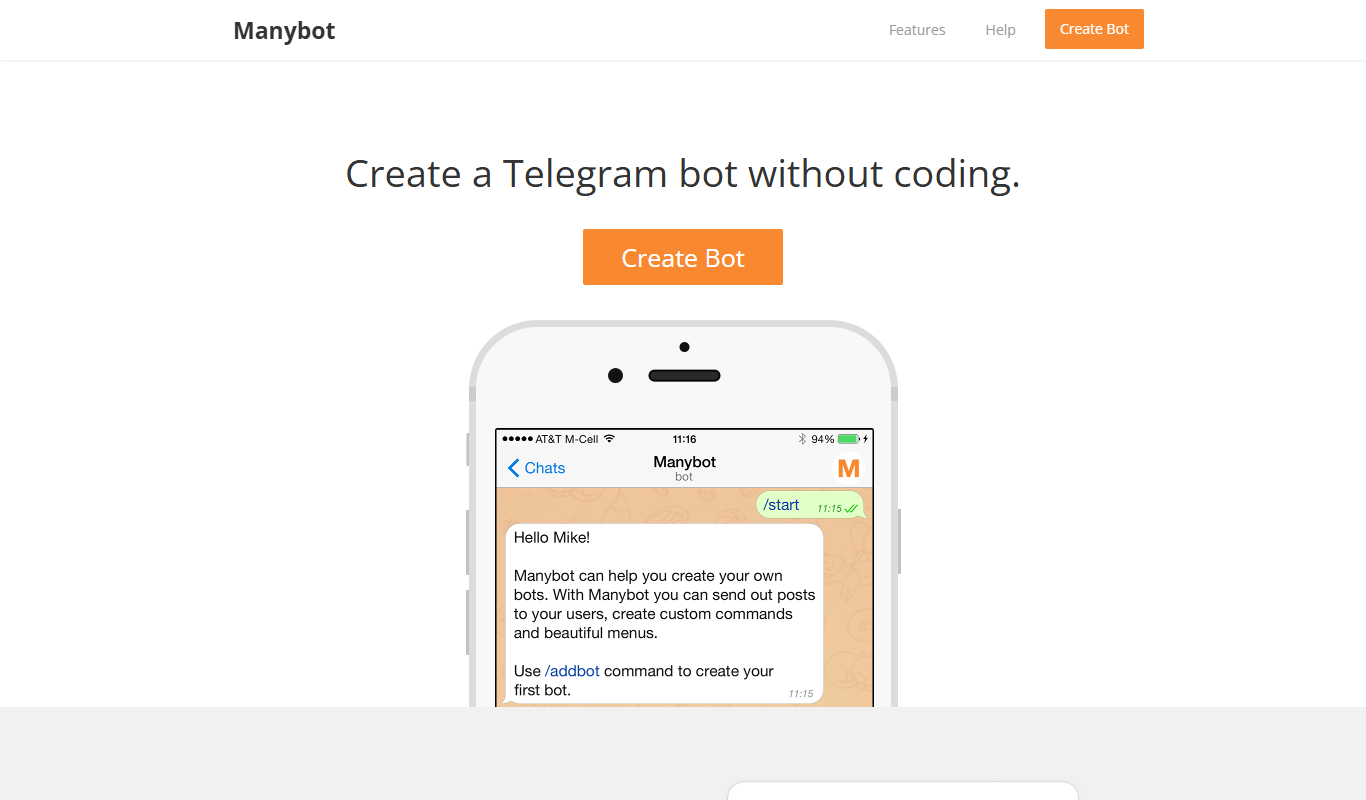
ManyBot is a no-code platform that enables users to create and manage Telegram chatbots for marketing, customer support, and automation without programming skills.