

From my experience with Bloop, I found it excels at making complex codebases easily searchable using natural language queries, which is a significant productivity boost for developers. After spending time with the platform, I can say it’s particularly well-suited for engineering teams looking to speed up debugging, onboarding, and code navigation. However, there’s a trade-off: the free plan limits codebase size and query volume, which might restrict usage for larger projects without upgrading. Overall, if you need a fast, AI-powered code search tool integrated with your workflow, Bloop delivers solid results.
Bloop AI Code Search Tool for Developers and Software Teams
Bloop is an AI-powered code search engine that enables developers to quickly find and understand code by using natural language queries across large codebases.
- Best for
- Codebase Navigation
- Key capability
- AI-Powered Semantic Search
Your actions

Do you recommend this tool?
What is Bloop?
Bloop is an AI-powered code search engine designed to help developers and software teams quickly find, understand, and navigate codebases. It supports natural language queries and advanced search capabilities, enabling efficient exploration of large and complex projects. Bloop integrates with popular developer tools and offers a web interface, CLI, and VS Code extension to streamline workflows.
Key features of Bloop
Bloop offers fast, semantic code search using AI to interpret natural language queries, supports multiple programming languages, integrates with development environments, and provides contextual search results with code snippets and references.
AI-Powered Semantic Search
Understand natural language queries to find code beyond simple text matching.
Multi-Language Support
Supports popular programming languages including JavaScript, Python, Go, Java, and more.
Integration with Developer Tools
Available as a web app, VS Code extension, and CLI tool for seamless workflow integration.
Fast Indexing and Search
Efficiently indexes large codebases and returns results with minimal latency.
Contextual Code Snippets
Displays relevant code excerpts with syntax highlighting and references.
Pros and cons of Bloop
Pros
- Fast and accurate AI-powered code search
- Supports natural language queries
- Integrates well with popular developer tools
- Helps speed up debugging and onboarding
- Offers flexible pricing plans including free tier
Cons
- Limited language support compared to some competitors
- Free plan has restrictions on codebase size and query volume
- Enterprise pricing is not publicly listed
Key use cases for Bloop
Codebase Navigation
Quickly search and navigate large codebases using AI-powered queries to find relevant code snippets and definitions.
Bug Fixing and Debugging
Locate problematic code sections efficiently by searching for error messages, function usages, or variable definitions.
Learning and Onboarding
New developers can understand unfamiliar codebases faster by querying code context and examples.
Code Review Assistance
Enhance code reviews by easily searching for related code and understanding dependencies.
Documentation Generation
Use search results to help generate or verify documentation by finding relevant code and comments.
How Bloop works
- 1
Connect Your Codebase
Link your repositories from GitHub, GitLab, or local sources to Bloop for indexing.
- 2
Indexing and Analysis
Bloop scans and indexes your codebase, analyzing structure and semantics for efficient search.
- 3
Search Using Natural Language
Enter queries in plain English or code terms to find relevant code snippets, definitions, or usages.
- 4
Review and Navigate Results
Browse search results with syntax-highlighted code snippets and jump directly to source files.
Who is using Bloop
Software developers
Engineering teams
DevOps engineers
QA engineers
Technical leads
New team members onboarding
Bloop pricing
Free
$0/month
Basic access with limited codebase size and search queries.
Pro
$15/month
Extended codebase limits, unlimited searches, and priority support.
Enterprise
Custom pricing
Tailored solutions with advanced features, dedicated support, and on-premise options.
Plans and prices are as published by the vendor and can change. Check the official site before you buy. Open the pricing page (opens in a new tab)
Frequently asked questions about Bloop
Bloop supports many popular languages including JavaScript, Python, Go, Java, TypeScript, and more.
Yes, Bloop supports private repositories with secure authentication methods.
The Free plan has size limits, while Pro and Enterprise plans support larger codebases.
Yes, Bloop offers a VS Code extension for in-editor code search.
It depends on your specific needs and how you plan to use the tool. The official website and documentation are the best sources for the latest details.
Yes, it can help with that use case depending on how you configure it and what features are available. You’ll get the best results with clear inputs and a defined goal.
Some tools offer a free plan or trial with limited features. Availability can vary, so confirm on the official website.
Integration support depends on the tool and its available connectors or API. Check the official documentation or integrations page to confirm what is supported.
Sign in to review this tool.
Sign In to ReviewNo reviews yet
Be the first to share how this tool worked for you.
Ask about pricing, limits, or how it compares — or answer someone else.
Sign In to AskNo questions yet
Have a question about using or paying for this tool? Be the first to ask.
Featured on TiorAI



Alternative Tools
Explore similar AI tools that might fit your needs

Enterprise
Sourcegraph
Sourcegraph is a universal code search and intelligence platform that enables developers to search, navigate, and understand code across multiple repositories and languages, improving productivity and collaboration.
Free
OpenGrok
OpenGrok is an open source tool that indexes source code repositories to provide fast, web-based code search and cross-reference navigation for developers.
More AI Developer & Coding Tools tools
Other tools in the same category, for when this one is not quite the fit.

Free
CraftUI
CraftUI Studio is a no-code UI design tool that lets you visually create responsive web and mobile app interfaces with drag-and-drop components and export clean code for development.

Free Trial
Inductor
Inductor AI is an AI-powered software development assistant that automates code generation, refactoring, and bug fixing to enhance developer productivity.

Free
Webo.AI
Webo.AI is an AI-powered no-code website builder that automates website design and content creation, enabling users to launch responsive websites quickly without coding skills.

Free
Bloks
Bloks is a no-code platform that allows users to build custom web applications with drag-and-drop tools, data integration, and workflow automation, enabling businesses to create tailored digital solutions without programming.

Free
Autodevs by Create
Autodevs by Create is an AI-driven platform that automates code generation and software development tasks, helping developers build applications faster with less manual coding.

Free
BuilderKit
BuilderKit is an AI-driven no-code website builder that enables users to quickly create professional and responsive websites without any coding skills.

Freemium
pineapplebuilder.com
Pineapple Builder is a WordPress plugin that enables users to build websites visually using drag-and-drop tools, with responsive design and WooCommerce integration.
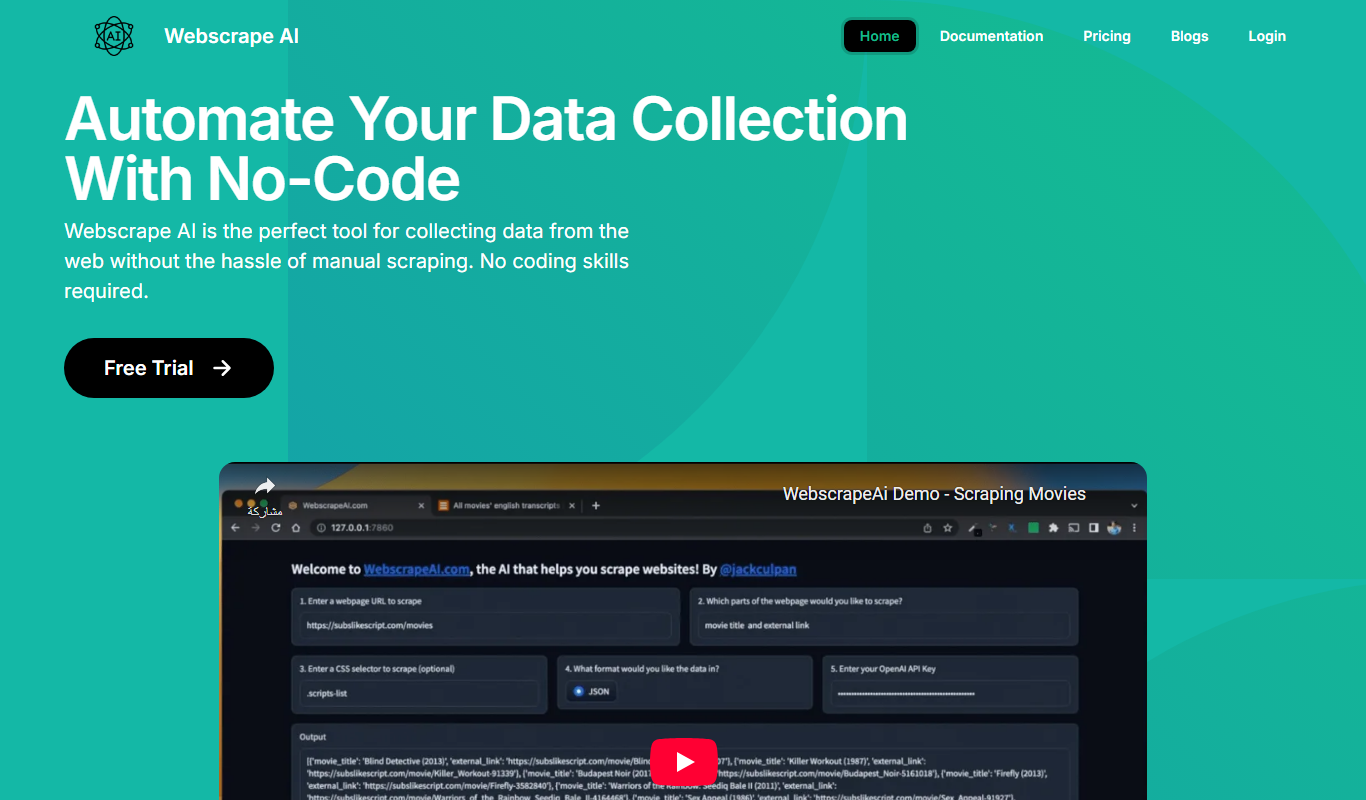
Free Trial
Webscape
Webscape is an AI-powered no-code website builder that enables users to create fast, responsive websites easily without programming skills.