

From my experience with Backlsh, I found it excels at providing a straightforward and efficient time tracking solution for freelancers and small teams. The interface is clean and easy to navigate, making it simple to start tracking time without a steep learning curve. It’s particularly well-suited for users who want reliable time logs and clear reporting for client billing. However, the lack of a dedicated mobile app and limited integrations might be a drawback for those needing more flexibility or mobile access. Overall, if you need a no-frills, dependable time tracker with essential features, Backlsh delivers solid results.
Backlsh Time Tracking Software for Freelancers and Teams
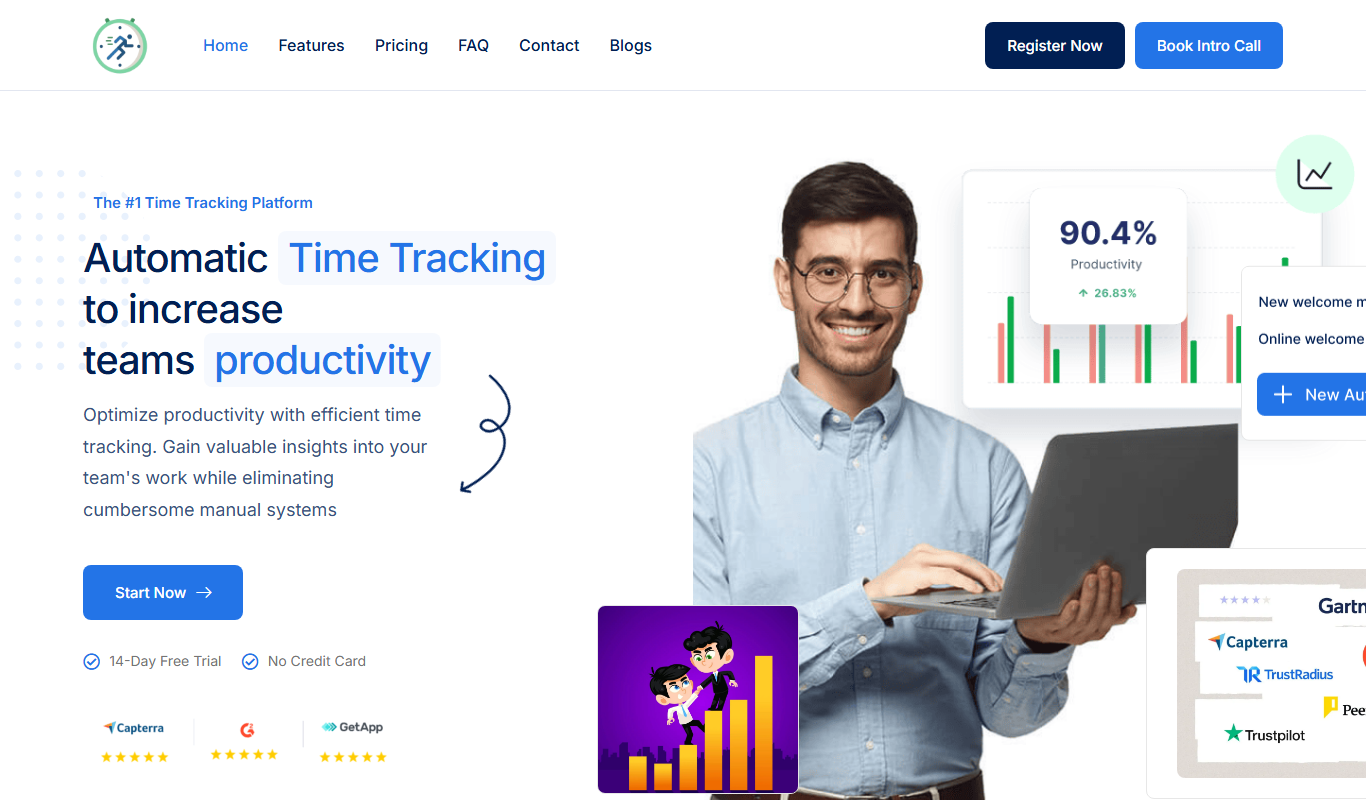
Backlsh is a time tracking software that helps freelancers and teams track work hours, manage projects, and generate reports for billing and productivity.
- Best for
- Freelancer Time Management
- Key capability
- Real-Time Time Tracking

Do you recommend this tool?
What is Backlsh – Time Tracking?
Backlsh is a time tracking software designed to help freelancers and teams monitor their work hours with ease. It offers tools to track time spent on tasks and projects, generate reports, and improve productivity by providing clear insights into how time is allocated.
Key features of Backlsh – Time Tracking
Backlsh provides real-time time tracking, project and task management, detailed reporting, and integrations with popular productivity tools. Its user-friendly interface and flexible tracking options make it suitable for individuals and teams alike.
Real-Time Time Tracking
Start and stop timers to capture accurate work durations.
Project and Task Organization
Manage multiple projects and tasks within a single dashboard.
Detailed Reporting
Export timesheets and reports for billing and productivity analysis.
Cross-Platform Access
Available on web, desktop, and as a Chrome extension for flexibility.
Pros and cons of Backlsh – Time Tracking
Pros
- Simple and intuitive interface
- Flexible time tracking options
- Useful reporting for billing and productivity
- Cross-platform availability
Cons
- No dedicated mobile app at this time
- Limited integrations compared to competitors
Key use cases for Backlsh – Time Tracking
Freelancer Time Management
Helps freelancers accurately track billable hours and manage multiple projects efficiently.
Team Productivity Monitoring
Allows teams to monitor work hours, improve productivity, and streamline project workflows.
Client Billing and Reporting
Generates detailed reports and timesheets to simplify client invoicing and billing processes.
Project Time Allocation
Enables project managers to allocate time resources effectively and track progress.
How Backlsh – Time Tracking works
- 1
Create an Account
Sign up on the Backlsh website to start tracking your time.
- 2
Set Up Projects and Tasks
Organize your work by creating projects and assigning tasks.
- 3
Track Time
Use the timer or manual entry to log hours spent on each task.
- 4
Generate Reports
Review detailed timesheets and reports to analyze productivity and bill clients.
Who is using Backlsh – Time Tracking
Freelancers
Small teams
Project managers
Consultants
Remote workers
Backlsh – Time Tracking pricing
Free
$0/month
Basic time tracking features with limited projects and reports.
Pro
$9/month
Advanced features including unlimited projects, detailed reports, and priority support.
Plans and prices are as published by the vendor and can change. Check the official site before you buy. Open the pricing page (opens in a new tab)
Frequently asked questions about Backlsh – Time Tracking
Yes, Backlsh offers a free plan with basic time tracking features.
Yes, Backlsh supports team accounts to track and manage multiple users.
Currently, Backlsh is available on web, desktop, and as a Chrome extension; no dedicated mobile app yet.
It depends on your specific needs and how you plan to use the tool. The official website and documentation are the best sources for the latest details.
Some tools offer a free plan or trial with limited features. Availability can vary, so confirm on the official website.
Yes, it can help with that use case depending on how you configure it and what features are available. You’ll get the best results with clear inputs and a defined goal.
Sign in to review this tool.
Sign In to ReviewNo reviews yet
Be the first to share how this tool worked for you.
Ask about pricing, limits, or how it compares — or answer someone else.
Sign In to AskNo questions yet
Have a question about using or paying for this tool? Be the first to ask.
Featured on TiorAI



Alternative Tools
Explore similar AI tools that might fit your needs

Free Trial
Harvest
Harvest is a cloud-based software that enables businesses to track time, manage expenses, and generate invoices to improve project management and billing accuracy.

Free
Clockify
Clockify is a free and easy-to-use time tracking software that helps teams and freelancers track work hours, manage projects, and generate reports across multiple platforms.
More AI Backyard Design tools
Other tools in the same category, for when this one is not quite the fit.
Free Trial
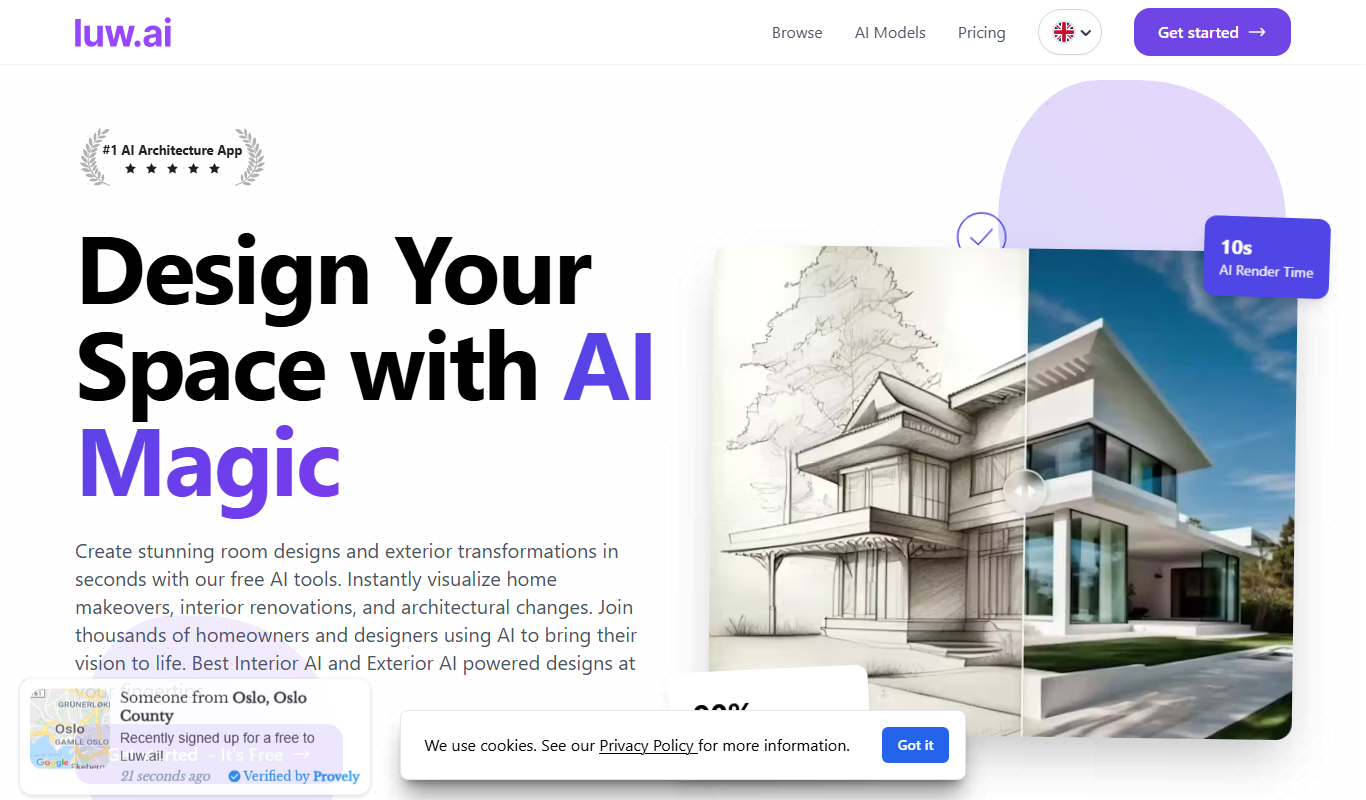
luw.ai
luw.ai is an AI-driven platform that automates customer support through chatbots, integrating with helpdesk systems to improve response times and reduce workload.

Freemium
interioraidesigns.com
InteriorAiDesigns is an AI-driven web platform that helps users create personalized interior design layouts and virtual room staging easily without professional skills.

Beta Access
Car Concepts AI (BETA)
Car Concepts AI Beta is a free web-based AI tool that generates unique car concept images from user text prompts, ideal for automotive design inspiration and marketing visuals.

Freemium
Background
Background is an AI-based web tool that upscales and enhances images by increasing resolution, removing backgrounds, and restoring photo quality automatically.

Free
Bench_AI
Bench AI is an AI-driven developer assistant that helps programmers generate, complete, and debug code efficiently using machine learning models.

Free
Package Design
Package Design is a web-based tool that helps users create custom product packaging and labels using templates and 3D mockups, suitable for small businesses and designers.

Enterprise
connecterra.ai
Connecterra AI is a smart farm management platform that uses AI and wearable sensors to monitor dairy cow health, optimize milk production, and improve farm operations through real-time data analytics.
Free
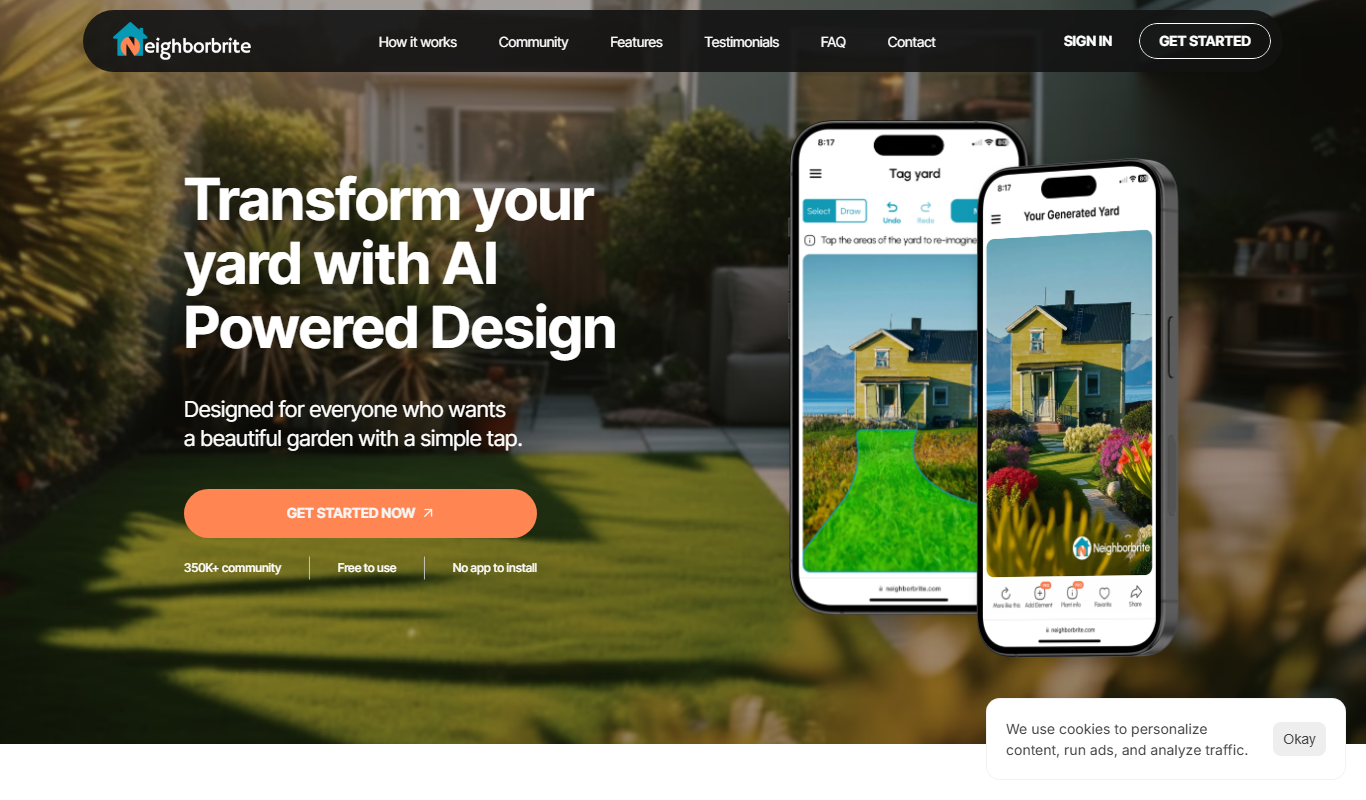
Neighborbrite
Neighborbrite is a community engagement platform that connects neighbors through communication tools, event planning, and resource sharing to foster stronger local communities.