

From my experience with AWS S3, I found it excels at providing highly durable and scalable cloud storage that integrates seamlessly with a broad range of AWS services. After spending time with the platform, I can say it’s particularly well-suited for developers and enterprises needing reliable data backup, archiving, and application storage solutions. However, there’s a trade-off: the pricing model can become complex and potentially costly with high data transfer or retrieval volumes, and new users may face a learning curve navigating AWS’s extensive ecosystem. Overall, if you require scalable object storage with strong security and global availability, AWS S3 delivers solid, enterprise-grade results.
Reliable AWS S3 Cloud Storage Service for Scalable Data Management
AWS S3 is a scalable, durable, and secure object storage service by Amazon Web Services used for storing and retrieving any amount of data from anywhere on the web.
- Best for
- Data Backup and Archiving
- Key capability
- High Durability and Availability
Your actions
Save AWS S3, follow its updates and vote on it — everything stays in your account.
Sign in or create a free account
What is AWS S3?
AWS S3 (Simple Storage Service) is a highly scalable, durable, and secure object storage service offered by Amazon Web Services. It allows individuals and businesses to store and retrieve any amount of data from anywhere on the web. Designed for 99.999999999% durability, S3 supports a wide range of use cases including backup, archiving, content distribution, and big data analytics.
Key features of AWS S3
AWS S3 provides virtually unlimited storage capacity with flexible data management features such as lifecycle policies, versioning, encryption, access control, and event notifications. It integrates seamlessly with other AWS services and supports multiple storage classes to optimize cost and performance.
High Durability and Availability
Designed for 99.999999999% durability and 99.99% availability of objects over a given year.
Multiple Storage Classes
Options like Standard, Intelligent-Tiering, Glacier, and Deep Archive to optimize cost and access speed.
Security and Compliance
Supports encryption at rest and in transit, IAM policies, bucket policies, and compliance certifications.
Scalable Performance
Handles virtually unlimited concurrent requests and scales automatically with demand.
Event Notifications and Integration
Trigger workflows and notifications with AWS Lambda, SNS, and SQS based on object events.
Pros and cons of AWS S3
Pros
- Highly scalable and reliable storage infrastructure
- Flexible storage classes to optimize cost
- Strong security and compliance features
- Seamless integration with AWS ecosystem
- Global availability with low latency
Cons
- Pricing can become complex with high data transfer
- Learning curve for new users unfamiliar with AWS
- No native file system interface; object storage model
Key use cases for AWS S3
Data Backup and Archiving
Securely store and archive large volumes of data with high durability and availability.
Content Distribution
Host and distribute static website content, media files, and software downloads globally.
Big Data Analytics
Store massive datasets for analytics and machine learning workflows integrated with AWS services.
Disaster Recovery
Implement reliable disaster recovery solutions by replicating data across multiple regions.
Application Hosting
Serve as backend storage for web and mobile applications requiring scalable object storage.
How AWS S3 works
- 1
Create an AWS Account
Sign up for an AWS account to access the AWS Management Console and S3 services.
- 2
Create an S3 Bucket
Set up a bucket, which is a container for storing objects, and configure region and access settings.
- 3
Upload Objects
Upload files or data objects to the bucket using the console, API, CLI, or SDKs.
- 4
Manage and Secure Data
Apply permissions, encryption, versioning, and lifecycle rules to control data access and retention.
- 5
Access and Retrieve Data
Retrieve stored objects via HTTP requests, SDKs, or integrate with other AWS services.
Who is using AWS S3
Developers and DevOps engineers
Enterprises needing scalable cloud storage
Startups building cloud-native applications
Data scientists and analysts
Backup and disaster recovery specialists
AWS S3 pricing
Free Tier
$0 for first 12 months
5 GB of standard storage, 20,000 GET requests, and 2,000 PUT requests per month.
Pay-as-you-go
Varies by usage
Charges based on storage used, requests, and data transfer with no upfront fees.
Plans and prices are as published by the vendor and can change. Check the official site before you buy. Open the pricing page (opens in a new tab)
Frequently asked questions about AWS S3
There is no minimum storage duration for the Standard storage class; however, some classes like Glacier have minimum retention periods.
Yes, AWS S3 supports static website hosting with configurable index and error documents.
AWS S3 stores data redundantly across multiple geographically separated data centers to protect against hardware failures.
Yes, AWS S3 supports server-side encryption and client-side encryption options.
This tool is designed to help users accomplish its core tasks more efficiently. It is typically used by individuals or teams looking to improve productivity and workflow.
Pricing depends on the plan and included features. For the most accurate and up-to-date details, check the official pricing page.
Data handling and security practices vary by provider. Review the official privacy policy to understand how your data is stored and used.
Yes, it can help with that use case depending on how you configure it and what features are available. You’ll get the best results with clear inputs and a defined goal.
Sign in to review this tool.
Sign In to ReviewNo reviews yet
Be the first to share how this tool worked for you.
Ask about pricing, limits, or how it compares — or answer someone else.
Sign In to AskNo questions yet
Have a question about using or paying for this tool? Be the first to ask.
Featured on TiorAI



More AI Developer Tools tools
Other tools in the same category, for when this one is not quite the fit.
Freemium
Codio
Codio is a cloud-based coding platform designed for computer science education and software development, featuring an online IDE, automated grading, and curriculum management tools.

Subscription
SurveyCTO
SurveyCTO is a secure mobile data collection platform that supports offline surveys, advanced form logic, and encrypted data syncing, designed for field research and monitoring.
Free
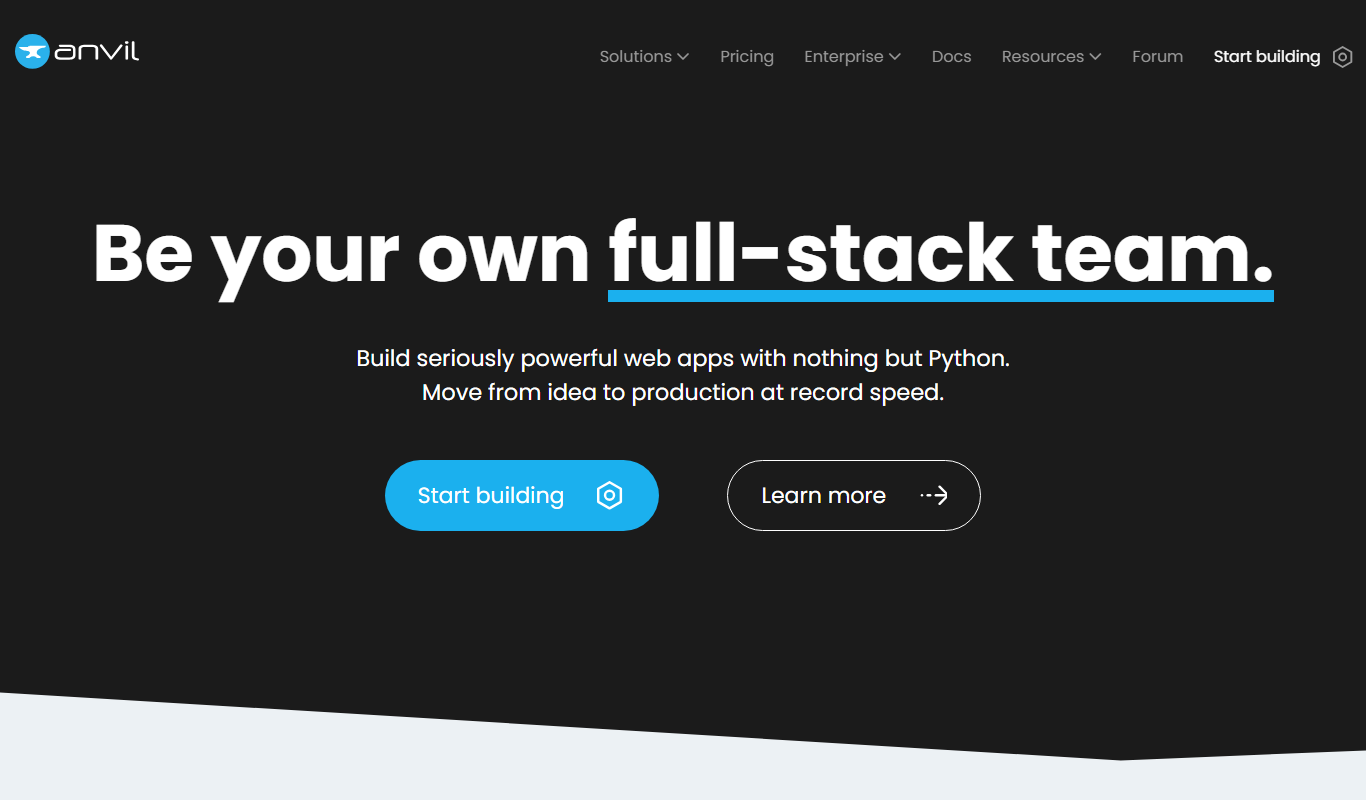
Anvil
Anvil is a low-code platform that enables users to build full-stack web applications using Python with a drag-and-drop interface, eliminating the need for JavaScript or HTML knowledge.

Free
Backendless
Backendless is a Backend-as-a-Service platform that provides no-code and low-code tools, real-time database, user authentication, push notifications, and serverless business logic to accelerate mobile and web app development.

Free
PostGraphile
PostGraphile is an open-source tool that instantly generates a secure and extensible GraphQL API from a PostgreSQL database schema, enabling rapid backend development with real-time subscriptions and role-based access control.

Free
Doppler
Doppler is a secrets management platform that centralizes and secures environment variables, API keys, and credentials, integrating with DevOps workflows to automate secret handling and access control.

Free
DataGrip
DataGrip is a cross-platform SQL IDE by JetBrains designed for database developers and administrators to write, run, and optimize SQL queries, manage schemas, and work with multiple database systems efficiently.
Free
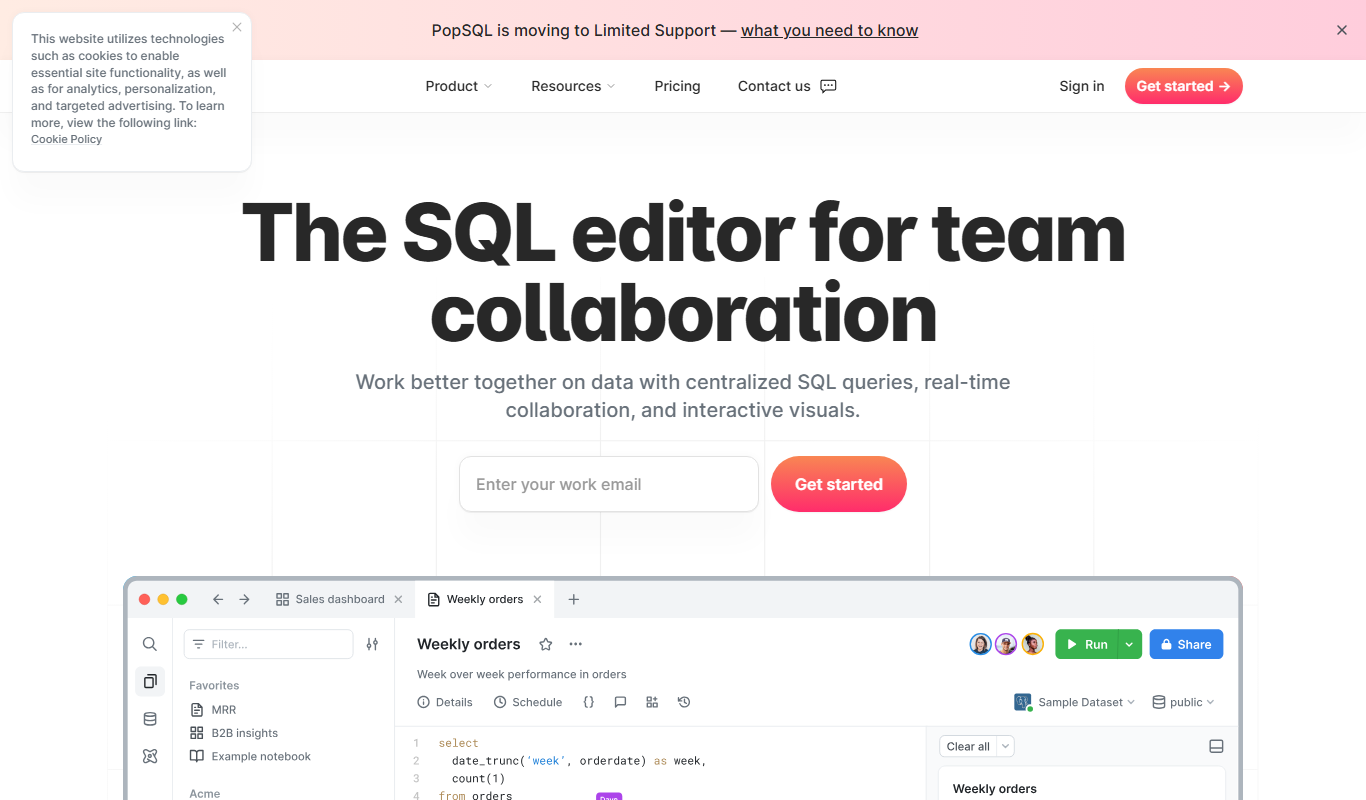
PopSQL
PopSQL is a collaborative SQL editor that helps teams write, share, and manage SQL queries with real-time collaboration and multi-database support.