

From my experience with AudioMuse, I found it excels at producing natural and clear AI voices that significantly reduce the time and effort needed for audio content creation. The platform’s voice cloning feature adds a valuable layer of personalization, making it ideal for podcasters and marketers who want unique audio branding. However, the tool currently supports only English, which may limit use for multilingual projects. Overall, if you need a straightforward, web-based AI voice generator with flexible pricing and quality output, AudioMuse delivers solid results.
AudioMuse AI Voice Generator for Podcasts and Audio Content Creation
AudioMuse is an AI-powered platform that converts text scripts into natural-sounding speech, ideal for podcasters and content creators needing quick, high-quality audio generation with options for custom voice cloning.
- Best for
- Podcast Production
- Key capability
- Natural-Sounding AI Voices

Do you recommend this tool?
What is AudioMuse?
AudioMuse is an AI-powered voice generation platform designed to help creators produce high-quality, natural-sounding audio content. It leverages advanced text-to-speech and voice cloning technologies to transform written scripts into engaging spoken audio, primarily targeting podcasters, marketers, and content creators who want to streamline audio production without traditional recording.
Key features of AudioMuse
AudioMuse offers features such as realistic AI voice synthesis, customizable voice cloning, multi-style narration options, and easy script-to-audio conversion through a user-friendly web interface. It supports exporting audio files for immediate use in podcasts, videos, or other media.
Natural-Sounding AI Voices
Produces high-quality, human-like speech that enhances listener engagement.
Custom Voice Cloning
Allows users to create AI voices that replicate specific speakers for personalized content.
Multi-Style Narration
Offers different voice styles and tones to match various content types and moods.
Easy Script Upload
Supports direct text input or file uploads for quick audio generation.
Audio Export Options
Enables downloading audio in common formats for seamless integration into projects.
Pros and cons of AudioMuse
Pros
- Produces highly natural and clear AI voices
- User-friendly web interface simplifies audio creation
- Custom voice cloning adds personalization options
- Flexible pricing plans including a free tier
- Quick turnaround from script to audio
Cons
- Limited language support focused on English
- Advanced features require paid subscription
- No dedicated mobile app available
Key use cases for AudioMuse
Podcast Production
Generate natural-sounding AI voices to create podcast episodes without recording human voices.
Audio Content Creation
Convert written scripts into engaging audio content for marketing, education, or entertainment.
Voice Cloning
Create custom AI voices that mimic specific speakers for personalized audio experiences.
Narration for Videos
Produce voiceovers for video content quickly and cost-effectively using AI-generated speech.
How AudioMuse works
- 1
Create an Account
Sign up on the AudioMuse website to access the voice generation platform.
- 2
Input Script
Enter or upload your written content that you want to convert into speech.
- 3
Select Voice and Style
Choose from a variety of AI-generated voices and narration styles to suit your content.
- 4
Generate Audio
Use the platform to synthesize the script into natural-sounding audio.
- 5
Download and Use
Export the generated audio files for use in podcasts, videos, or other projects.
Who is using AudioMuse
Podcasters
Content marketers
Video creators
Educators
Small businesses producing audio content
AudioMuse pricing
Free
$0/month
Limited access with basic voices and a monthly quota of audio minutes.
Pro
$29/month
Access to premium voices, higher audio limits, and advanced features like voice cloning.
Enterprise
Custom pricing
Tailored solutions with dedicated support and API access for large-scale needs.
Plans and prices are as published by the vendor and can change. Check the official site before you buy. Open the pricing page (opens in a new tab)
Frequently asked questions about AudioMuse
Yes, AudioMuse offers voice cloning features that allow you to create AI voices modeled after specific speakers.
You can export audio files in common formats such as MP3 and WAV for easy use across platforms.
AudioMuse provides a free plan with limited usage so you can try the basic features before upgrading.
Currently, AudioMuse primarily supports English voice synthesis.
It depends on your specific needs and how you plan to use the tool. The official website and documentation are the best sources for the latest details.
Yes, it can help with that use case depending on how you configure it and what features are available. You’ll get the best results with clear inputs and a defined goal.
Pricing depends on the plan and included features. For the most accurate and up-to-date details, check the official pricing page.
It depends on your specific needs and how you plan to use the tool. The official website and documentation are the best sources for the latest details.
Sign in to review this tool.
Sign In to ReviewNo reviews yet
Be the first to share how this tool worked for you.
Ask about pricing, limits, or how it compares — or answer someone else.
Sign In to AskNo questions yet
Have a question about using or paying for this tool? Be the first to ask.
Featured on TiorAI



More AI Audio Content Tools tools
Other tools in the same category, for when this one is not quite the fit.

Free
notevibes.com
Notevibes is an online text to speech platform offering over 200 natural AI voices across 25+ languages, customizable speech parameters, and high-quality audio downloads for content creation, education, and accessibility.
Free
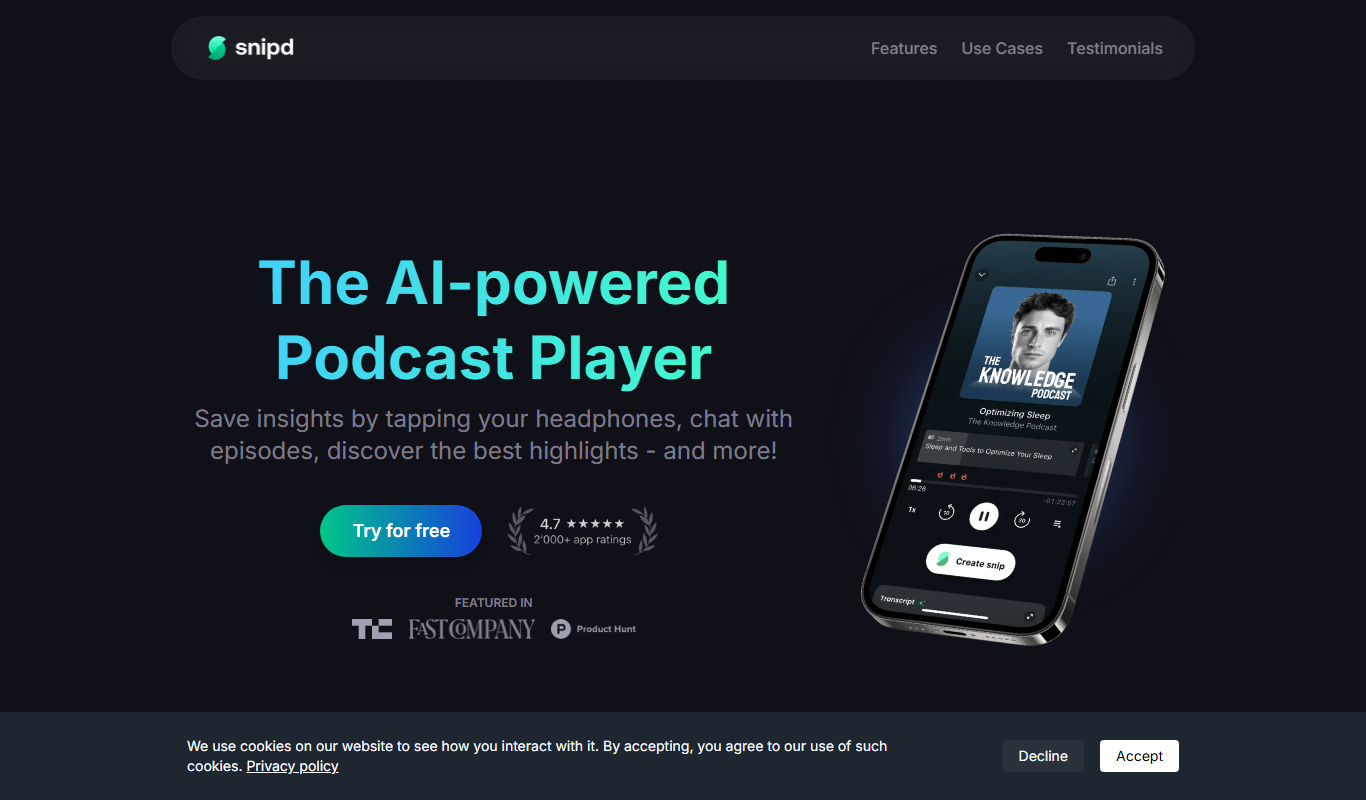
Snipd
Snipd is an AI-powered podcast player that generates transcripts and smart audio highlights to help users navigate, discover, and share podcast content efficiently.
Free
Snipd
Snipd is an AI-driven podcast player that provides automatic transcripts, smart highlights, and note-taking features to improve podcast listening and content discovery.
Free
Snipd
Snipd is an AI-powered podcast player that provides automatic transcripts, smart highlights, and clip creation to help users quickly find and share important podcast moments.

Freemium
sounder.ai
Sounder.ai is a podcast hosting platform that offers AI-powered automatic transcription, SEO tools, and analytics to help podcasters distribute and optimize their audio content.

Free
Listnr
Listnr is an AI-powered text-to-speech platform that converts text into natural-sounding audio using multiple voices and languages, ideal for podcasts, audiobooks, and marketing content.

Free Trial
Blakify
Blakify is an AI-powered text to speech platform that converts written text into natural-sounding audio with multiple voice and language options, ideal for content narration, audiobooks, and accessibility.

Freemium
GoodListen
GoodListen is an AI tool that transcribes and summarizes podcast episodes to help users quickly understand key points without listening to the full audio.