

From my experience with Arcwise AI, I found it excels at providing relevant, context-aware code completions that noticeably speed up the coding process. The seamless integration with Visual Studio Code makes it easy to adopt without disrupting existing workflows. It’s particularly well-suited for developers who want to reduce repetitive typing and minimize syntax errors. However, the tool currently supports only VS Code and has usage limits on the free plan, which might be restrictive for some users. Overall, if you are looking for an AI assistant to enhance your coding efficiency, Arcwise AI delivers solid, practical support.
Arcwise AI Review: AI-Powered Code Completion for Developers
Arcwise AI is an AI-driven code completion tool that integrates with Visual Studio Code to provide context-aware code suggestions, helping developers write code faster and with fewer errors.
- Best for
- Code Completion
- Key capability
- Context-Aware Code Completion
Your actions
Save Arcwise AI, follow its updates and vote on it — everything stays in your account.
Sign in or create a free account

What is Arcwise AI?
Arcwise AI is an AI-powered code completion tool designed to assist developers by providing intelligent, context-aware code suggestions. It integrates primarily as a Visual Studio Code extension and aims to improve coding efficiency, reduce errors, and help developers understand complex codebases faster.
Key features of Arcwise AI
Arcwise AI offers real-time code completions powered by advanced machine learning models, seamless integration with popular IDEs like VS Code, and supports multiple programming languages. It focuses on delivering relevant, context-sensitive suggestions to enhance developer productivity.
Context-Aware Code Completion
Generates code suggestions based on the current file and project context.
Multi-Language Support
Supports popular programming languages including Python, JavaScript, and more.
IDE Integration
Seamlessly integrates with Visual Studio Code for smooth developer experience.
Learning and Adaptation
Learns from user interactions to improve suggestion relevance over time.
Pros and cons of Arcwise AI
Pros
- Improves coding speed with intelligent suggestions
- Easy integration with VS Code
- Supports multiple popular programming languages
Cons
- Limited to Visual Studio Code currently
- Free plan has restricted usage limits
- May occasionally suggest irrelevant completions
Key use cases for Arcwise AI
Code Completion
Provides AI-powered code suggestions to speed up coding and reduce errors.
Code Understanding
Helps developers understand unfamiliar codebases by offering context-aware completions.
Bug Reduction
Suggests syntactically and semantically correct code snippets to minimize bugs.
Learning Aid
Assists new programmers by providing relevant code examples and completions.
How Arcwise AI works
- 1
Install Extension
Add the Arcwise AI extension to your Visual Studio Code editor.
- 2
Sign Up and Configure
Create an account and configure settings to tailor suggestions to your coding style.
- 3
Start Coding
As you write code, Arcwise AI provides real-time, context-aware code completions.
- 4
Review Suggestions
Evaluate and accept or modify the AI-generated code snippets to fit your needs.
Who is using Arcwise AI
Software developers
Programming students
Development teams
Freelance coders
Tech startups
Arcwise AI pricing
Free
$0/month
Basic access with limited daily completions and features.
Pro
$15/month
Unlimited completions, priority support, and advanced features.
Plans and prices are as published by the vendor and can change. Check the official site before you buy. Open the pricing page (opens in a new tab)
Frequently asked questions about Arcwise AI
Currently, Arcwise AI primarily supports Visual Studio Code via its extension.
Yes, Arcwise AI offers a free plan with limited features to try before upgrading.
Arcwise AI processes code securely and does not store your code beyond what is necessary for providing suggestions.
Yes, it can help with that use case depending on how you configure it and what features are available. You’ll get the best results with clear inputs and a defined goal.
The best alternative depends on your workflow, features you need, and budget. Compare plans, integrations, and output quality to choose the closest fit.
Some tools offer a free plan or trial with limited features. Availability can vary, so confirm on the official website.
Sign in to review this tool.
Sign In to ReviewNo reviews yet
Be the first to share how this tool worked for you.
Ask about pricing, limits, or how it compares — or answer someone else.
Sign In to AskNo questions yet
Have a question about using or paying for this tool? Be the first to ask.
Featured on TiorAI



More AI Charting tools
Other tools in the same category, for when this one is not quite the fit.
Free
Lychee
Lychee is an open-source, self-hosted photo management software that lets you organize, upload, and share photos securely on your own server with features like password protection and album management.
Free Trial
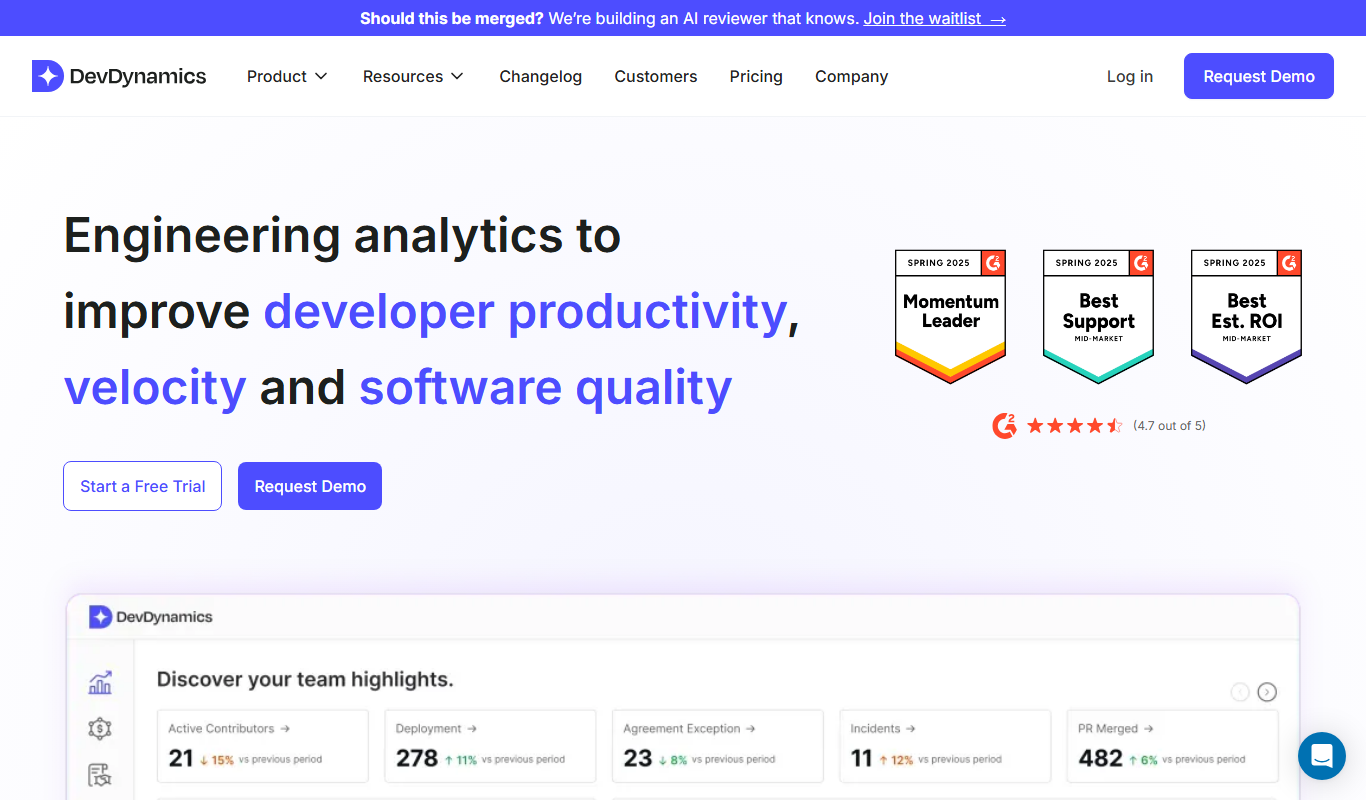
DevDynamics
DevDynamics is an AI-driven developer analytics platform that provides engineering leaders with insights into team productivity, collaboration, and project health by analyzing data from code repositories and communication tools.

Free
edraw ai
Edraw AI is an AI-powered diagramming tool by EdrawSoft that helps users create flowcharts, mind maps, and business diagrams efficiently with AI-assisted features and real-time collaboration.

Free
Gorilla Terminal
Gorilla Terminal is a web platform providing real-time stock market data, customizable stock scanners, and integrated trading capabilities for active traders.

Subscription
TradeUI
TradeUI is a web-based platform that provides customizable stock scanning, real-time trading alerts, and a market dashboard to help investors identify trading opportunities and manage portfolios efficiently.

Custom Pricing
Bodh
Bodh is a web-based data annotation platform that supports multi-modal data labeling including images, videos, text, and audio to help teams create accurate datasets for machine learning models.

Free Trial
Analytics Model
Analytics Model is a web-based AI platform that automates data analysis and predictive modeling, enabling users to generate insights and visualizations without coding expertise.
Free
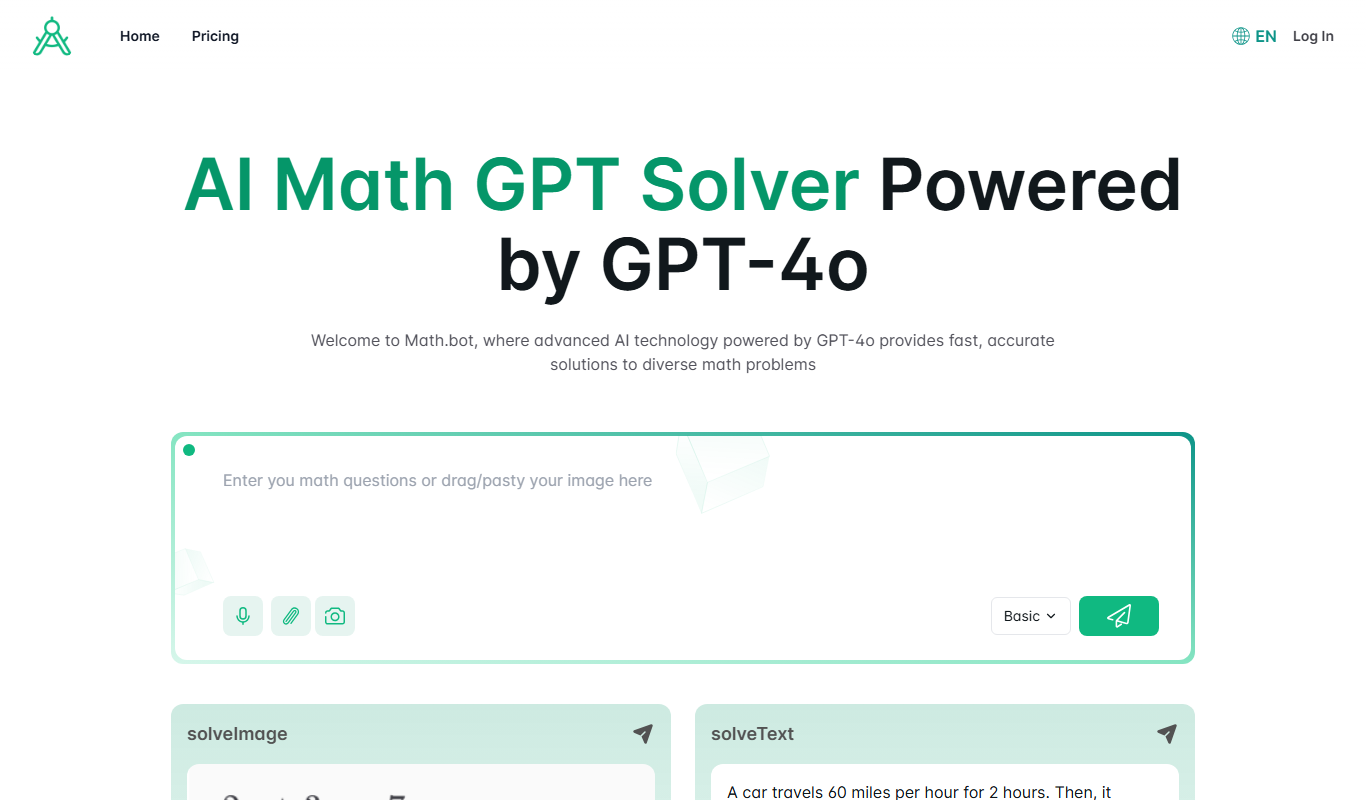
Math.bot: AI Math Solver by GPT-4o
Math.bot is an AI-powered math solver using GPT-4o that provides detailed step-by-step solutions to a wide range of math problems via a web interface.