

From my experience with AppZen, I found it excels at automating complex expense audits and invoice processing using AI, significantly reducing manual review time while improving fraud detection accuracy. After spending time with the platform, I can say it’s particularly well-suited for large enterprises and finance teams managing high volumes of transactions who need real-time compliance and actionable spend insights. However, there’s a trade-off: its pricing and feature set are primarily designed for bigger organizations, which may not be cost-effective for smaller businesses. Overall, if you require enterprise-grade finance automation with strong AI capabilities, AppZen delivers solid results.
AI-Powered Expense Audit and Invoice Automation Software by AppZen
AppZen is an AI-powered finance automation platform that automates expense report auditing and invoice processing to detect fraud, ensure compliance, and provide spend analytics for enterprises.
- Best for
- Automated Expense Auditing
- Key capability
- AI Expense Audit
Your actions
Save appzen.com, follow its updates and vote on it — everything stays in your account.
Sign in or create a free account
What is appzen.com?
AppZen is an AI-driven finance automation platform that specializes in automating expense report auditing and invoice processing. Leveraging advanced machine learning and natural language processing, AppZen helps enterprises reduce manual effort, detect fraud, and ensure compliance with corporate policies and regulations. It integrates with existing ERP and accounting systems to provide real-time auditing and actionable insights.
Key features of appzen.com
AppZen offers automated expense report auditing, invoice validation, fraud detection, policy compliance enforcement, and spend analytics. Its AI engine processes large volumes of financial documents quickly, flagging anomalies and providing detailed audit trails to finance teams.
AI Expense Audit
Automates review of expense reports to detect fraud, duplicates, and policy violations.
Invoice Automation
Automates invoice capture, validation, and approval workflows to reduce manual processing.
Real-Time Compliance Checks
Ensures transactions comply with company policies and regulatory requirements instantly.
Integration Capabilities
Supports seamless integration with major ERP and accounting platforms.
Spend Analytics Dashboard
Provides actionable insights into spending trends and potential cost savings.
Pros and cons of appzen.com
Pros
- Automates complex expense and invoice audits reducing manual workload
- Advanced AI detects subtle fraud and compliance issues
- Integrates well with major ERP and accounting systems
- Provides actionable spend analytics for better financial decisions
Cons
- Pricing is custom and may be expensive for smaller companies
- Primarily designed for enterprise-level organizations
- Limited language support beyond English
Key use cases for appzen.com
Automated Expense Auditing
Automatically review and validate employee expense reports to detect fraud, policy violations, and errors.
Invoice Processing Automation
Streamline invoice capture, validation, and approval workflows to accelerate accounts payable processes.
Compliance and Risk Management
Ensure adherence to corporate policies and regulatory requirements by flagging suspicious transactions.
Spend Analytics
Gain insights into company spending patterns to optimize budgets and identify cost-saving opportunities.
Integration with ERP Systems
Seamlessly connect with existing financial and ERP platforms like SAP, Oracle, and Workday for data synchronization.
How appzen.com works
- 1
Data Integration
Connect AppZen to your ERP, accounting, and expense management systems to import expense reports and invoices.
- 2
AI-Powered Analysis
The platform uses AI to analyze transactions, receipts, and invoices for policy compliance, fraud, and errors.
- 3
Flagging and Alerts
Suspicious or non-compliant items are automatically flagged and routed to finance teams for review.
- 4
Reporting and Insights
Generate detailed reports and dashboards to monitor spend patterns and audit outcomes.
Who is using appzen.com
Finance and accounting teams
Large enterprises with high volume expense reports
Procurement departments
Compliance officers
CFOs and financial controllers
appzen.com pricing
Enterprise
Custom Pricing
Tailored solutions with advanced features and dedicated support for large organizations.
Plans and prices are as published by the vendor and can change. Check the official site before you buy. Open the pricing page (opens in a new tab)
Frequently asked questions about appzen.com
AppZen audits a wide range of employee expenses including travel, meals, entertainment, and other business-related costs.
Yes, AppZen integrates with popular ERP and accounting systems such as SAP, Oracle, and Workday.
AppZen uses AI and machine learning to analyze patterns, detect duplicates, inconsistencies, and policy violations indicative of fraud.
AppZen primarily targets mid-sized to large enterprises due to its advanced features and pricing model.
It depends on your specific needs and how you plan to use the tool. The official website and documentation are the best sources for the latest details.
Integration support depends on the tool and its available connectors or API. Check the official documentation or integrations page to confirm what is supported.
Yes, it can help with that use case depending on how you configure it and what features are available. You’ll get the best results with clear inputs and a defined goal.
Sign in to review this tool.
Sign In to ReviewNo reviews yet
Be the first to share how this tool worked for you.
Ask about pricing, limits, or how it compares — or answer someone else.
Sign In to AskNo questions yet
Have a question about using or paying for this tool? Be the first to ask.
Featured on TiorAI



Alternative Tools
Explore similar AI tools that might fit your needs

Custom Pricing
Coupa
Coupa is a cloud-based spend management platform that automates procurement, expense reporting, supplier management, and invoice processing to help businesses control costs and improve financial operations.

Free
Expensify
Expensify is an expense management tool that automates receipt scanning, expense tracking, and reporting for businesses and individuals, offering integrations and approval workflows.
More Expense Management tools
Other tools in the same category, for when this one is not quite the fit.

Custom Pricing
Rize
Rize is an automated expense management platform providing corporate cards, real-time spend controls, and seamless accounting integrations to help businesses streamline and control their expenses.

Free
TribeBills
TribeBills is a free app that helps groups split bills, track payments, and send reminders to manage shared expenses easily.

Subscription
TripOffice.com
TripOffice.com is a cloud-based platform that streamlines business travel booking, expense management, and policy compliance for companies.

Free Trial
ReceiptUp
ReceiptUp is an expense management tool that automates receipt capture and expense tracking using OCR technology, supports team collaboration, and integrates with accounting software to streamline bookkeeping.

Free Trial
Receipts
Receipts is an app that automates expense tracking by scanning receipts, extracting data with OCR, categorizing expenses, and securely storing them in the cloud for easy access.

Free Trial
veryfi.com
Veryfi.com is an AI-driven platform that automates expense tracking by extracting data from receipts and invoices using OCR technology, offering mobile apps and API integration for businesses and developers.

Freemium
mool.ai
mool.ai is an AI-powered expense management platform that automates receipt and invoice processing, expense tracking, and reporting for small businesses and teams.
Freemium
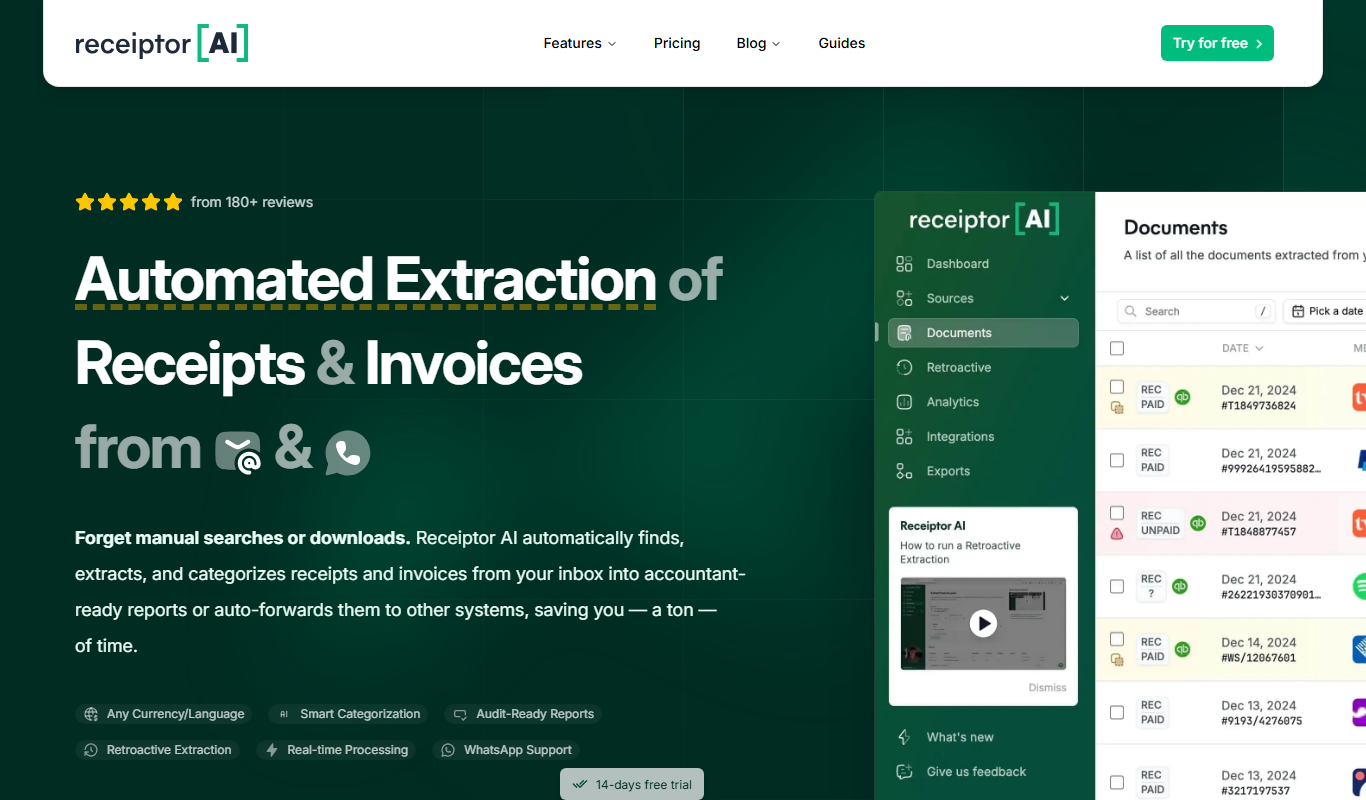
Receiptor.ai
Receiptor.ai is an AI-driven receipt scanning and expense management platform that automates data extraction from receipts and integrates with accounting software to streamline financial workflows.