

From my experience with Receiptor.ai, I found it excels at automating the tedious task of receipt data entry through its AI-powered OCR technology. The platform’s ability to accurately extract and categorize expense data saves significant time for small business owners and freelancers. Its integration with accounting software further streamlines bookkeeping and tax preparation workflows. However, the free plan’s limited upload quota and the lack of multilingual support may restrict some users. Overall, if you need a reliable tool to simplify expense tracking and receipt management, Receiptor.ai delivers practical and efficient results.
Receiptor.ai AI Receipt Scanner and Expense Management Software
Receiptor.ai is an AI-driven receipt scanning and expense management platform that automates data extraction from receipts and integrates with accounting software to streamline financial workflows.
- Best for
- Automated Receipt Scanning
- Key capability
- AI-Powered OCR
Your actions
Save Receiptor.ai, follow its updates and vote on it — everything stays in your account.
Sign in or create a free account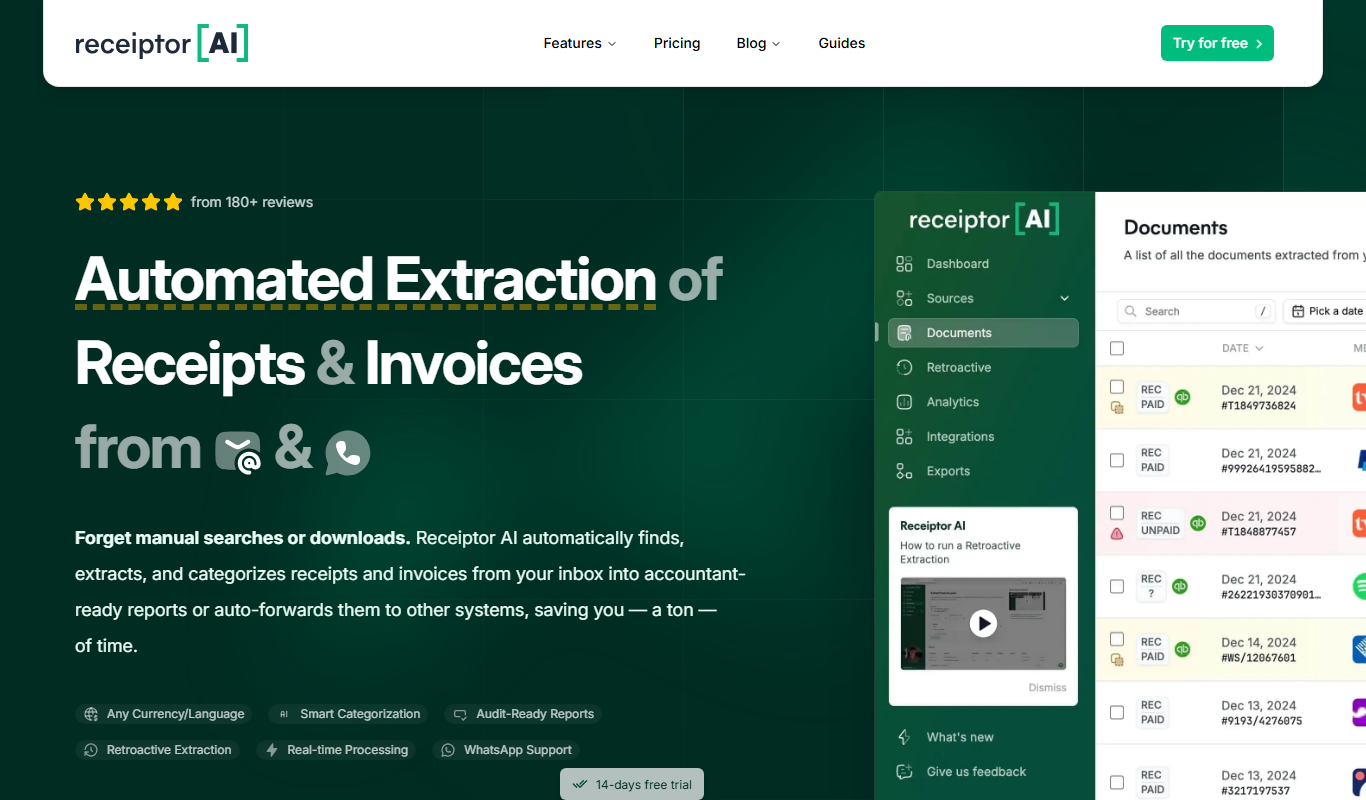

What is Receiptor.ai?
Receiptor.ai is an AI-powered receipt scanning and expense management platform designed to automate the extraction of data from receipts and streamline financial record keeping for individuals and businesses.
Key features of Receiptor.ai
The platform offers automated receipt scanning using AI OCR technology, expense categorization, report generation, and integration with accounting software to simplify bookkeeping and tax preparation.
AI-Powered OCR
Advanced optical character recognition technology accurately extracts data from various receipt formats.
Multi-Platform Access
Accessible via web and mobile apps, allowing users to manage expenses anytime, anywhere.
Expense Categorization
Automatically categorizes expenses to help users understand spending patterns.
Accounting Software Integration
Supports integration with popular accounting tools to streamline financial workflows.
Report Generation
Generates detailed expense reports for budgeting, auditing, and tax purposes.
Pros and cons of Receiptor.ai
Pros
- Automates tedious receipt data entry
- Accurate AI-powered data extraction
- Supports multiple platforms for convenience
- Integrates with popular accounting software
- Generates detailed expense reports
Cons
- Limited free plan upload quota
- Custom pricing may be expensive for small businesses
- No disclosed support for multiple languages beyond English
Key use cases for Receiptor.ai
Automated Receipt Scanning
Users can scan or upload receipts which are automatically processed using AI to extract relevant data.
Expense Tracking and Management
Receiptor.ai helps individuals and businesses track expenses by organizing scanned receipts and generating reports.
Accounting Integration
The tool supports integration with accounting software to streamline bookkeeping and financial record keeping.
Tax Preparation Assistance
By organizing and categorizing expenses, Receiptor.ai simplifies tax filing and audit preparation.
How Receiptor.ai works
- 1
Upload or Scan Receipts
Users upload images or PDFs of receipts or scan them directly using the mobile app.
- 2
AI Data Extraction
The AI engine processes the receipt images to extract key information such as vendor, date, amount, and taxes.
- 3
Organize and Categorize
Extracted data is automatically categorized and organized for easy tracking and reporting.
- 4
Export or Integrate
Users can export expense data or integrate it with accounting software for seamless bookkeeping.
Who is using Receiptor.ai
Small business owners
Freelancers and consultants
Accounting professionals
Expense managers
Tax preparers
Receiptor.ai pricing
Free
$0/month
Basic receipt scanning with limited monthly uploads and essential features.
Pro
$15/month
Unlimited receipt uploads, advanced features, and priority support.
Business
Custom pricing
Tailored solutions with team management, integrations, and dedicated support.
Plans and prices are as published by the vendor and can change. Check the official site before you buy. Open the pricing page (opens in a new tab)
Frequently asked questions about Receiptor.ai
Receiptor.ai can process printed and digital receipts in various formats including images and PDFs.
Yes, Receiptor.ai supports integration with popular accounting platforms to streamline bookkeeping.
Receiptor.ai employs industry-standard security measures to protect user data and ensure privacy.
Yes, the platform can handle receipts in various currencies and convert them as needed.
It depends on your specific needs and how you plan to use the tool. The official website and documentation are the best sources for the latest details.
Data handling and security practices vary by provider. Review the official privacy policy to understand how your data is stored and used.
Integration support depends on the tool and its available connectors or API. Check the official documentation or integrations page to confirm what is supported.
Pricing depends on the plan and included features. For the most accurate and up-to-date details, check the official pricing page.
Sign in to review this tool.
Sign In to ReviewNo reviews yet
Be the first to share how this tool worked for you.
Ask about pricing, limits, or how it compares — or answer someone else.
Sign In to AskNo questions yet
Have a question about using or paying for this tool? Be the first to ask.
Featured on TiorAI



Alternative Tools
Explore similar AI tools that might fit your needs

Free
Expensify
Expensify is an expense management tool that automates receipt scanning, expense tracking, and reporting for businesses and individuals, offering integrations and approval workflows.
Subscription
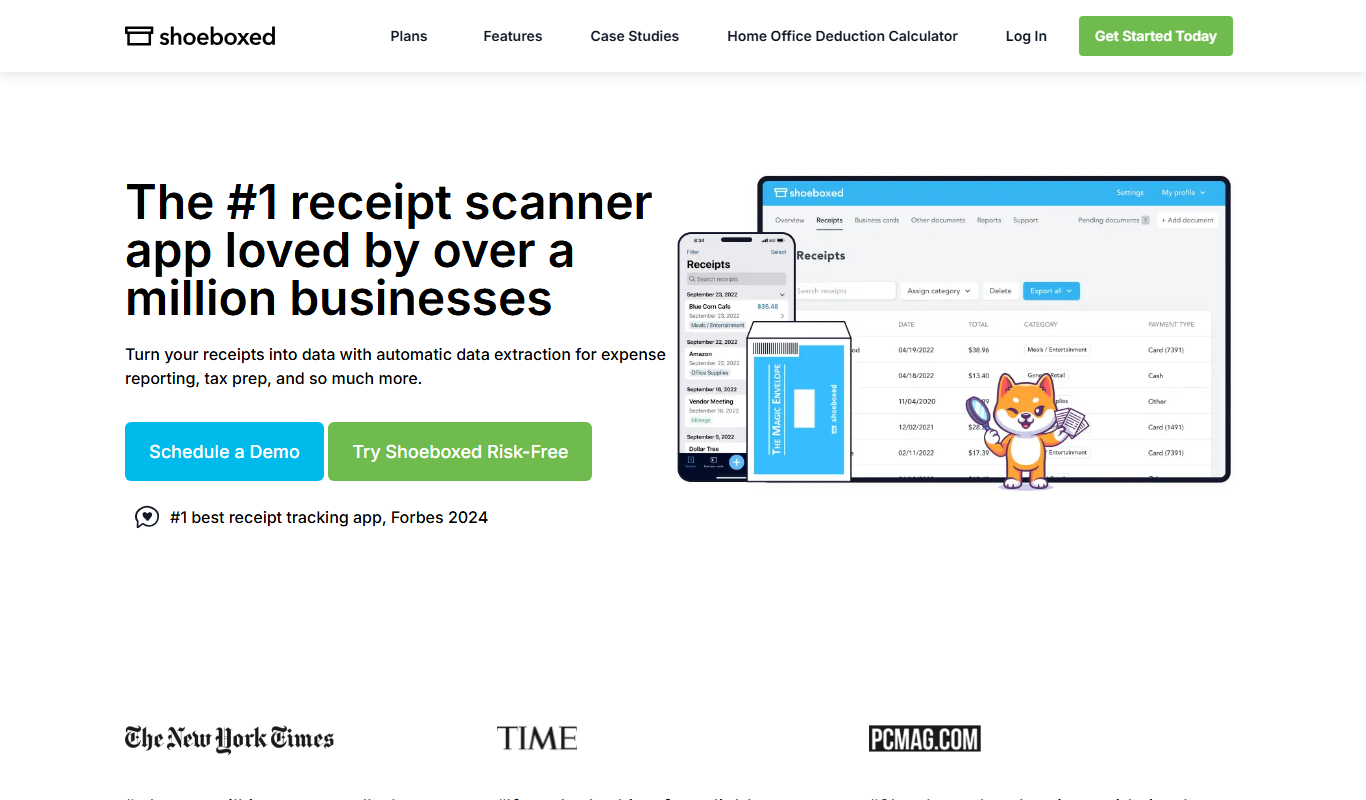
Shoeboxed
Shoeboxed is a receipt scanning and expense tracking tool that digitizes receipts, categorizes expenses, and integrates with accounting software to simplify bookkeeping and tax filing.
More Accounting Automation tools
Other tools in the same category, for when this one is not quite the fit.
Custom Pricing
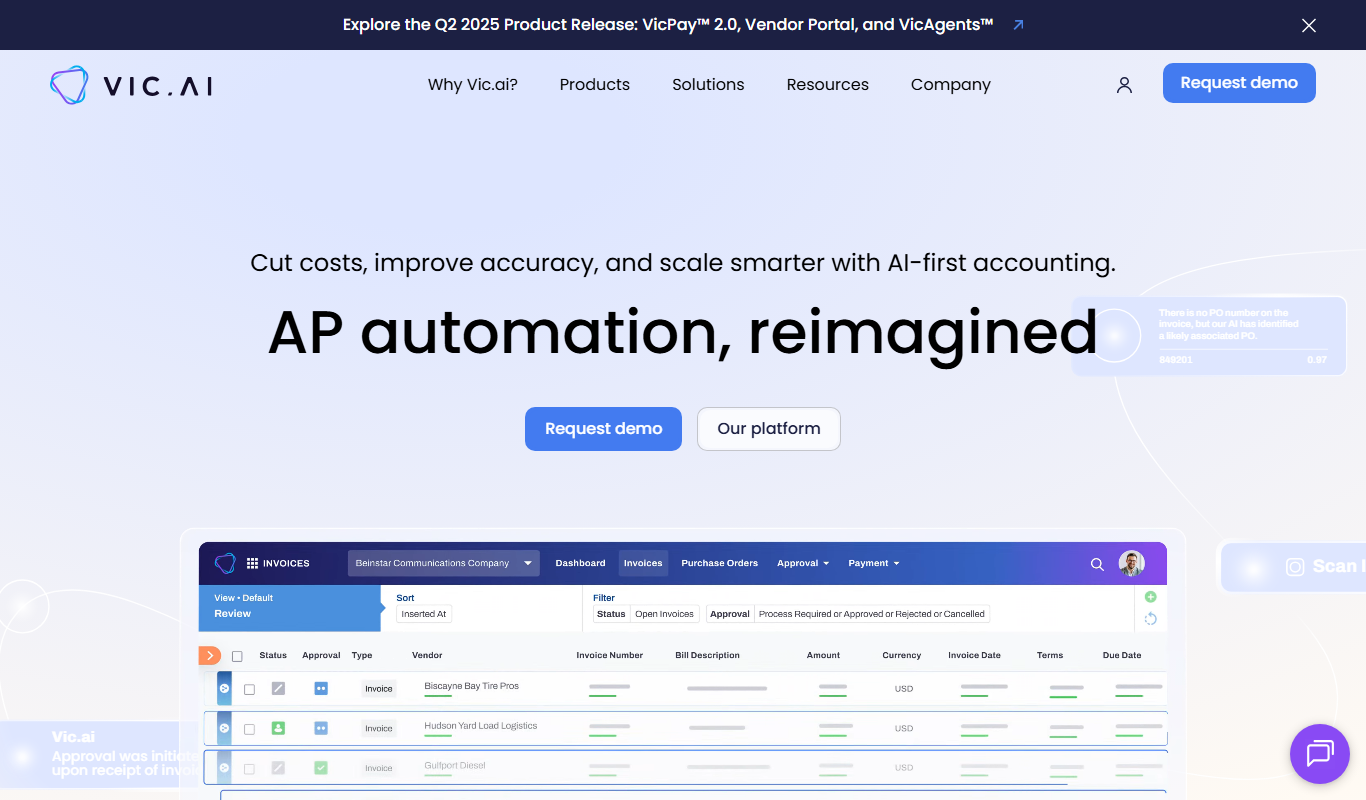
Vic.ai
Vic.ai is an AI-powered accounting automation platform that automates invoice processing, coding, and approvals to streamline accounts payable workflows and improve accuracy.

Free Trial
ReceiptUp
ReceiptUp is an expense management tool that automates receipt capture and expense tracking using OCR technology, supports team collaboration, and integrates with accounting software to streamline bookkeeping.