
From my experience with Shoeboxed, I found it excels at simplifying the tedious task of receipt management by offering flexible options like mobile scanning and physical receipt mailing. Its automatic data extraction and integration with popular accounting software make expense tracking and tax preparation much more efficient. However, the physical mailing option can add some delay and cost, and the pricing may be a bit steep for very small users. Overall, if you need a reliable way to digitize and organize business expenses, Shoeboxed delivers a practical and user-friendly solution.
Shoeboxed Receipt Scanner and Expense Tracking Software for Small Businesses
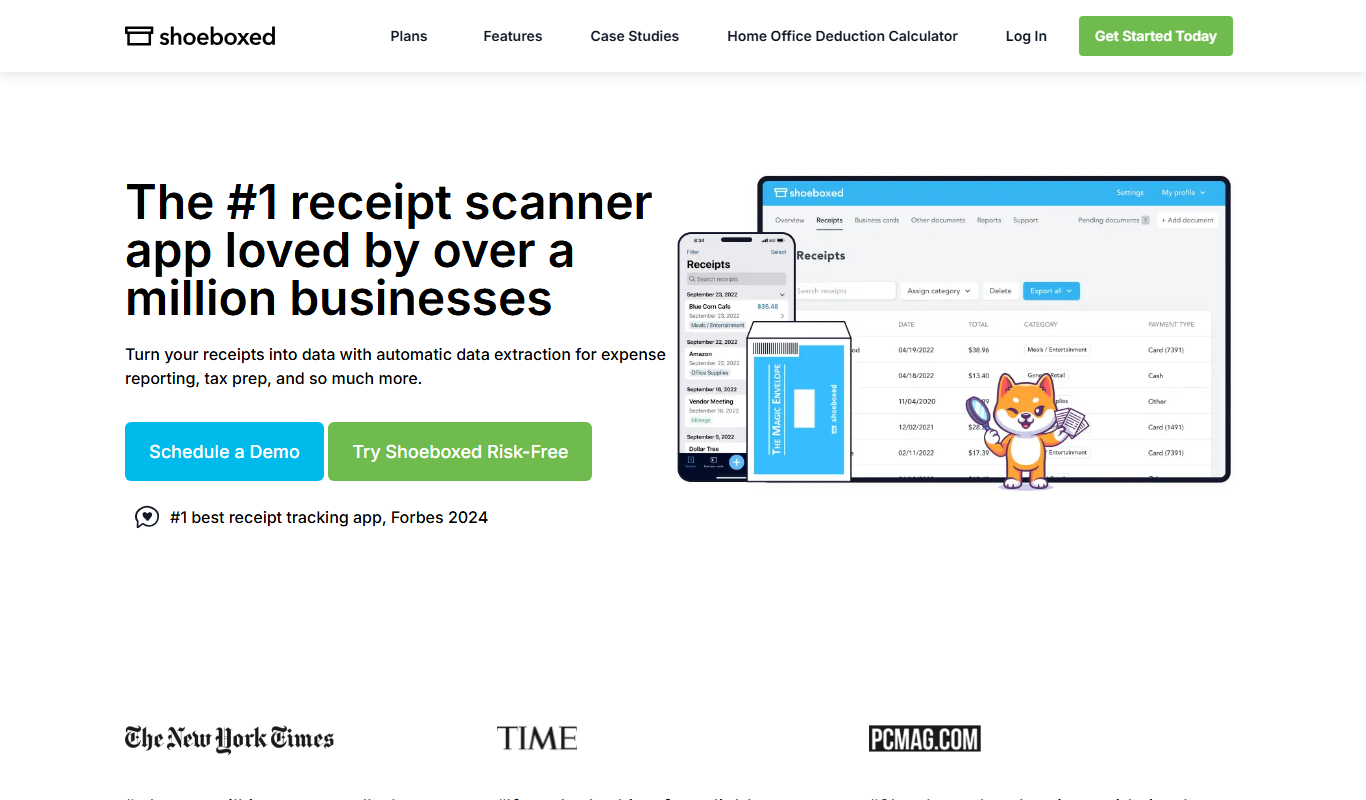
Shoeboxed is a receipt scanning and expense tracking tool that digitizes receipts, categorizes expenses, and integrates with accounting software to simplify bookkeeping and tax filing.
What is Shoeboxed?
Shoeboxed is a receipt scanning and expense management software designed to help individuals and businesses digitize, organize, and track their receipts and expenses efficiently. It enables users to capture receipts via mobile app or by mailing physical receipts to Shoeboxed, which then processes and categorizes them for easy expense reporting and tax preparation.
Key Features of Shoeboxed
Receipt Scanning and Upload
Scan receipts using the app or upload images and PDFs from your device.
Physical Receipt Mailing
Send paper receipts to Shoeboxed’s address for professional scanning and data entry.
Automatic Data Extraction
Extracts vendor, date, amount, and category details automatically from receipts.
Expense Categorization
Organizes expenses into customizable categories for better financial tracking.
Mileage Tracking
Track business mileage with GPS or manual entry for reimbursement purposes.
Integration with Accounting Software
Supports export to QuickBooks, Xero, and other popular accounting platforms.
Pros and Cons of Shoeboxed
Pros
- Easy receipt digitization via app or mail
- Automatic data extraction reduces manual entry
- Integrates with major accounting software
- Supports mileage tracking for business travel
- Secure cloud storage for financial documents
Cons
- Physical receipt mailing adds extra time and cost
- Higher-tier plans can be expensive for small users
- Limited language support (English only)
Key Use Cases for Shoeboxed
Receipt Digitization
Convert physical receipts into digital format for easy storage and retrieval.
Expense Tracking
Track and categorize business expenses automatically to simplify bookkeeping.
Tax Preparation
Organize receipts and expense reports to streamline tax filing processes.
Document Management
Store and manage various financial documents securely in one place.
Mileage Tracking
Log and manage mileage expenses for business travel reimbursement.
How Shoeboxed Works
-
1
Capture Receipts
Use the mobile app to scan receipts or mail physical receipts to Shoeboxed for processing.
-
2
Data Extraction
Shoeboxed extracts key information such as date, vendor, amount, and category from each receipt.
-
3
Organize Expenses
Receipts are categorized and stored securely in your online account for easy access.
-
4
Export Reports
Generate expense reports or export data to accounting software for bookkeeping and tax filing.
Who's Using Shoeboxed
Small business owners
Freelancers and contractors
Accountants and bookkeepers
Self-employed professionals
Tax preparers
Shoeboxed Pricing
Free Trial
$0 for 30 days
Access core features with limited receipt scans to test the platform.
Deluxe
$19.95/month
Includes 150 scans per month, mileage tracking, and basic integrations.
Professional
$29.95/month
Offers 500 scans per month, priority support, and advanced export options.
Small Business
$49.95/month
Designed for teams with 1,000 scans per month and multi-user access.
Frequently Asked Questions About Shoeboxed
Yes, Shoeboxed offers mobile apps for iOS and Android to scan and upload receipts directly.
Yes, it supports integrations with QuickBooks, Xero, and other popular accounting platforms.
Yes, you can send paper receipts to Shoeboxed’s processing center for digitization.
Limits depend on your subscription plan, ranging from 150 to 1,000 scans per month.
It depends on your specific needs and how you plan to use the tool. The official website and documentation are the best sources for the latest details.
Yes, it can help with that use case depending on how you configure it and what features are available. You’ll get the best results with clear inputs and a defined goal.
Integration support depends on the tool and its available connectors or API. Check the official documentation or integrations page to confirm what is supported.
Pricing depends on the plan and included features. For the most accurate and up-to-date details, check the official pricing page.
Share your review
Reviews are limited to one per logged-in user and are published after moderation.
You need an account to review this tool.
0.0
★
★
★
★
★
0 reviews
5 star
0
4 star
0
3 star
0
2 star
0
1 star
0
No reviews yet
Be the first to share how this tool worked for you.
Questions from the community
Read questions and answers about this tool, or ask your own.
No questions yet
Start the conversation by asking the first question about this tool.
Is this tool helpful?
Alternative Tools
Explore similar AI tools that might fit your needs

Free
Expensify
Expensify is an expense management tool that automates receipt scanning, expense tracking, and reporting for businesses and individuals, offering integrations and approval workflows.
Subscription
Receipt Bank
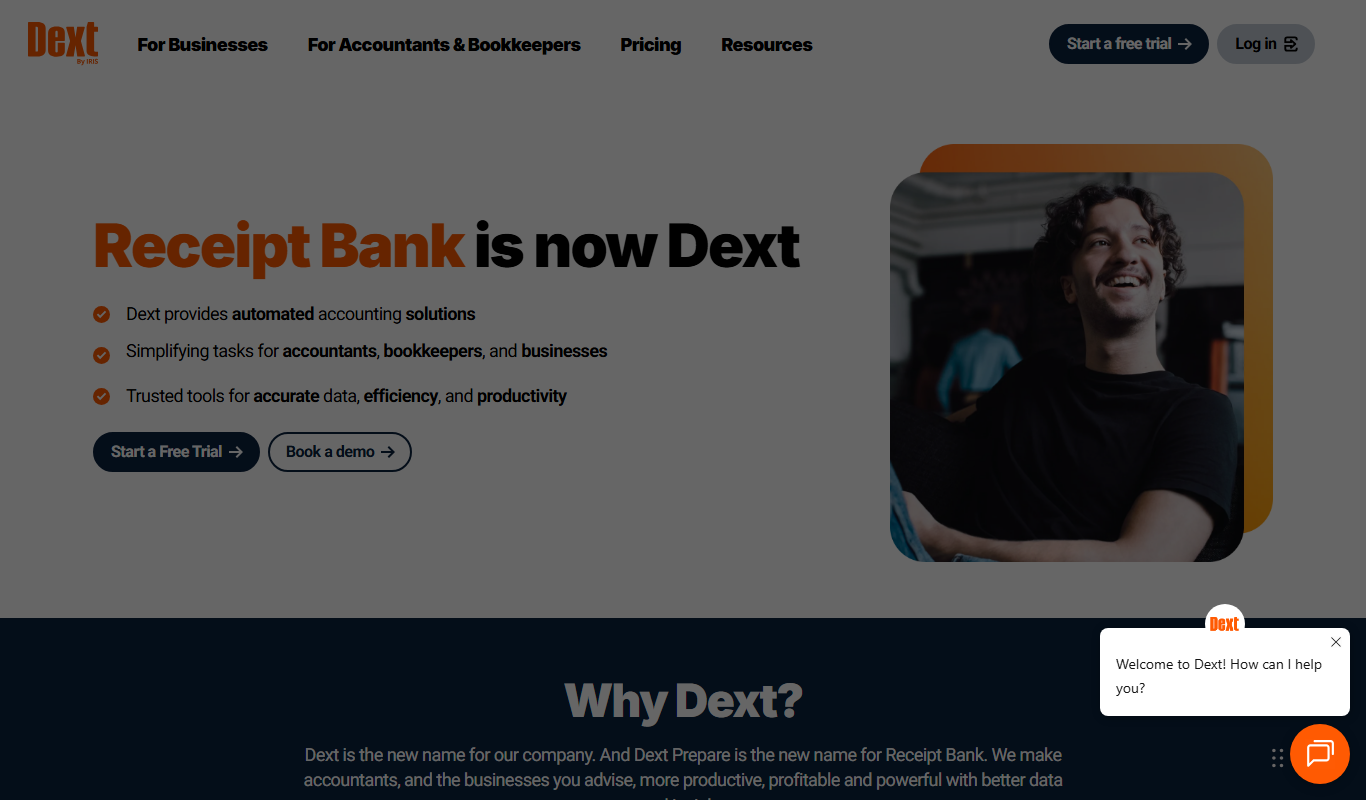
Receipt Bank is an AI-driven expense management tool that automates receipt and invoice capture, extracts data, and integrates with accounting software to simplify bookkeeping.
Free
Paperless-ngx
Paperless-ngx is an open-source document management system that helps digitize, organize, and search paper documents using OCR technology.
Freemium
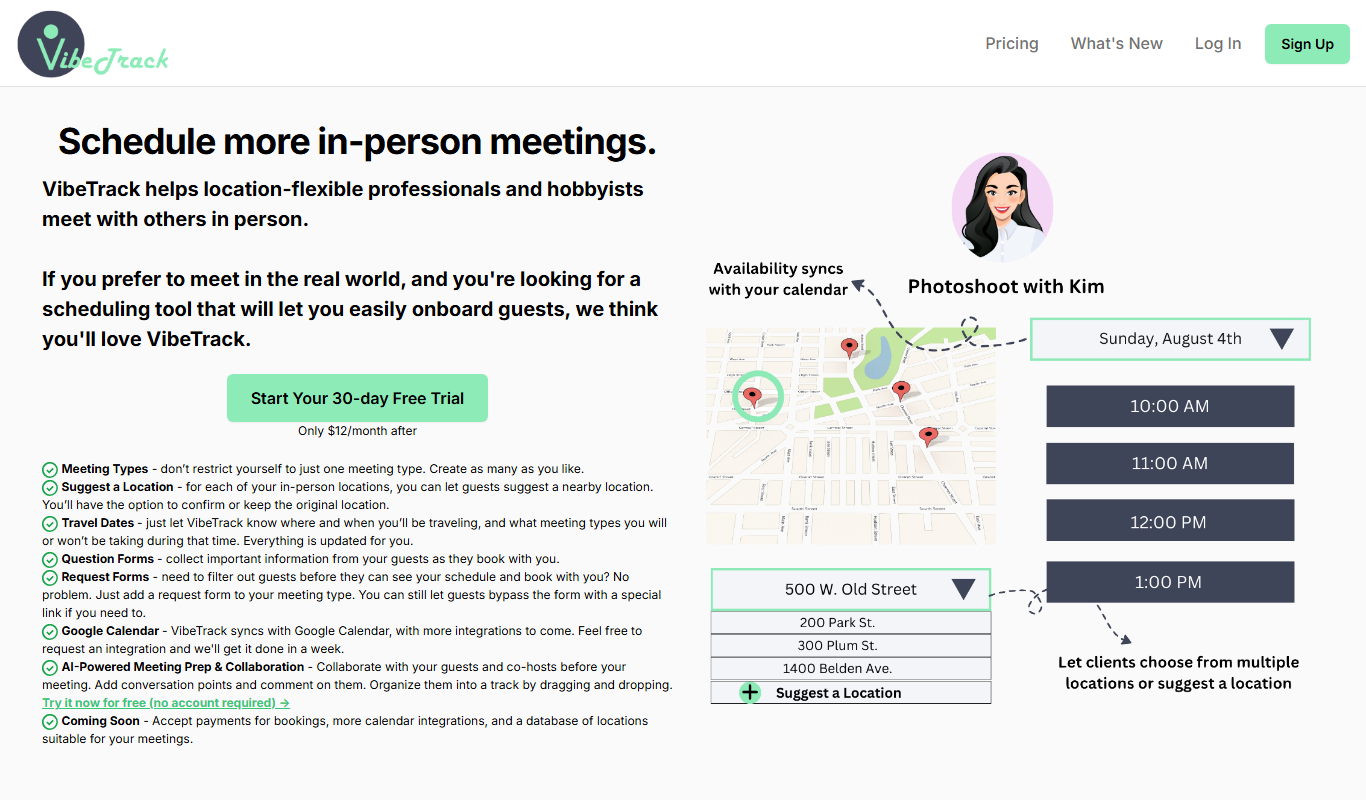
VibeTrack
VibeTrack is an employee engagement software that collects anonymous real-time feedback through pulse surveys, providing actionable insights to improve workplace culture and employee retention.

Custom Pricing
Naviance
Naviance is a K-12 college and career readiness platform that helps students, educators, and families with academic planning, career exploration, and postsecondary success through integrated tools and data.
Free
GroupTogether
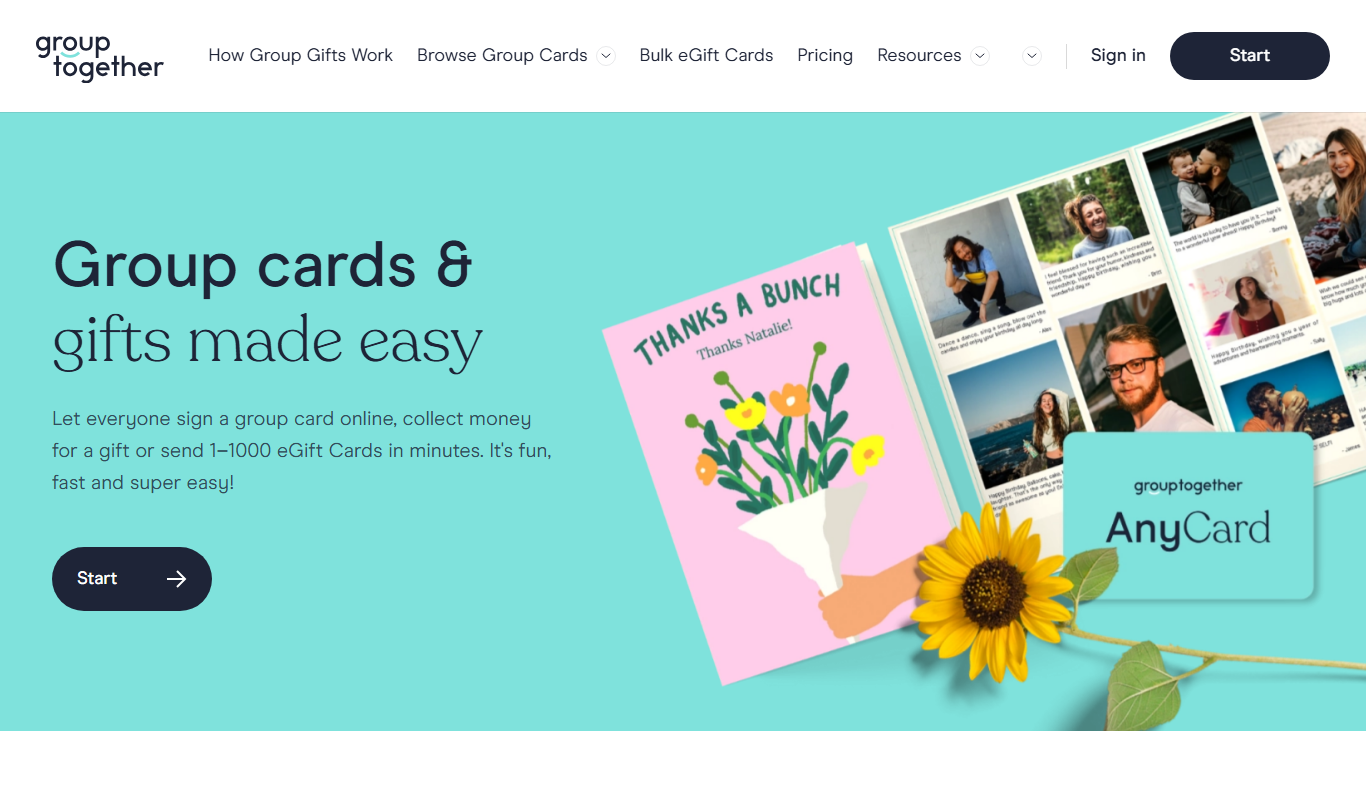
GroupTogether is an online platform that helps groups collect money easily and securely for shared gifts or fundraising campaigns by creating customizable collection pages and managing contributions.
Free
Typeform
Typeform is an online platform that enables users to create interactive, conversational forms and surveys to collect data, feedback, and leads with customizable templates and logic jumps.

Subscription
Sales Navigator
LinkedIn Sales Navigator is a premium sales tool that helps professionals find and engage with B2B leads using advanced search filters, AI-driven recommendations, and CRM integrations.

Custom Pricing
LawGeex
LawGeex is an AI-driven contract review platform that automates legal contract analysis to identify risks and ensure compliance, helping legal teams speed up contract approvals.

Free
Zerodha
Zerodha is India’s largest online brokerage platform offering stock trading, mutual funds, commodities, and API access with low brokerage fees and advanced tools.