

Naviance College and Career Readiness Platform for Student Success
Naviance is a K-12 college and career readiness platform that helps students, educators, and families with academic planning, career exploration, and postsecondary success through integrated tools and data.
- Best for
- College and Career Planning
- Key capability
- College and Scholarship Search
Save Naviance, follow its updates and vote on it — everything stays in your account.
Sign in or create a free account
What is Naviance?
Naviance is a comprehensive college and career readiness platform designed to help K-12 students, educators, and families navigate academic planning, career exploration, and postsecondary success. It integrates student data, assessments, and resources to provide personalized guidance and actionable insights that support student achievement and future planning.
Key features of Naviance
Naviance offers a suite of features including college and scholarship search tools, career interest inventories, academic planning modules, student progress tracking, family communication portals, and reporting dashboards for educators and administrators.
College and Scholarship Search
Extensive databases and filters to help students find suitable colleges and scholarships.
Career Assessments and Exploration
Tools to identify student interests and match them with potential career paths.
Academic Planning Tools
Modules to create course plans aligned with graduation and college requirements.
Student Data Analytics
Dashboards for educators to track student progress and outcomes.
Family Engagement Portal
Secure access for families to view student plans and communicate with schools.
Pros and cons of Naviance
Pros
- Comprehensive platform covering academic and career planning
- Strong integration with school data systems
- Engages students, educators, and families effectively
- Robust reporting and analytics for educators
- Supports social-emotional learning alongside academic planning
Cons
- Pricing is not transparent and requires direct contact
- Learning curve for new users due to extensive features
- Primarily focused on K-12 education, less suited for higher ed
Key use cases for Naviance
College and Career Planning
Helps students explore colleges, scholarships, and career options to make informed decisions about their future.
Academic and Social-Emotional Support
Provides tools for educators to monitor student progress and support social-emotional learning.
Student Data Management
Enables schools to collect, analyze, and report on student data to improve outcomes and compliance.
Family Engagement
Facilitates communication and involvement of families in students’ academic and career planning.
Career Readiness Assessments
Offers assessments and surveys to evaluate students’ skills, interests, and readiness for postsecondary pathways.
How Naviance works
- 1
Account Setup
Schools and districts set up Naviance accounts and integrate student data.
- 2
Student Profile Creation
Students create profiles to input interests, goals, and academic information.
- 3
Explore Options
Students use tools to research colleges, careers, scholarships, and assessments.
- 4
Plan and Track
Students and educators develop academic and career plans and monitor progress.
- 5
Engage Families
Families access portals to stay informed and support student planning.
Who is using Naviance
Naviance pricing
Custom Pricing
Contact for pricing
Pricing tailored to school or district size and needs.
Plans and prices are as published by the vendor and can change. Check the official site before you buy. Open the pricing page (opens in a new tab)
Frequently asked questions about Naviance
Naviance is used by K-12 schools, educators, students, and families for college and career readiness.
Yes, Naviance integrates with many student information systems and learning management platforms.
Yes, Naviance offers a mobile app for students and families to access resources on the go.
It provides assessments, career interest inventories, and detailed career information to guide students.
This tool is designed to help users accomplish its core tasks more efficiently. It is typically used by individuals or teams looking to improve productivity and workflow.
It depends on your specific needs and how you plan to use the tool. The official website and documentation are the best sources for the latest details.
Some tools offer a free plan or trial with limited features. Availability can vary, so confirm on the official website.
Yes, it can help with that use case depending on how you configure it and what features are available. You’ll get the best results with clear inputs and a defined goal.
Conclusion
Schools and districts set up Naviance accounts and integrate student data, and the platform connects with many student information systems and learning management platforms. Students then create profiles with their interests, goals and academic information and use tools to research colleges, careers, scholarships and assessments. Extensive databases and filters help them find suitable colleges and scholarships. Career interest inventories and assessments match interests with potential career paths, while academic planning modules create course plans aligned with graduation and college requirements. Students and educators develop academic and career plans together and monitor progress.
Educators get dashboards to track student progress and outcomes, and support for social-emotional learning sits alongside academic planning. Schools can also collect, analyze and report on student data to improve outcomes and compliance. Families use a secure portal to view student plans and communicate with schools, and a mobile app lets students and families access resources on the go. Its focus on K-12 schools and districts, school counselors and academic advisors leaves it less suited for higher ed. Pricing is tailored to school or district size and needs, and it is not transparent, requiring direct contact.
Sources
Sign in to review this tool.
Sign In to ReviewNo reviews yet
Be the first to share how this tool worked for you.
Ask about pricing, limits, or how it compares — or answer someone else.
Sign In to AskNo questions yet
Have a question about using or paying for this tool? Be the first to ask.
Featured on TiorAI



More AI CRM tools
Other tools in the same category, for when this one is not quite the fit.

Paddle Checkout
Paddle Checkout is a payment and subscription management platform designed for SaaS and digital product businesses, providing global payment processing, tax compliance, and customer analytics.
Fluxx Grant Management
Fluxx Grant Management is a cloud-based platform that helps foundations and nonprofits manage the entire grant lifecycle, including application processing, collaboration, compliance tracking, and reporting.

TenantCloud
TenantCloud is a cloud-based property management software that helps landlords and property managers handle rental listings, tenant screening, rent payments, maintenance requests, and financial reporting efficiently.
VinSolutions CRM
VinSolutions CRM is a specialized customer relationship management platform designed for automotive dealerships to manage leads, automate sales processes, and run targeted marketing campaigns.

DealerSocket
DealerSocket is an automotive dealership software platform that combines CRM, inventory management, marketing automation, and sales analytics to help dealerships manage operations and improve customer engagement.

Privy
Privy is an e-commerce marketing platform that helps online stores grow email lists, recover abandoned carts, and increase sales through targeted popups, automated emails, and SMS campaigns.
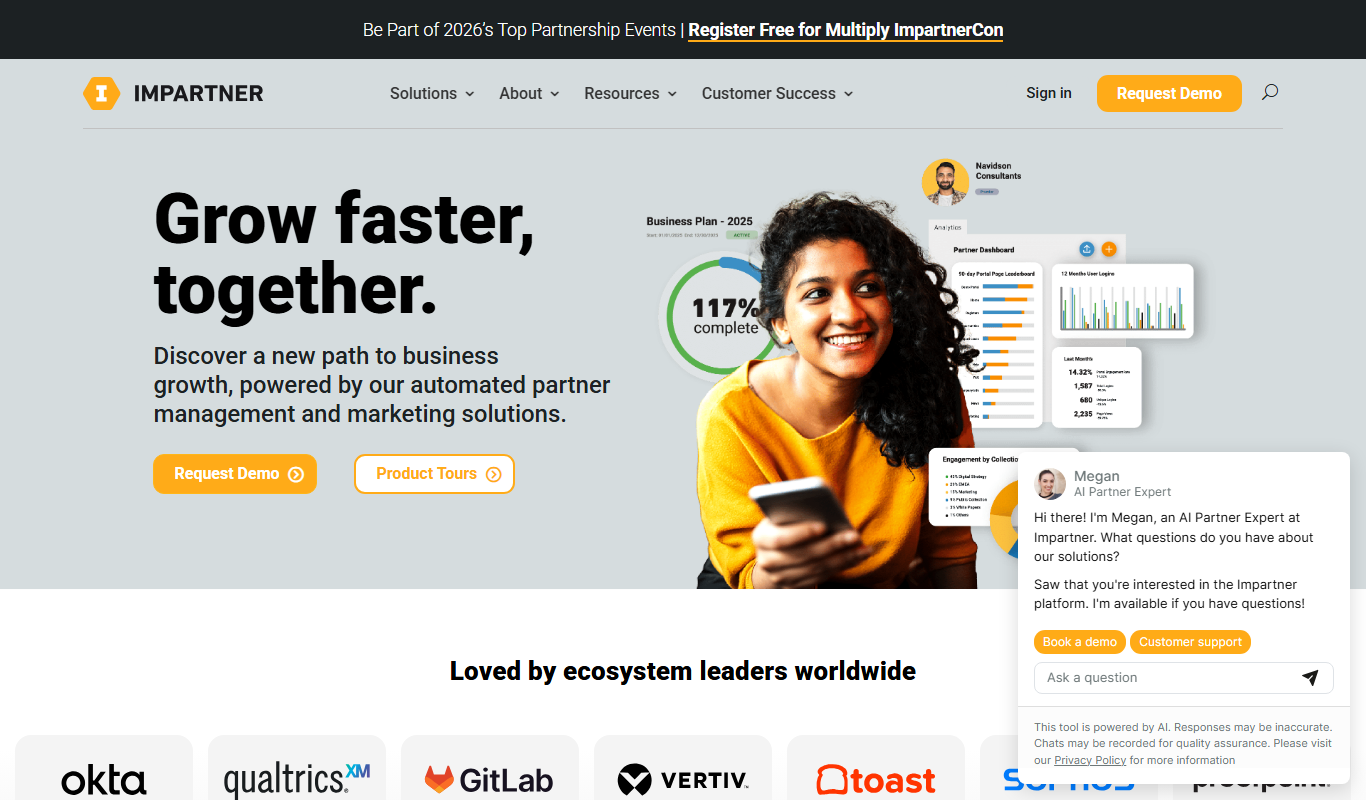
Impartner PRM
Impartner PRM is a partner relationship management platform that helps businesses manage channel partners, streamline onboarding, enable sales and marketing collaboration, and track partner performance.

Route4Me
Route4Me is a route planning and optimization software that helps businesses efficiently plan multi-stop routes, track drivers in real-time, and manage fleet operations to reduce costs and improve delivery speed.