

From my experience with Receipts, I found it excels at simplifying the tedious task of expense tracking by automating receipt scanning and categorization. The app’s OCR technology reliably extracts key data, saving time and reducing errors compared to manual entry. It’s particularly well-suited for small business owners and freelancers who need an easy way to organize expenses without complex accounting software. However, the limited offline functionality means you need internet access to sync and back up data, which can be a drawback in some situations. Overall, if you want a straightforward, cross-platform tool to manage receipts and expenses efficiently, Receipts delivers solid results.
Receipts App for Automated Expense Tracking and Receipt Management
Receipts is an app that automates expense tracking by scanning receipts, extracting data with OCR, categorizing expenses, and securely storing them in the cloud for easy access.
- Best for
- Automated Expense Tracking
- Key capability
- Optical Character Recognition (OCR)
Your actions
Save Receipts, follow its updates and vote on it — everything stays in your account.
Sign in or create a free account
What is Receipts?
Receipts is a mobile and web application designed to simplify expense tracking by allowing users to scan, store, and organize receipts digitally. It automates the process of capturing expense data, categorizing transactions, and maintaining accurate financial records for both individuals and small businesses.
Key features of Receipts
The app offers receipt scanning with OCR technology, automatic expense categorization, cloud storage for receipts, integration with accounting software, and multi-platform access to streamline financial management.
Optical Character Recognition (OCR)
Automatically reads and extracts data from receipts to reduce manual entry.
Cloud Storage
Securely stores all receipts and expense data in the cloud for easy retrieval.
Expense Categorization
Automatically assigns expenses to categories for better financial tracking.
Multi-Platform Access
Available on iOS, Android, and web to manage expenses anytime, anywhere.
Integration with Accounting Software
Exports data to popular accounting platforms to streamline bookkeeping.
Pros and cons of Receipts
Pros
- Easy and fast receipt scanning with OCR
- Cloud backup ensures data safety and accessibility
- Automatic categorization saves time
- Cross-platform availability
- Integrates with accounting tools
Cons
- Limited offline functionality
- No support for languages other than English
Key use cases for Receipts
Automated Expense Tracking
Automatically capture and categorize expenses by scanning receipts to simplify bookkeeping.
Receipt Management
Store and organize digital copies of receipts in one secure place accessible anytime.
Small Business Accounting
Help small businesses maintain accurate financial records and prepare for tax season.
Personal Finance Organization
Individuals can track spending habits and manage budgets by logging receipts effortlessly.
How Receipts works
- 1
Download and Sign Up
Install the Receipts app on your device or access the web platform and create an account.
- 2
Scan or Upload Receipts
Use your device camera to scan paper receipts or upload digital copies directly.
- 3
Automatic Data Extraction
The app uses OCR to extract key details like date, amount, and vendor from receipts.
- 4
Categorize and Organize
Expenses are automatically categorized; users can review and adjust categories as needed.
- 5
Sync and Access Anywhere
All data is synced to the cloud, allowing access from multiple devices and platforms.
Who is using Receipts
Small business owners
Freelancers and contractors
Accountants and bookkeepers
Individuals managing personal finances
Finance teams in startups
Receipts pricing
Free Trial
$0 for 14 days
Full access to all features during the trial period.
Monthly Subscription
$9.99/month
Unlimited receipt scans and full feature access billed monthly.
Annual Subscription
$99.99/year
Discounted yearly plan with unlimited scans and premium features.
Plans and prices are as published by the vendor and can change. Check the official site before you buy. Open the pricing page (opens in a new tab)
Frequently asked questions about Receipts
You can scan receipts offline, but syncing and backup require an internet connection.
Yes, the app supports multiple currencies and can detect them automatically.
Receipts uses encryption and secure cloud storage to protect your financial data.
Yes, you can export data in formats compatible with popular accounting software.
It depends on your specific needs and how you plan to use the tool. The official website and documentation are the best sources for the latest details.
Some tools offer a free plan or trial with limited features. Availability can vary, so confirm on the official website.
Integration support depends on the tool and its available connectors or API. Check the official documentation or integrations page to confirm what is supported.
Yes, it can help with that use case depending on how you configure it and what features are available. You’ll get the best results with clear inputs and a defined goal.
Sign in to review this tool.
Sign In to ReviewNo reviews yet
Be the first to share how this tool worked for you.
Ask about pricing, limits, or how it compares — or answer someone else.
Sign In to AskNo questions yet
Have a question about using or paying for this tool? Be the first to ask.
Featured on TiorAI



Alternative Tools
Explore similar AI tools that might fit your needs

Free
Expensify
Expensify is an expense management tool that automates receipt scanning, expense tracking, and reporting for businesses and individuals, offering integrations and approval workflows.
Free Trial
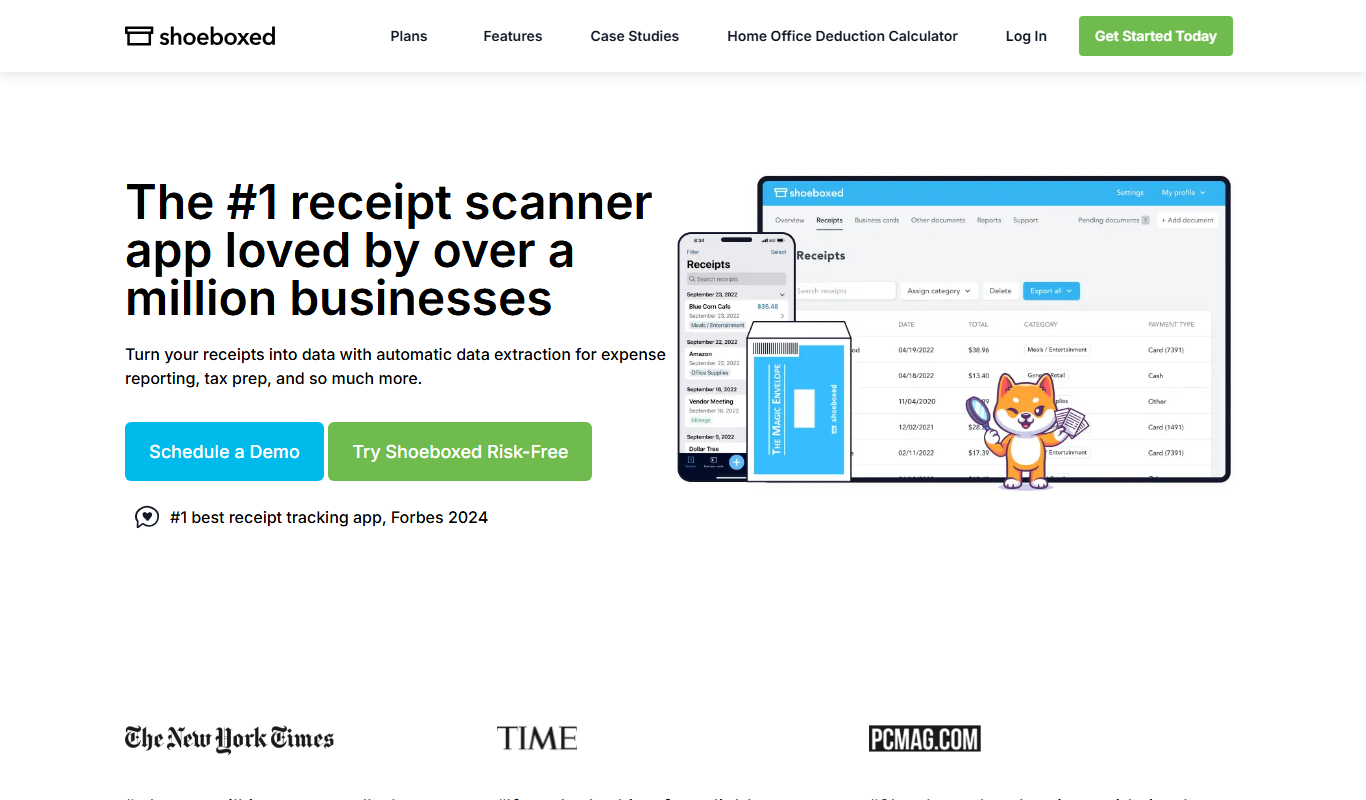
Shoeboxed
Shoeboxed is a receipt scanning and expense tracking tool that digitizes receipts, categorizes expenses, and integrates with accounting software to simplify bookkeeping and tax filing.
More AI Pickup Lines Lite tools
Other tools in the same category, for when this one is not quite the fit.

Free Trial
ReceiptUp
ReceiptUp is an expense management tool that automates receipt capture and expense tracking using OCR technology, supports team collaboration, and integrates with accounting software to streamline bookkeeping.

Freemium
topin.tech
Topin.tech is an AI writing assistant that helps users generate SEO-optimized content such as blog posts and marketing copy efficiently through a web platform.

Free
Goodlookup
Goodlookup is an AI-driven tool that enables users to extract structured data from websites directly into Google Sheets and Excel without coding, automating data collection and updates.
Freemium
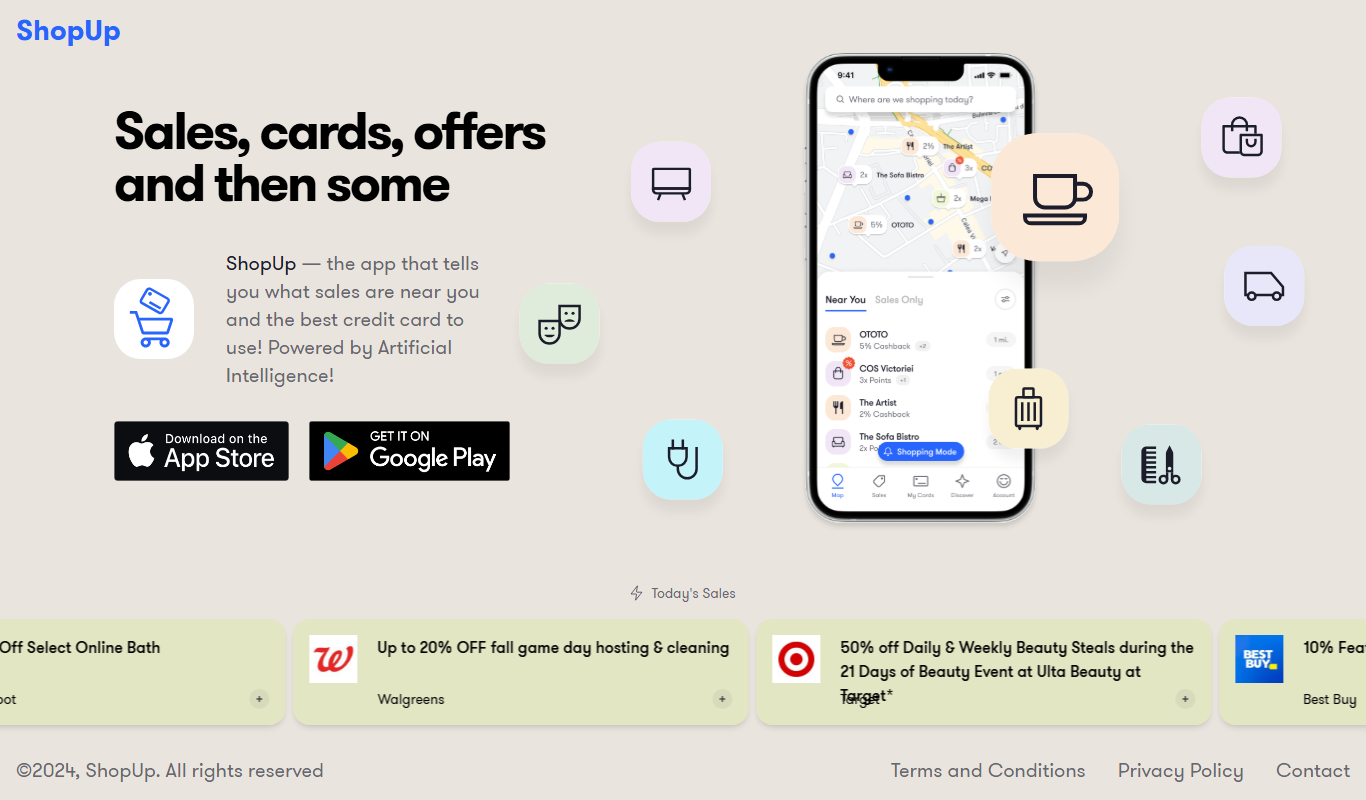
ShopUp App
ShopUp App is an e-commerce and business management platform that helps small businesses manage products, orders, payments, and customer communication through web and mobile apps.