

From my experience with ShopUp App, I found it excels at providing an accessible and integrated platform for small businesses to manage their e-commerce operations efficiently. The combination of inventory management, payment integration, and customer communication tools in one place simplifies daily workflows. After spending time with the platform, I can say it’s particularly well-suited for merchants in emerging markets who need a mobile-friendly and easy-to-use solution. However, the limited language support and somewhat opaque pricing for advanced features may require consideration. Overall, if you need a practical tool to digitize and grow your small business sales, ShopUp App delivers solid results.
ShopUp App Review: Features, Pricing, and Benefits for E-commerce Growth
ShopUp App is an e-commerce and business management platform that helps small businesses manage products, orders, payments, and customer communication through web and mobile apps.
- Best for
- Online Store Management
- Key capability
- Inventory Management
Your actions
Save ShopUp App, follow its updates and vote on it — everything stays in your account.
Sign in or create a free account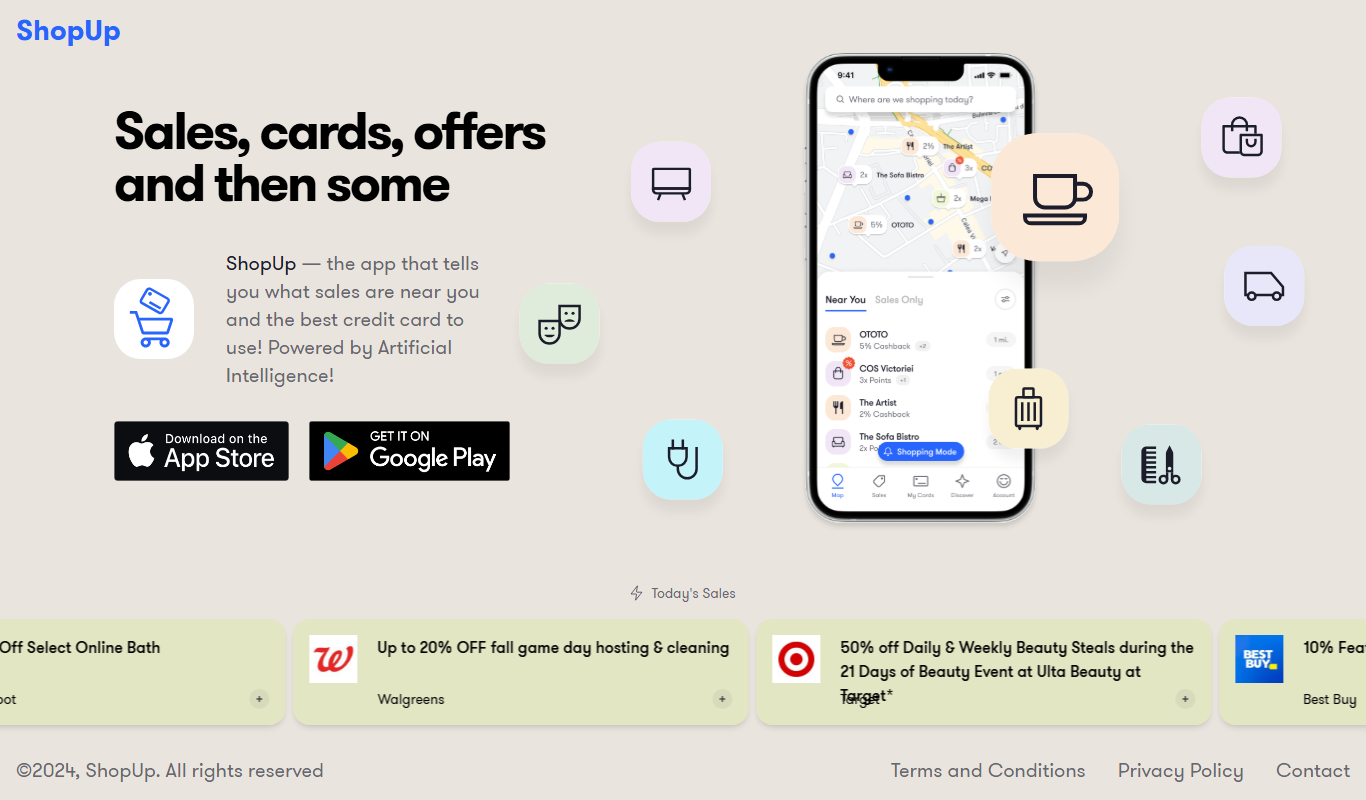
What is ShopUp App?
ShopUp App is an all-in-one e-commerce and business management platform designed to help small and medium-sized businesses in emerging markets digitize their sales and operations. It offers tools for product management, order processing, payment collection, and customer engagement, enabling merchants to grow their online presence and streamline workflows.
Key features of ShopUp App
The platform provides a comprehensive suite of features including inventory management, order tracking, automated invoicing, integrated payment gateways, customer communication channels, and real-time sales analytics. It supports both web and mobile access, making it convenient for merchants to manage their business anytime, anywhere.
Inventory Management
Track stock levels and manage product listings efficiently to avoid overselling.
Order Management
Automate order processing from placement to delivery with real-time status updates.
Integrated Payment Solutions
Support multiple payment methods including mobile money and bank transfers.
Customer Communication
Built-in messaging system to keep customers informed and engaged.
Sales Analytics
Access detailed reports to monitor sales trends and business performance.
Pros and cons of ShopUp App
Pros
- User-friendly interface suitable for non-technical users
- Comprehensive features tailored for emerging market businesses
- Mobile app availability for on-the-go management
- Integrated payment and communication tools
Cons
- Limited language support (English only)
- Pricing details beyond basic plans are not fully transparent
Key use cases for ShopUp App
Online Store Management
Manage product listings, inventory, and orders efficiently through a centralized platform.
Order Processing Automation
Automate order tracking, invoicing, and delivery coordination to streamline operations.
Customer Relationship Management
Engage customers with integrated communication tools and track sales performance.
Payment Collection
Facilitate secure payment collection with multiple payment options integrated into the platform.
Business Analytics
Access sales reports and analytics to make data-driven decisions for growth.
How ShopUp App works
- 1
Sign Up and Set Up Store
Create an account on ShopUp and set up your online store by adding products and business details.
- 2
Manage Inventory and Orders
Use the dashboard to track inventory levels, process orders, and update product information.
- 3
Collect Payments
Enable integrated payment options to receive payments securely from customers.
- 4
Engage Customers
Communicate with customers via built-in messaging tools and provide order updates.
- 5
Analyze Sales Data
Review sales reports and analytics to optimize business strategies and growth.
Who is using ShopUp App
Small and medium-sized businesses
E-commerce entrepreneurs
Retailers in emerging markets
Business owners seeking digital sales solutions
Merchants needing integrated payment and order management
ShopUp App pricing
Free Plan
$0/month
Basic features with limits on product listings and order volume.
Pro Plan
$29/month
Advanced features including unlimited products, priority support, and enhanced analytics.
Plans and prices are as published by the vendor and can change. Check the official site before you buy. Open the pricing page (opens in a new tab)
Frequently asked questions about ShopUp App
Yes, ShopUp is designed specifically to help small and medium-sized businesses digitize and grow their sales.
Yes, ShopUp offers both web and mobile app platforms for convenient business management.
ShopUp supports multiple payment options including mobile money, bank transfers, and other local payment gateways.
Yes, the platform includes sales reporting and analytics to help merchants track performance.
This tool is designed to help users accomplish its core tasks more efficiently. It is typically used by individuals or teams looking to improve productivity and workflow.
Pricing depends on the plan and included features. For the most accurate and up-to-date details, check the official pricing page.
Yes, it can help with that use case depending on how you configure it and what features are available. You’ll get the best results with clear inputs and a defined goal.
Sign in to review this tool.
Sign In to ReviewNo reviews yet
Be the first to share how this tool worked for you.
Ask about pricing, limits, or how it compares — or answer someone else.
Sign In to AskNo questions yet
Have a question about using or paying for this tool? Be the first to ask.
Featured on TiorAI



Alternative Tools
Explore similar AI tools that might fit your needs

Free Trial
Shopify
Shopify is a leading ecommerce platform that allows users to create, customize, and manage online stores without coding, offering integrated payment processing, multichannel selling, and extensive app support.

Free Trial
BigCommerce
BigCommerce is a SaaS e-commerce platform that helps businesses build and scale online stores with customizable templates, multichannel selling, SEO tools, and secure payment processing.

Free
WooCommerce
WooCommerce is a free, open-source WordPress plugin that enables users to create and manage online stores with extensive customization, payment processing, and product management features.
More AI E-Commerce Tools tools
Other tools in the same category, for when this one is not quite the fit.

Free Trial
glorifyapp.com
Glorify is a web-based design tool focused on helping e-commerce businesses create product mockups and marketing visuals easily using templates and drag-and-drop editing.

Free Trial
plugandpay.com
Plug&Pay is sales funnel and checkout software for creating websites, landing pages, checkouts and upsells for one-time purchases, quotes and subscriptions.

Contact for pricing
V-retail
V-retail is a platform that enables businesses to build immersive 3D virtual stores accessible through web browsers and VR devices, enhancing online shopping experiences.
Free
Compara.cat
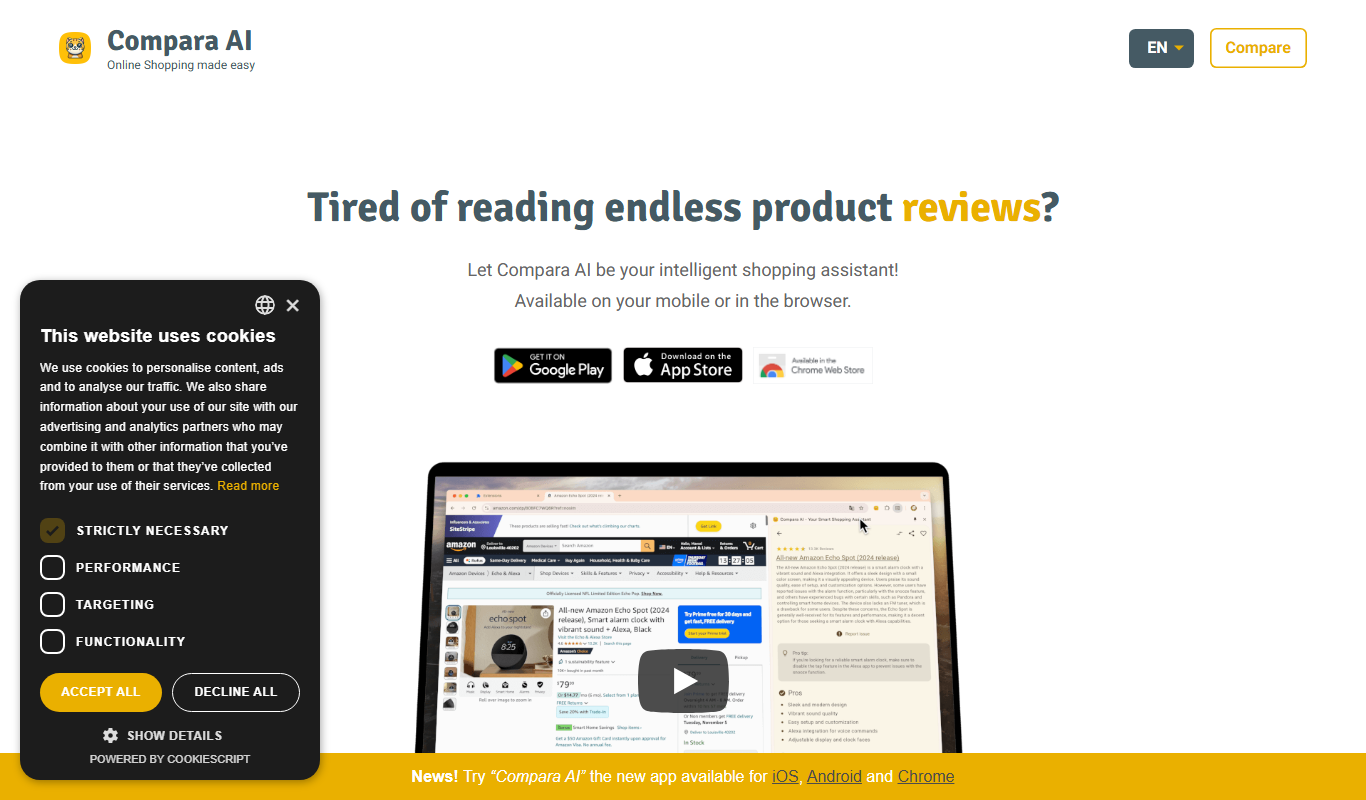
Compara.cat is a AI product comparison site in Catalan based on user reviews, with apps for iOS, Android and Chrome.

Pay As You Go
Pixelz AI
Pixelz AI is an AI-driven platform that automates background removal and retouching for product images, designed to streamline e-commerce image workflows.
Free
Gift Recommender
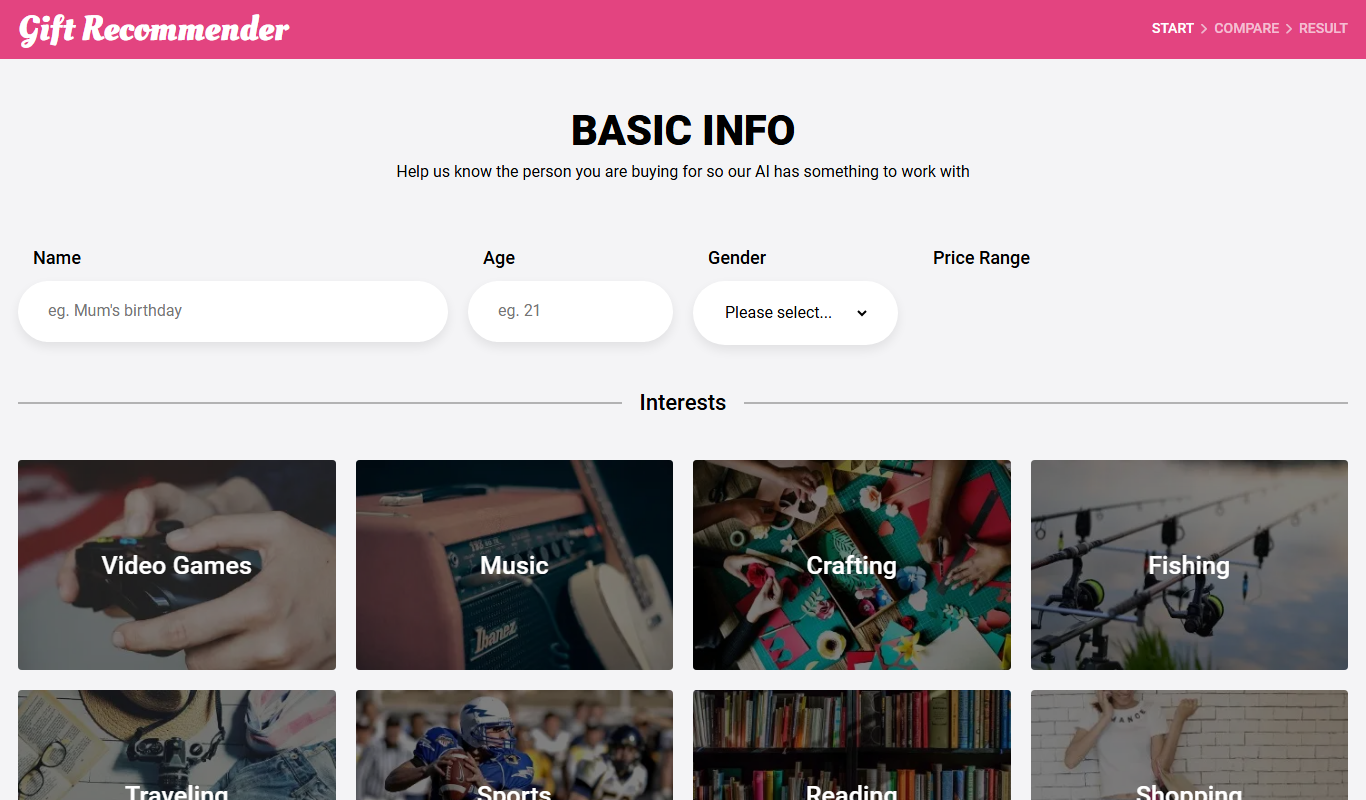
Gift Recommender is a free online tool that provides personalized gift ideas based on recipient details and occasion, helping users find unique presents quickly.

Free
Giftron: Personalized Gift finder
Giftron is a free web-based personalized gift finder that helps users discover unique and thoughtful gift ideas tailored to the recipient’s interests and occasion through a simple questionnaire.

Free
Gifts Genie
Gifts Genie is a free online platform that helps users find personalized gift ideas by answering a few questions about the recipient and occasion, providing curated recommendations to simplify gift shopping.